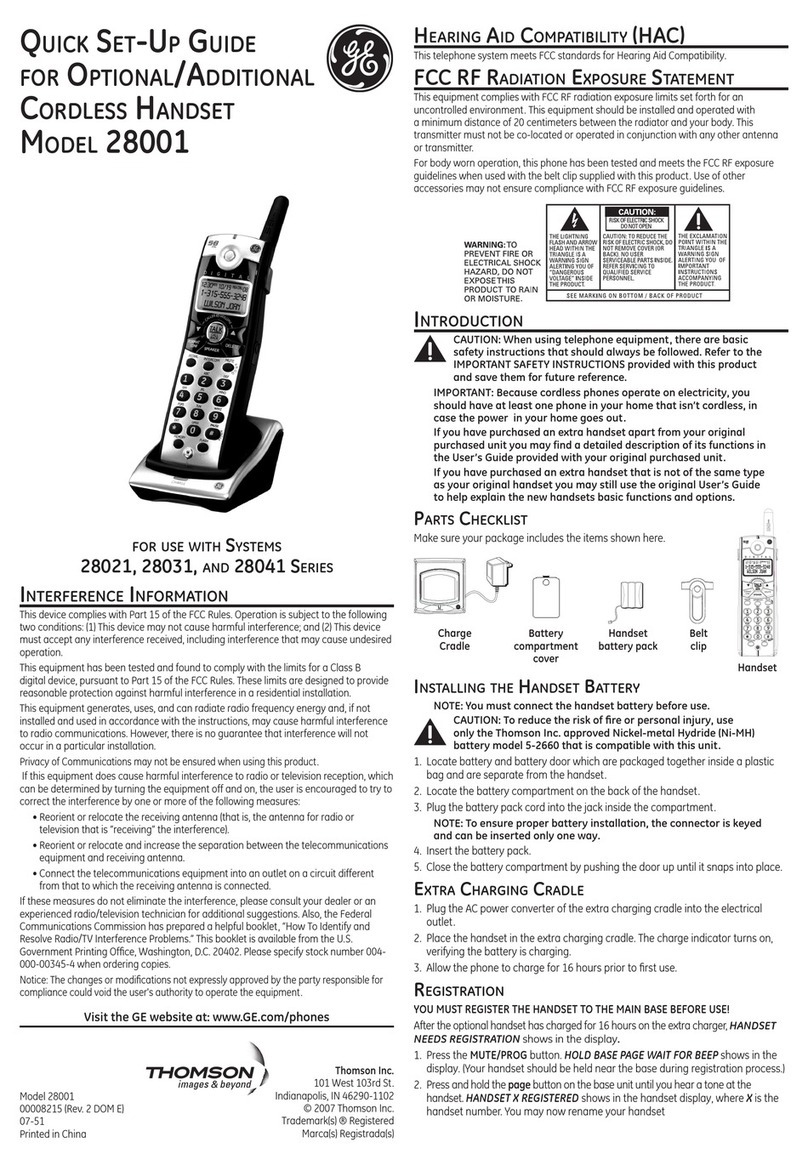
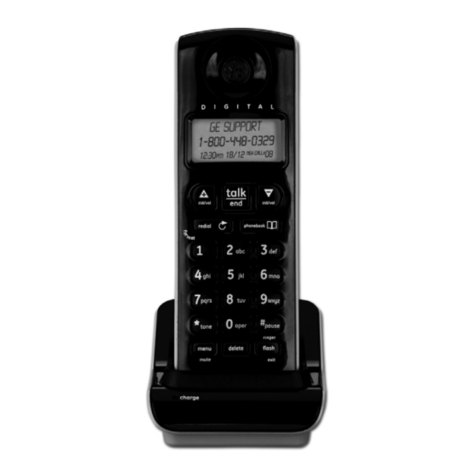
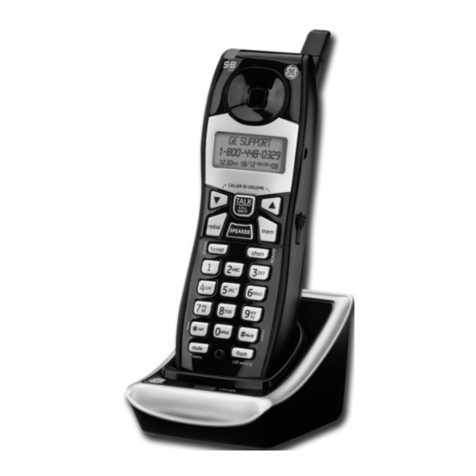
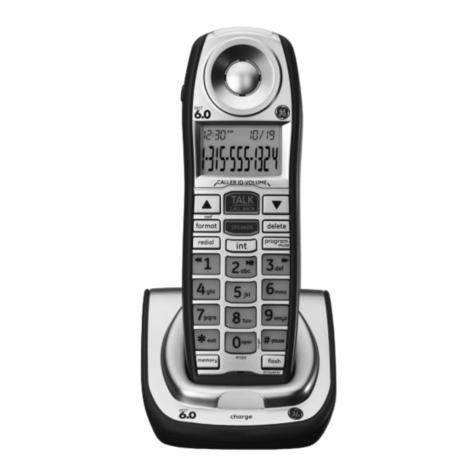
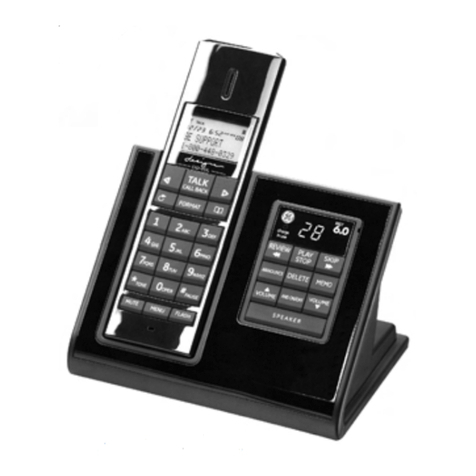
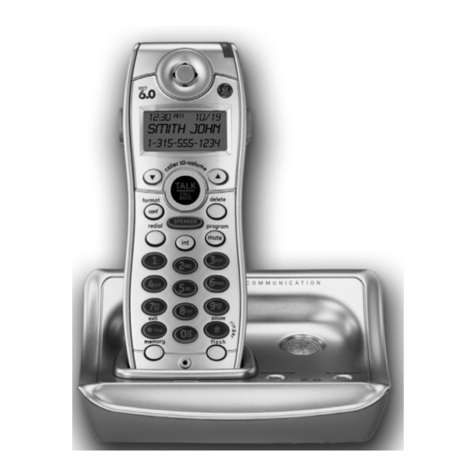
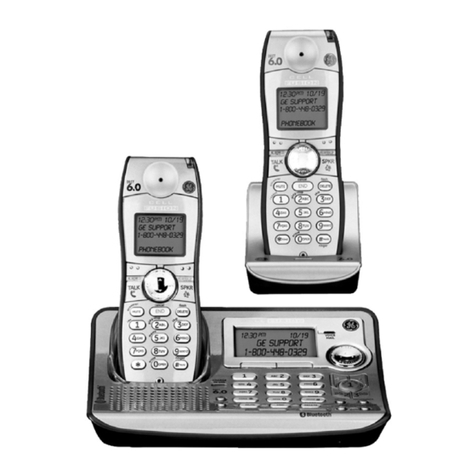
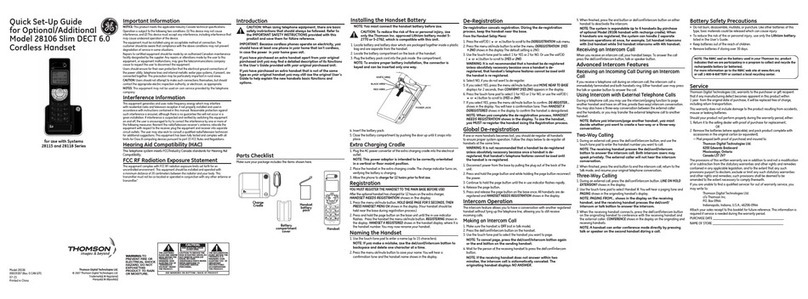
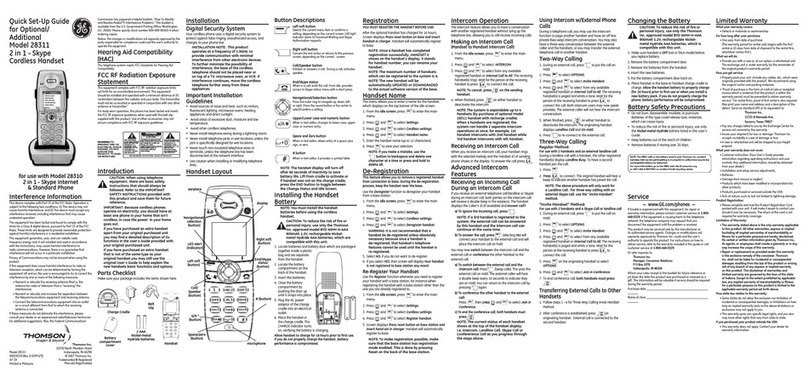
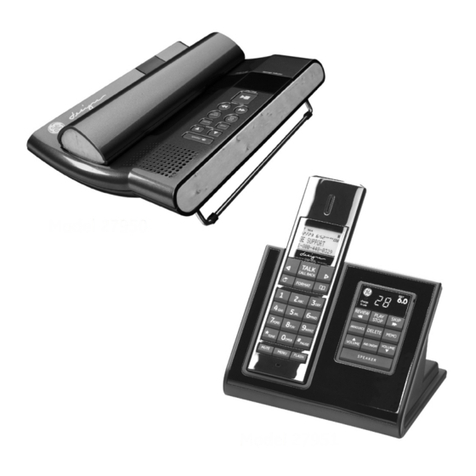
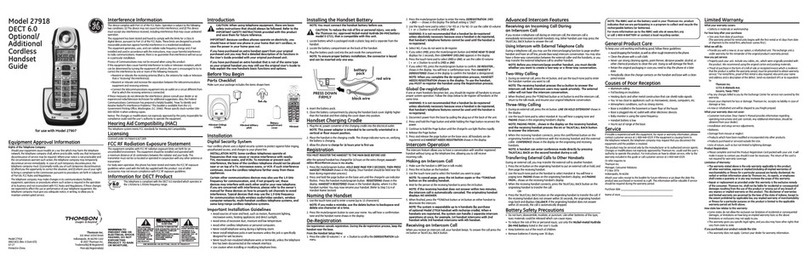
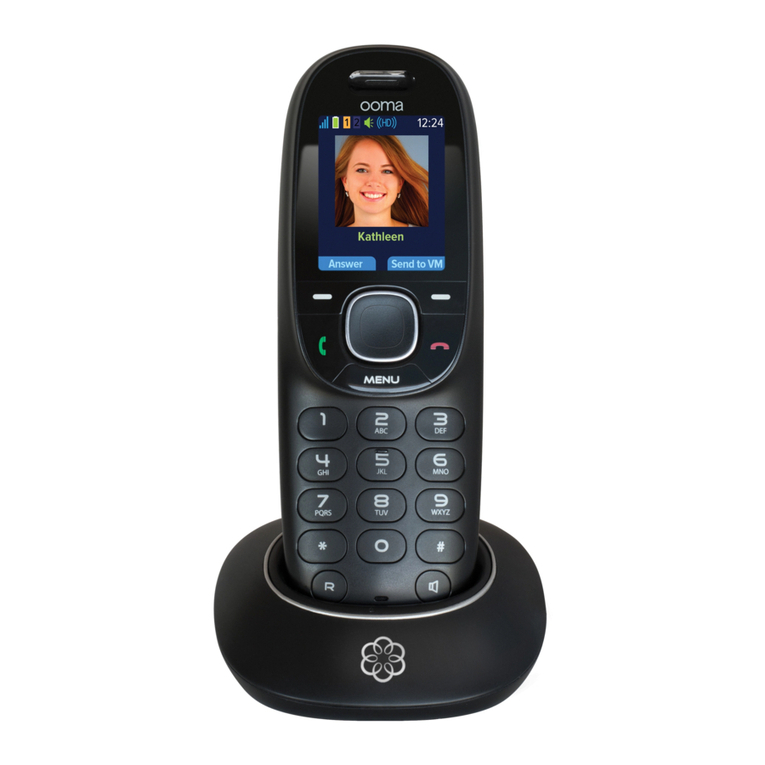
GE 28321 User manual


Your telephone equipment is approved for connection to the Public Switched Telephone
Network and is in compliance with parts 15 and 68, FCC Rules and Regulations and the
Technical Requirements for Telephone Terminal Equipment published by ACTA.
On the bottom of this equipment is a label indicating, among other information, the
US number and Ringer Equivalence Number (REN) for the equipment. You must,
upon request, provide this information to your telephone company.
The REN is useful in determining the number of devices you may connect to your
telephone line and still have all of these devices ring when your telephone number
is called. In most (but not all) areas, the sum of the RENs of all devices connected
to one line should not exceed 5. To be certain of the number of devices you may
connect to your line as determined by the REN, you should contact your local
telephone company.
A plug and jack used to connect this equipment to the premises wiring and
telephone network must comply with the applicable FCC Part 68 rules and
requirements adopted by the ACTA. A compliant telephone cord and modular plug is
provided with this product. It is designed to be connected to a compatible modular
jack that is also compliant. See installation instructions for details.
• This equipment may not be used on coin service provided by the telephone
company.
• Party lines are subject to state tariffs, and therefore, you may not be able to use your
own telephone equipment if you are on a party line. Check with your local telephone
company.
• Notice must be given to the telephone company upon permanent disconnection of
your telephone from your line.
• If your home has specially wired alarm equipment connected to the telephone line,
ensure the installation of this product does not disable your alarm equipment. If you
have questions about what will disable alarm equipment, consult your telephone
company or a qualied installer.
Should your equipment cause trouble on your line which may harm the telephone
network, the telephone company shall, where practicable, notify you that temporary
discontinuance of service may be required. Where prior notice is not practicable and
the circumstances warrant such action, the telephone company may temporarily
discontinue service immediately. In case of such temporary discontinuance, the
telephone company must: (1) promptly notify you of such temporary discontinuance;
(2) afford you the opportunity to correct the situation; and (3) inform you of your right
to bring a complaint to the Commission pursuant to procedures set forth in Subpart
E of Part 68, FCC Rules and Regulations.

The telephone company may make changes in its communications facilities,
equipment, operations or procedures where such action is required in the operation
of its business and not inconsistent with FCC Rules and Regulations. If these changes
are expected to affect the use or performance of your telephone equipment, the
telephone company must give you adequate notice, in writing, to allow you to
maintain uninterrupted service.
This device complies with Part 15 of the FCC Rules. Operation is subject to the following
two conditions: (1) This device may not cause harmful interference; and (2) This device
must accept any interference received, including interference that may cause undesired
operation.
This equipment has been tested and found to comply with the limits for a Class B
digital device, pursuant to Part 15 of the FCC Rules. These limits are designed to provide
reasonable protection against harmful interference in a residential installation.
This equipment generates, uses, and can radiate radio frequency energy and, if not
installed and used in accordance with the instructions, may cause harmful interference
to radio communications. However, there is no guarantee that interference will not
occur in a particular installation.
Privacy of Communications may not be ensured when using this product.
If this equipment does cause harmful interference to radio or television reception, which
can be determined by turning the equipment off and on, the user is encouraged to try
to correct the interference by one or more of the following measures:
• Reorient or relocate the receiving antenna (that is, the antenna for radio or television
that is “receiving” the interference).
• Reorient or relocate and increase the separation between the telecommunications
equipment and receiving antenna.
• Connect the telecommunications equipment into an outlet on a circuit different from
that to which the receiving antenna is connected.
If these measures do not eliminate the interference, please consult your dealer or an
experienced radio/television technician for additional suggestions. Also, the Federal
Communications Commission has prepared a helpful booklet, “How To Identify and
Resolve Radio/TV Interference Problems.” This booklet is available from the U.S.
Government Printing Ofce, Washington, D.C. 20402. Please specify stock number 004-
000-00345-4 when ordering copies.
Notice: The changes or modications not expressly approved by the party responsible
for compliance could void the user's authority to operate the equipment.
This telephone system meets FCC standards for Hearing Aid Compatibility.
Licensed under US Patent 6,427,009.

This equipment complies with FCC RF radiation exposure limits set forth for an
uncontrolled environment. This equipment should be installed and operated with
a minimum distance of 20 centimeters between the radiator and your body. This
transmitter must not be co-located or operated in conjunction with any other antenna
or transmitter.”
For body worn operation, this phone has been tested and meets the FCC RF exposure
guidelines when used with the belt clip supplied with this product. Use of other
accessories may not ensure compliance with FCC RF exposure guidelines.
This telephone is compliant with the DECT 6.0 standard which operates
in the 1.92GHz to 1.93GHz frequency range.

EquipmEnt ApprovAl informAtion .......2
intErfErEncE informAtion ...................3
HEAring Aid compAtibility (HAc) .......3
licEnsing ...........................................3
fcc rf rAdiAtion ExposurE ..............4
informAtion for dEct product ........4
introduction .....................................6
pArts cHEcklist .................................6
importAnt instAllAtion guidElinEs ......7
digitAl sEcurity systEm ......................7
instAlling tHE HAndsEt bAttEry ..........8
HAndsEt rEgistrAtion ........................9
HAndsEt syncHronizAtion* .............. 10
kEypAd lock ................................... 11
intErcom opErAtion ........................ 11
Making an intercoM call ............... 11
receiving an intercoM call ............ 11
advanced intercoM Features ......... 12
using intercoM with external
Phone calls................................. 12
two-way calling....................... 12
three-way calling .................... 12
transFering a call ..................... 13
firmwArE updAtEs ........................... 13
cHAnging tHE bAttEry ..................... 14
bAttEry sAfEty prEcAutions ............ 14
troublEsHooting guidE ................... 15
telePhone solutions .................. 15
caller id solutions ................... 16
Battery solutions ....................... 16
gEnErAl product cArE ................... 17
cAusEs of poor rEcEption ............... 17
wArrAnty AssistAncE ...................... 18
limitEd wArrAnty ........................... 19
AccEssory informAtion ................... 20
indEx ............................................. 21

This User Guide provides you with all the
information you need to get the most from
your phone.
You must rst set up your phone before you
can use it. This doesn’t take long and is easy to
do. Just follow the simple instructions on the
next few pages.
If trouble is experienced with this equipment,
for repair or warranty information, please
contact customer service at 1-800-448-0329.
Alternatively, you may nd the answer in
Troubleshooting Tips section at the back of
this guide.
Make sure your package includes the items
shown here.
Handset
charge cradle
AC power
adaptors
2 AAA
Nickel-metal
Hydride
batteries
Battery
compartment
cover
Belt clip
Handset
Telephone line
cord
Because
cordless phones
operate on electricity,
you should have at
least one phone in
your home that isn’t
cordless, in case the
power in your home
goes out.

• Avoid sources of noise and heat, such as
motors, uorescent lighting, microwave
ovens, heating appliances and direct
sunlight.
• Avoid areas of excessive dust, moisture and
low temperature.
• Avoid other cordless telephones.
• Never install telephone wiring during a
lightning storm.
: This product operates
at a frequency of 1.9GHz. to provide
communication with minimal interference from
other electronic devices. To further minimize
the possibility of interference, the base of the
cordless telephone should not be placed near
or on top of a TV, microwave oven, or VCR.
If interference continues, move the cordless
telephone further away from these appliances.
Your cordless phone uses a digital security
system to protect against false ringing,
unauthorized access, and charges to your
phone line.
The range between the
base and handset will
vary greatly depending
on the location of the
base. When there is
no clear line of sight
between the base and
handset the range will
be reduced.
The symbol on
your handset screen
indicates when you are
in range. When you are
out of range, it ashes.

3. Insert the batteries.
4. Close the battery compartment by pushing
the door up until it snaps into place.
5. Plug the AC power adaptor of the charge
cradle into an electrical outlet.
When batteries are fully
charged the handset
displays an icon of a full
battery. To keep your
batteries in the best
condition, leave the
handset off the charge
cradle for a few hours at
a time (after the initial 16
hour charge).
The handset displays
a ashing icon of an
“empty” battery and
sounds a warning beep.
Recharge your handset
right away.
When charging the
battery, level bars are
animated.
The blue charging light
on the handset charge
cradle stays on while the
handset is on the cradle,
even when the batteries
are fully charged.
1. Locate batteries and battery door which are
packaged together inside a plastic bag and
are separate from the handsets.
2. Locate the battery compartment on the
back of the handsets.

6. Place the handsets in the charge cradles.
The blue CHARGE indicator turns on,
verifying the batteries are charging.
For accessory handsets (without Base unit),
an auto-registration mechanism is available
so the unregistered accessory handset can be
automatically registered without the need of
entering a PIN code.
1. Put the base into subscription mode, by
pressing and holding the PAGE button for at
least 8 seconds.
2. The DECT indicator light starts ashing. It
is now ready to be associated with a new
handset. This registration mode lasts 90
seconds after pressing the button. Once the
subscription is done, the base LED ashing
is switched off.
1. Make sure your phone is (not in talk
mode).
2. Press , navigate to the Registration
menu, press to enter.
3. Use or to scroll to Register Handset.
: When a handset is
associated with a base,
a number is given to the
handset by the base.
This number is displayed
on the handset after the
name and must be used
for internal calls.
: A handset can be
registered to only one
base.
: When a handset is
associated with a base,
a number is given to the
handset by the base.
This number is displayed
on the handset after the
name and must be used
for internal calls.
: A handset can be
registered to only one
base.

4. Press to enter the menu and start the
handset registration. Wait Base searching
1”is displayed. If the handset has located
the base, it may display (depending on
EEPROM settings), the base identication
number (RFPI).
5. Handset Registered is displayed and the
handset goes back to idle.
6. The DECT indicator light on the Base stops
ashing when a handset has successfully
been registered.
If the handset does not locate the base, it goes
back to idle mode. Try again.
If the handset emits a double beep, it means
that the base has reached the maximum
number of 5 subscribed handsets.
1. After handset is registered, wait 5-7
seconds until
RSS synchronization icon briey appears on
the handset display. This indicates that the
handset and base are synchronized to each
other.
2. Next you will see the
which
will guide you step by step through setup
of Weather and Weather Alerts. There are
some useful channels pre-congured to
help get you started.
-OR-
: Your handset will
automatically display the
RSS synchronization icon
for a few seconds when
the feeds are updated at
approximately 15 minute
intervals. During this
automatic process you
will not be able to search
or view your RSS feeds.
*Thomson Inc. does
not warrant that the
content of any website
or RSS feed transmitting
content to this product
(InfoLink Phone) will be
uninterrupted or error
free. Access to streaming
content through this
device is subject to
provider availability.
Thomson Inc. does not
endorse any Internet-
based content or RSS
feeds maintained by
a third party that may
be accessed using this
device.
Other manuals for 28321
1
This manual suits for next models
1
Table of contents
Languages:
Other GE Handset manuals