Preparation for ight
When using the quadcopter, the requirements of current
legislation regulating the use of airspace, photo and video
survey using quadcopters must be strictly observed.
There should be no people or animals in the ight zone.
Keep the quadcopter in sight.
No ights near power lines, cell poles, crowded places,
railways and highways are allowed.
Fully charge the quadcopter battery. Charge the battery
according to the instructions given at page 24. Do not leave
the battery connected to the charger unattended.
Inspect the quadcopter to make sure that there are no
mechanical damages. Tighten the xing screws, if necessary.
Insert the battery into the compartment at the bottom of the
quadcopter, gently pushing the battery until bumping.
Switch the remote control unit on.To do this, press two power
buttons simultaneously and hold them down until the remote
control unit screen is turned on.The remote control unit
battery level is shown in the upper right corner of the screen.
Make sure that the battery level is sufcient to complete the
ight.
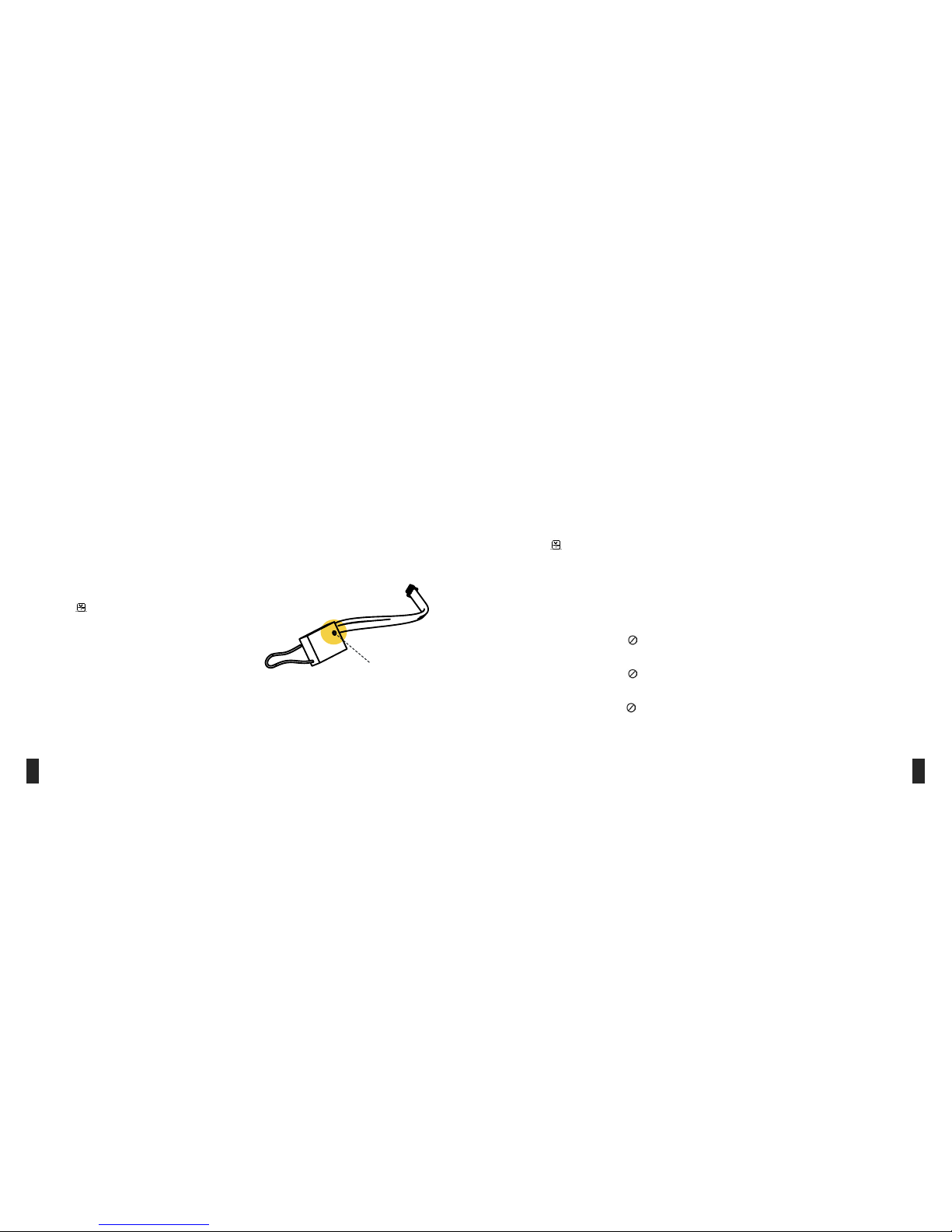
Plug the battery connector into the power connector on the
quadcopter board.The connectors have a guide pin to observe
the polarity. Be careful not to exert excessive force when
plugging the connectors, so as not to break the guide pin.
Important! To prevent uncontrolled action of the quadcopter, the remote control unit should always be turned ON before
powering on the quadcopter, and off – AFTER turning off the power of the quadcopter.
The quadcopter can perform the ight both in control from
the remote control unit, and in automatic mode according to
the program.
To select the remote control unit mode set SwB switch to the
upper position.
When using the navigation system or GPS (for this,
corresponding optional module has to be installed on the
quadcopter), automatic position hold mode can be used. To
select this mode set SwB switch to the central position. The
ight is controlled from remote control unit.
To perform automatic ight according to the program, SwB
switch should be set to lower position. During programmed
ight, the pilot can always switch to manual control mode by
setting SwB switch to upper position.
When controlling the quadcopter from the remote control
unit, one of three ight modes can be chosen. Flight mode is
selected by SwC switch.
Stabilization mode (SwC switch in upper position)
Throttle stick controls motor power.
Altitude hold mode (SwC switch in central position)
The quadcopter holds the altitude automatically, vertical
speed in controlled by throttle stick. When throttle stick is
in central position, the quadcopter holds the altitude. When
the stick is moved up, the quadcopter starts the ascent. The
more the stick is moved, the higher the speed of quadcopter
ascent. When the stick is moved down, the quadcopter starts
the descent.
Altitude and heading hold mode (SwC switch in lower
position)
When starting motors, the direction in which the quadcopter
is oriented is xed.
The altitude is controlled as in previous mode.The
quadcopter can be rotated by yaw angle. Forward/backward
and left/right movements are performed relative to stored
initial direction.
Control and ight modes
17 18