NL P E I F GB DAR
25
USE:
1. Press the ON/OFF button . The display
is activated to show all segments for 2
seconds.
2. The last measurement reading will automati-
cally be shown on the display for 2 seconds
with the “M” icon.
3. The thermometer is ready for measurement
as soon as the “°C” or “°F” icon starts flashing
and a beep sound is heard.
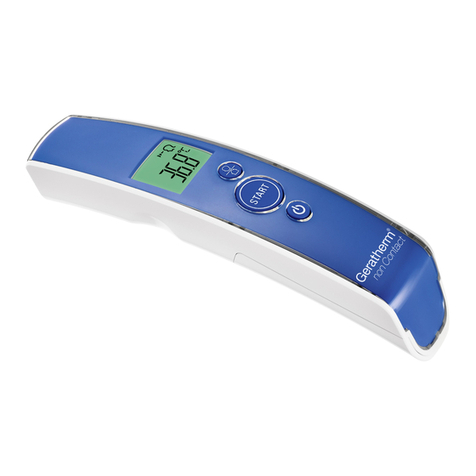
4. Press the mode button until you see a symbol
in the form of a head on the display. Now you
are in the body temperature measurement
mode.
5. Aim the thermometer at the centre of the fore-
head, holding it no more than 5 cm away from
the skin surface. If the forehead is covered
with hair, perspiration or dirt, please remove
this beforehand in order to ensure accurate
measurement.
6. Press the START button and steadily move
the thermometer from the middle of the fore-
head to the temple area (about 1 cm above
the eyebrow). The activated blue tracking
light will indicate the measurement area.
7. After 3 seconds a long beep will verify the
completion of measurement. If the temple
area has not been reached by the time the
long beep is heard, repeat the measurement
as described above, but move the thermom-
eter a little faster.
8. Read the recorded temperature from the LCD
display.
- If the reading is below 37.5 °C (99.4 °F), you
will hear a long beep and the backlight of the
display will be green.
- If the reading is at or above 37.5 °C (99.4 °F),
you will hear 10 short beeps, and the back-
light of the display will be red.
MEASURING BODY
TEMPERATURE