EnglishDeutsch
 logo
Brands
  1. Home
  2. •
  3. Brands
  4. •
  5. Gigabyte
  6. •
  7. Cell Phone
  8. •
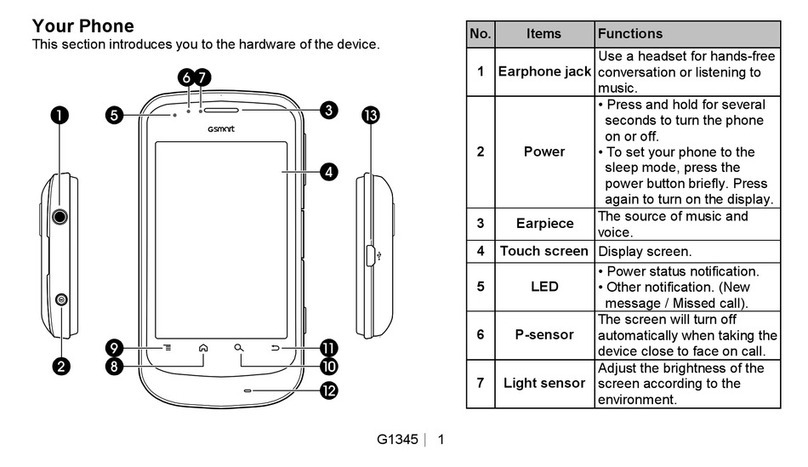
  9. Gigabyte GSmart G1345 User manual

Gigabyte GSmart G1345 User manual

Other manuals for GSmart G1345

2

Other Gigabyte Cell Phone manuals

Gigabyte GSmart i350 User manual

Gigabyte

Gigabyte GSmart i350 User manual
Gigabyte GSmart i120 User manual

Gigabyte

Gigabyte GSmart i120 User manual

Gigabyte GSmart M3447 User manual

Gigabyte

Gigabyte GSmart M3447 User manual
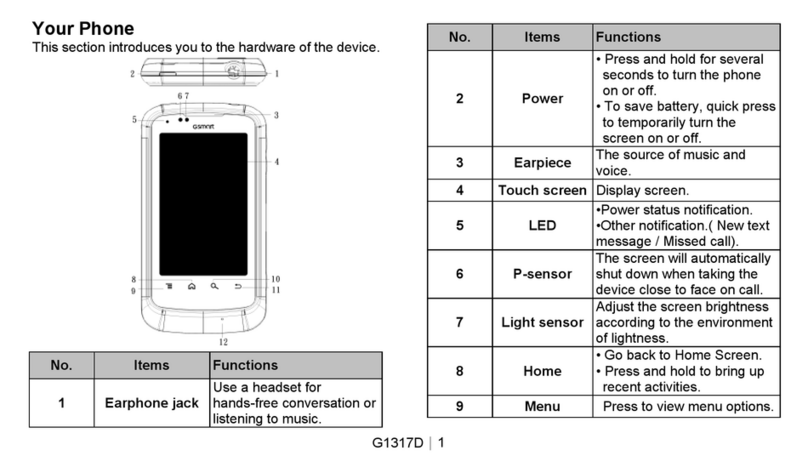
Gigabyte GSmart G1317D User manual

Gigabyte

Gigabyte GSmart G1317D User manual
Gigabyte GSmart i120 User manual

Gigabyte

Gigabyte GSmart i120 User manual
Gigabyte GSmart G1362 User manual

Gigabyte

Gigabyte GSmart G1362 User manual

Gigabyte GSmart Aku A1 User manual

Gigabyte

Gigabyte GSmart Aku A1 User manual
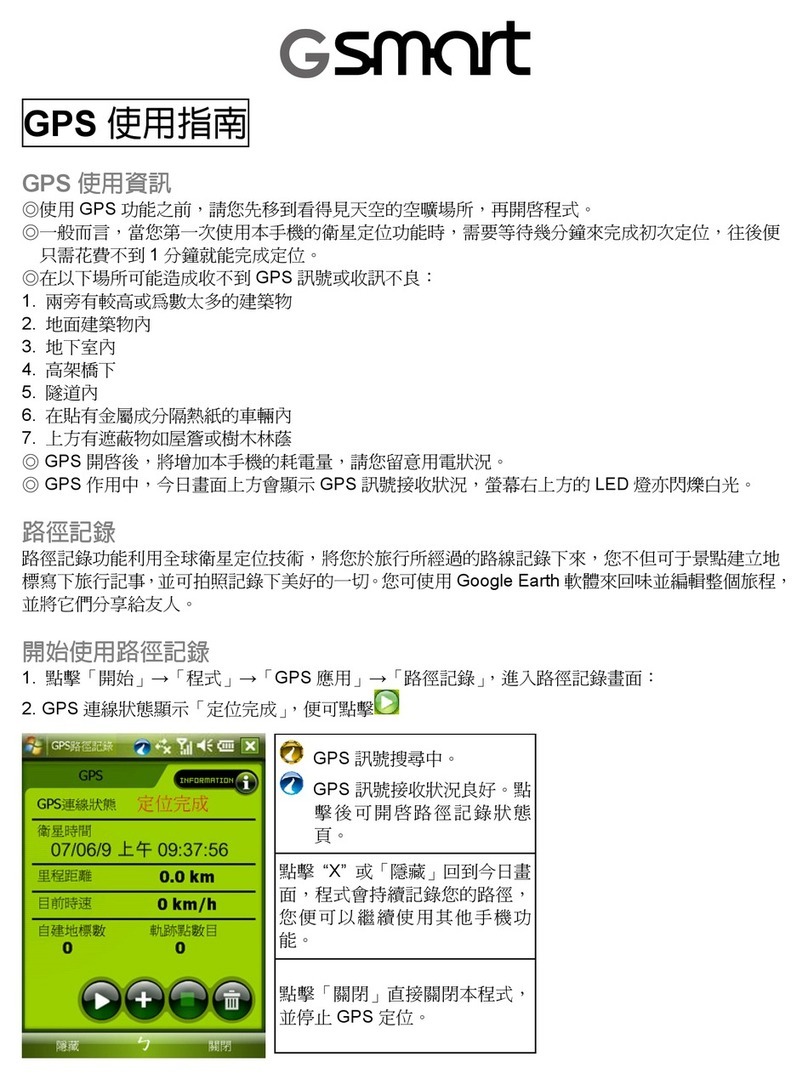
Gigabyte GSmart i350 User manual

Gigabyte

Gigabyte GSmart i350 User manual
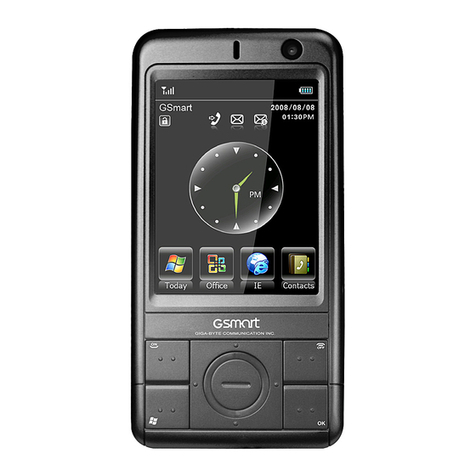
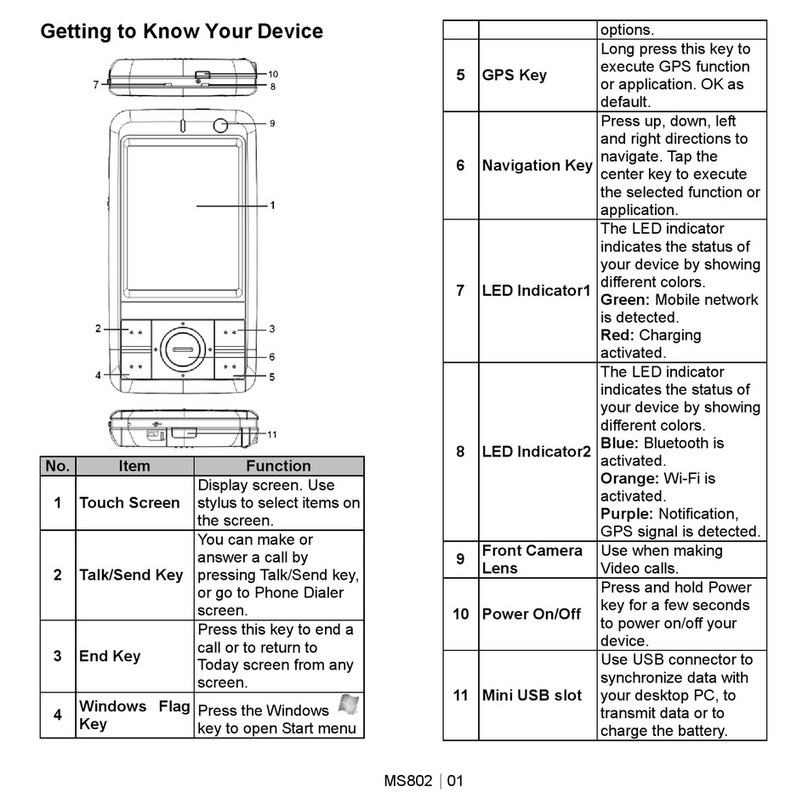
Gigabyte GSmart MS802 User manual

Gigabyte

Gigabyte GSmart MS802 User manual
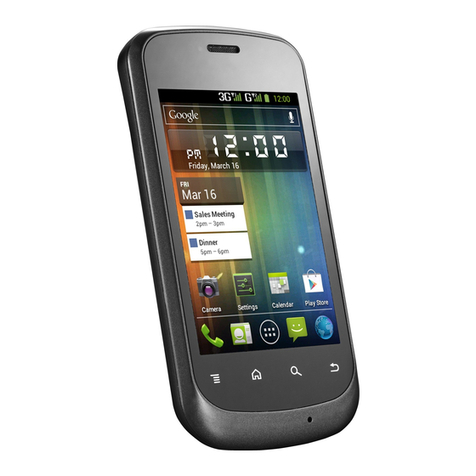
Gigabyte GSMART G1342 User manual

Gigabyte

Gigabyte GSMART G1342 User manual
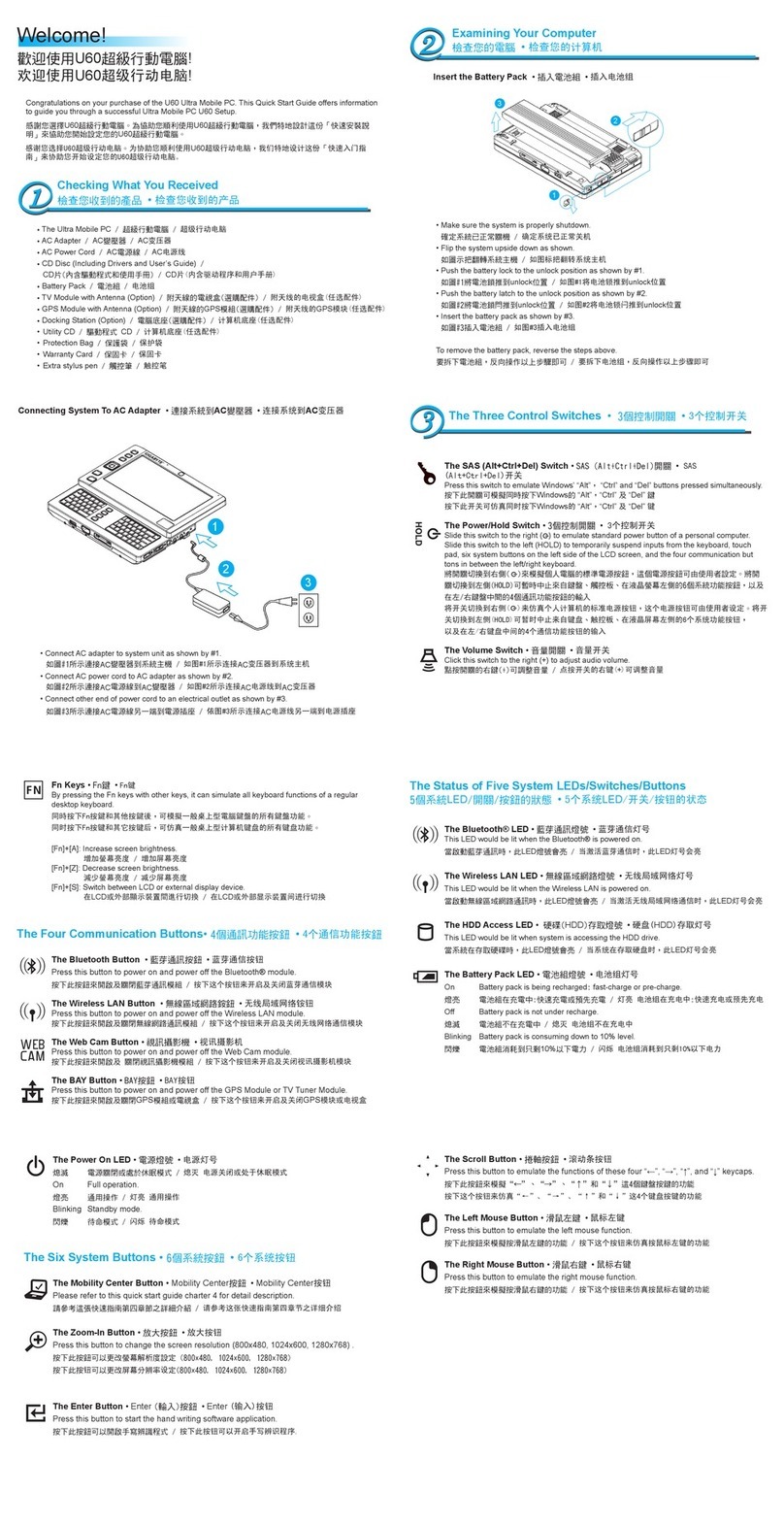
Gigabyte U60 Ultra Mobile PC User manual

Gigabyte

Gigabyte U60 Ultra Mobile PC User manual

Gigabyte GSmart i User manual

Gigabyte

Gigabyte GSmart i User manual

Gigabyte GSmart MW702 User manual

Gigabyte

Gigabyte GSmart MW702 User manual
Gigabyte GSmart G1315 User manual

Gigabyte

Gigabyte GSmart G1315 User manual
Gigabyte GSmart t600 null

Gigabyte

Gigabyte GSmart t600 null

Gigabyte GSmart MW998 User manual

Gigabyte

Gigabyte GSmart MW998 User manual

Gigabyte GSmart i300 User manual

Gigabyte

Gigabyte GSmart i300 User manual

Gigabyte GSmart t600 User manual

Gigabyte

Gigabyte GSmart t600 User manual
Gigabyte GSmart i350 User manual

Gigabyte

Gigabyte GSmart i350 User manual
Gigabyte GSmart M3447 User manual

Gigabyte

Gigabyte GSmart M3447 User manual

Gigabyte GX2 User manual

Gigabyte

Gigabyte GX2 User manual

Gigabyte GSmart G1317D User manual

Gigabyte

Gigabyte GSmart G1317D User manual

Gigabyte GSmart G1345 User manual

Gigabyte

Gigabyte GSmart G1345 User manual

Gigabyte GSmart MS802 User manual

Gigabyte

Gigabyte GSmart MS802 User manual

Popular Cell Phone manuals by other brands

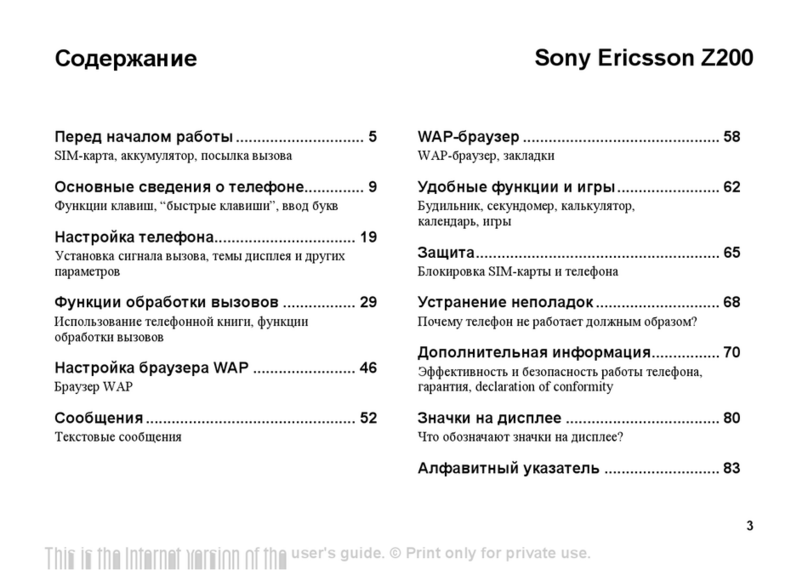
Sony Ericsson Z200 null

Sony Ericsson

Sony Ericsson Z200 null

Sony Ericsson K700i null

Sony Ericsson

Sony Ericsson K700i null

Zte BLADE A520 quick start guide

Zte

Zte BLADE A520 quick start guide

Nokia Lumia 620 user guide

Nokia

Nokia Lumia 620 user guide

Blackbe;rry KEYone Safety and product information

Blackbe;rry

Blackbe;rry KEYone Safety and product information

Bea-fon X5 Premium quick guide

Bea-fon

Bea-fon X5 Premium quick guide

Blackbe;rry 8707 Series user guide

Blackbe;rry

Blackbe;rry 8707 Series user guide

Blackbe;rry Storm Troubleshooting

Blackbe;rry

Blackbe;rry Storm Troubleshooting

LG LM-X420QN user guide

LG

LG LM-X420QN user guide

LifeWatch V user guide

LifeWatch

LifeWatch V user guide

Bea-fon SILVER LINE SL860 user guide

Bea-fon

Bea-fon SILVER LINE SL860 user guide

IKI Mobile KF4.5i user manual

IKI Mobile

IKI Mobile KF4.5i user manual

Hitech HT-850 user guide

Hitech

Hitech HT-850 user guide

Yezz Fashion F10 user manual

Yezz

Yezz Fashion F10 user manual

Point Mobile PM60 user manual

Point Mobile

Point Mobile PM60 user manual

Blackbe;rry Q10 user guide

Blackbe;rry

Blackbe;rry Q10 user guide

Blackbe;rry Bold 9900 user guide

Blackbe;rry

Blackbe;rry Bold 9900 user guide

Blackbe;rry STORM 9500 - VERSION 5.0 user guide

Blackbe;rry

Blackbe;rry STORM 9500 - VERSION 5.0 user guide

https://manuals.online logo
https://manuals.online logoBrands
  • About & Mission
  • Contact us
  • Privacy Policy
  • Terms and Conditions

Copyright 2026 Manuals.Online. All Rights Reserved.

G1345 Service Manual
Disassemble
Take out the battery
cover.
Take out the battery.
Use screw driver to take
out the four Screws
circled with red.
(screw specification:+)
Make a gap circled with
yellow between front
cover and back cover
(case B), and then
follow the arrow to
separate back cover
with front cover.
Take out the Touch
Lens FPC connector
circled with red.
Separate the camera
module connector
circled with red.
Separate the LCM connector
circled with red.
Take out the power key.
Take out the volume
key.
Take out the Camera
Key.
Take out the Speaker.
Take out the Receiver
Take out the
Microphone.
Take out the Mesh.
Take out the Mesh.
Take out the Mesh.
Take out the LCM.
(Notice: The LCD is
attached to the touch
panel with adhesive and
is quite fragile, please be
care of the dissembling.)
DONE.