9
Selecting a Scan
If you wish to select a scan at any time:
Press and hold the1 MODE/MENU
Button to access the menu.
Press the2 < or >Button to select
Full Scan
Press the3 SELECT Button to
confirm.
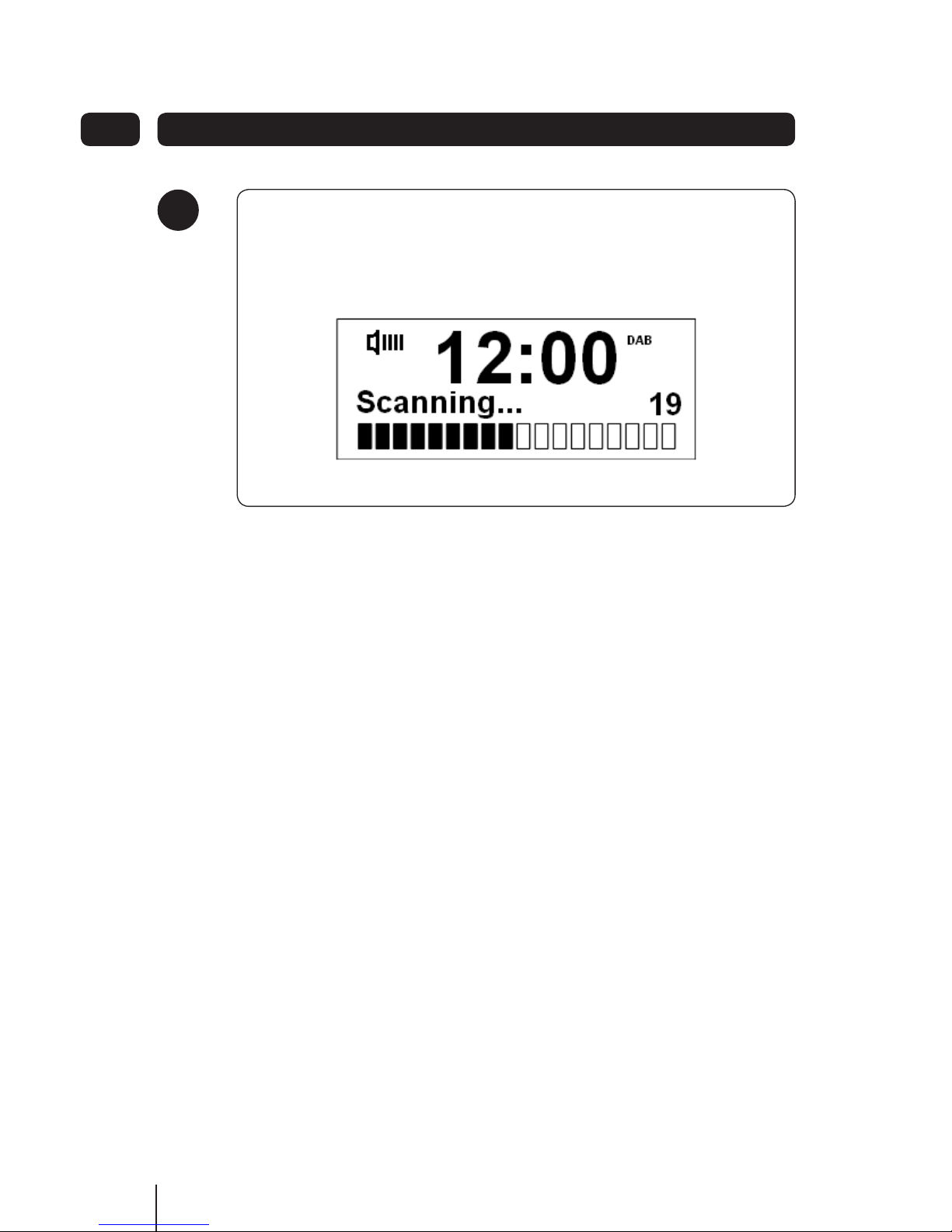
The Full Scan may take 1-2 minutes to
complete. Your radio will then access
the first station in its storage list.
Changing to another Station
While playing a DAB station, you1
can shift to another program by
pressing the <or >Button to
browse through the station list.
When the station you want to listen2
to is displayed in the list press
the SELECT Button to select this
station.
Using DAB Radio 04
Volume Control
Adjust the radio volume by pressing the
VOL - or VOL + Button.
View Station Information
This radio offers a convenient way for
you to view this information. To view
information of the station currently
playing, follow these steps:
Press and hold the1 MODE/MENU
Button until it goes into main menu
setting mode.
Press the2 >Button twice to
‘Display’ the required option, and
then press the SELECT Button.
Press the < or > Button to3
select from the available station
information available.
Press the4 SELECT Button to
confirm the option you want your
radio to display, such as Program
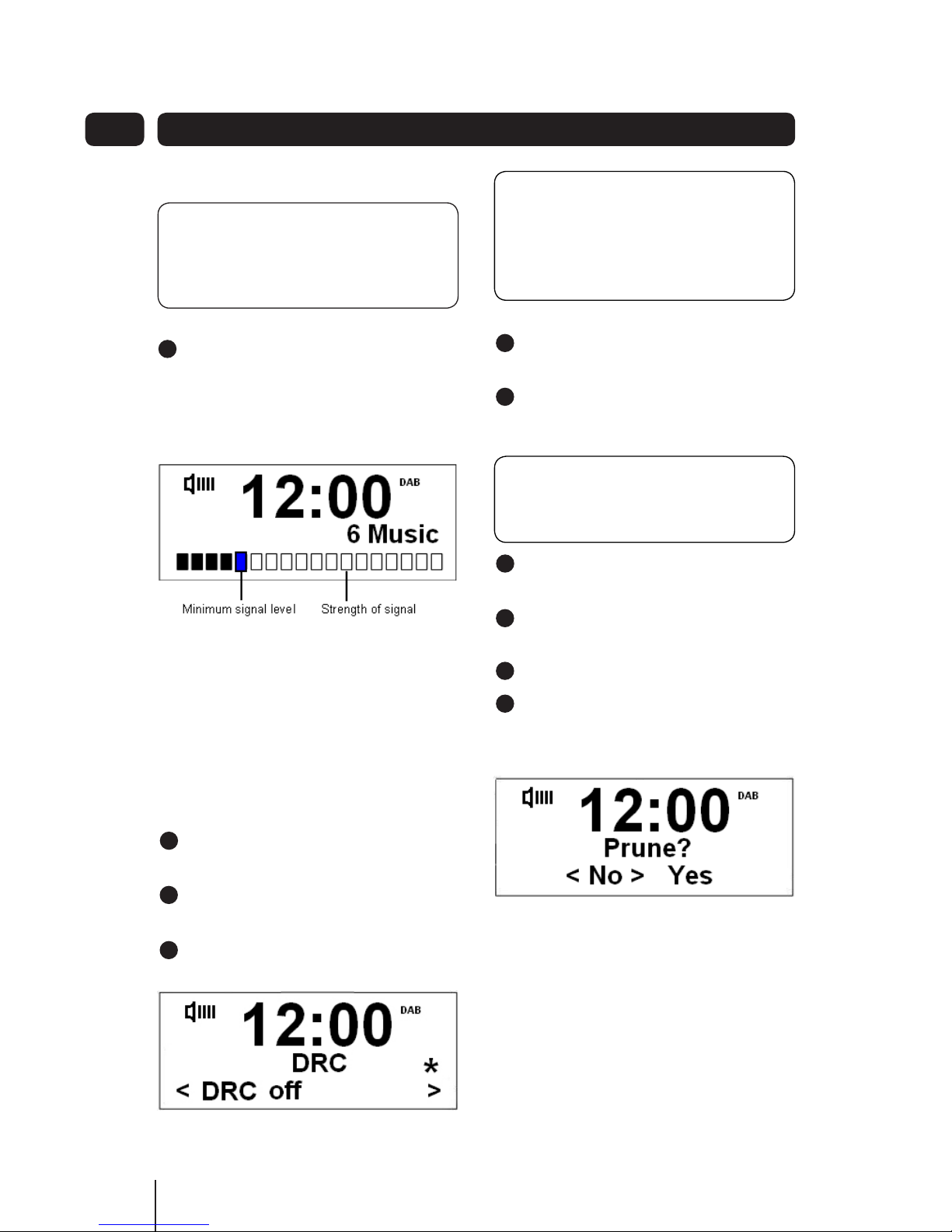
Type, Signal Strength, Signal
Quality, Scrolling text, Time and
Date.
DON’T FORGET! The DAB stations
will be displayed and stored in
alphanumeric order.
If a digital signal cannot be found, it
may be necessary to relocate your
radio.
DON’T FORGET! There is a variety
of station information transmitted by
broadcasters.