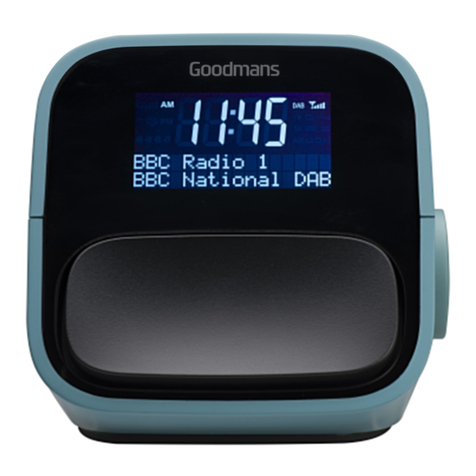
Using DAB
Scanning for stations
.1 ehtsserP Button to turn the unit
on.
.2 ehtsserP MODE Button until you
select the DAB mode from DAB/FM/
iPod/AUX.
.3 ehtsserP SCAN Button. The
following screen will be displayed.
The progress bar indicates the progress
of the DAB station search. The number
of stations found increases as the scan
progresses.
Changing DAB Stations
Press the1. <and >Buttons to
scroll through the stations in the
station list.
The radio will tune to the new2.
station.
04
Storing DAB Presets
You can preset up to 10 DAB stations
for easy access as follows:
Press the1. <and >Buttons to
scroll through the stations in the
station list.
.2 ehtsserP SELECT Button to
confirm the station you wish to
preset.
Press and hold the3. PRESET Button.
Preset position 1 will show in the
display.
Press the4. <and >Buttons to
select the required preset memory
position.
.5 ehtsserP SELECT Button to
confirm.
Repeat steps 1 to 5 if you wish to6.
store more preset stations.
Selecting a Preset Station
.1 ehtsserP PRESET Button briefly.
Preset position 1 will show in the
display.
.2 esU <and >Buttons to select the
desired preset number/station.
DON’T FORGET!
To improve reception, try adjusting
the position of the radio.
Volume bar DAB Mode display
Progress bar
Number of
stations found
DON’T FORGET!
If a new station is not selected the
currently playing station will be
displayed after 5 seconds.
From time to time new DAB
stations may be added to the
DAB station list. To see if any new
stations have been added, press the
SCAN button to activate a full scan.