8
P/F measuring mode
In P/F measuring mode meter will compare the optical power with threshold to
judge whether measured power value is meet the requirement of user.
Display will show the relevant judge of result :"Pass", "Warning" or "Fail".
3. Threshold setting
User could set threshold , maximum 10 groups
Operate as follow:
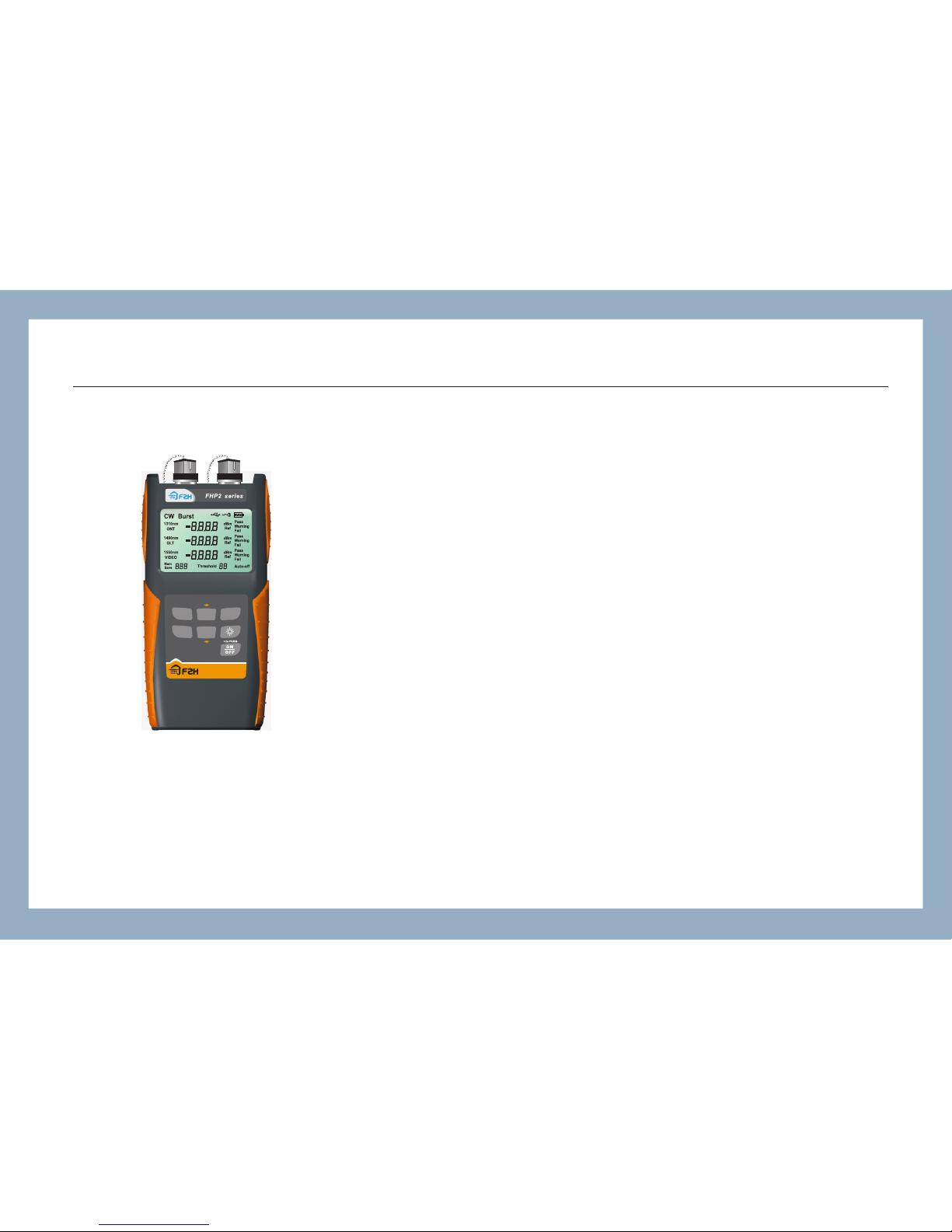
In the main interface, check the value of threshold by threshold checking
button, left side display 1310nm,1490nm and 1550nm . Middle is the setted
threshold, right sider is unit and status. After entering threshold checking
mode, continue to push the button to switch and check set point between
"Fail", "Warning"and"Pass" separately. Push page up or page down button to
check each threshold. The "Threshold"below the display indicate the
sequence of threshold value, Threshold 0 is the first group, right picture
showed the setting of third threshold value
Note: Threshold setting needs specific software, detailed procedure
please check the manual for software, push data storage button or unit
switch button to quit this mode after use.
-21.30 d Bm
Fail
Fail
Fail
-10.00 d Bm
Fail
Fail
Fail
-23 01. dBm
-10.00 d Bm
Threshold 2
FHP2P01