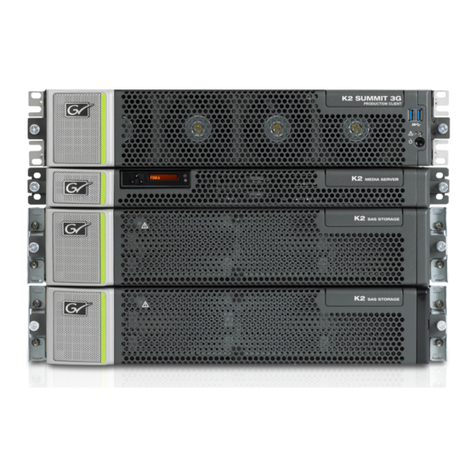
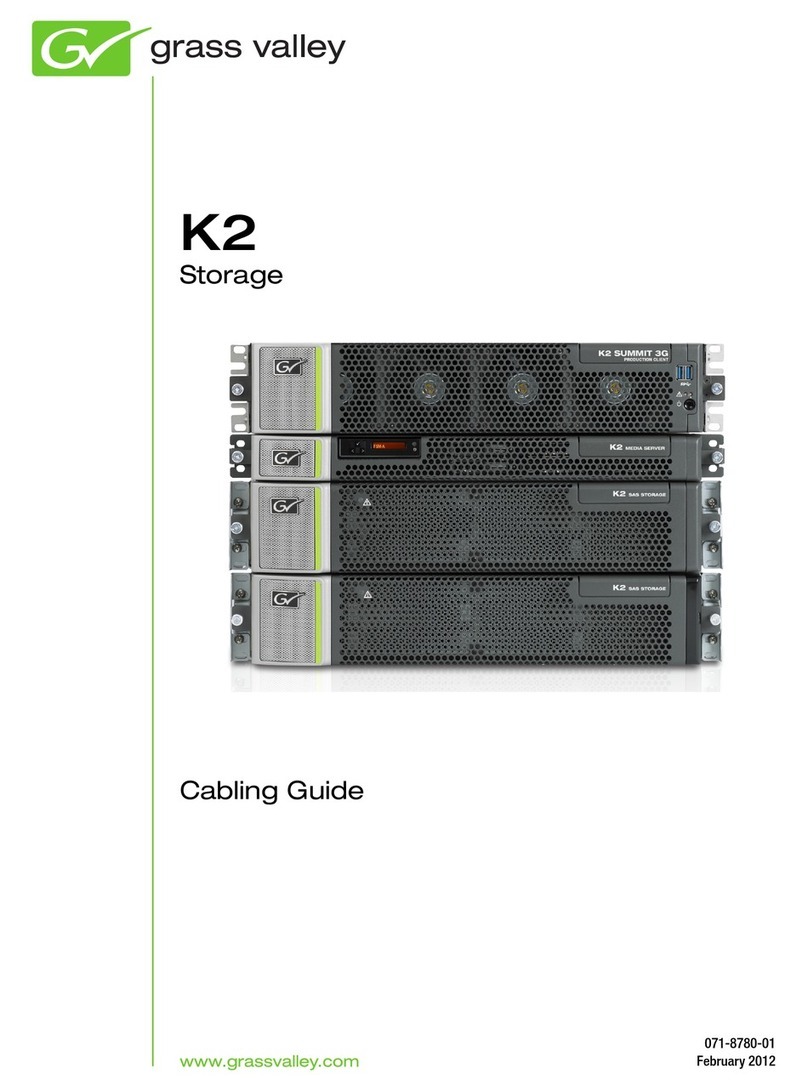
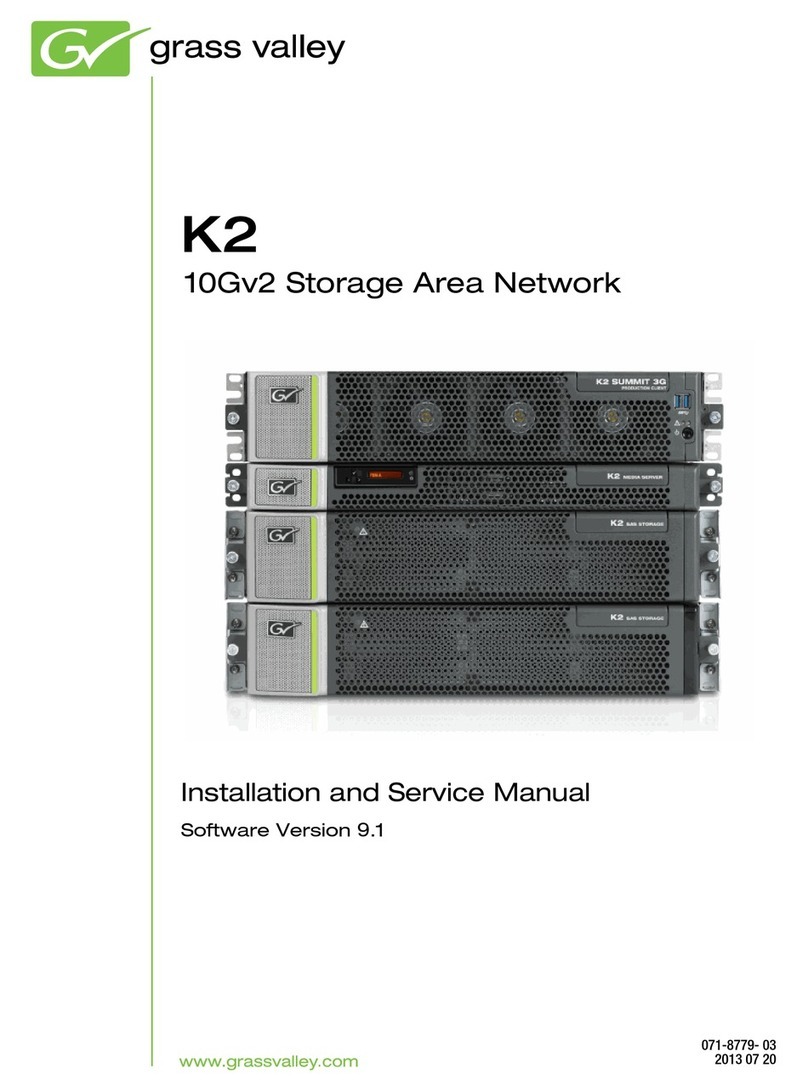
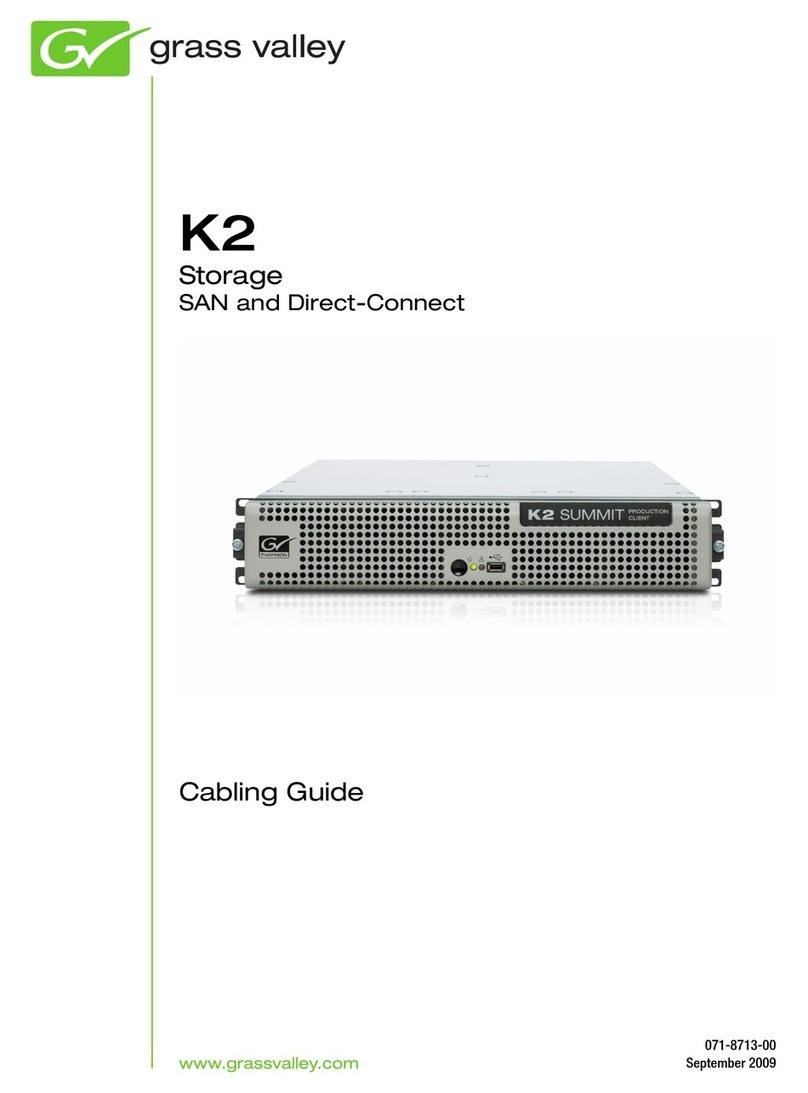
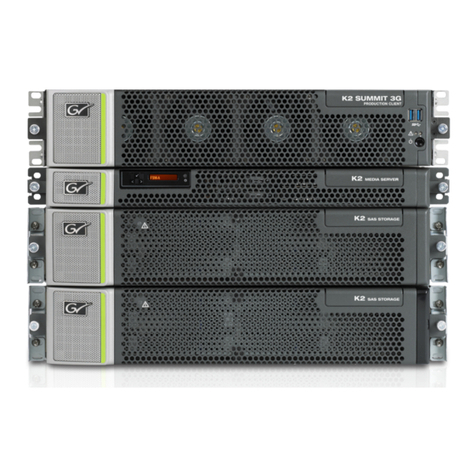
GRASS VALLEY K2 BASECAMP EXPRESS User manual

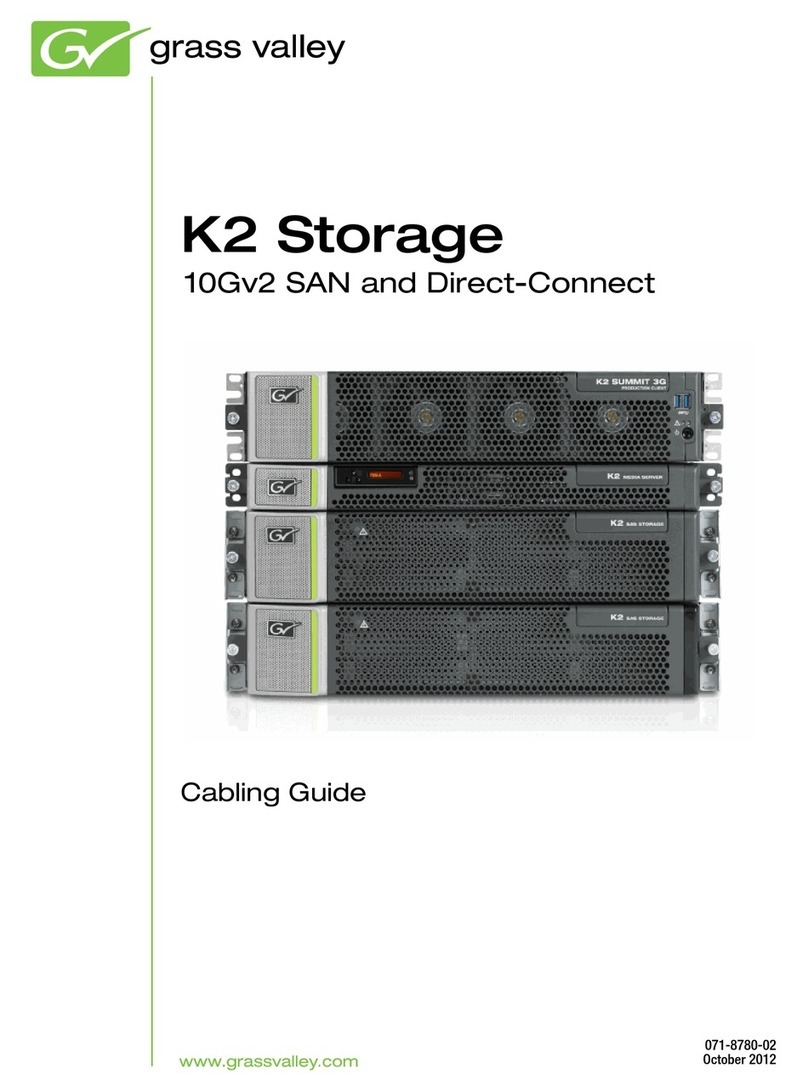
K2
Storage
10G SAN and Direct-Connect
Cabling Guide
071-8780-00
November 2010

Affiliate with the N.V. KEMA in The Netherlands
CERTIFICATE
Certificate Number: 510040.001
The Quality System of:
Thomson Inc, and its worLdwide Grass Valley division affiliates DBA
GRASS VALLEY
Headquarters
400 Providence Mine Rd
Nevada City, CA 95959
United States
15655 SW Greystone Ct.
Beaverton, OR 97006
United States
10 Presidential Way
Suite 300
Woburn, MA 01801
United States
Kapittelweg 10
4827 HG Breda
The Nederlands
7140 Baymeadows Way
Ste 101
Jacksonville, FL 32256
United States
2300 So. Decker Lake Blvd.
Salt Lake City, UT 84119
United States
Rue du Clos Courtel
CS 31719
35517 Cesson-Sevigné Cedex
France
1 rue de l’Hautil
Z.I. des Boutries BP 150
78702 Conflans-Sainte
Honorine Cedex
France
Technopole Brest-Iroise
Site de la Pointe du Diable
CS 73808
29238 Brest Cedex 3
France
40 Rue de Bray
2 Rue des Landelles
35510 Cesson Sevigné
France
Spinnereistrasse 5
CH-5300 Turgi
Switzerland
Brunnenweg 9
D-64331 Weiterstadt
Germany
Carl-Benz-Strasse 6-8
67105 Schifferstadt
Germany
Including its implementation, meets the requirements of the standard:
ISO 9001:2008
Scope:
The design, manufacture and support of video and audio hardware and software products and
related systems.
This Certificate is valid until: June 14, 2012
This Certificate is valid as of: June 14, 2009
Certified for the first time: June 14, 2000
H. Pierre Sallé
President
KEMA-Registered Quality
The method of operation for quality certification is defined in the KEMA General Terms
And Conditions For Quality And Environmental Management Systems Certifications.
Integral publication of this certificate is allowed.
KEMA-Registered Quality, Inc.
4377 County Line Road
Chalfont, PA 18914
Ph: (215)997-4519
Fax: (215)997-3809
CRT 001 073004
Accredited By:
ANAB

K2
Storage
10G SAN and Direct-Connect
Cabling Guide
071-8780-00
November 2010

4 K2 Storage Cabling Guide 13 November 2010
Copyright Copyright © G rass Valley, Inc. All right s reserved. Print ed in t he United St ates of Am erica.
Portions of software © 2000 – 2010, Microsoft Corporation. All rights reserved. This document
may not be copied in whole or in part, or otherwise reproduced except as specifically permitted
under U.S. cop yright law, without t he prior written con sent of Grass Valley, Inc., P. O. Box
59900, Nevada City, California 95959-7900. This product may be covered by one or more U.S.
and foreign patents.
Disclaimer Product options and specifications subject to change without not ice. The inf ormation in t his
manual is furnished for informational use only, is subject to change without notice, and should
not be c onstrued as a c ommitment by G rass V alley, Inc. G rass Valley, I nc. assumes no
responsibility or liability for any errors or inaccuracies that may appear in this publication.
U.S. Government
Restricted Rights
Legend
Use, duplication, or disclosure by the United States Government is subject to restrictions as set
forth in subparagraph (c)(1)(ii) of the Rights in Technical Data and Computer Software clause
at DF ARS 252. 277-7013 or i n s ubparagraph c (1) and ( 2) of t he Com mercial Com puter
Software Restricted Ri ghts clause at F AR 52. 227-19, as applicable. Manufacturer is Grass
Valley, Inc., P.O. Box 59900, Nevada City, California 95959-7900 U.S.A.
Trademarks and
Logos
Grass Valley, K2, Aurora, Summit, Dyno, Solo, Infinity, Turbo, Profile, Profile XP, NetCentral,
NewsBrowse, N ewsEdit, NewsQ, News Share, Ne wsQ P ro, and M edia M anager ar e eit her
registered trademarks or t rademarks of Grass Valley, I nc. in the United St ates and/or other
countries. Grass Valley, I nc. product s are co vered by U. S. and foreign pat ents, issued and
pending. Additional information regarding Grass Valley, Inc. trademarks and other proprietary
rights m ay be found at w ww.grassvalley.com. Other trademarks and logos us ed in t his
document are either registered trademarks or trademarks of the manufacturers or vendors of
the associated products, such as Microsoft® Windows® operating system, Windows Media®
player, Internet Explorer® internet browser, and SQL Server™. QuickTime and the QuickTime
logo a re t rademarks or r egistered t rademarks of Apple Comput er, Inc., use d under license
therefrom.
Revision Status
Rev Date Description
03 September
2009
Initial release of the K2 Storage Cabling Guide - 071-8713-00
01 April 2010 Correct NH Server GigE cabling — 071-8713-01
November 2010 Update for K2 10G SAN and K2 10G RAID. Remove L2-L35
information. — 071-8780-00

Contents
Chapter 1: Start with the K2 storage system diagram.............................................................7
To follow cabling instructions....................................................................................................................8
Basic K2 SAN - Online or Production.......................................................................................................9
Redundant K2 SAN - Online or Production............................................................................................10
Basic Nearline K2 SAN...........................................................................................................................11
Redundant Nearline K2 SAN..................................................................................................................12
K2 client with direct-connect storage......................................................................................................12
Chapter 2: Cable K2 devices....................................................................................................13
Cable K2 client........................................................................................................................................14
K2 Summit Production Client for basic K2 SAN..................................................................................14
K2 Summit Production Client for redundant K2 SAN..........................................................................14
K2 Summit Production Client with direct-connect storage..................................................................15
Cable Ethernet switch.............................................................................................................................16
29xx HP GigE switch for basic K2 SAN..............................................................................................16
29xx HP GigE switch for redundant K2 SAN.......................................................................................18
29xx HP GigE switch for basic nearline K2 SAN.................................................................................19
29xx HP GigE switch for redundant nearline K2 SAN.........................................................................20
Cable K2 Media Server...........................................................................................................................21
Dell R610 GS for basic K2 SAN..........................................................................................................21
Dell R610 GS for redundant K2 SAN..................................................................................................21
Cable NH10GE K2 Media Server...........................................................................................................23
Dell R610 NH10GE for online or production K2 SAN..........................................................................23
Dell R610 NH10GE for basic nearline K2 SAN...................................................................................23
Dell R610 NH10GE for redundant nearline K2 SAN...........................................................................23
Cable K2 RAID.......................................................................................................................................25
K2 RAID for basic K2 SAN..................................................................................................................25
K2 RAID for redundant K2 SAN..........................................................................................................27
K2 RAID for basic nearline K2 SAN....................................................................................................28
K2 RAID for redundant nearline K2 SAN............................................................................................29
K2 RAID for K2 client direct-connect storage......................................................................................30
Chapter 3: For more information.............................................................................................31
K2 Release Notes...................................................................................................................................32
K2 Documentation CD............................................................................................................................32
On-line Help Systems.............................................................................................................................33
NetCentral documentation......................................................................................................................33
Grass Valley Website..............................................................................................................................33
Dell Server Documentation.....................................................................................................................34
Grass Valley Product Support.................................................................................................................35
Waste Electrical and Electronic Equipment Directive..........................................................................37
18 November 2010 K2 Storage Cabling Guide 5

6K2 Storage Cabling Guide 18 November 2010
Contents

Chapter 1
Start with the K2 storage system diagram
This section contains the following topics:
•To follow cabling instructions
•Basic K2 SAN - Online or Production
•Redundant K2 SAN - Online or Production
•Basic Nearline K2 SAN
•Redundant Nearline K2 SAN
•K2 client with direct-connect storage
18 November 2010 K2 Storage Cabling Guide 7

To follow cabling instructions
To follow cabling instructions for your K2™Storage Area Network (SAN) or direct-connect storage
K2 client, do the following:
1. Find the system cabling diagram that matches your K2 system.
2. Follow the references below the system diagram to locate cabling instructions for the individual
devices of your K2 system.
Refer to the K2 SAN Installation and Configuration Guide for more information on K2 SANs and
devices. Refer to the K2 System Guide for more information on direct-connect K2 client storage.
Related Links
Basic K2 SAN - Online or Production on page 9
Redundant K2 SAN - Online or Production on page 10
Basic Nearline K2 SAN on page 11
Redundant Nearline K2 SAN on page 12
K2 client with direct-connect storage on page 12
8K2 Storage Cabling Guide 18 November 2010
Start with the K2 storage system diagram

Basic K2 SAN - Online or Production
K2 SUMMIT PRODUCTION
CLIENT K2 SUMMIT PRODUCTION
CLIENT
Turn to these instructions:Of this model or
platform…
To cable this K2 SAN device…
K2 Summit Production Client for basic K2 SAN on page 14K2 Summit
Production Client
K2 client
29xx HP GigE switch for basic K2 SAN on page 16HP 2910Gigabit Ethernet Switch
Dell R610 GS for basic K2 SAN on page 21Dell R610K2 Media Server
Dell R610 NH10GE for online or production K2 SAN on page
23
Dell R610NH10GE K2 Media Server
(optional)
K2 RAID for basic K2 SAN on page 25K2 RAIDK2 RAID
This manual documents the default GigE switch configuration. Other configurations are available,
depending on your port count and FTP bandwidth requirements.
18 November 2010 K2 Storage Cabling Guide 9
Start with the K2 storage system diagram

Redundant K2 SAN - Online or Production
K2 SUMMIT PRODUCTION
CLIENT K2 SUMMIT PRODUCTION
CLIENT
Turn to these instructions:Of this model or
platform…
To cable this K2 SAN device…
K2 Summit Production Client for redundant K2 SAN on page
14
K2 Summit
Production Client
K2 client
29xx HP GigE switch for redundant K2 SAN on page 18HP 2910Gigabit Ethernet Switch
Dell R610 GS for redundant K2 SAN on page 21Dell R610K2 Media Server
Dell R610 NH10GE for online or production K2 SAN on page
23
Dell R610NH10GE K2 Media Server
(optional)
K2 RAID for redundant K2 SAN on page 27K2 RAIDK2 RAID
This manual documents the default GigE switch configuration. Other configurations are available,
depending on your port count and FTP bandwidth requirements.
10 K2 Storage Cabling Guide 18 November 2010
Start with the K2 storage system diagram
Other manuals for K2 BASECAMP EXPRESS
20
Table of contents
Other GRASS VALLEY Storage manuals

GRASS VALLEY
GRASS VALLEY REV PRO Quick start guide

GRASS VALLEY
GRASS VALLEY K2 BASECAMP EXPRESS User manual

GRASS VALLEY
GRASS VALLEY K2 BASECAMP EXPRESS Manual

GRASS VALLEY
GRASS VALLEY K2 BASECAMP EXPRESS User manual

GRASS VALLEY
GRASS VALLEY PFR 600/E User manual

GRASS VALLEY
GRASS VALLEY Profile XP PFR500/E User manual

GRASS VALLEY
GRASS VALLEY PROFILE XP PFR 500 User manual

GRASS VALLEY
GRASS VALLEY K2 SAN Manual

GRASS VALLEY
GRASS VALLEY K2 BASECAMP EXPRESS User manual

GRASS VALLEY
GRASS VALLEY K2 BASECAMP EXPRESS Manual