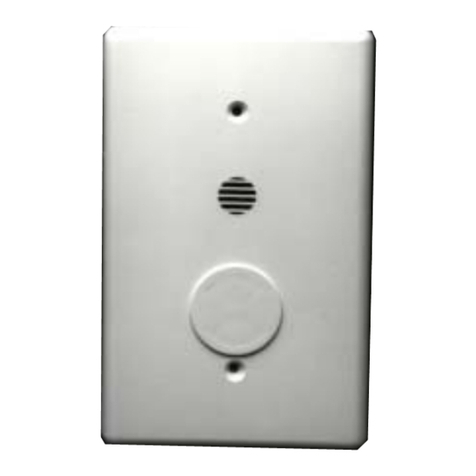
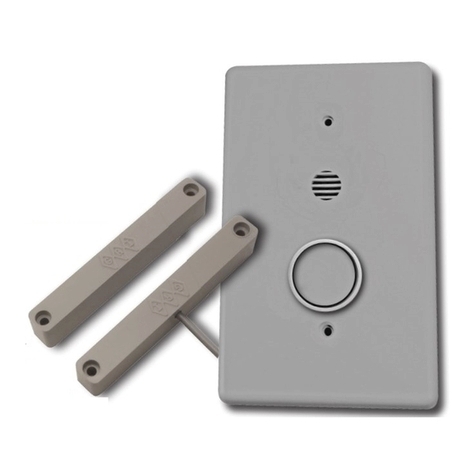
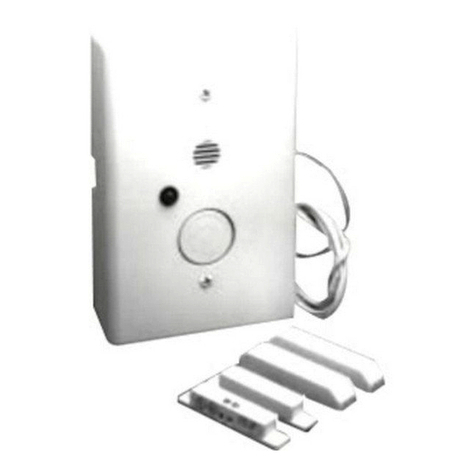
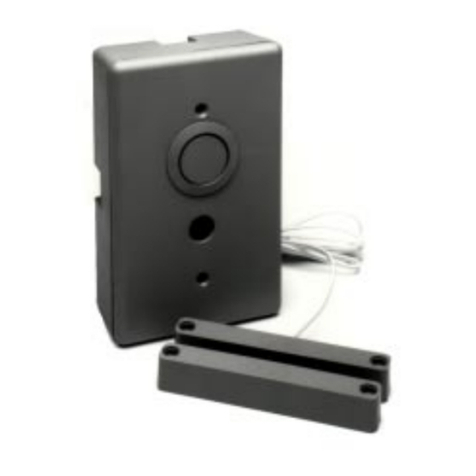
OUTPUTS
An auxiliary output consisting of a transistor pulling to ground can be used to control on / o functions of additional equipment.
Example uses include cameras or wireless transmitters. ese outputs can also be utilized as an alarm trigger to the security panel.
e AUX output can be set to actuate only when the POOL ACCESS ALARM sounder is sounding or it can be programmed to fol-
low the door. In this conguration, the shunt pass-through feature of the PAA will not negate the activation of the transistor output.
Power for auxiliary output is supplied by Terminal 6 and ground is actuated by Terminal 7. Terminal 6 voltage will be the same
as the main power supply, i.e. 12 volts if by external power and 9 volts if by battery power.
NOTE: Maximum current is 250 mA.
All wires going from the AUX Output must stay within the room containing the PAA.
INSTALLING THE POOL ACCESS ALARM
NOTE: e POOL ACCESS ALARM must be mounted as per local code or regulation.
Remove the POOL ACCESS ALARM from the surface mount case if using the PAA-S. Knockouts are provided on this case for
wire access. Attach the surface mount case directly to the wall or existing xture, or it may be mounted to cover a plastic single
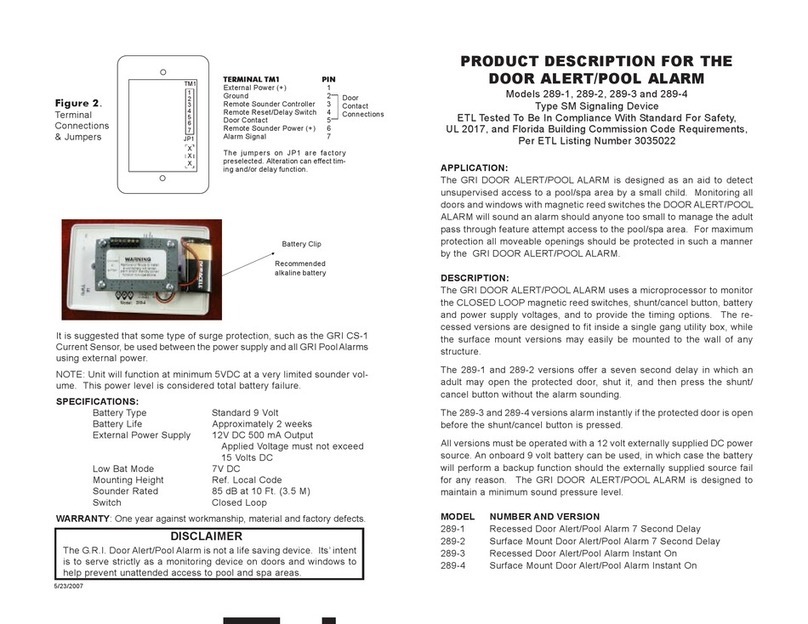
gang electrical box. Choose the options wanted and set the jumpers according to Figure 2 on the back page. Attach the wires
from the door switch to Terminals 2 and 5. It does not matter which wire goes in which location. If using an external 12 volt
DC supply, run the wires from the power source to the alarm unit and attach the positive voltage to Terminal 1 and ground to
Terminal 2. If battery power or battery backup is desired, connect an Ultralife lithium battery at this time. As soon as power is
supplied by the battery or an external power supply, the PAA will have the options loaded and is operating.
e LED will stay lit if it is on external power supply only. If there is a battery inside for either backup or powered only by a bat-
tery the LED will ash every 8 seconds.
WARNING: If using a battery only and the LED stays lit, this is an indication that the battery is defective. Do not use the battery.
e POOL ACCESS ALARM will not function as specied in these instructions.
If using the surface mount PAA., secure battery in Velcro holder which is attached to the case. If using the recessed PAA, remove
plastic covering of the Velcro battery holder exposing the adhesive. Attach battery holder to a location which is away from all live
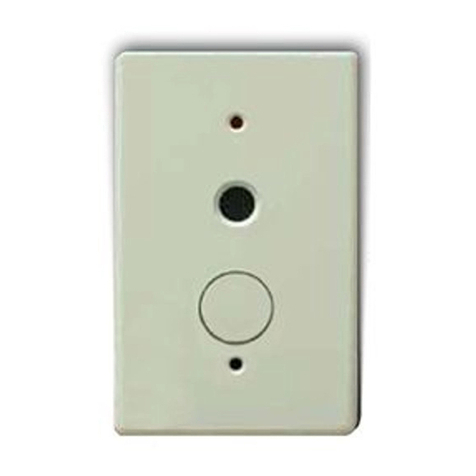
parts of the PAA in a plastic (NOT METAL) outlet box and reassemble the PAA with the button on the bottom and the sounder
on top. Use the screws provided to secure the faceplate to the PAA.
WARRANTY
One year against workmanship, material, and factory defects. Proof of Purchase is required with returns.
* PAA DOC VERSION: 10-FEB-2020
Pool Access Alarm PAA & PAA-S
(Next Gen 2022) Built to Scale
GEORGE RISK INDUSTRIES, INC.
KIMBALL, NE 69145
www.grisk.com
1-800-445-5218
E-MAIL: sales@grisk.com
1.70 in
(42.9 mm)
3.39 in
(85.8 mm) 1.31 in
(33.2 mm) 1.56 in
(38.27 mm)
5.19 in
(131.76 mm)
5.47 in
(137.31 mm)
5.41 in
(137.31 mm)
3.27 in
(83.72 mm)
.22 in
(5.5 mm)
.13 in
(3.3
mm)
INSTALLATION
WIRING DIAGRAM
Figure 2.
Terminal Connections
and Jumpers
TERMINAL BLOCK
1 External Power (+)
2 Ground
3 Remote Sounder Controller
4 Remote Reset/Delay Switch
5 Door Contact
6 AUX Power
7 AUX Output
JUMPER / NO JUMPER
1 Instant on / 7 Second Delay
2 15 Second Shunt / 7 Second Shunt
3 Relay Follow ALARM / DOOR
4 Closed Loop / Open Loop
6