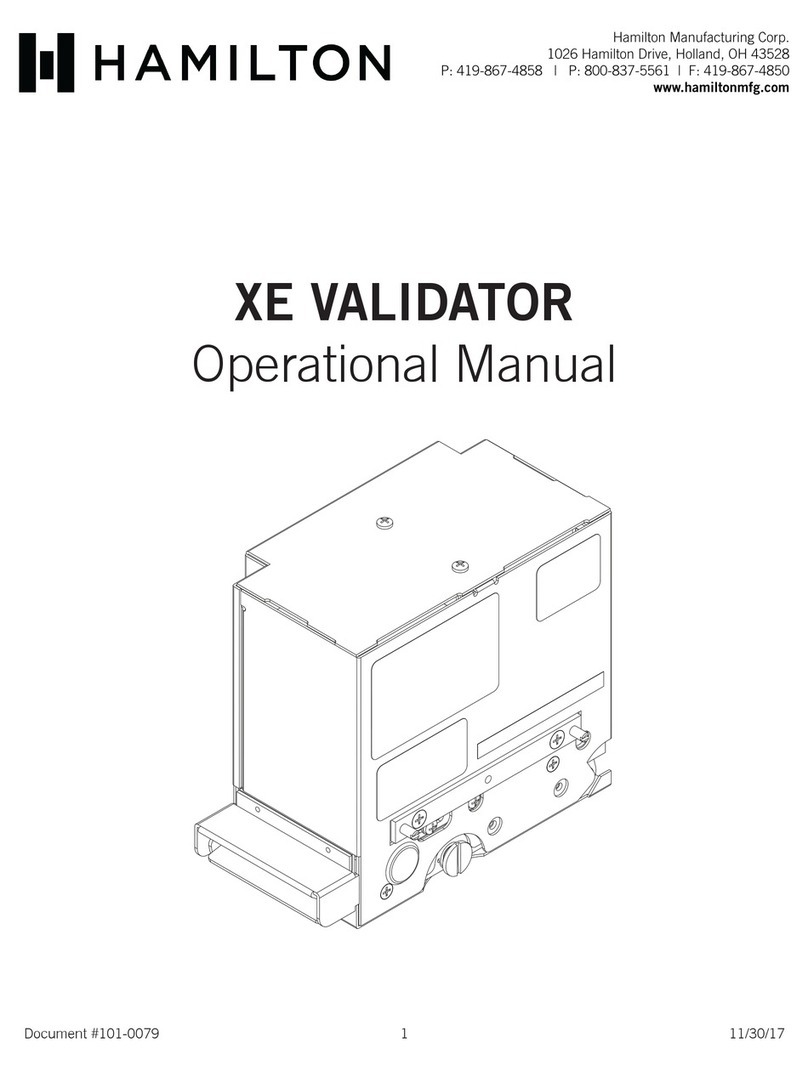
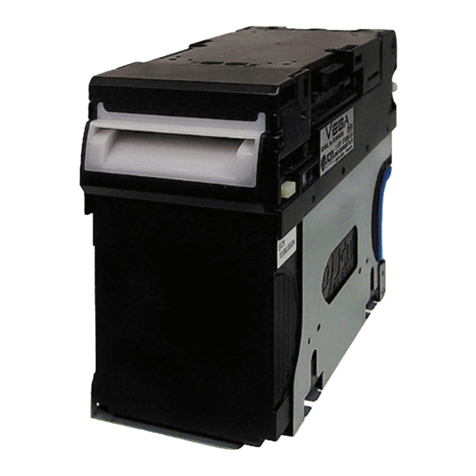
Hamilton STA Quick start guide

Document #101-0011 1 1/09/07
STA Validator Operational
Manual

Document #101-0011 2 1/09/07
TABLE OF CONTENTS
I. INTRODUCTION...................................................................................................4
II. SWITCH SETTINGS ...........................................................................................5
III. ELECTRICAL CONNECTIONS ......................................................................7
IV. TESTING...............................................................................................................8
V. MAINTENANCE ...................................................................................................9
MONTHLY-Dependingonuse ......................................................................................................... 9
YEARLY ............................................................................................................................................... 9
STAValidatorCalibration ................................................................................................................... 9
VI. PARTS.................................................................................................................. 11
APPENDIXA..................................................................................................................................... 13
ValidatorDimensions ........................................................................................................................ 13
APPENDIXB .................................................................................................................................... 14
Openingthe BillPath......................................................................................................................... 14
APPENDICES
APPENDIX A - Validator Dimensions .................................................................... 13
APPENDIX B - Opening the Bill Path .................................................................... 14

Document #101-0011 3 1/09/07
ABOUT THIS MANUAL
This manual will enable the operator to complete basic maintenance, identify error codes, and perform basic
troubleshooting.
An electrical connection diagram and Validator package dimensions are provided to assist operators in cus-
tomizing the Validator to individual needs.
There are no user serviceable parts inside the Validator. Further technical assistance can be obtained by calling
(800) 837-5561 or (419) 867-4858.
When calling for service, it is important to have the serial and model number readily available. Please record
this number in the space provided.
VALIDATOR MODEL#_______________________________
SERIAL#__________________________________

Document #101-0011 4 1/09/07
I. INTRODUCTION
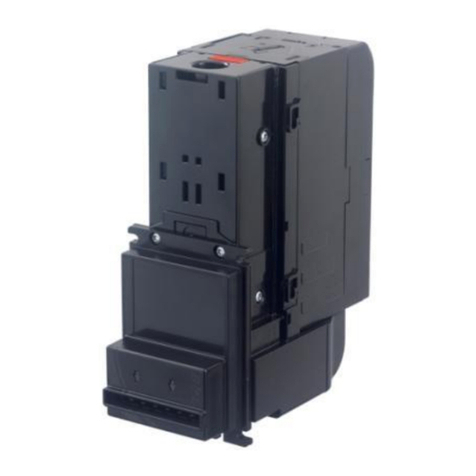
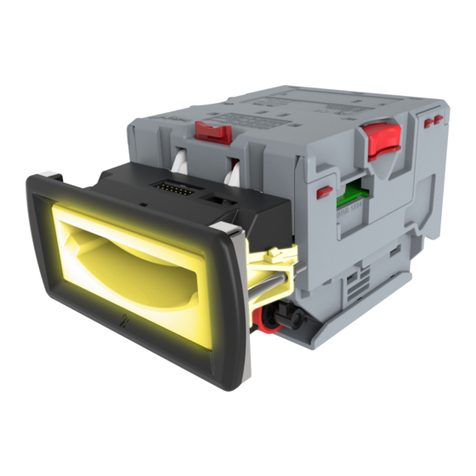
The STAVALIDATOR is a state of the art, optical reading bill acceptor capable of validating one, five, ten or
twenty dollar bills. The STAcan also accept the patented Hamilton paper Tokenotes®.
Tokenotes®areonlyinterchangeablebetweentheSTAValidator
andHV-XValidators. Pleaseincludethe model numberoftheVali-
datorwhenorderingTokenotes®.
FEATURES OF THE STA INCLUDE:
♦Optical reading of bills.
♦Tokenote® acceptance.
♦Stainless steel.
An upgradeable EPROM allows the software to be updated if new software becomes available.

Document #101-0011 5 1/09/07
II. SWITCH SETTINGS
When programming Tokenotes® with the STA, all switches need to be set to the “ON” position. The switches
should be turned “ON” from BOTTOM to TOP, starting with switch 8. When programming is complete, the
switches should be turned “OFF” from TOP to BOTTOM, starting with switch 1. This will prevent accidental
entry into any diagnostic modes.
Switch #1 shouldALWAYS be in the OFF position. The Validator will not function properly
otherwise.
Switch #2 should be in the ON position unless the new Hamilton Tokenotes® are being
used. If they are being used, this switch should be moved to the OFF
position. When the #2 switch is ON, the Validator rejects Tokenotes®
already programmed in.
Tokenotes forthe STAValidatorhavebeenprinted using improved
techniques for code generation and acceptance. Because of this step
forwardinTokenote®technology, these newTokenotes® and
Tokenotes® purchasedforuse with previousValidators, otherthan
theHV-X,arenotinterchangeable.
Switch #3 selects which direction the Validator will accept an inserted bill. If this switch is
OFF, the Validator will accept bills face up in either direction. If this switch is
ON, the Validator will only accept bills face up and the end with the black
seal inserted first. New $5, $10 and $20 bills will only be accepted Black
Seal first.
Switch #4 selects how the Validator signals the dispensing equipment after accepting a bill.
If this switch is OFF, the Validator will activate the $1 Relay once for an
accepted $1 bill, the $5 Relay once for an accepted $5 bill, the $5 Relay
twice for an accepted $10 bill, and the $5 Relay four times for an accepted
$20 bill. If switch #6 is ON, the Validator will activate the $1 Relay once for
an accepted $1 bill, the $1 Relay five times for an accepted $5 bill, the $1
Relay ten times for an accepted $10 bill, and the $1 relay twenty times for
an accepted $20 bill.
Switch # OFF ON
1 Normal Diagnostic
2 Accept Tokenotes Reject Tokenotes
3 Accept Both Directions Accept Black Seal First
4 Hopper Payout Pulsed Payout
5 Accept $1 Reject $1
6 Accept $5 Reject $5
7 Accept $10 Reject $10
8 Accept $20 Reject $20
DIP SWITCH SETTINGS

Document #101-0011 6 1/09/07
The STA should not be used with tube-style machines.
Switch #5 selects whether the Validator will accept or reject $1 bills. If the switch is in the
OFF position, the Validator will accept $1 bills. If the switch is ON, the
Validator will reject $1 bills.
Switch #6 selects whether the Validator will accept or reject $5 bills. If the switch is in the
OFF position, the Validator will accept $5 bills. If the switch is ON, the
Validator will reject all $5 bills.
Switch #7 selects whether the Validator will accept or reject $10 bills. If the switch is in the
OFF position, the Validator will accept $10 bills. If the switch is ON, the
Validator will reject $10 bills.
Switch #8 selects whether the Validator will accept or reject $20 bills. If the switch is in the
OFF position, the Validator will accept $20 bills. If the switch is ON, the
Validator will reject $20 bills.

Document #101-0011 7 1/09/07
III. ELECTRICAL CONNECTIONS
The electrical connections are made via a 9-pin connector located on the rear panel of the unit.
The following diagram and chart have been included for custom installation.
9-PIN CONNECTOR
EXTERNAL VIEW
WIRE VIEW
321
654
987
Pin # Color Name
1 Blue Enable
2 White 120VAC Neutral
3 Brown Vend Common
4N/A N/A
5N/A N/A
6 Green Ground
7 White/Blue $1 Vend Contact Closure
8 White/Brown $5 Vend Contact Closure
9 Black 120VAC Hot

Document #101-0011 8 1/09/07
IV. TESTING
After installation, a short test may be performed to verify correct installation.
For testing, be sure Switch #1 is off.
Shouldthis unitfail tooperate accordingly,checkforan errorcode andrefertothe ErrorCodeList
on page 12.
TEST DESIRED RESULT
Turn on unit.
Version is displayed for approximately 3
seconds. The display changes to 00 and
then counts to 49 rapidly before stopping
at the flashing decimal point indicating the
unit is ready.
Insert bill. Payout proper change for each bill.
Test with a quantity of
bills.
Should accept a variety of bills with
acceptance rate in the 90 percentile.

Document #101-0011 9 1/09/07
V. MAINTENANCE
MONTHLY - Depending on use
The bill path, also known as the platen assembly, should be opened and cleaned regularly. To do this:
1. Unplug the changer.
2. Disconnect the 9-pin plug.
3. Remove the Validator from the holder.
4. Open the bill path (Refer toAppendix B for instructions).
5. Clean rollers, heads, belts and sensors with cotton swabs and rubbing alcohol.
6. Close the platen assembly.
YEARLY
The STAValidator should be serviced annually to maintain maximum performance. THIS WORK SHOULD
ONLY BE DONE BYATRAINED TECHNICIAN.
STAValidator Calibration
1) Take a clean piece of white copier paper and cut it to the size of a bill (test bill).
2) Set the switches on the side of the validator so that only #8, #7 and #1 are in the
ON position.
3) Insert the paper. It should step in slowly (takes about 8-10 seconds).
4) The validator will reject the paper. When you remove the paper from the validator,
the display should flash “11”. This means the process was completed.
5) Turn all the switches back to the OFF position.
6) IMPORTANT! Power down the validator for about 15 seconds. Then power it
back up and try a bill.
7) Calibration complete.

Document #101-0011 10 1/09/07
Part # Description Qty.
46-1037 ROLLER, PRESSURE 6
46-1038 LEVER, HEAD 2
46-1041 LEVER, HEAD ASSM. 2
46-1042 SPRING, HEAD 1
46-1043 ROLLER, HEAD 2
46-1044 SPRING, PRESSURE 6
46-1099 MOV HSV VAL 1
46-6502 CAPACITOR, 1 MFD 35 V 7
46-6530 CAPACITOR, 22 MFD 50 V 2
46-8501 12 PIN HEADER 1
46-8518 DPDT DIP RELAY 2
47-0275 CABLE TIE 6" 3
90-0026 SCREW, 4-40 X 1/2 PH 7
90-0120 SCREW, #4-40 X 1/8 PH 8
90-0122 SCREW, 4-40 X 1/4 P.P.H.M.S.Z. 2
90-0129 SCREW, 6-32 X 3/8 PH 2
90-0130 SCREW, #6-32 1/8 PH 23
90-0131 SCREW, #6-32 3/16 PH 1
90-0132 SCREW, #6-32 X 1//4 PH 2
90-0134 SCREW, #6-32 X 1/2 PH 1
90-0142 SCREW, 8-32 X 1/4 2
90-0146 SCREW, 8-32 X 3/16 PH 2
90-0264 SCREW, #6-32 X 1/8 SET 1
90-0303 NUT, 4-40 HEX 2
90-0310 NUT, #6-32 X 5/16 HEX 2
90-0506 RING, RETAINER 1/8 4
90-0604 SCREW, 6-32 X 1/4 HEX W H 2
90-0625 WASHER, HV-2000 MAIN 2
90-0626 WASHER, HV-2000 SPINNER 2
90-0627 WASHER, HV-2000 SPACER 4
90-0671 BUTTON HEAD SCREW, 10-24 X 1/2 8
90-9000A ASSM., HV-2000 HARDWARE 1
PARTS LIST
Table of contents
Other Hamilton Bank Note Validator manuals