manuals.online logo
Brands
  1. Home
  2. •
  3. Brands
  4. •
  5. Hasbro
  6. •
  7. Toy
  8. •
  9. Hasbro Transformers Animated Autobot Jazz... User manual

Hasbro Transformers Animated Autobot Jazz... User manual

This manual suits for next models

2

Other Hasbro Toy manuals

Hasbro Tiger Electronics Harry Potter Electronic Quidditch... User manual

Hasbro

Hasbro Tiger Electronics Harry Potter Electronic Quidditch... User manual

Hasbro Lite-Brite Mini-X Connect User manual

Hasbro

Hasbro Lite-Brite Mini-X Connect User manual

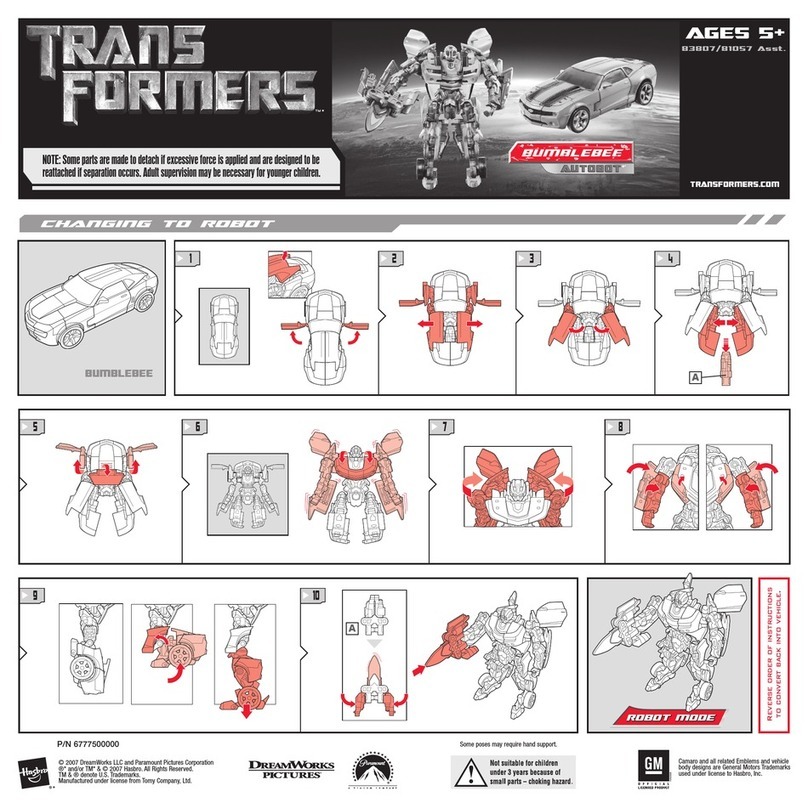
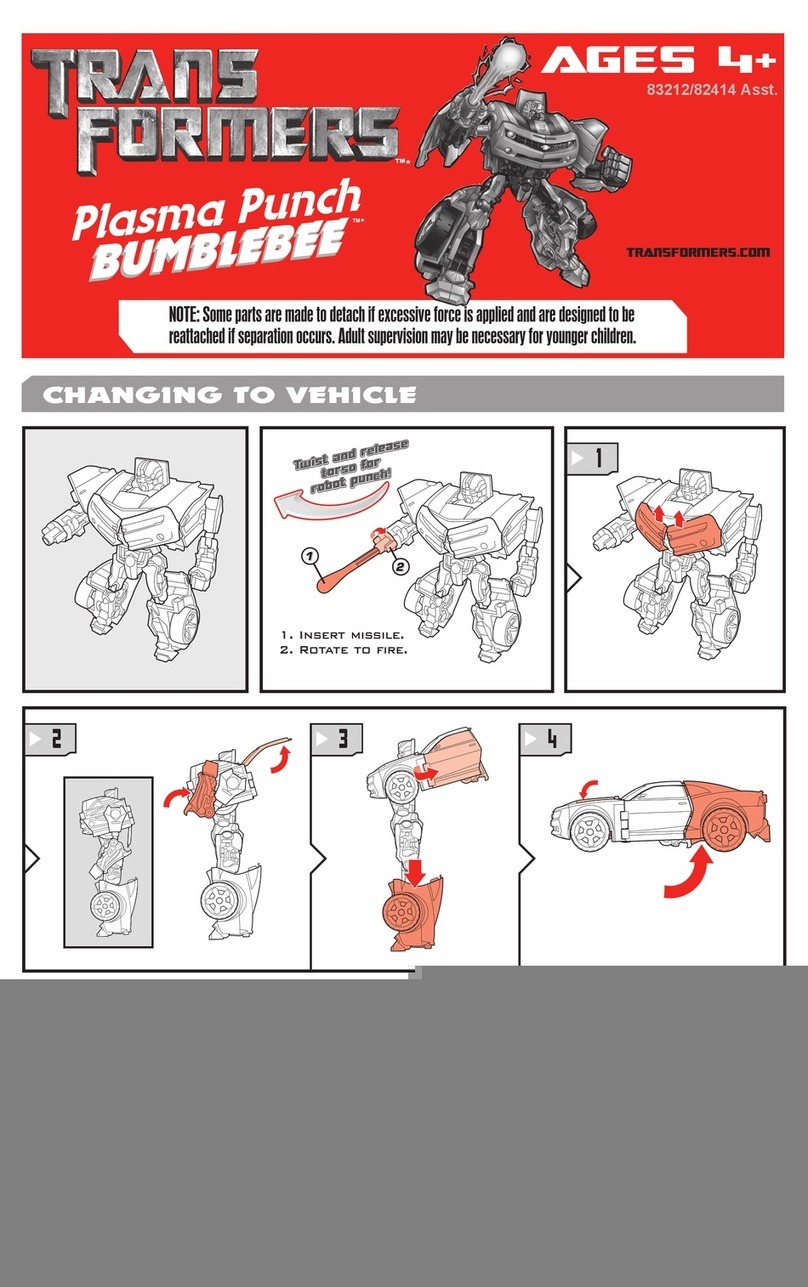
Hasbro TRANSFORMERS BUMBLEBEE CYBERVERSE ADVENTURES OPTIMUS... User manual

Hasbro

Hasbro TRANSFORMERS BUMBLEBEE CYBERVERSE ADVENTURES OPTIMUS... User manual

Hasbro Toilet Trouble Flushdown User manual

Hasbro

Hasbro Toilet Trouble Flushdown User manual

Hasbro Ghostbusters Ecto-Plasm Lab Playset User manual

Hasbro

Hasbro Ghostbusters Ecto-Plasm Lab Playset User manual

Hasbro Halo Nerf MA40 User manual

Hasbro

Hasbro Halo Nerf MA40 User manual

Hasbro Transformers Prime Bumblebee Battle Suit User manual

Hasbro

Hasbro Transformers Prime Bumblebee Battle Suit User manual

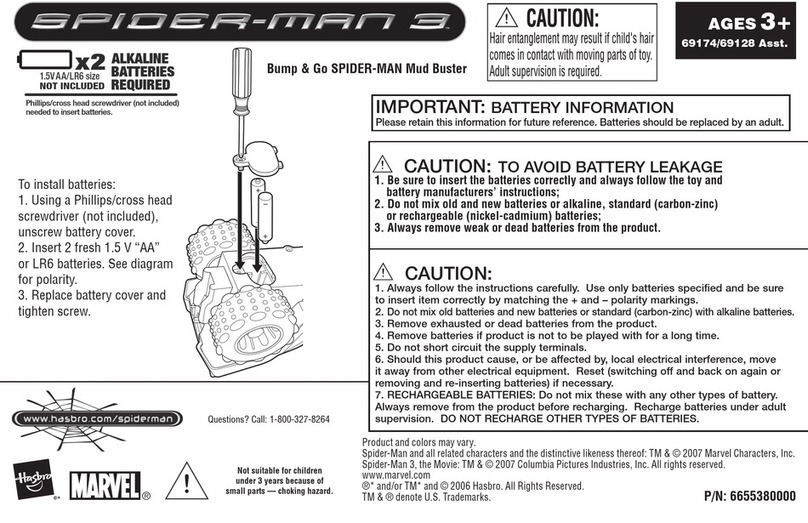
Hasbro Spiderman 3 New Goblin Sword 69172 User manual

Hasbro

Hasbro Spiderman 3 New Goblin Sword 69172 User manual

Hasbro Star Wars Revenge of the Sith Droid Tri... User manual

Hasbro

Hasbro Star Wars Revenge of the Sith Droid Tri... User manual

Hasbro The Clone Wars AEGS 5+ User manual

Hasbro

Hasbro The Clone Wars AEGS 5+ User manual

Hasbro STAR WARS DARTH VADER VOICE CHANGER 85260 User manual

Hasbro

Hasbro STAR WARS DARTH VADER VOICE CHANGER 85260 User manual

Hasbro Nerf Atom Blasters Cyclotron 45519 User manual

Hasbro

Hasbro Nerf Atom Blasters Cyclotron 45519 User manual

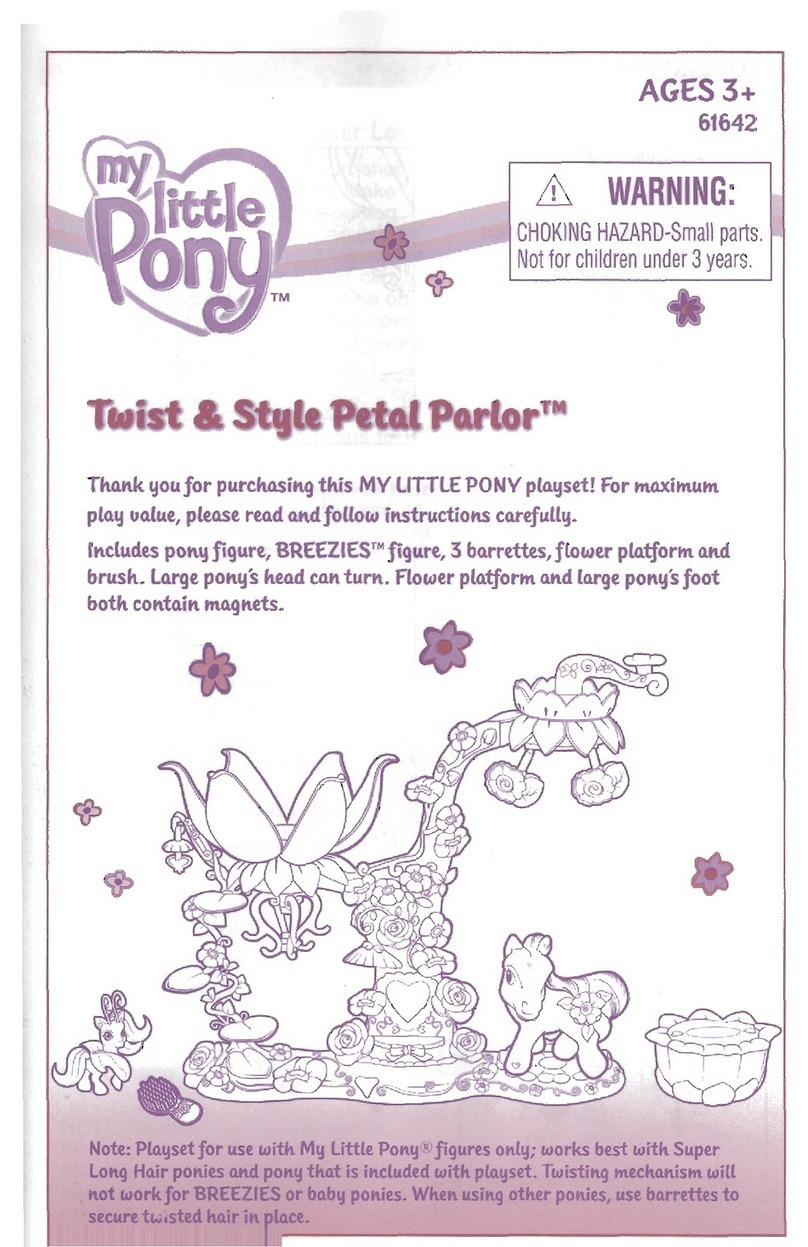
Hasbro Decorating Pony Star Catcher 62819 User manual

Hasbro

Hasbro Decorating Pony Star Catcher 62819 User manual

Hasbro Bop It! Maker User manual

Hasbro

Hasbro Bop It! Maker User manual

Hasbro Snake Eyes: G.I. Joe Origins User manual

Hasbro

Hasbro Snake Eyes: G.I. Joe Origins User manual

Hasbro Spider-man Triple Flinger 69379/69366 User manual

Hasbro

Hasbro Spider-man Triple Flinger 69379/69366 User manual

Hasbro Power Air Surfer Skywolf User manual

Hasbro

Hasbro Power Air Surfer Skywolf User manual

Hasbro Star Wars Attack on Hoth User manual

Hasbro

Hasbro Star Wars Attack on Hoth User manual

Hasbro Toybox Tools Baby Alive Sweet Tears Baby User manual

Hasbro

Hasbro Toybox Tools Baby Alive Sweet Tears Baby User manual

Hasbro TRANSFORMERS BUNBLEBEE CYBERVERSE AVENTURES User manual

Hasbro

Hasbro TRANSFORMERS BUNBLEBEE CYBERVERSE AVENTURES User manual

Hasbro Disney Start Wars The Black Series User manual

Hasbro

Hasbro Disney Start Wars The Black Series User manual

Hasbro Baby Alive 6744690000 User manual

Hasbro

Hasbro Baby Alive 6744690000 User manual

Hasbro FurReal Friends GoGo My Walkin' Pup User manual

Hasbro

Hasbro FurReal Friends GoGo My Walkin' Pup User manual

Hasbro Transformers Crosshairs Autobot 83649/80402 User manual

Hasbro

Hasbro Transformers Crosshairs Autobot 83649/80402 User manual

Popular Toy manuals by other brands

FUTABA GY470 instruction manual

FUTABA

FUTABA GY470 instruction manual

LEGO 41116 manual

LEGO

LEGO 41116 manual

Fisher-Price ColorMe Flowerz Bouquet Maker P9692 instruction sheet

Fisher-Price

Fisher-Price ColorMe Flowerz Bouquet Maker P9692 instruction sheet

Little Tikes LITTLE HANDIWORKER 0920 Assembly instructions

Little Tikes

Little Tikes LITTLE HANDIWORKER 0920 Assembly instructions

Eduard EF-2000 Two-seater exterior Assembly instructions

Eduard

Eduard EF-2000 Two-seater exterior Assembly instructions

USA Trains EXTENDED VISION CABOOSE instructions

USA Trains

USA Trains EXTENDED VISION CABOOSE instructions

Modellbau Laffont Z1601 Assembly instructions

Modellbau Laffont

Modellbau Laffont Z1601 Assembly instructions

NOCH 12905 instruction manual

NOCH

NOCH 12905 instruction manual

Eduard Ki-61-Id quick start guide

Eduard

Eduard Ki-61-Id quick start guide

Viessmann Vollmer 45616 Mounting instruction

Viessmann

Viessmann Vollmer 45616 Mounting instruction

Vollmer 42004 Mounting instruction

Vollmer

Vollmer 42004 Mounting instruction

Phoenix Model CLASSIC-EP instruction manual

Phoenix Model

Phoenix Model CLASSIC-EP instruction manual

H-KING Sopwith Camel British WW1 Fighter instruction manual

H-KING

H-KING Sopwith Camel British WW1 Fighter instruction manual

MODSTER Predator 4x4 Crawler user manual

MODSTER

MODSTER Predator 4x4 Crawler user manual

DHK Hobby 8136 User instruction manual

DHK Hobby

DHK Hobby 8136 User instruction manual

THUNDER TIGER Raptor 50 V2 kit manual

THUNDER TIGER

THUNDER TIGER Raptor 50 V2 kit manual

Timberkits Skateboarder instructions

Timberkits

Timberkits Skateboarder instructions

Hangar 9 Funtana 125 Assembly manual

Hangar 9

Hangar 9 Funtana 125 Assembly manual

manuals.online logo
manuals.online logoBrands
  • About & Mission
  • Contact us
  • Privacy Policy
  • Terms and Conditions

Copyright 2025 Manuals.Online. All Rights Reserved.

TRANSFORMERS.COM
AGES
3+
83711/83504 Asst.
INSTRUCTIONS
© 2008 Hasbro. All Rights Reserved.
TM & ® denote U.S. Trademarks.
P/N 6827730000
AS
SEEN
ON
CARTOON NETWORK and the logo are trademarks
of and © Cartoon Network
®
®
AUTOBOT JAZZ
®
Press logo button for
speech and sounds!
Vehicle converts
automatically to robot
when bumper is pressed!
ROBOT
MODE
VEHICLE
MODE
Press gure down to
convert to vehicle!
Press bumper to activate
electronic sounds!
COMPARTMENT
DOOR
TO REPLACE BATTERIES:
IMPORTANT:BATTERY INFORMATION
Please retain this information for future reference.
Batteries should be replaced by an adult.
CAUTION:
1. Always follow the instructions carefully. Use only batteries specified and be sure to insert them correctly by matching the + and
– polarity markings.
2. Do not mix old batteries and new batteries, or standard (carbon-zinc) with alkaline batteries.
3. Remove exhausted or dead batteries from the product.
4. Remove batteries if product is not to be played with for a long time.
5. Do not short-circuit the supply terminals.
6. Should this product cause, or be affected by, local electrical interference, move it away from other electrical equipment. Reset
(switching off and back on again or removing and reinserting batteries) if necessary.
7. RECHARGEABLE BATTERIES: Do not mix these with any other types of battery. Always remove from the product before
recharging. Recharge batteries under adult supervision. DO NOT RECHARGE OTHER TYPES OF BATTERIES.
8. As with all small items, these batteries should be kept away from children. If swallowed, seek medical attention immediately.
CAUTION:
1. As with all small batteries, the batteries used with this toy
should be kept away from small children who still put things in
their mouths. If they are swallowed, promptly see a doctor and
have the doctor phone (202) 625-3333 collect. In other coun-
tries, have the doctor call your local poison control center.
2. Make sure the batteries are inserted correctly and always fol-
low the toy and battery manufacturer’s instructions.
3. Do not mix old and new batteries, alkaline, standard (carbon-
zinc) or rechargeable (nickel-cadmium) batteries.
Using a Phillips/cross head
screwdriver, loosen screw in
battery compartment door.
Remove door. Remove and
discard old batteries. Insert
3 x 1.5v “AAA” or R03 size
batteries. Alkaline batteries
recommended. Replace battery
compartment door and tighten
screw. See diagram for polarity.
FCC STATEMENT
This device complies with part 15 of the FCC Rules. Operation is subject to the following two conditions:
(1) This device may not cause harmful interference, and (2) this device must accept any interference received, including interference
that may cause undesired operation.
This equipment has been tested and found to comply with the limits for a Class B digital device, pursuant to part 15 of the FCC Rules.
These limits are designed to provide reasonable protection against harmful interference in a residential installation. This equipment
generates, uses and can radiate radio frequency energy, and, if not installed and used in accordance with the instructions, may cause
harmful interference to radio communications. However, there is no guarantee that interference will not occur in a particular installation.
If this equipment does cause harmful interference to radio or television reception, which can be determined by turning the equipment off
and on, the user is encouraged to try to correct the interference by one or more of the following measures:
• Reorient or relocate the receiving antenna.
• Increase the separation between the equipment and receiver.
• Consult the dealer or an experienced radio/TV technician for help.
CAUTION: Changes or modications not expressly approved by the party responsible for compliance could void the user’s authority to
operate the equipment.

OFF
ON
Power Switch
The vehicle has an ON/OFF
switch located under the vehicle.