6
EN
Operation
1). Preparation:
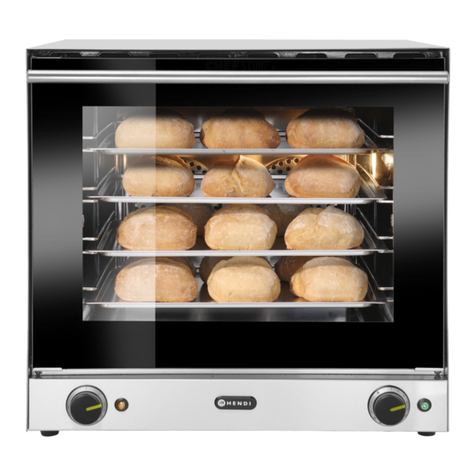
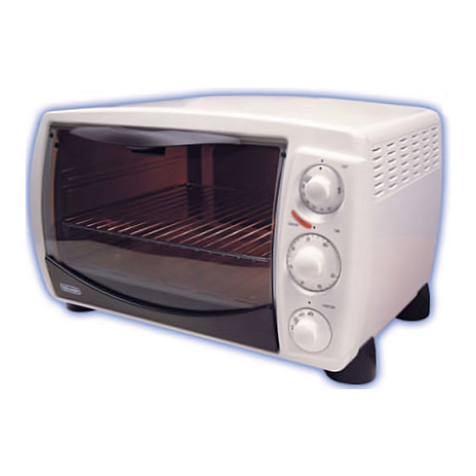
• Open the glass door using the door handle.
• Insert the trays in a proper position.
• Place the food on the trays and close the door.
• Ensure there is enough space between the food for
the heat to be evenly distributed.
• Connect the power plug to a suitable electrical
outlet.
Note: • Do not overload the tray to avoid any dam-
age.
• Check the recipe first for the Timer & Tem-
perature setting.
Attention: Do not use this trays for storage and pro-
cessing of acidic, alkaline or salty food.
2). Start cooking
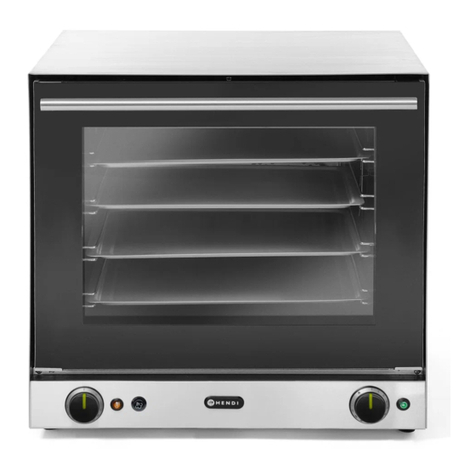
• Set the 2 controls: Timer control and the Temp
control to the desired settings. The Timer con-
trol and the Temp control and the internal
light of the appliance are all lights up. The appli-
ance start heating up.
Note: The ideal cooking time depends on food type
and size, as well as the selected settings. Some
types of food may get burned, if they are baked,
roasted or grilled too long. Therefore, check the
food for doneness in regular intervals through the
glass door.
• When the set time ends, the temperature & timer
indicator goes off.
• To terminate the cooking process manually, just
set the Timer control to the “0”.
• After cooking, set the Temp control to the “0°C”.
• Open the glass door using the door handle and re-
move the food.
Caution! Risk of burns!
• Always open the glass door using the door handle.
• To remove the food, use the tray handle (supplied)
and/or oven mittens (not supplied). Make sure not
to touch and damage the heating elements.
• Keep hands away from steam exiting the appli-
ance.
• After use, disconnect the power plug from the wall
outlet.
• Allow the appliance to cool down completely be-
fore cleaning and storing.
3). Timer control
• A cooking time of maximum 120 minutes can be
set. For this purpose, set the Timer control
to the desired time. The cooking time can be in-
creased or decreased at any time during opera-
tion.
Note: To set time with higher precision, first turn
the Timer control over the desired time posi-
tion a little, then return back to the desired time
position.
• When the set time ends, the Timer control &
the Temp control indicator lights go off and a
sound will be heard.
4). Temp control
• A cooking temperature of maximum MAX (300°C)
can be set. For this purpose, set the Temp control
to the desired temperature.
• Similarly, the cooking temperature can be in-
creased or decreased at any time during opera-
tion.
Note: When the temperature reaches the desired
setting, the Temp control will go off. If the tem-
perature drops, the Temp control will light on
again. This process will be repeated automatically.
Note: Please note that there is a safety thermal cut
out device for protection located at the lower rear
side of the appliance with a protective cap (See
---> RESET with the SAFETY CUT-OUT ). This is
to prevent the appliance from getting too high and
turn off automatically.
Tips for cooking
• Check the recipe first for the Timer control and
Temp control setting.
• Ensure there is enough space between the food for
the heat to be evenly distributed.
• Cooked food and parts of the appliance get very hot
for some time after cooking. Do not touch them
with bare hands while in use or shortly after use.