1
Table of Contents
Connecting Devices to Your TV.............................................................................. 3
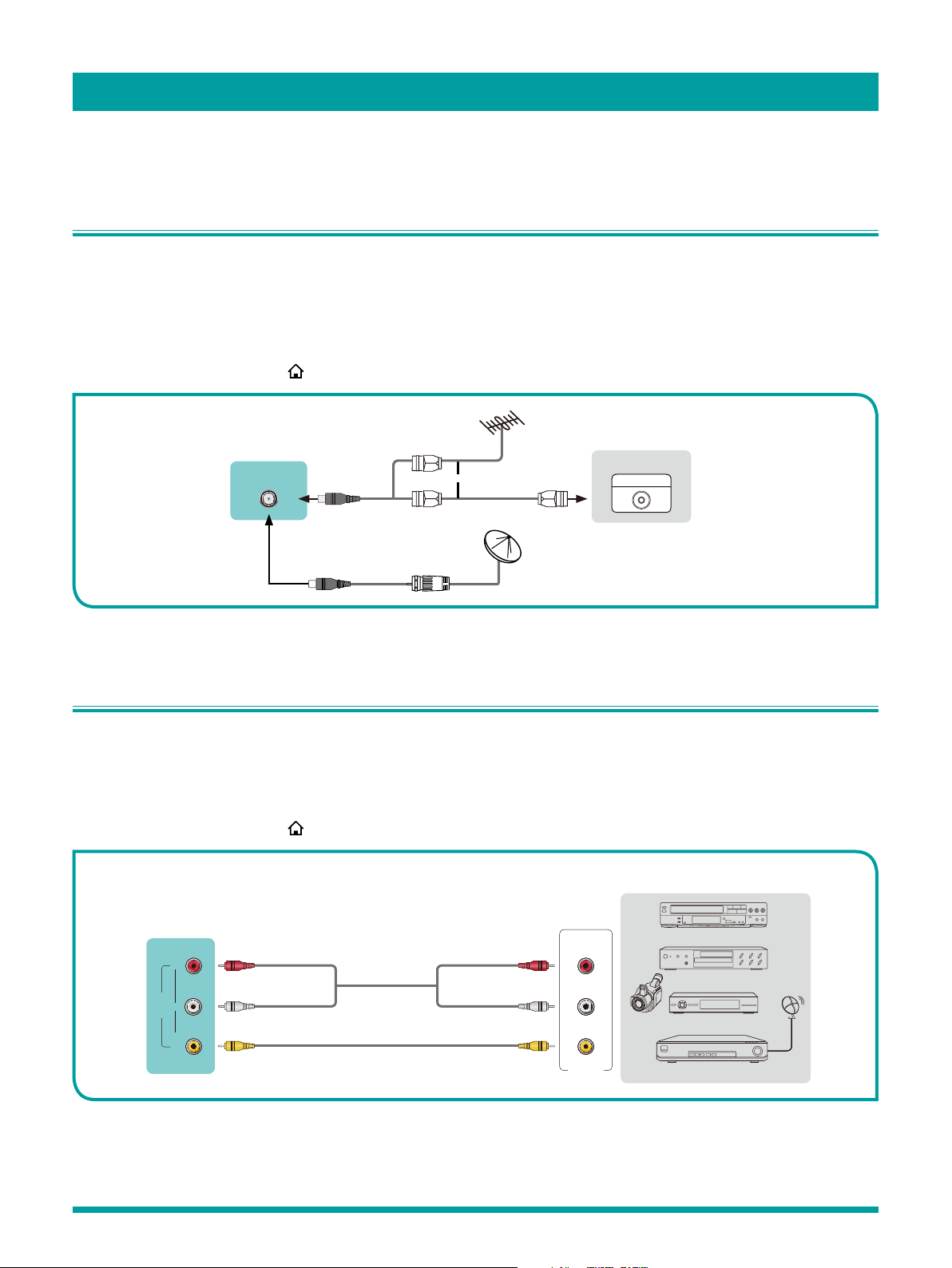
Connecting an antenna, cable or satellite box ..................................................................................3
Connecting an Audio Visual (AV) device with a composite cable.....................................................3
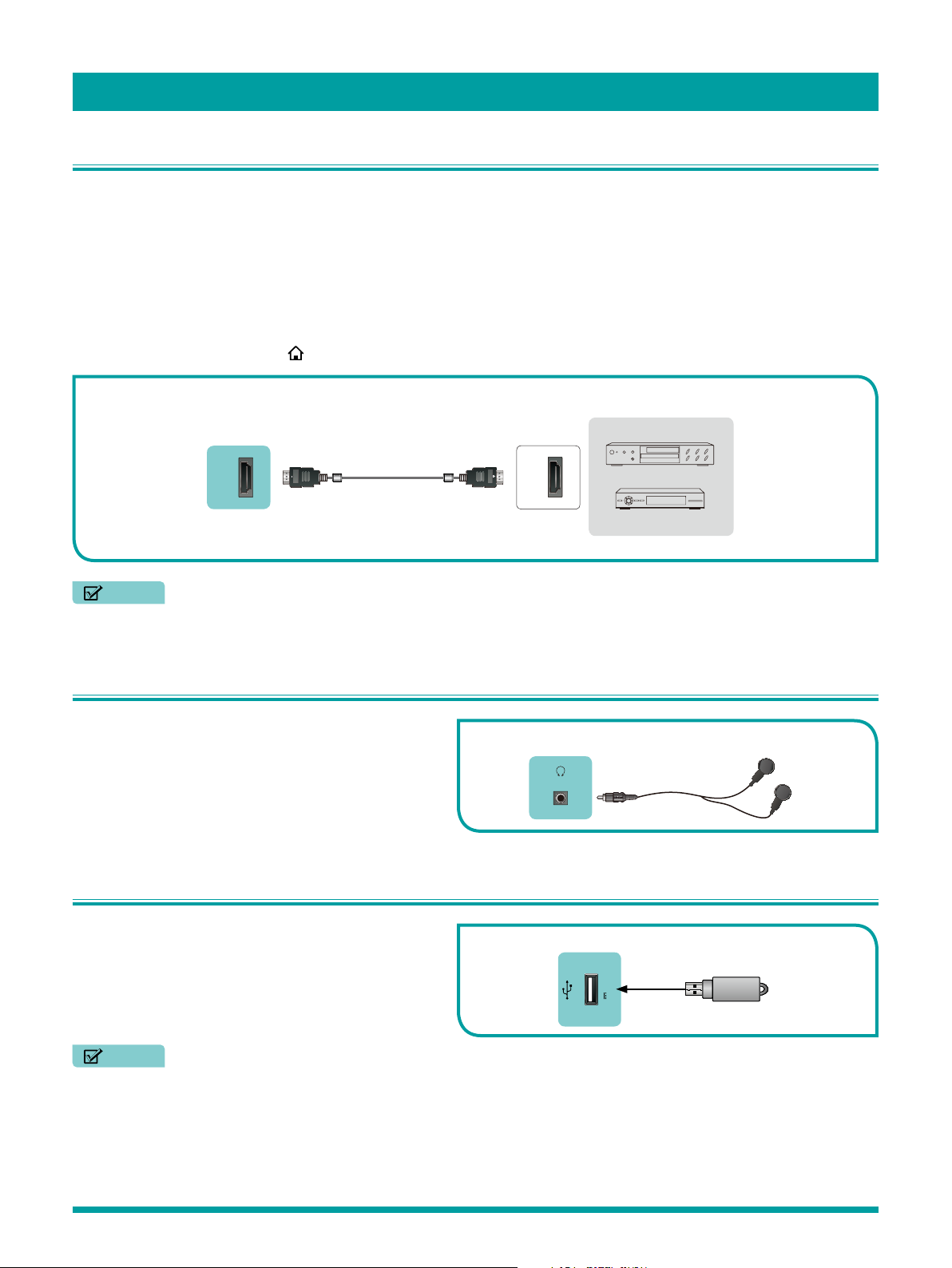
Connecting an AV device with an HDMI cable..................................................................................4
Connecting headphone .....................................................................................................................4
Connecting a USB device to the USB port ........................................................................................4
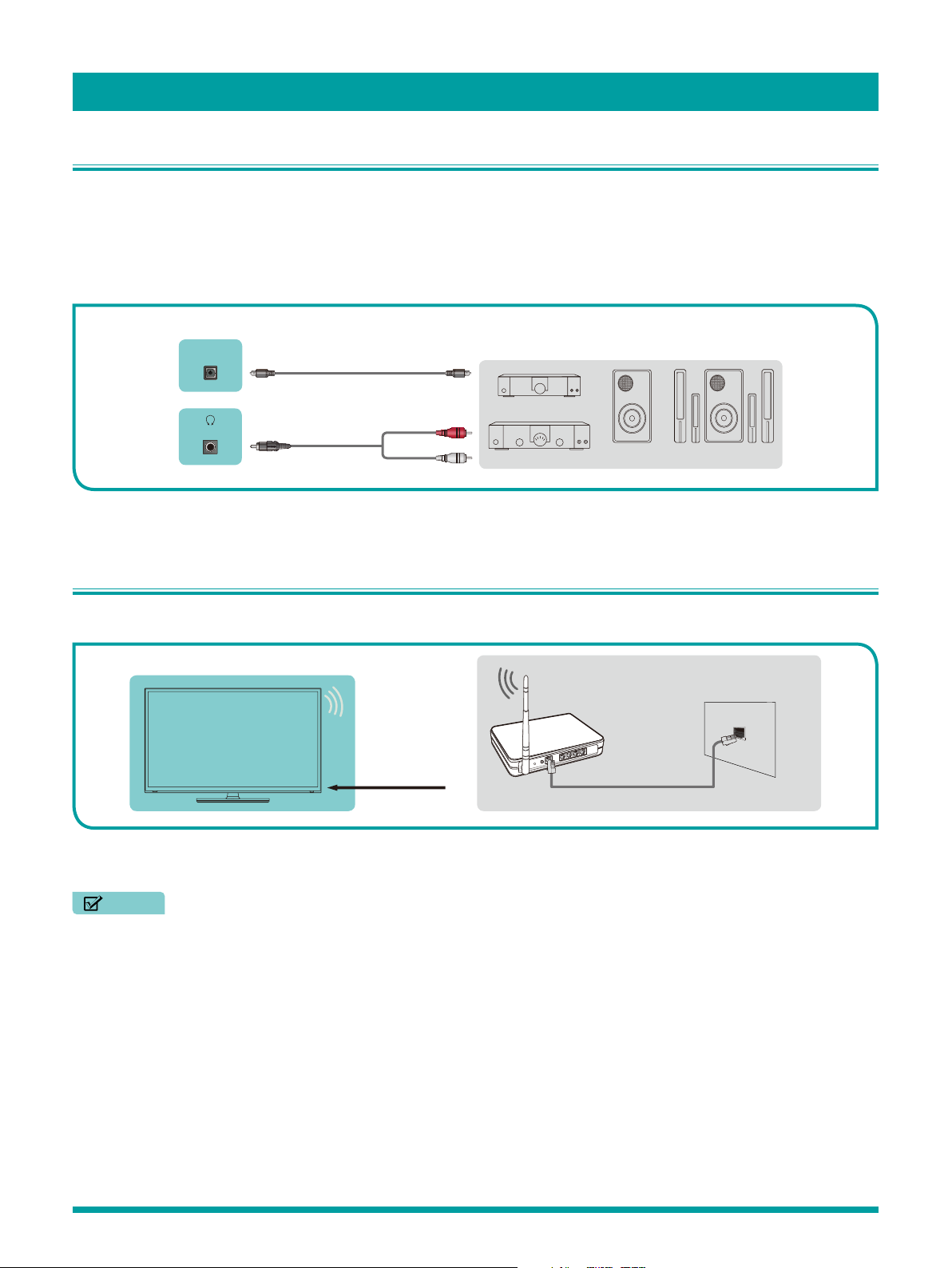
Connecting speakers or other audio receivers..................................................................................5
Connecting to the Internet through a Wireless (WiFi) Device ............................................................5
Guided Setup............................................................................................................ 6
Starting Guided Setup........................................................................................................................6
Connected TV Home Screen ...........................................................................................................11
Non-connected TV Home screen.....................................................................................................12
Benefits of connecting .......................................................................................... 13
Connecting brings out your TV’s full potential! ................................................................................13
What is streaming?...........................................................................................................................13
But what if I didn’t connect my TV?..................................................................................................14
Setting up Antenna TV........................................................................................... 15
Why do I have to set up the TV tuner? .............................................................................................15
How do I set up the TV tuner?..........................................................................................................15
Using your TV......................................................................................................... 18
TV status light...................................................................................................................................18
TV panel buttons ..............................................................................................................................18
Remote control.................................................................................................................................19
Getting around .................................................................................................................................19
Watching broadcast TV channels....................................................................................................21
Switching TV inputs..........................................................................................................................22
Playing content from USB storage devices .....................................................................................23
Playing content from local network media servers ..........................................................................23
Adjusting TV settings ............................................................................................ 24
Settings menu ..................................................................................................................................24
Options menu...................................................................................................................................24
Advanced picture settings...............................................................................................................26