manuals.online logo
Brands
  1. Home
  2. •
  3. Brands
  4. •
  5. Holux
  6. •
  7. GPS
  8. •
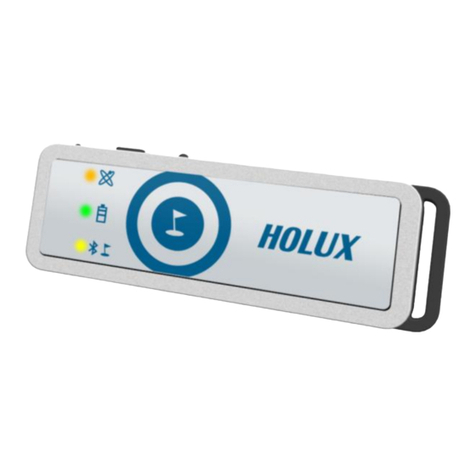
  9. Holux Tracker-007 User manual

Holux Tracker-007 User manual

Other manuals for Tracker-007

3

Other Holux GPS manuals

Holux GR-89 User manual

Holux

Holux GR-89 User manual

Holux GM-83 User manual

Holux

Holux GM-83 User manual

Holux GR-213U User manual

Holux

Holux GR-213U User manual

Holux GM-270 User manual

Holux

Holux GM-270 User manual

Holux M-1000C - Instruction Manual

Holux

Holux M-1000C - Instruction Manual

Holux GPSmile 61 User manual

Holux

Holux GPSmile 61 User manual

Holux GR-86 User manual

Holux

Holux GR-86 User manual

Holux GR-271 User manual

Holux

Holux GR-271 User manual

Holux M-1200A User manual

Holux

Holux M-1200A User manual

Holux GR-213 User manual

Holux

Holux GR-213 User manual

Holux 236 User manual

Holux

Holux 236 User manual

Holux TwoNav Sportiva Plus User manual

Holux

Holux TwoNav Sportiva Plus User manual

Holux GR-91 SPECIFICATION V0.4 User manual

Holux

Holux GR-91 SPECIFICATION V0.4 User manual

Holux GM-120 User manual

Holux

Holux GM-120 User manual

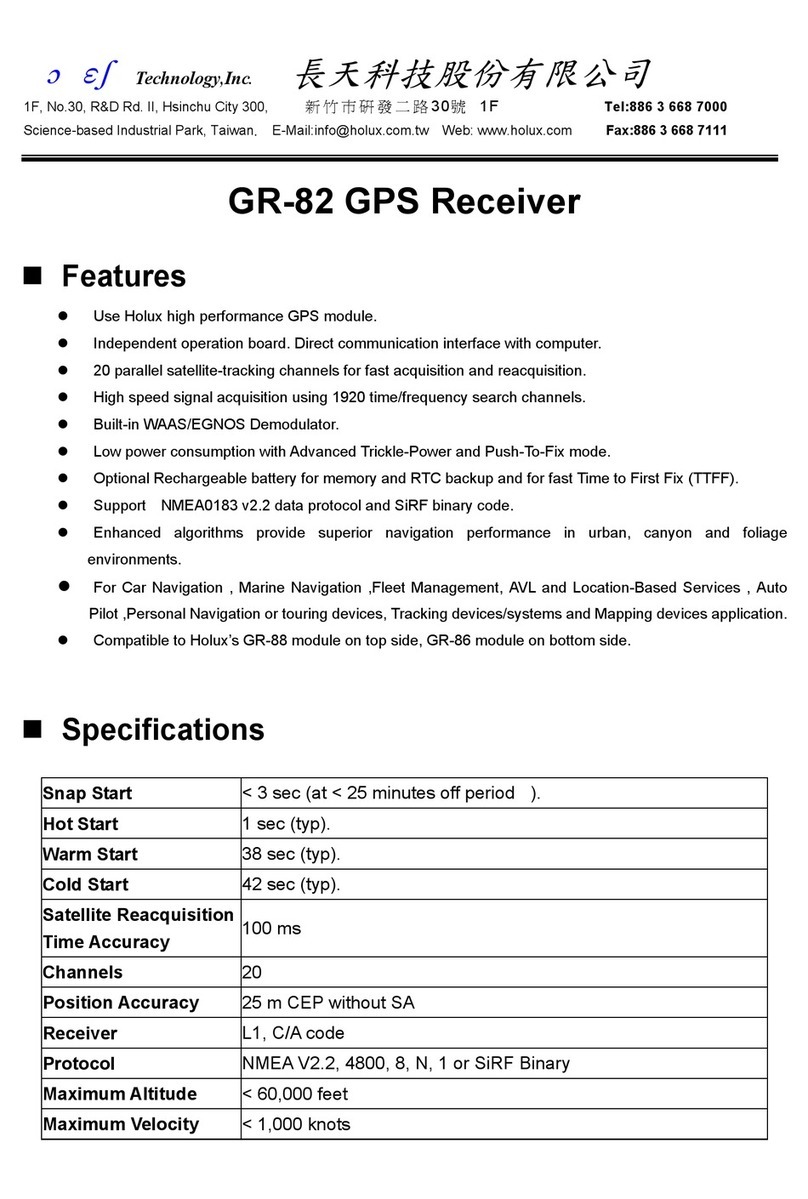
Holux GR-82 User manual

Holux

Holux GR-82 User manual

Holux GR-500 User manual

Holux

Holux GR-500 User manual

Holux GPSport 245+ User manual

Holux

Holux GPSport 245+ User manual

Holux Tracker-007 User manual

Holux

Holux Tracker-007 User manual

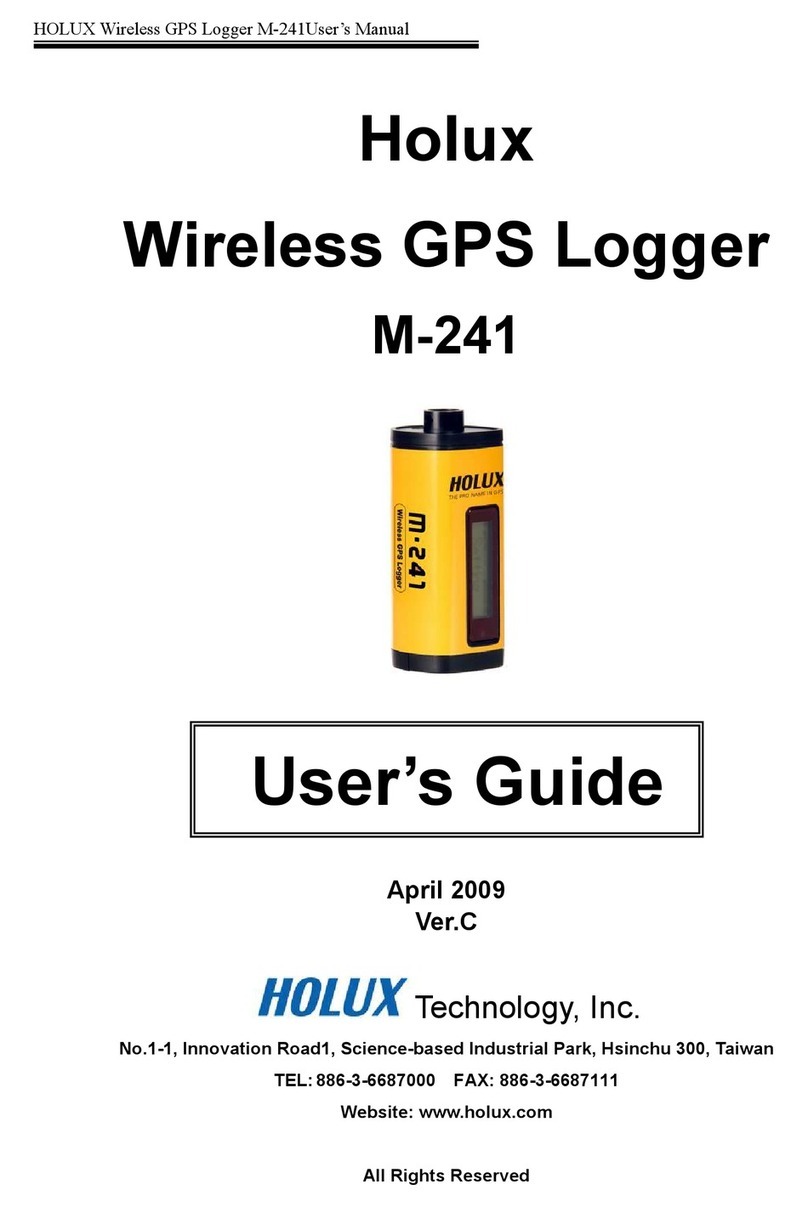
Holux M-241 User manual

Holux

Holux M-241 User manual

Holux M-1000 User manual

Holux

Holux M-1000 User manual

Holux GPSmile 61CS User manual

Holux

Holux GPSmile 61CS User manual

Holux GM-82 User manual

Holux

Holux GM-82 User manual

Holux GPSlim 236B User manual

Holux

Holux GPSlim 236B User manual

Holux GPSlim 236B User manual

Holux

Holux GPSlim 236B User manual

Popular GPS manuals by other brands

Polar Electro RCX3 Getting started guide

Polar Electro

Polar Electro RCX3 Getting started guide

Tobii Pro Spectrum user manual

Tobii Pro

Tobii Pro Spectrum user manual

Gosafe G91I user manual

Gosafe

Gosafe G91I user manual

Fisher TW-8800 operating manual

Fisher

Fisher TW-8800 operating manual

LG LN740 Series Specifications

LG

LG LN740 Series Specifications

Prestigio GeoVision 430 user manual

Prestigio

Prestigio GeoVision 430 user manual

JVC KW-NT3HDT instructions

JVC

JVC KW-NT3HDT instructions

Yoctopuce Yocto-GPS user guide

Yoctopuce

Yoctopuce Yocto-GPS user guide

RightWay GPS Navigator RW 200 user manual

RightWay

RightWay GPS Navigator RW 200 user manual

TomTom VIA user guide

TomTom

TomTom VIA user guide

Garmin ECHOMAP PLUS owner's manual

Garmin

Garmin ECHOMAP PLUS owner's manual

Telit Wireless Solutions GM862GPS Series Hardware user's guide

Telit Wireless Solutions

Telit Wireless Solutions GM862GPS Series Hardware user's guide

Hama 53118 Operating	 instruction

Hama

Hama 53118 Operating instruction

Garmin DEZL 580 owner's manual

Garmin

Garmin DEZL 580 owner's manual

Jigabot EX quick start guide

Jigabot

Jigabot EX quick start guide

Pointer Cellocator CelloTrack XT LTE overview

Pointer

Pointer Cellocator CelloTrack XT LTE overview

Queclink GV55LITE user manual

Queclink

Queclink GV55LITE user manual

Starcom Systems Kylos Compact user guide

Starcom Systems

Starcom Systems Kylos Compact user guide

manuals.online logo
manuals.online logoBrands
  • About & Mission
  • Contact us
  • Privacy Policy
  • Terms and Conditions

Copyright 2025 Manuals.Online. All Rights Reserved.

Tracker-007
GPS Tracking System
User’s Manual
HOLUX Technology, Inc.
No. 1-1, Innovation Road 1,
Science-Based Industrial Park,
Hsinchu, Taiwan
Phone : 88 -3- 87000 Fax : 88 -3- 87111
E-Mail: [email protected] Web: www.holux.com
Version :0.03, July, 2010
Copy right reserved by Holux Technology, Inc
2/25
Revision History
Revision Date Aut or Description
0.01 2008/12/01 Robert Lee Draft
0.02 2009/10/23 Jeffrey Huang Update info
0.03 2010/ /22 Felix Lien Update info
Acronym
EPO Extended Prediction Orbit, predicted ephemeris data specific for MTK
chip solution.
MDS Main Data Server, device will send position information to server
through HTTP message
MTK Mediatek Inc.
SMS Short Message Service
TTFF Time to First Fix
3/25
Table of Contents
1. INTRODUCTION...................................................................................................................... 4
1.1 P
ARTS NAMES AND
F
UNCTIONS
........................................................................................5
2. BEFORE YOU GETTING STARTED ....................................................................................6
2.1 P
OSSIBLE
A
DDITIONAL
F
EE
..............................................................................................6
2.2 A
BOUT
GPS .....................................................................................................................6
2.3 A
BOUT
P
OWER
.................................................................................................................6
2.4 A
BOUT
SIM
PIN
C
ODE
&
GPRS .....................................................................................6
3. CONFIGURING HOLUX TRACKER..................................................................................10
3.1 I
NSTALLING
D
EVICE
D
RIVER FOR
V
IRTUAL
C
OMM
P
ORT
............................................... 11
3.2 S
TARTING
C
ONFIGURATION
............................................................................................13
3.3 S
ETTING
M
OBILE
P
HONE
N
UMBERS
...............................................................................14
3.4 S
ETTING
T
RACKING
I
NTERVALS
.....................................................................................15
3.5 S
ETTING
G
OOGLE KE
...................................................................................................16
3.6 E
DITING
M
ESSAGES
.......................................................................................................17
3.7 S
AVE AND
E
XIT
..............................................................................................................18
4. BASIC OPERATION .............................................................................................................. 19
4.1 T
URN ON
T
RACKER
........................................................................................................19
4.2 T
URN OFF
T
RACKER
.......................................................................................................19
4.3 P
OSITION
L
OCK
(P
ARK
)..................................................................................................19
4.4 E
MERGENC
R
EPORT
(SOS)...........................................................................................19
4.5 LED
I
NDICATION
...........................................................................................................20
4.6 H
OW TO
T
RACK
..............................................................................................................21
4.7 S
TART
T
RACKING
–
R
EQUEST
P
OSITION
.........................................................................22
APPENDIX A. SPECIFICATIONS................................................................................................ 23
4/25
1.
INTRODUCTION
Tracker-007 is a multi-functional tracker. Combining with GPRS and high performance
GPS, the device can be used to track and report device’s position and status to mobile
phone through SMS or Main Data Server (MDS) through HTTP. The operation modes
include continuous tracking and position lock (park). SOS buttons can be used to send
emergency call. All configurations can be set through SMS or USB interface. The wireless
communication includes UDP, TCP/IP, HTTP and SMS. With MTK EPO, it can get shorter
TTFF at distressed environment.
5/25
1.1 Parts names and Functions
Power Signal (Amber) & Status
Signal (Green)
GPS Status (Blue LED)
Park Key
USB Connector
SOS, Press two
keys simultaneously.
6/25
2.
BEFORE YOU GETTING STARTED
2.1 Possible Additional Fee
 Position request and position response sent by SMS will be charged.
 Each zoom operation will be charged according to data quantity transferred.
2.2 About GPS
 GPS signals are incapable of penetrating solid objects that are non-transparent. The
signals will be also affected by surface cover such as tall buildings, tunnels, elevated
expressways, forests etc., or weather conditions such as overcast and rain. If the
vehicle is poorly insulated against heat and contains metal parts, GPS signals will not
be able to penetrate.
 All wireless communication devices such as cell phones, or traffic police speed
detectors can interfere with the reception of GPS signals and results in unstable
signals.
 To get position fix successfully, please hold the Holux logo up for better signal
orientation.
 There is no guaranty that SOS message will be successfully sent at distressed
environment where GPS or GSM signals are weak.
2.3 About Power
 Though this device is USB compliant and can be bus powered, it is NOT
recommended to charge the device though your computer via USB connection. The
manufacturer disclaims any liabilities for damage to the handset or personal PC
caused by any improper use.
 It takes 5 ~ 120 seconds for the device to be completely powered off. If the device is in
the process of acquiring position fix or position report, the power-offing will not be
performed until the previous process is complete.
 Tracker-007 cannot be powered on if battery voltage is below 3.5 volts.
2.4 About SIM PIN Code & GPRS
Notice: SIM PIN should be unlocked before being inserted into the device. SIM PIN can be
disabled through ordinary mobile phone.
• SIM card GPRS function enabled is required for normal operation.
• The default PIN code in device is 0000. If SIM lock is enabled and password is
incorrect, power on/off device three times will make the SIM card locked
permanently. Only PUK code can unlock the SIM in such case. If SIM PIN is
enabled, make sure the PIN code is set to device by TrackerConfig. The PIN code

7/25
set will be saved in non-volatile memory.
• If the SIM card is not inserted or SIM card is invalid, position fix function will be
disabled.
• Google map installed in your cell phone will be downloaded by GPRS
automatically when ezSpot is well installed.
2.5 Download Documents, Driver and Utility
All related documents, driver and utility programs can be downloaded from the ezSpot
server at http://ezspot.holux.com/Holux.
8/25
3. Installing SIM Card
 Slide the SIM card into SIM socket and lock the SIM socket.
9/25
 Restore the bottom cover.
 The final assembly of Tracker-007. Secure the case by fastening the screws and
inserting cap for water proof.
 Make sure that battery is fully charged before using this device.
10/25
3.
CONFIGURING HOLUX TRACKER
Holux provides a way (TrackerUser.exe) for end users to configure their tracker. Users can
easily modify some of the simple settings for their devices, however if users want to modify
some settings which are provided by this utility, please contact you distributor for help.
The TrackerUser.exe is the user utility which enables users to fast configure Holux trackers.
In this chapter, you will be guided through the process to set the phone numbers to receive
tracking report, tracking interval, reporting interval, and editing messages. Periodical
tracking mode can be enabled to make device getting position fix and report to server at


preset interval.
Tracker007 allows users receive location data by mobile phone, which means users must
get a set of Google key to setup the tracker. Please refer to Chapter 3.5 for the steps.
Please note this utility supports only Windows OS. Linux or Mac OS are not supported at
this point.
Note: Make sure the tracker is powered on prior to it is plugged into your computer
for configuration. Then use the included USB cable to connect the tracker with your
computer to configure the tracker.