Table of Contents
i
ABOUT THE SYSTEM 1
Introduction .........................................................................................................................................................1
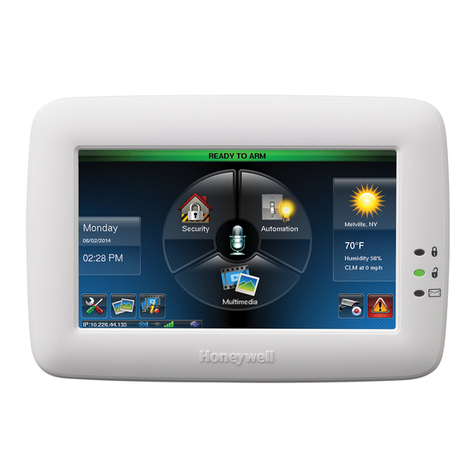
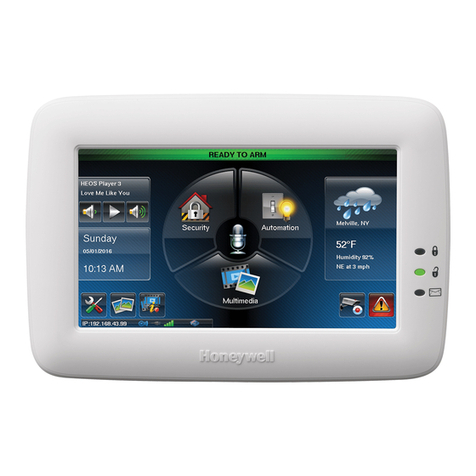
Home Page .........................................................................................................................................................3
Multi-Media Options.............................................................................................................................................3
Data Entry Keyboard...........................................................................................................................................4
Navigation Icon Descriptions...............................................................................................................................4
LED Operation.....................................................................................................................................................5
Screen Blackout (EN50131 Display)....................................................................................................................5
Messages............................................................................................................................................................6
Operating Modes.................................................................................................................................................6
USING PICTURES, CAMERAS AND VIDEOS (MULTI-MEDIA) 9
Picture Setup.......................................................................................................................................................9
Video Functionality..............................................................................................................................................10
Playback..............................................................................................................................................................10
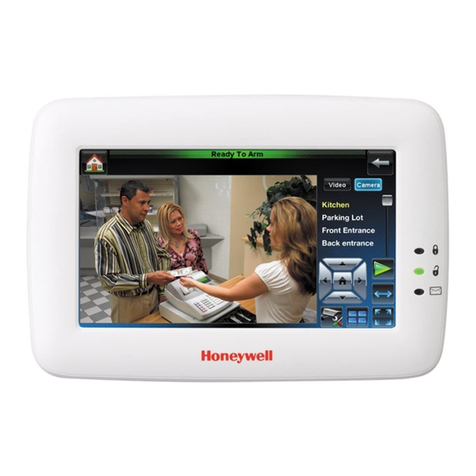
Camera Configuration and Viewing.....................................................................................................................11
Viewing Cameras................................................................................................................................................11
Adding Cameras to the System...........................................................................................................................12
Video Recording..................................................................................................................................................16
Z-WAVE DEVICES, SCENES & TOTAL CONNECT (AUTOMATION) 18
Using Z-Wave®Devices.......................................................................................................................................18
Manual Z-Wave Device Control...........................................................................................................................18
Z-Wave Home Page Icons...................................................................................................................................19
Z-Wave Device Management Buttons.................................................................................................................20
Adding and Deleting Z-Wave Devices .................................................................................................................21
Z-Wave Device Setup..........................................................................................................................................23
Z-Wave Network Update.....................................................................................................................................24
Creating Scenes..................................................................................................................................................25
Group Setup........................................................................................................................................................31
Room Setup ........................................................................................................................................................32
Secondary Tuxedo Controller..............................................................................................................................32
Integrating Total Connect Remote Services ........................................................................................................33
USING THE SECURITY SYSTEM 35
Security System Operation..................................................................................................................................35
How to Disarm the System..................................................................................................................................37
User Codes .........................................................................................................................................................39
Fire and Carbon Monoxide Alarm Operation .......................................................................................................41
Output Setup Function.........................................................................................................................................42
More Choices......................................................................................................................................................42
Advanced System Features.................................................................................................................................42
Brightness and Volume Control...........................................................................................................................44
Display & Audio Setup.........................................................................................................................................44
Weather Setup ....................................................................................................................................................45
Adjust the Screen Timeouts.................................................................................................................................45
Clean Screen.......................................................................................................................................................45
Routine Care.......................................................................................................................................................46
Time/Date Setup .................................................................................................................................................46
E-Mail Setup........................................................................................................................................................47
IP Setup ..............................................................................................................................................................49
Remote Access Log In Setup (Account Setup)....................................................................................................50
Software Updates................................................................................................................................................53
Enabling Devices for Total Connect.....................................................................................................................54
Controlling Automation (Z-Wave) Devices Remotely...........................................................................................54
Creating Scenes in Total Connect.......................................................................................................................55
Viewing and Controlling Total Connect Scenes from Tuxedo..............................................................................55
NOTES 56
Z-Wave Wireless Range......................................................................................................................................56
Compatible Z-Wave Devices...............................................................................................................................56
System Troubles .................................................................................................................................................57