manuals.online logo
Brands
  1. Home
  2. •
  3. Brands
  4. •
  5. horsch
  6. •
  7. Farm Equipment
  8. •
  9. horsch RT-Series User manual

horsch RT-Series User manual

Other horsch Farm Equipment manuals
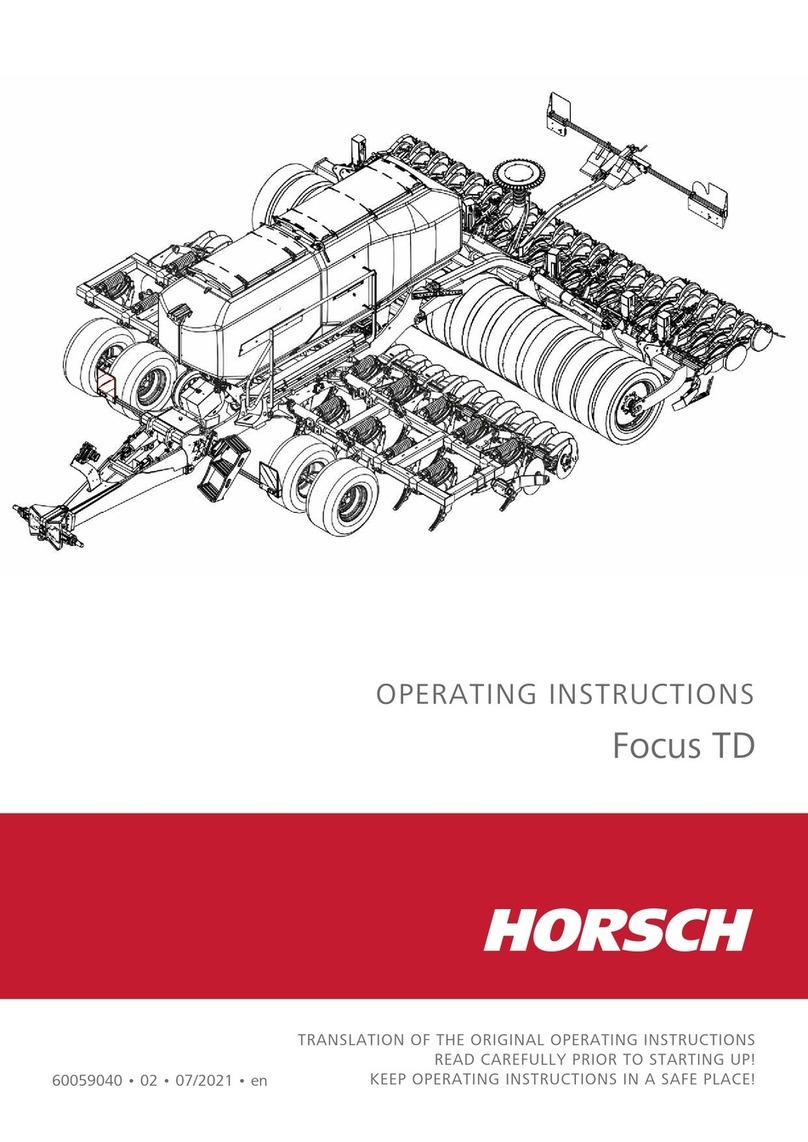
horsch Focus 4 TD User manual

horsch

horsch Focus 4 TD User manual

horsch Transformer 6 VF User manual

horsch

horsch Transformer 6 VF User manual
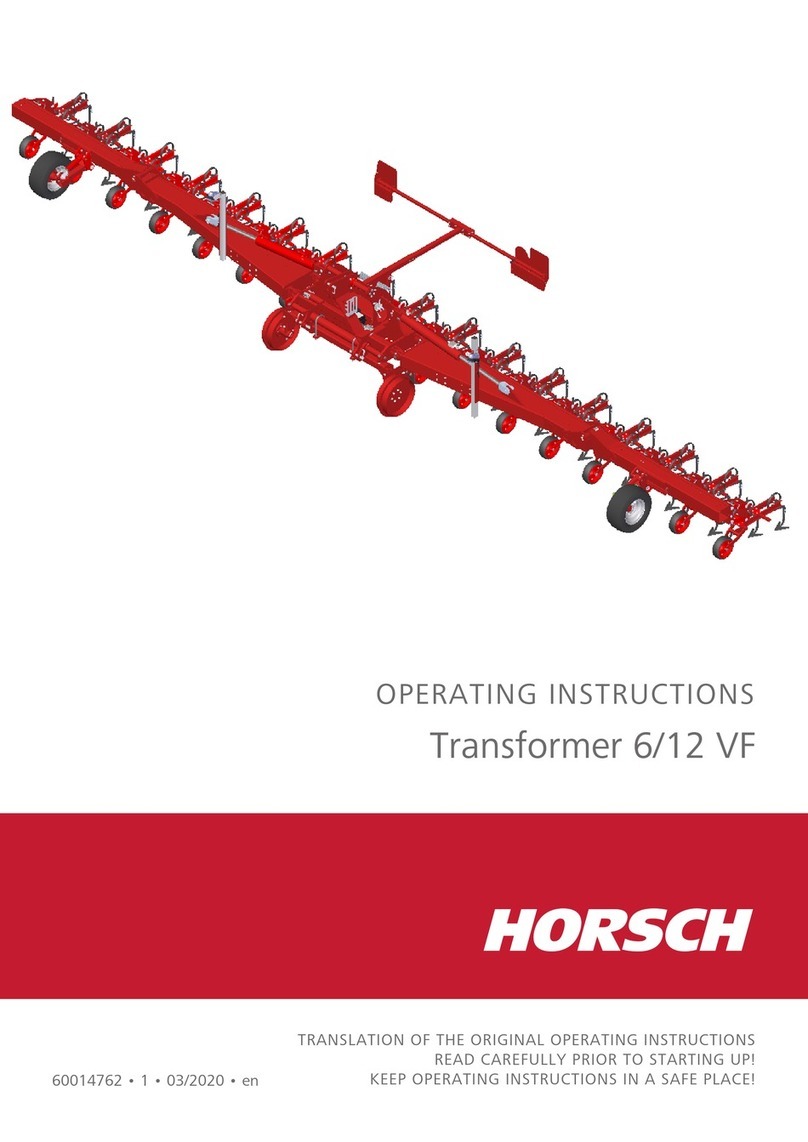
horsch Transformer 6 VF User manual

horsch

horsch Transformer 6 VF User manual
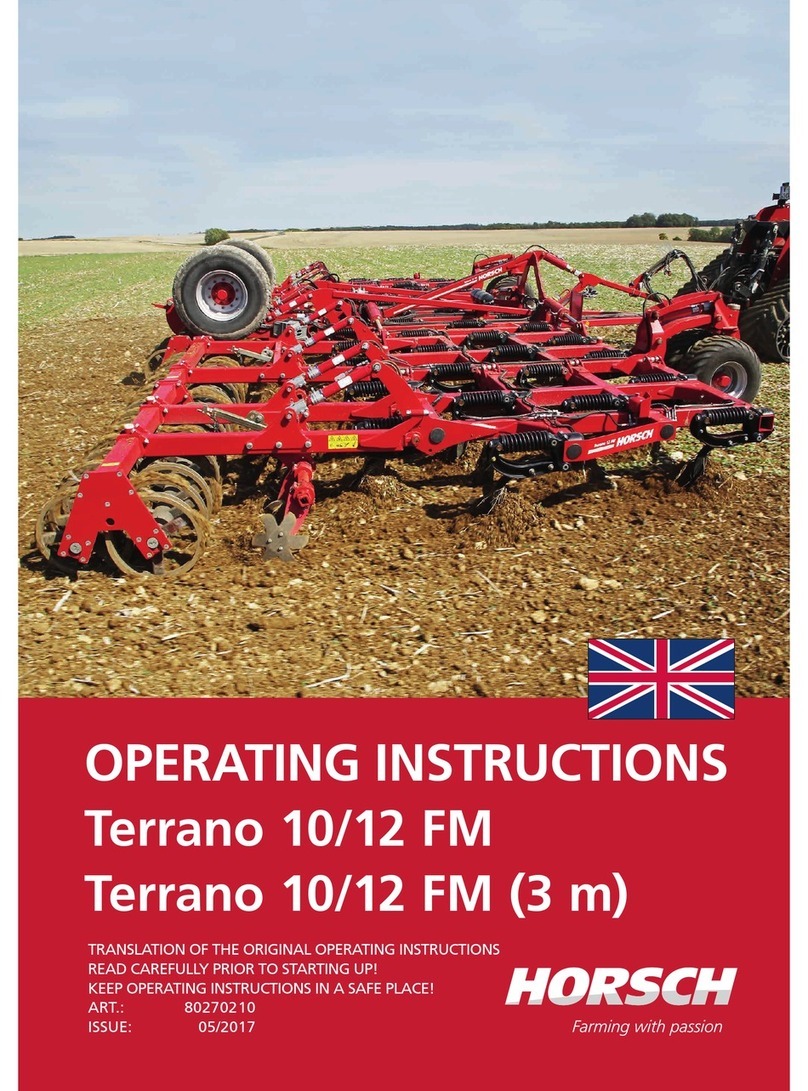
horsch Terrano 10 FM User manual

horsch

horsch Terrano 10 FM User manual
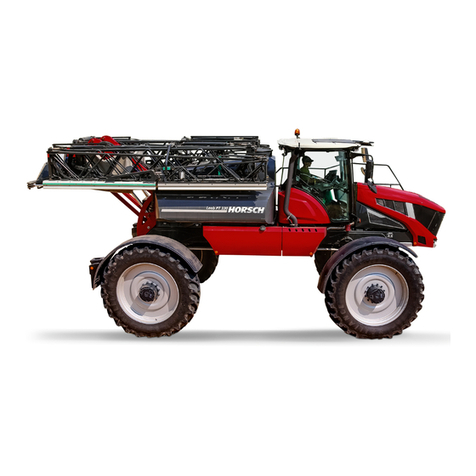
horsch LEEB PT 330 User manual

horsch

horsch LEEB PT 330 User manual
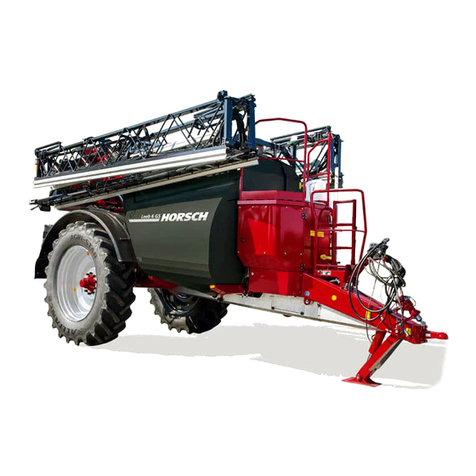
horsch Leeb 6 GS User manual

horsch

horsch Leeb 6 GS User manual
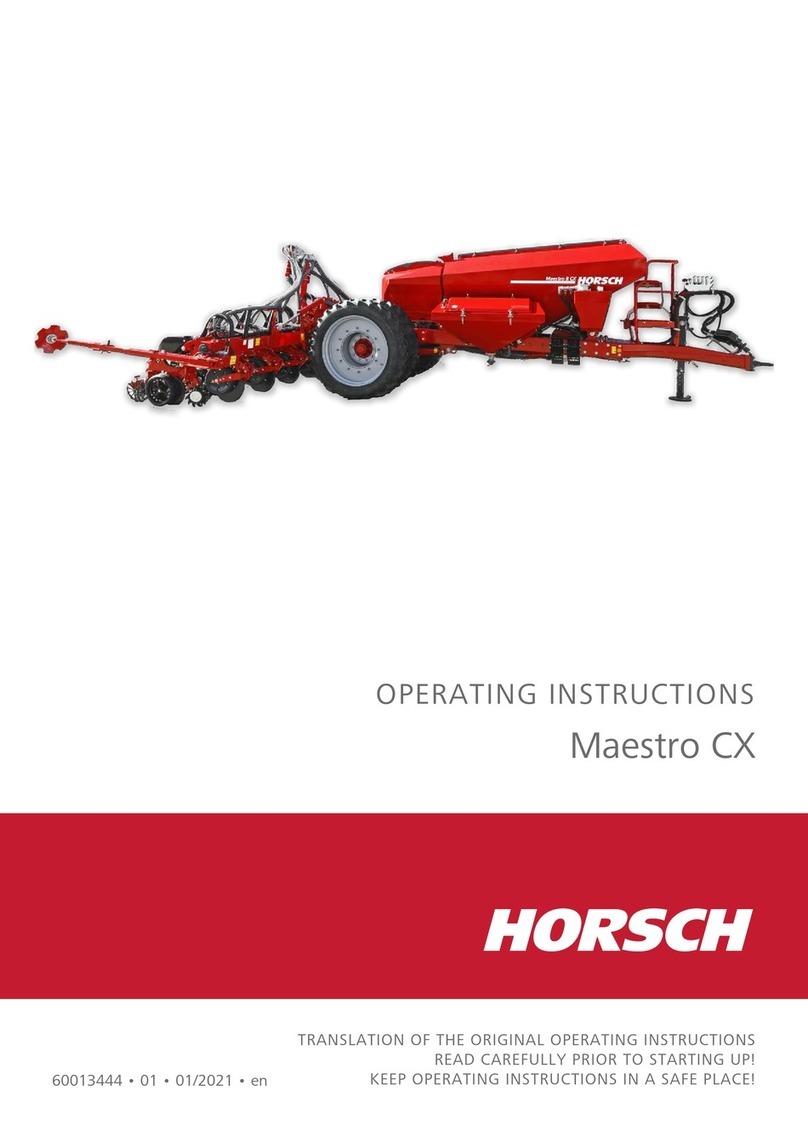
horsch Maestro CX Quick guide

horsch

horsch Maestro CX Quick guide

horsch Maestro 12 SV Quick guide

horsch

horsch Maestro 12 SV Quick guide
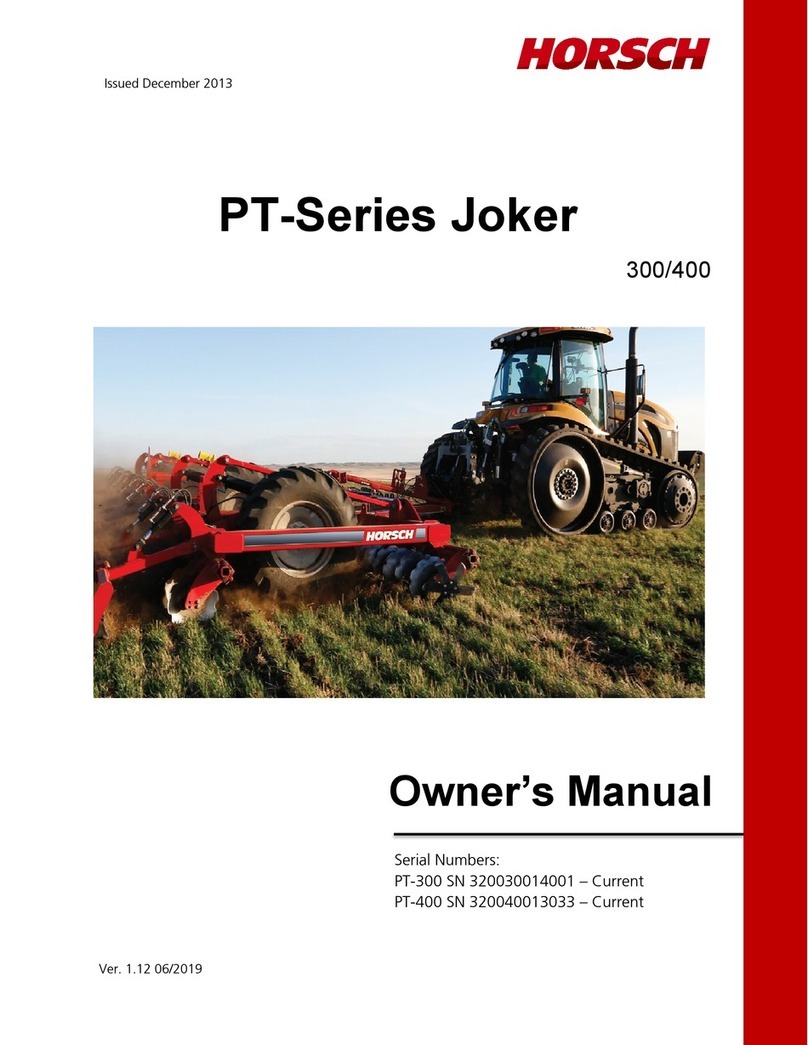
horsch Joker PT-Series User manual

horsch

horsch Joker PT-Series User manual
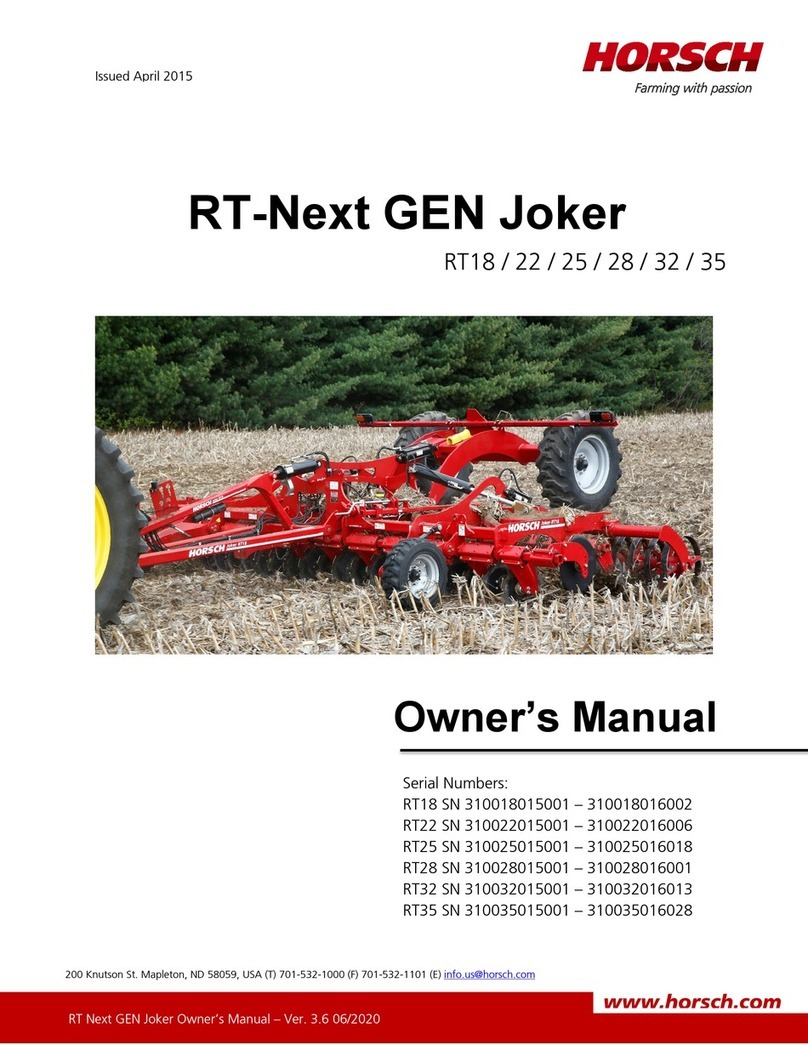
horsch RT18 User manual

horsch

horsch RT18 User manual
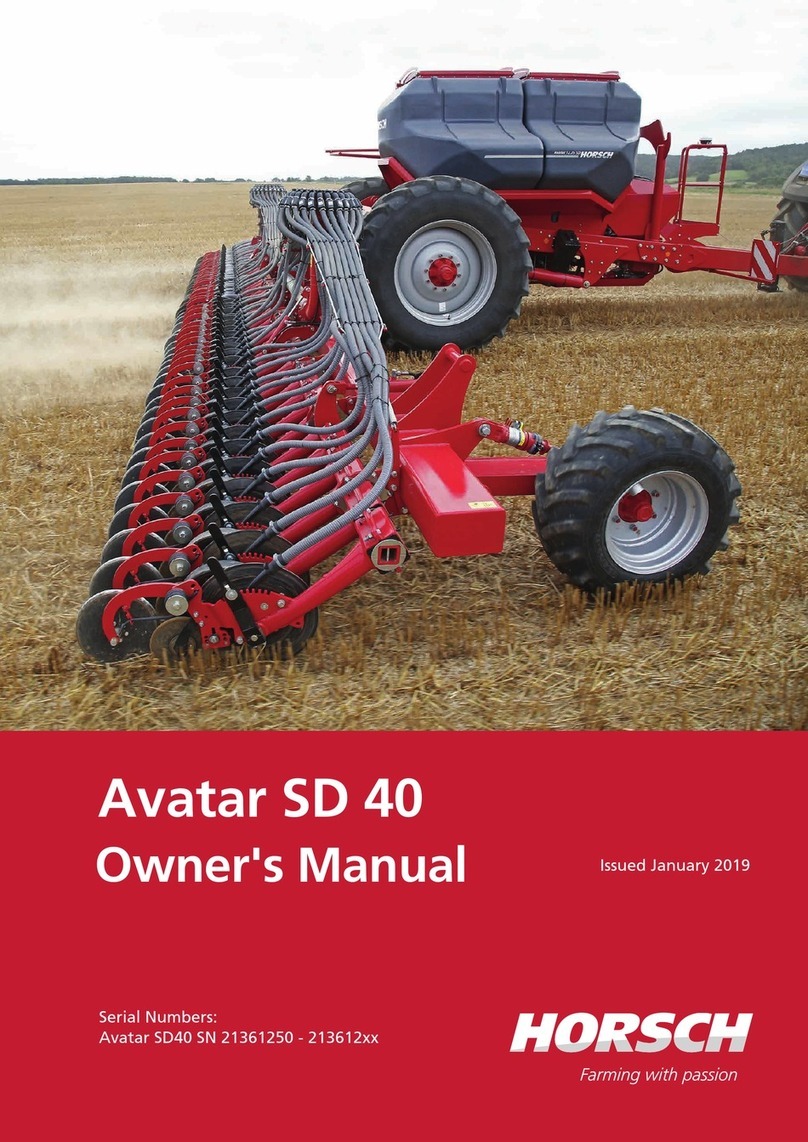
horsch Avatar SD 40 User manual

horsch

horsch Avatar SD 40 User manual
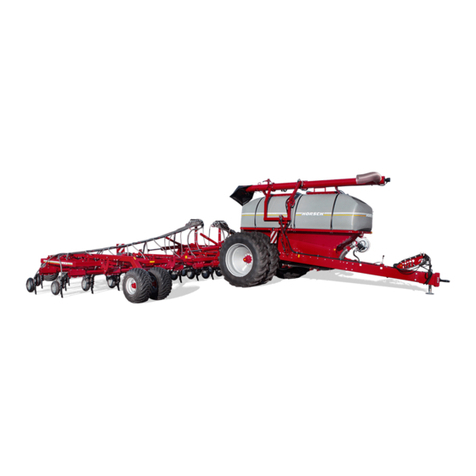
horsch SPRINTER 11 NT User manual

horsch

horsch SPRINTER 11 NT User manual
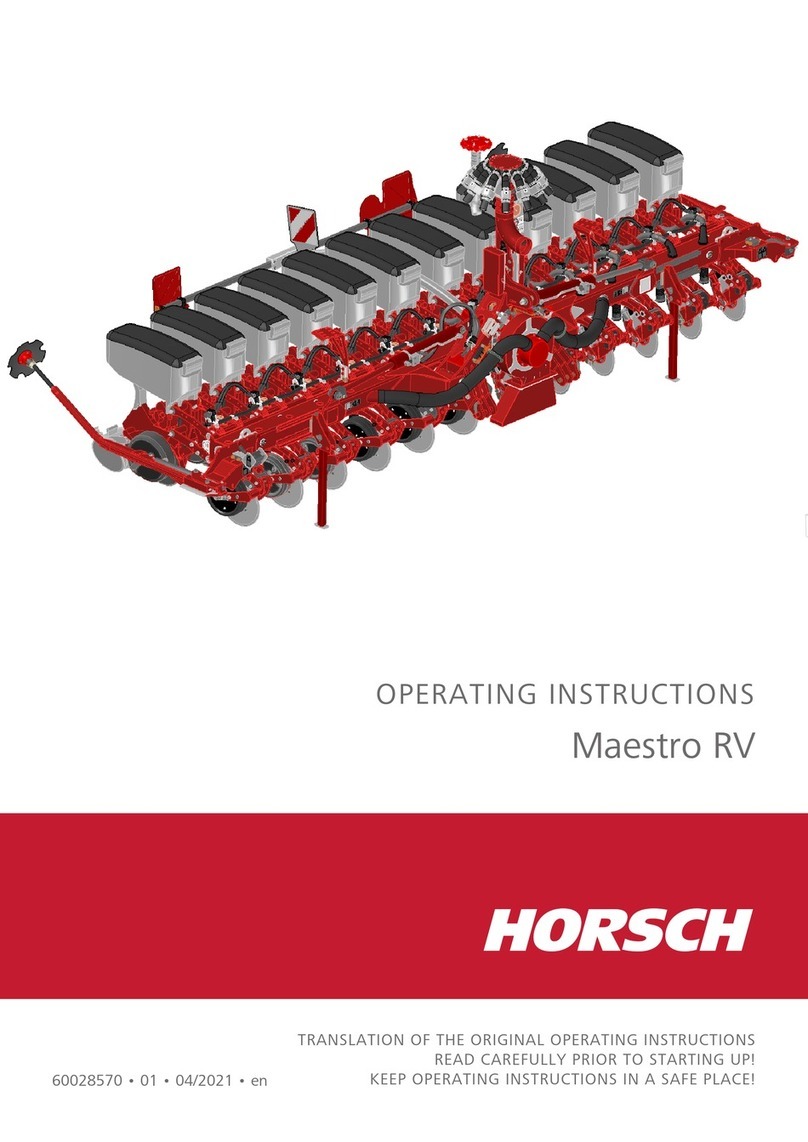
horsch Maestro RV User manual

horsch

horsch Maestro RV User manual
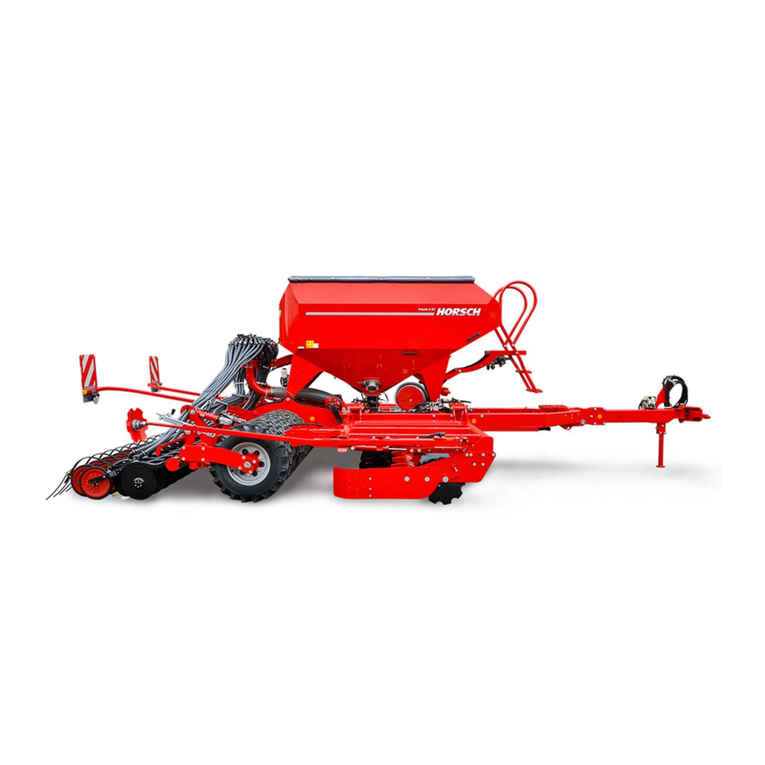
horsch Pronto 3 - 6 DC User manual

horsch

horsch Pronto 3 - 6 DC User manual
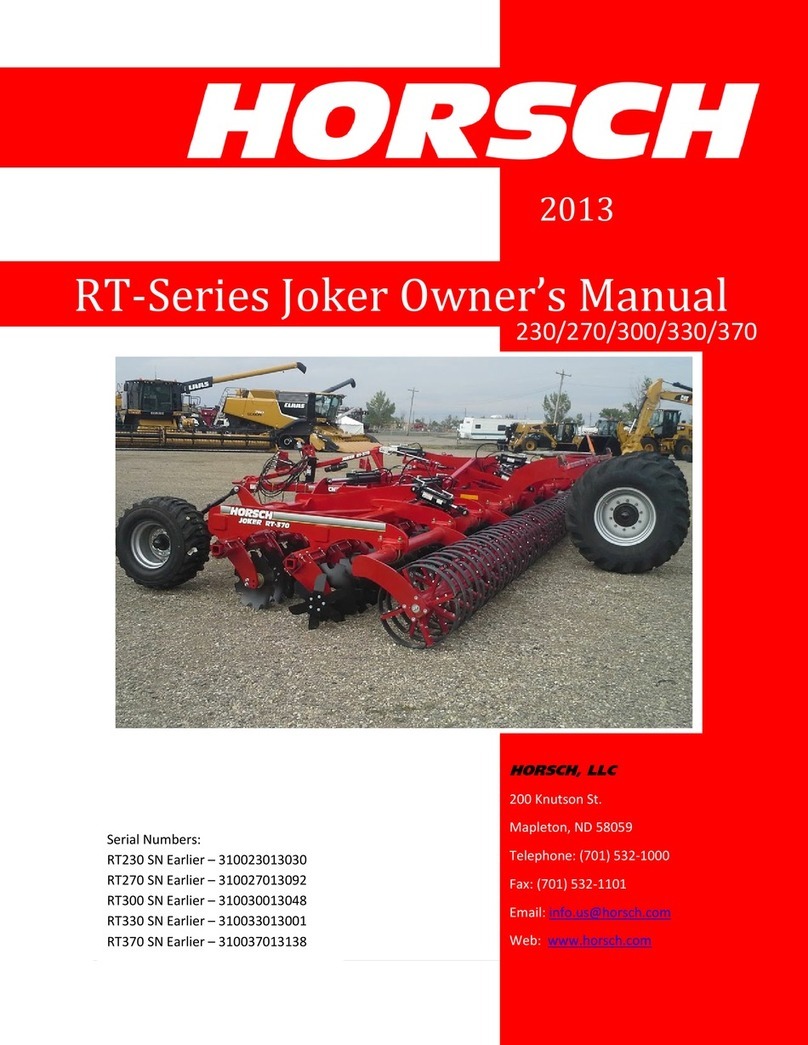
horsch Joker RT Series User manual

horsch

horsch Joker RT Series User manual
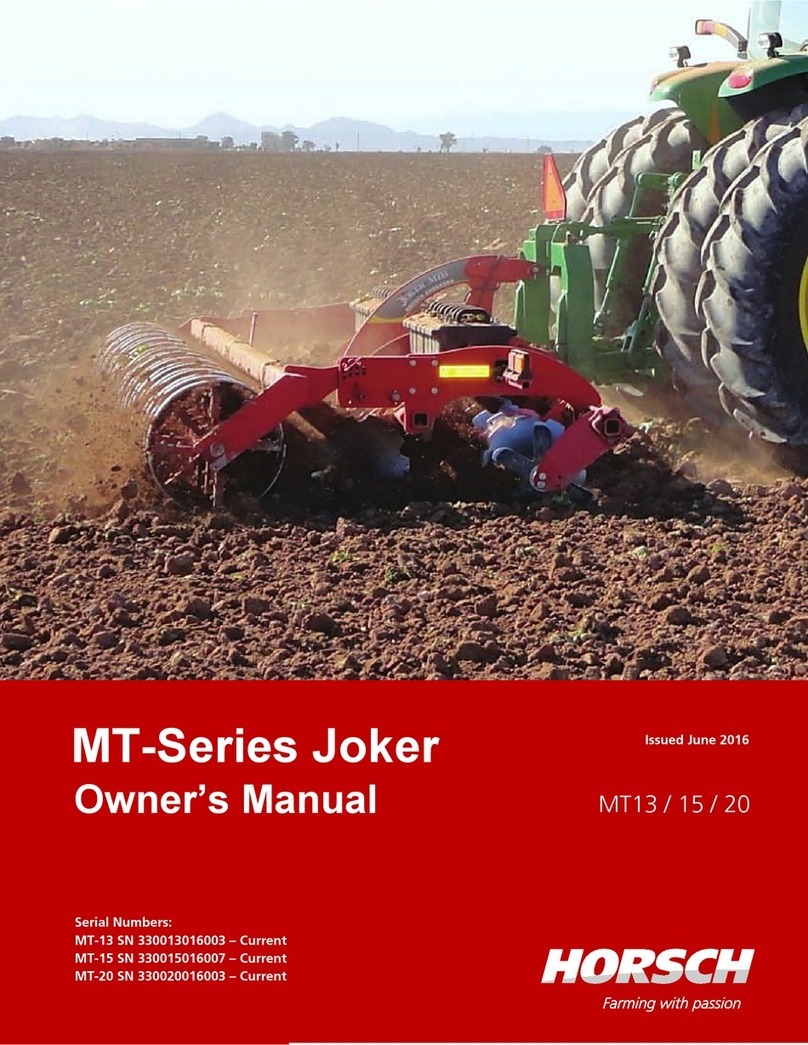
horsch Joker MT-Series User manual

horsch

horsch Joker MT-Series User manual
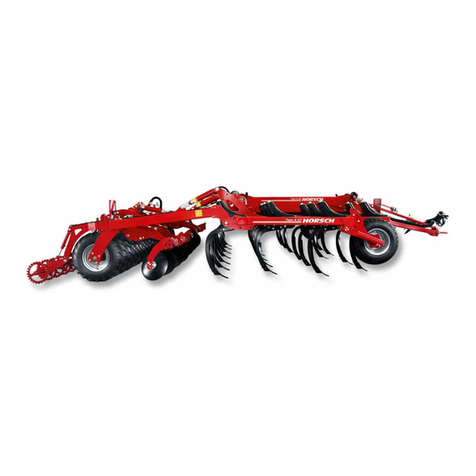
horsch Tiger AS Series User manual

horsch

horsch Tiger AS Series User manual
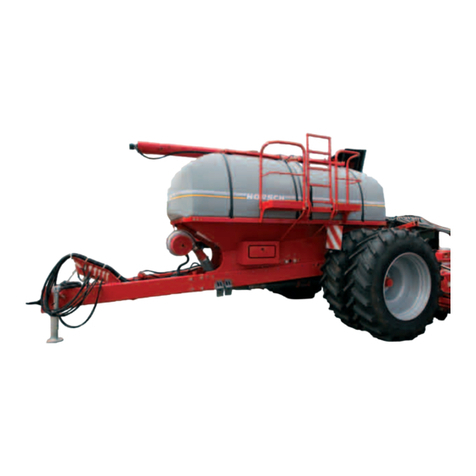
horsch SW 12000 SD User manual

horsch

horsch SW 12000 SD User manual
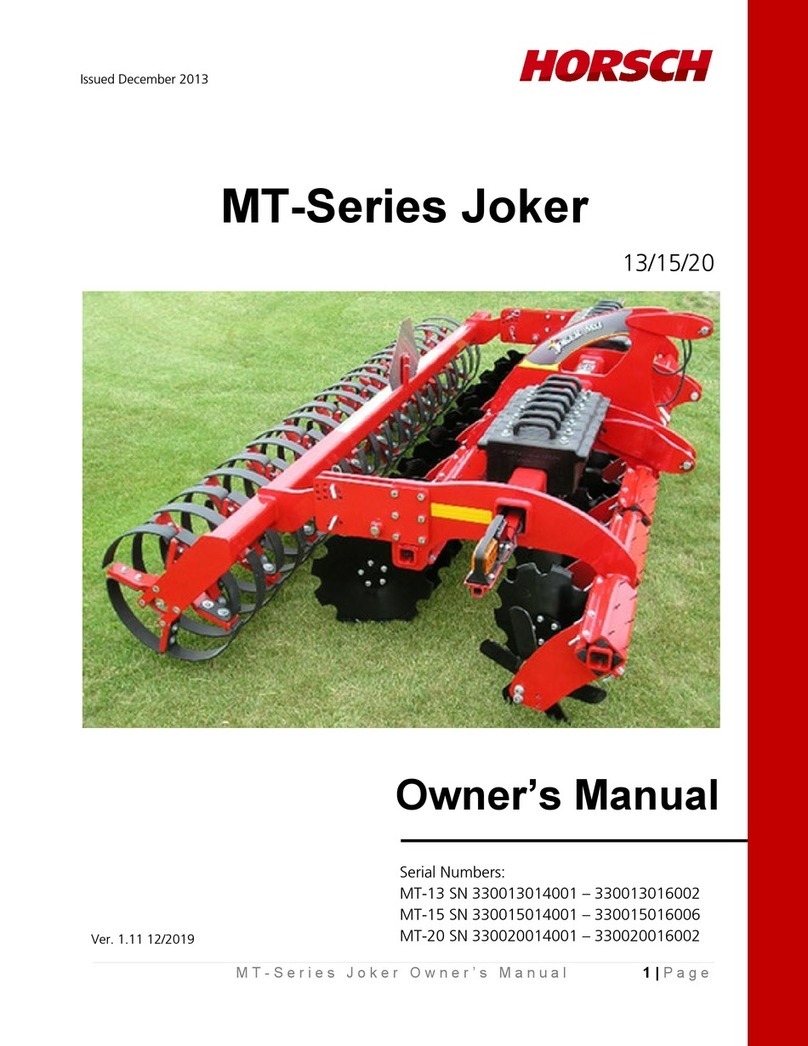
horsch Joker MT-Series User manual

horsch

horsch Joker MT-Series User manual
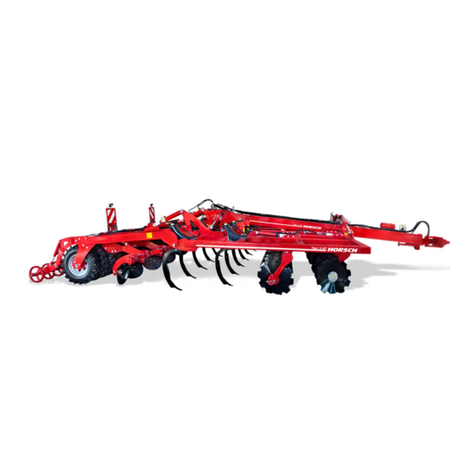
horsch Tiger MT Series User manual

horsch

horsch Tiger MT Series User manual

horsch SW 3500 S User manual

horsch

horsch SW 3500 S User manual

horsch SW 600 User manual

horsch

horsch SW 600 User manual

horsch Taro 6 SL User manual

horsch

horsch Taro 6 SL User manual

horsch Leeb 5.280 VL User manual

horsch

horsch Leeb 5.280 VL User manual

Popular Farm Equipment manuals by other brands
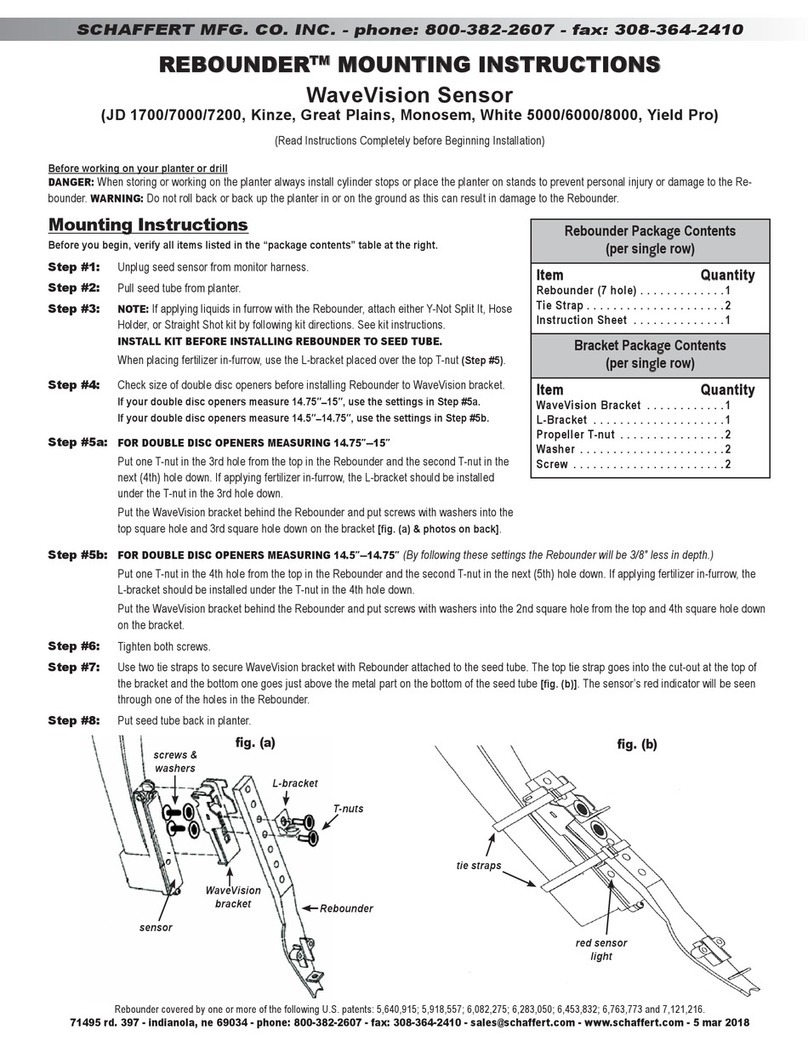
Schaffert Rebounder Mounting instructions

Schaffert

Schaffert Rebounder Mounting instructions

Stocks AG Fan Jet Pro Plus 65 Original Operating Manual and parts list
Stocks AG

Stocks AG Fan Jet Pro Plus 65 Original Operating Manual and parts list

Cumberland Integra Feed-Link Installation and operation manual
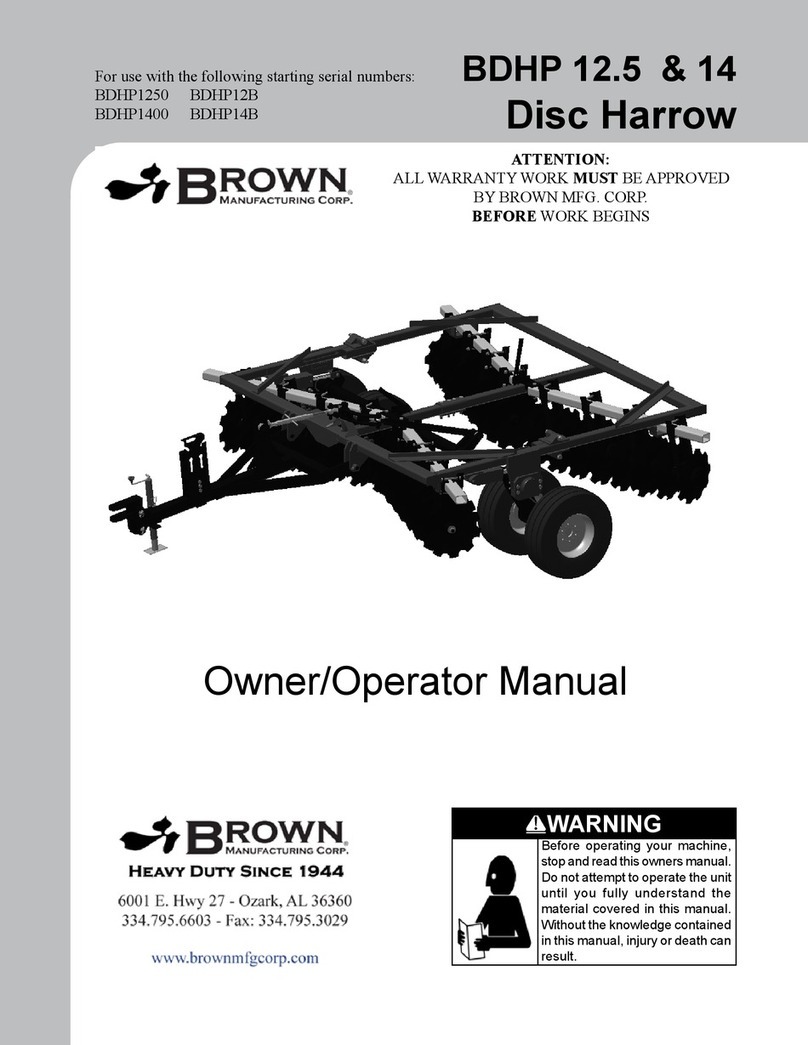
Cumberland

Cumberland Integra Feed-Link Installation and operation manual

BROWN BDHP-1250 Owner's/operator's manual
BROWN

BROWN BDHP-1250 Owner's/operator's manual

Molon BCS operating instructions

Molon

Molon BCS operating instructions
Vaderstad Rapid Series instructions

Vaderstad

Vaderstad Rapid Series instructions
HighLine BM1400 operating manual

HighLine

HighLine BM1400 operating manual

GSi PNEG-2314 installation manual

GSi

GSi PNEG-2314 installation manual

Checchi & Magli TEXDRIVE owner's manual

Checchi & Magli

Checchi & Magli TEXDRIVE owner's manual

Amazone Cenius 4003-2TX operating manual

Amazone

Amazone Cenius 4003-2TX operating manual

MASSEY FERGUSON MF 9313S Operator's manual

MASSEY FERGUSON

MASSEY FERGUSON MF 9313S Operator's manual

Cima BLITZ Maintenance Instruction

Cima

Cima BLITZ Maintenance Instruction

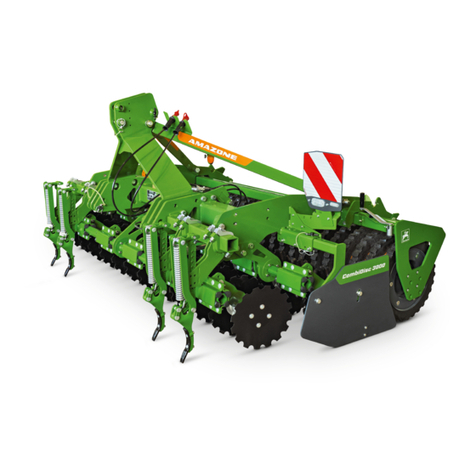
Amazone CombiDisc 3000 Original operating manual

Amazone

Amazone CombiDisc 3000 Original operating manual

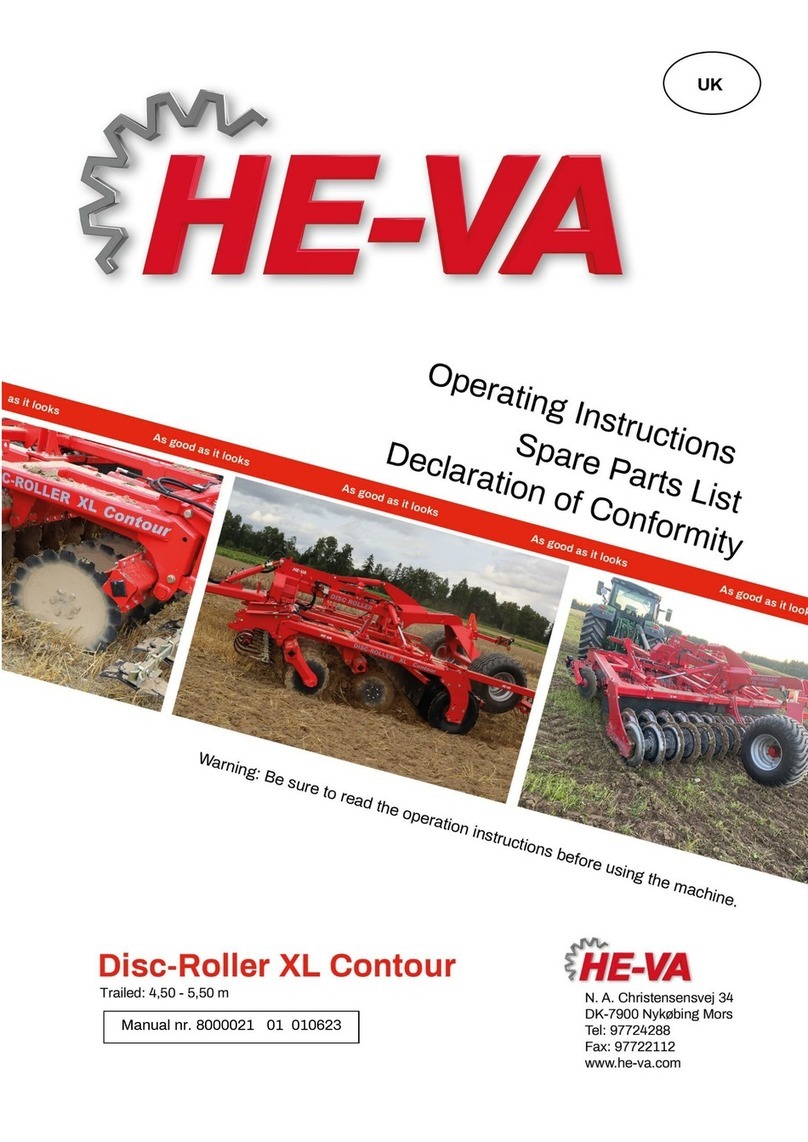
HE-VA Disc-Roller XL Contour Operating instructions/spare parts list

HE-VA

HE-VA Disc-Roller XL Contour Operating instructions/spare parts list

AGT AGT-SSFM product manual

AGT

AGT AGT-SSFM product manual

Milestone 72-84 manual

Milestone

Milestone 72-84 manual

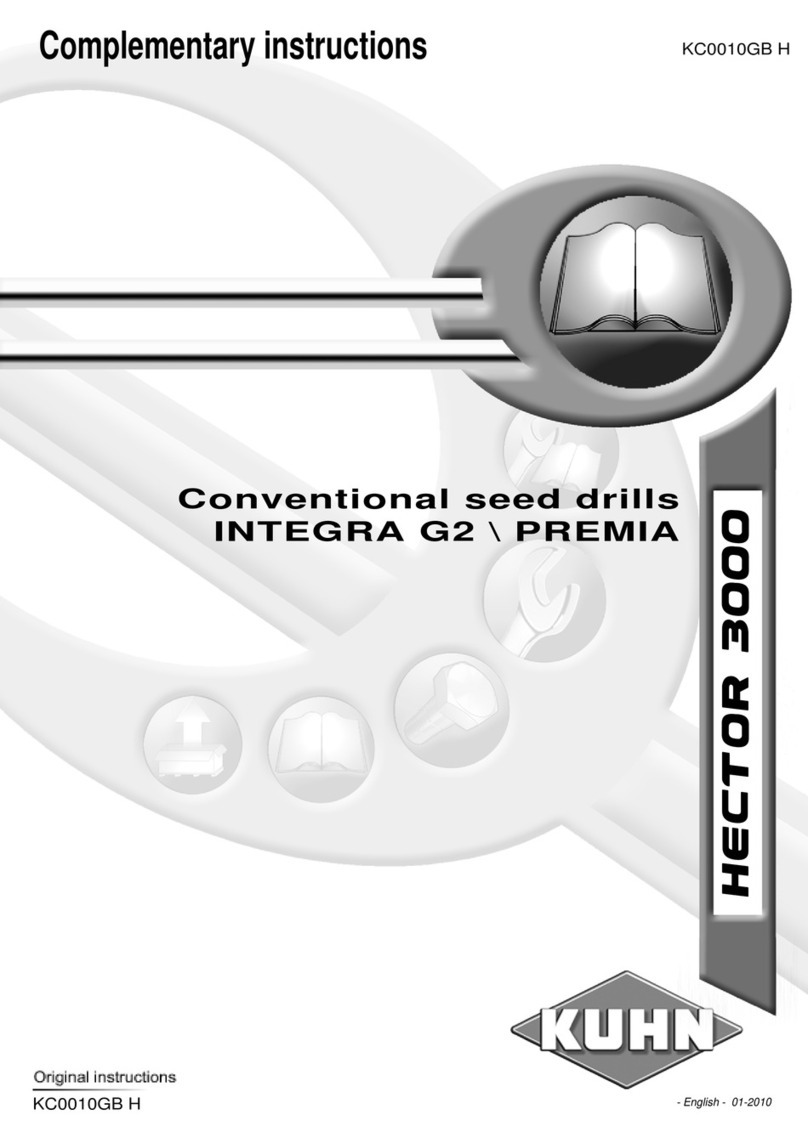
KUHN Hector 3000 Complementary instructions

KUHN

KUHN Hector 3000 Complementary instructions

Krone X-Disc 6200 operating instructions

Krone

Krone X-Disc 6200 operating instructions

manuals.online logo
manuals.online logoBrands
  • About & Mission
  • Contact us
  • Privacy Policy
  • Terms and Conditions

Copyright 2025 Manuals.Online. All Rights Reserved.

HORSCH
www.horsch.com
Quick Start Guide – RT-Series Joker iDepth Ver.1.0 06/2020
Quick Start Guide: RT-Series Joker
iDepth Electronic Control
NOTE: This Quick Start Guide is to be used for the quick start-up and setup of the iDepth Electronic Control
system of the RT-Series Joker tillage machines. This guide may be used in conjunction with the Quick
Reference Guide – RT-Series Joker, Electronic specific to the iDepth Electronic Control System. For further
information refer to the model year specific machine Owner’s Manual for complete operating instructions and
safety information.
Hydraulic Connections:
Quick Start & Setup:
1. Turn Selector Valve to “FIELD”operation.
2. Fully extend rear packer cylinders (1)to raise machine all the
way up on the rear packer and front hitch.
3. Turn SCV to 100% flow.
4. Set the tractor time for the remote to 8 seconds.
5. Then select Calibrate on the iDepth panel. Hold for 3 seconds.
The display should say ‘AA’ Depth and ‘0’ Hitch Offset. This will
set top dead center for the machine.
6. Now set it to ‘D’ Dept and ‘-2’ Hitch Offset.
7. Lower the machine.
8. Once the box stops flashing, hit the Calibrate button one more time.
9. The display should now read ‘AA’ Depth and ‘0’ Hitch Offset. This will level the frame.
10. The machine should now be ready to go. Raise the machine (1), then select ‘D’ Depth and it should
be about one inch deep.
Helpful Hints:
1. Remember that there is an 8-second timer on that remote and you cannot go any faster than that
8 seconds allows.
2. Each letter past ‘D’ will be one inch per letter for depth adjustment.
3. Measure each adjustment for verification. Always remember that this depth control box will do
exactly what you tell it.
(1) LIFT – Green
(2) REAR AXLE – Blue
(3) FOLD – Yellow
(4) FLOAT / CASE
DRAIN – Red
Rear Tractor Remotes
RT Joker Front Hitch
Selector Valve – Turn to
‘FIELD’
HORSCH, LLC
200 Knutson St. Mapleton, ND 58059 (T) 701-532-1000 (F) 701.532-1101 (E) i[email protected]om PN 05951465
HORSCH
Common Issues / Troubleshooting:
Problem
Cause
Solution
Machine is burying itself.
It was commanded to go down after it
was already down.
Machine is stuck down and will not
come back up.
Verify timer setting on down
mode.
Pick machine
all the way up
and wait for the num
bers on
the control panel to quit
flashing.
Press for it t
o go down, then
when it moves pull back on the
remote to go up and wait for
the lights to quit flashing.
Machine is ridging on one
side.
Case Drain circuit plugged in to wrong
remote.
Connect Case Drain circuit to
correct remote.
Machine is slow to raise and
lower.
Tractor SCV not set to 100%.
O-ring in load cartridges damaged.
Set SCV to 100%.
Replace damaged O-ring.
Machine does not stop at
desired depth.
Cylinders not reaching set points
before hydraulic flow stops.
Adjust SCV timer setting so
valve returns to neutral within 5
seconds of all cylinder
movement stopping.
Machine acts erratically, does
not maintain consistent depth.
Drain line is not connected or SCV is
not in float. SCV lever is being
operated multiple times per lift/lower
cycle.
Check drain line and verify
SCV is in float. SCV lever
position does not always
correctly indicate valve
position. Refer to tractor
operator manual for correct
operation of SCV functions.
Machine stops then continues
past desired set depth.
SCV is still active after all cylinder
movement has stopped.
Reduce timer setting (if used).
Return SCV to neutral within 5
seconds of all cylinders
stopping.