manuals.online logo
Brands
  1. Home
  2. •
  3. Brands
  4. •
  5. HPE
  6. •
  7. Chassis
  8. •
  9. HPE StoreEver MSL4048 User manual

HPE StoreEver MSL4048 User manual

Other HPE Chassis manuals

HPE Apollo a6000 Manual

HPE

HPE Apollo a6000 Manual

HPE Apollo 4510 Gen9 Operating and safety instructions

HPE

HPE Apollo 4510 Gen9 Operating and safety instructions

HPE Apollo 4530 Gen9 Operating and safety instructions

HPE

HPE Apollo 4530 Gen9 Operating and safety instructions

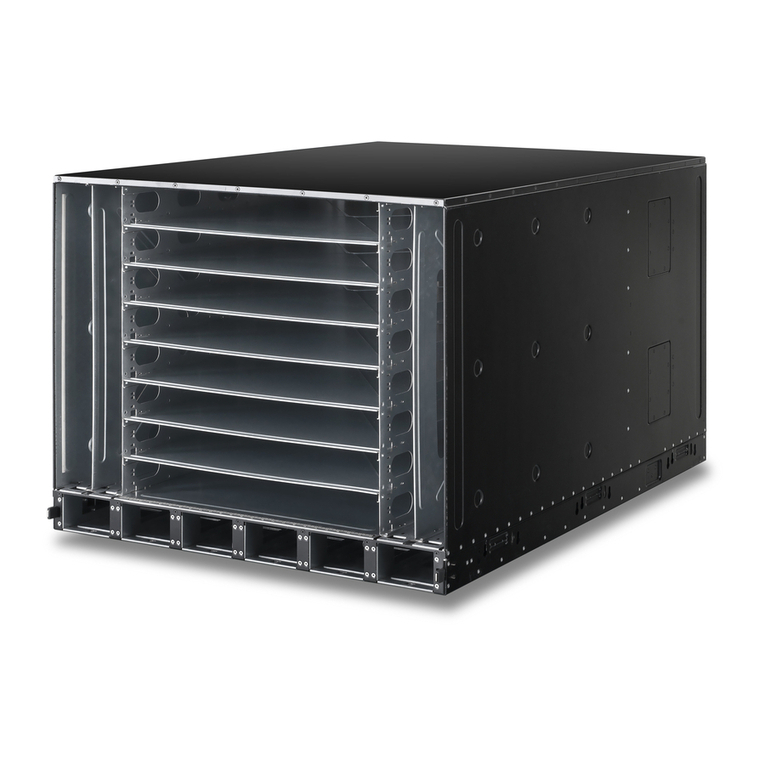
HPE FlexFabric 12902E Assembly instructions

HPE

HPE FlexFabric 12902E Assembly instructions

HPE Apollo z70 User manual

HPE

HPE Apollo z70 User manual

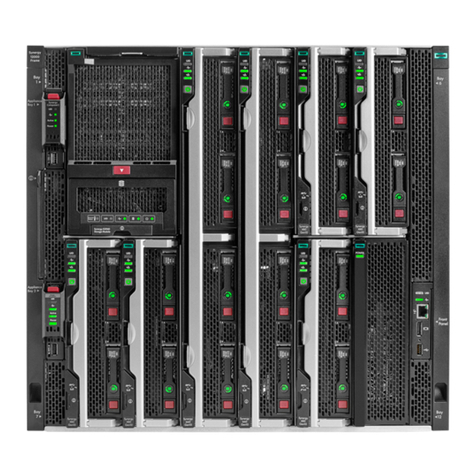
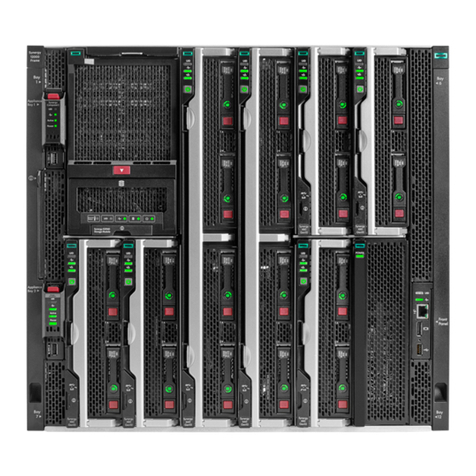
HPE Synergy 12000 Frame Operating and safety instructions

HPE

HPE Synergy 12000 Frame Operating and safety instructions

HPE Apollo k6000 User manual

HPE

HPE Apollo k6000 User manual

HPE FF 12904E Assembly instructions

HPE

HPE FF 12904E Assembly instructions

HPE Moonshot 1500 Manual

HPE

HPE Moonshot 1500 Manual

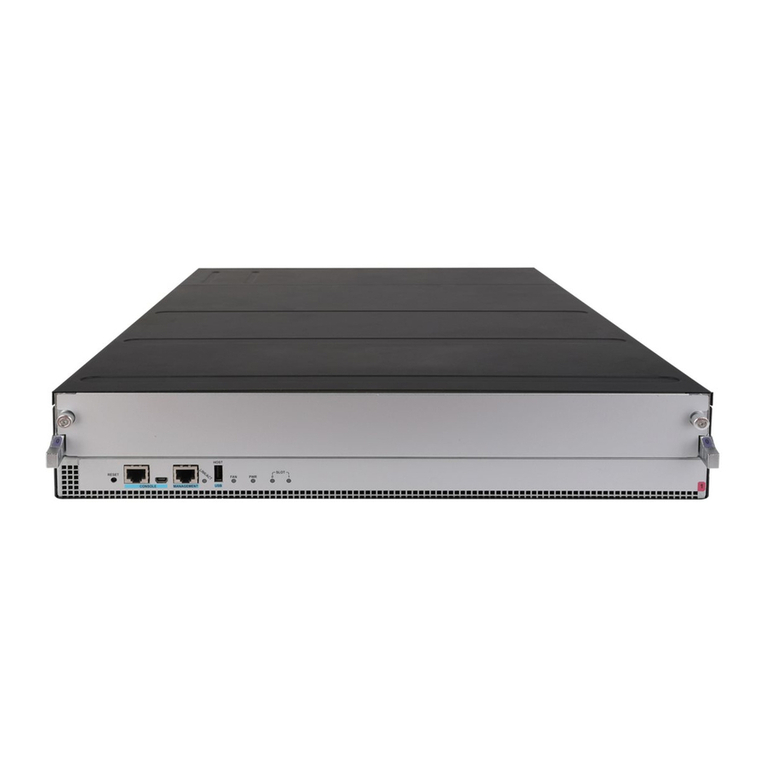
HPE 12901E Assembly instructions

HPE

HPE 12901E Assembly instructions

HPE Altoline 9960 C1 Installation instructions

HPE

HPE Altoline 9960 C1 Installation instructions

HPE Apollo 2000 Gen10 User manual

HPE

HPE Apollo 2000 Gen10 User manual

HPE Synergy 12000 Frame Operating and safety instructions

HPE

HPE Synergy 12000 Frame Operating and safety instructions

Popular Chassis manuals by other brands

Phoenix Mecano HARTMANN ELECTRONIC PXCe4006 Series user manual

Phoenix Mecano

Phoenix Mecano HARTMANN ELECTRONIC PXCe4006 Series user manual

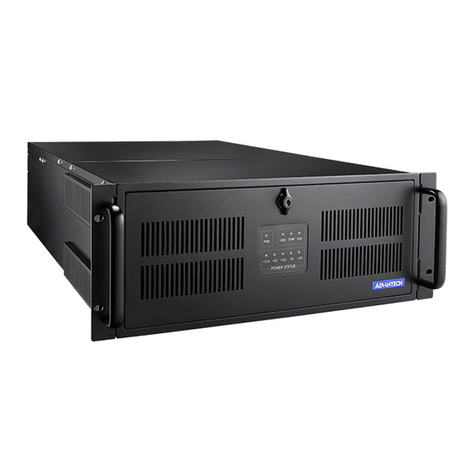
Advantech IPC-623 Series user manual

Advantech

Advantech IPC-623 Series user manual

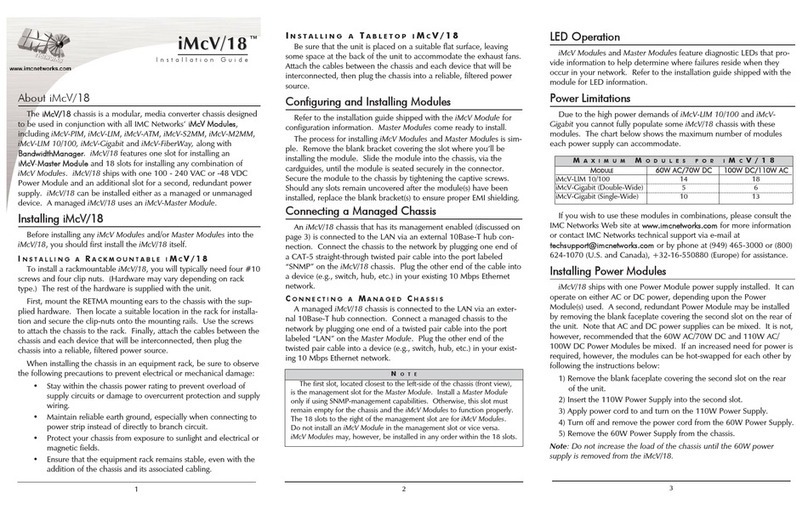
IMC Networks iMcV/18 installation guide

IMC Networks

IMC Networks iMcV/18 installation guide

Lenovo ThinkSystem SR665 V3 user guide

Lenovo

Lenovo ThinkSystem SR665 V3 user guide

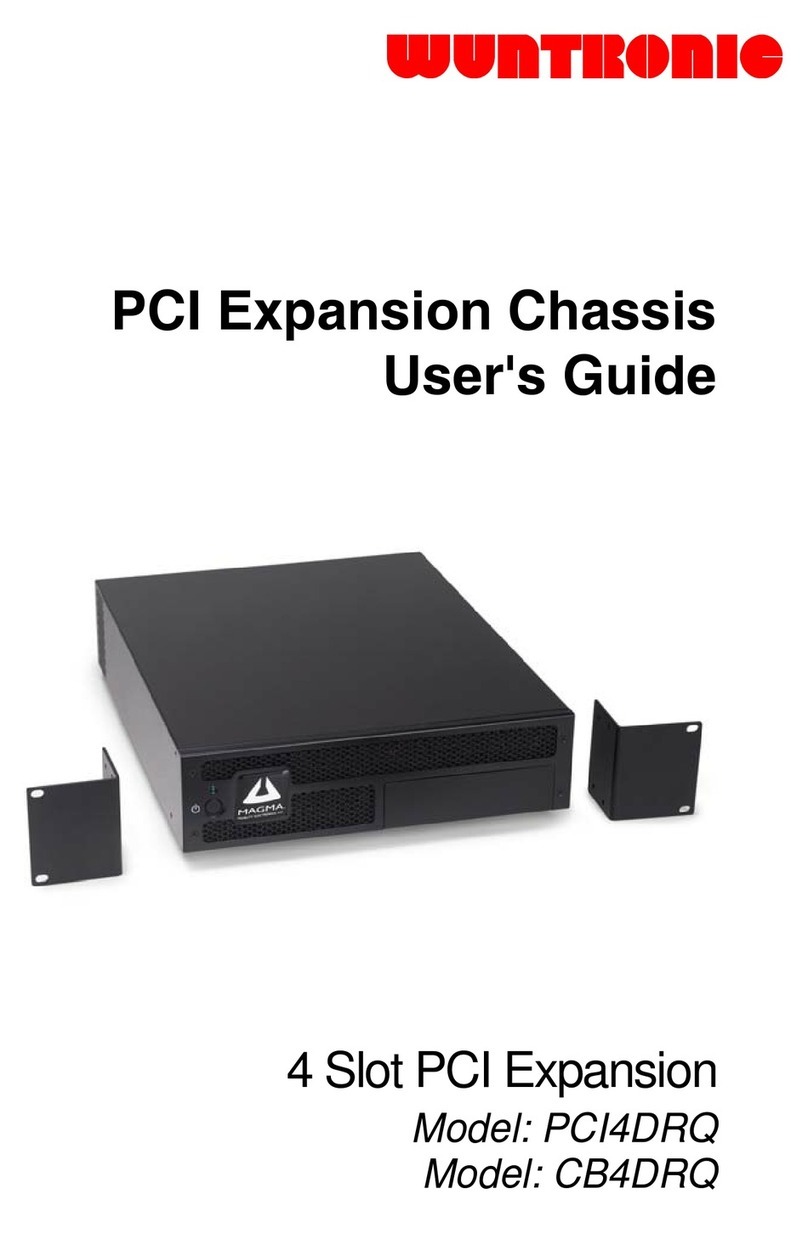
Wuntronic PCI4DRQ user guide

Wuntronic

Wuntronic PCI4DRQ user guide

EtherWAN EMC400 quick start guide

EtherWAN

EtherWAN EMC400 quick start guide

Overland Storage SnapSAN S1000 Replacement instructions

Overland Storage

Overland Storage SnapSAN S1000 Replacement instructions

Philips LC4.1E A Service manual

Philips

Philips LC4.1E A Service manual

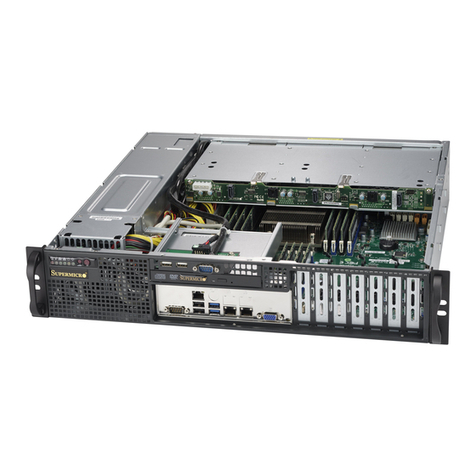
Supermicro SCF418 Series user manual

Supermicro

Supermicro SCF418 Series user manual

Supermicro SC823MTQ-R700LPB user manual

Supermicro

Supermicro SC823MTQ-R700LPB user manual

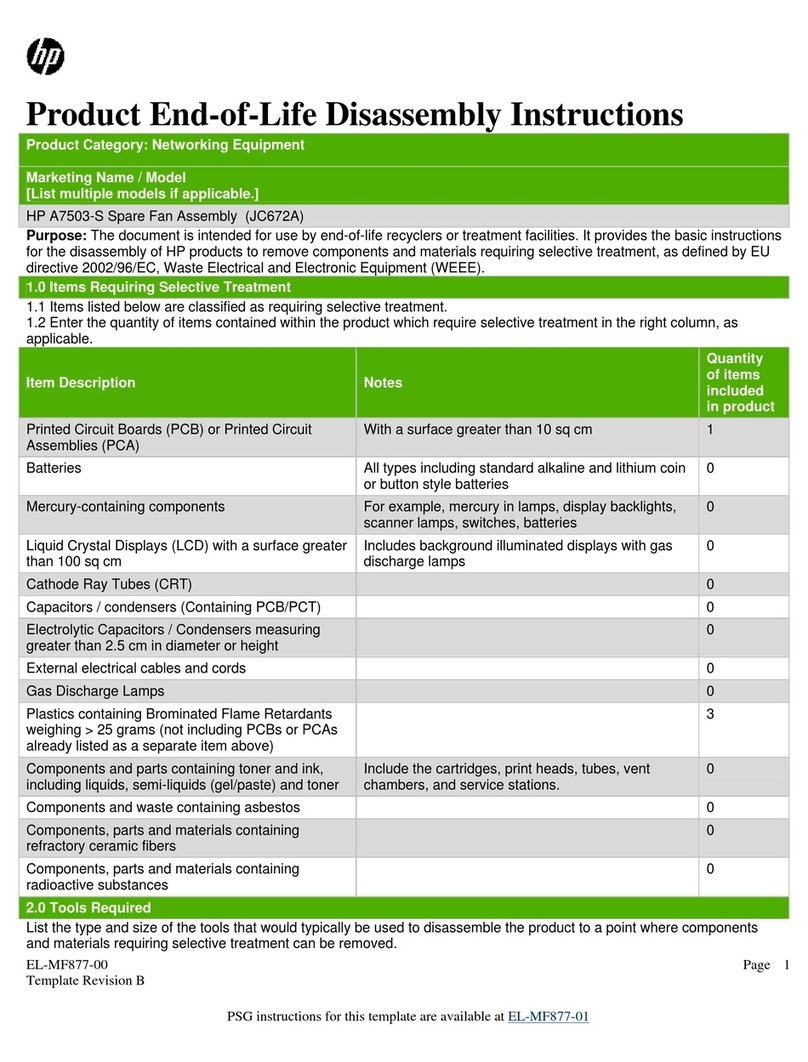
HP A7503-S Product End-of-Life Disassembly Instructions

HP

HP A7503-S Product End-of-Life Disassembly Instructions

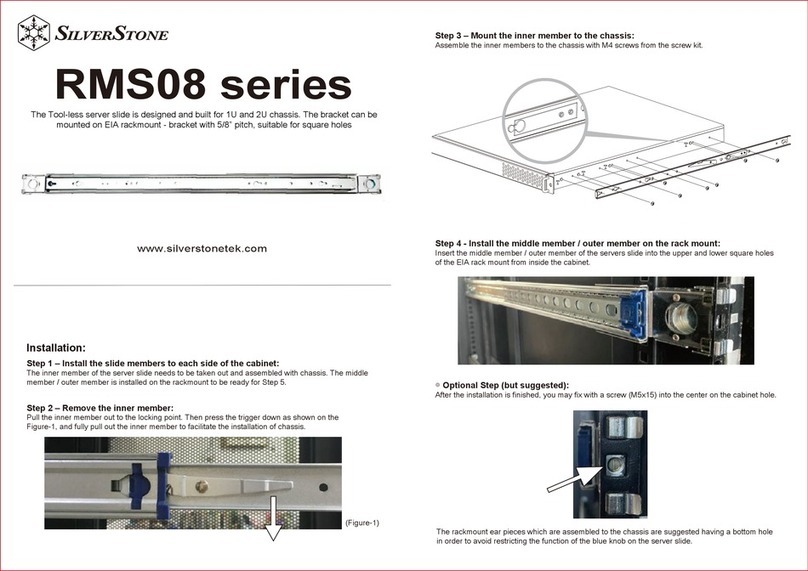
SilverStone RMS08 Series manual

SilverStone

SilverStone RMS08 Series manual

Allied Telesis AT-MMCR18 installation guide

Allied Telesis

Allied Telesis AT-MMCR18 installation guide

Cisco Nexus 7010 Installing

Cisco

Cisco Nexus 7010 Installing

Chenbro RM437 Series user manual

Chenbro

Chenbro RM437 Series user manual

American Control Electronics MGB400 quick start guide

American Control Electronics

American Control Electronics MGB400 quick start guide

Advantech HPC-7480 user manual

Advantech

Advantech HPC-7480 user manual

Cisco USC 5030 installation guide

Cisco

Cisco USC 5030 installation guide

manuals.online logo
manuals.online logoBrands
  • About & Mission
  • Contact us
  • Privacy Policy
  • Terms and Conditions

Copyright 2025 Manuals.Online. All Rights Reserved.

HPE StoreEver MSL4048
Tape Library Chassis
repackaging instructions
© Copyright 2008, 2010, 2018 Hewlett Packard Enterprise
Development LP
Part Number: AG320-96017
Published: October 2018
Edition: 3
CAUTION:
Not following this procedure can cause damage to
the chassis during shipment and may void the
warranty.
1 Replacing the shipping lock
When possible, power off the chassis from the front
panel so the robot will be in the correct location to be
restrained by the shipping lock. 1) Remove the shipping
lock from its storage position on the back of the chassis.
2) If possible, place the shipping lock in the shipping
position on top of the chassis. 3) Tape the shipping lock
to the chassis to keep it in place during shipping.
2 Replacing the drive bay covers
If you removed drive bay covers from the new chassis,
attach them to the chassis you are returning.
From the back of the chassis, locate an uncovered drive
bay. Use Phillips screws to attach the drive bay covers to
the chassis.
3 Applying the protective material
Insert one foam block into each pair of magazine bays.
Page 1

Wrap the foam sheet around the chassis.
4 Packing the box
Place the foam pieces and chassis in the box in the
order shown.
Page 2