9
to customize the mouse scroll wheel
Double-click the1. mouse icon in the system tray.
Select the2. Cong of the mouse wheel tab.
Select3. Speed of wheel scroll and choose how many
lines should scroll when the wheel is rotated one click, or
select For Pages to scroll a whole page with each click.
To set the mouse wheel to adjust the audio volume
instead, select Adjust of the volume and adjust the slider
to determine how fast the volume changes when you
rotate the wheel.
Click4. OK to accept the changes and exit.
audio volume
option
scroll options
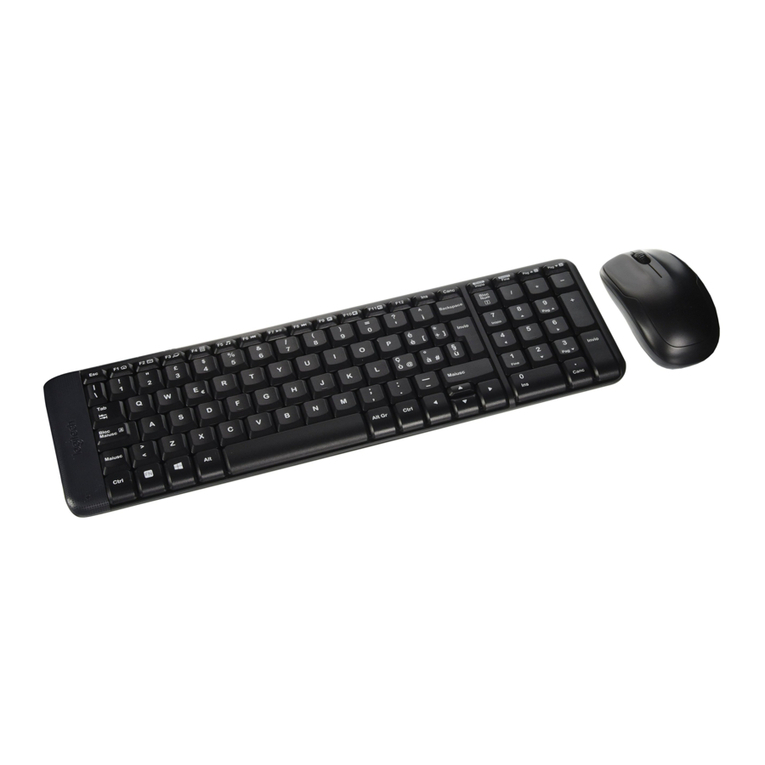
product operating tips
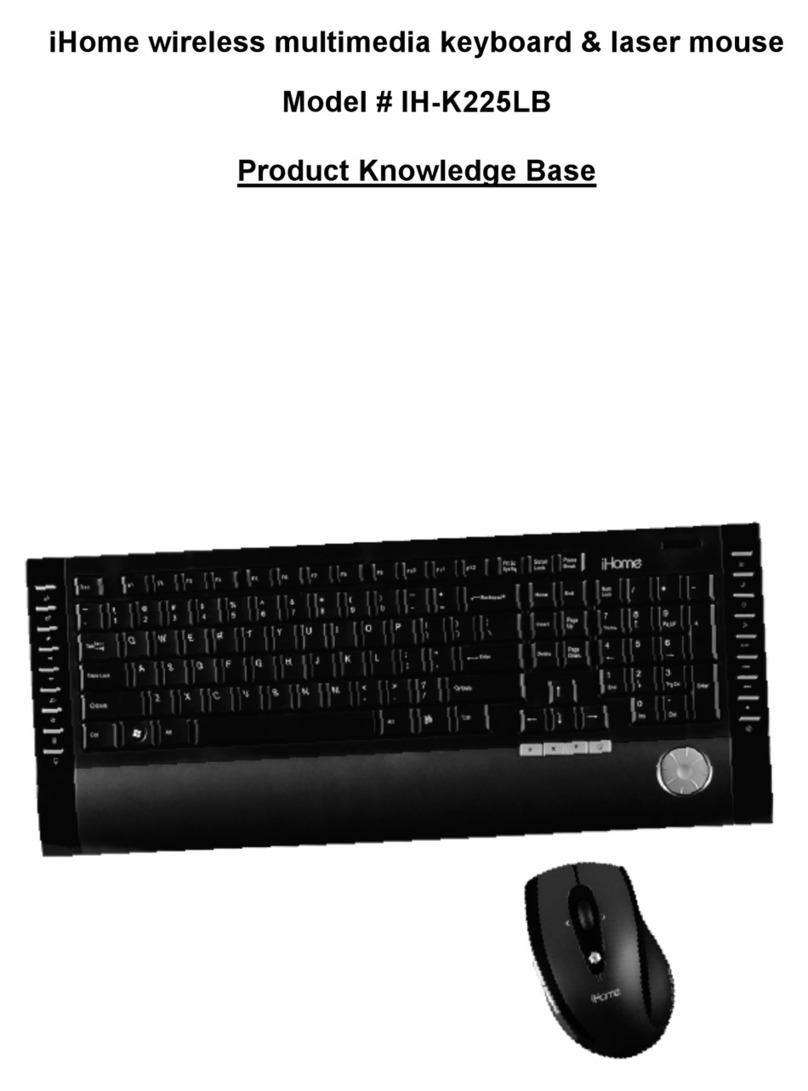
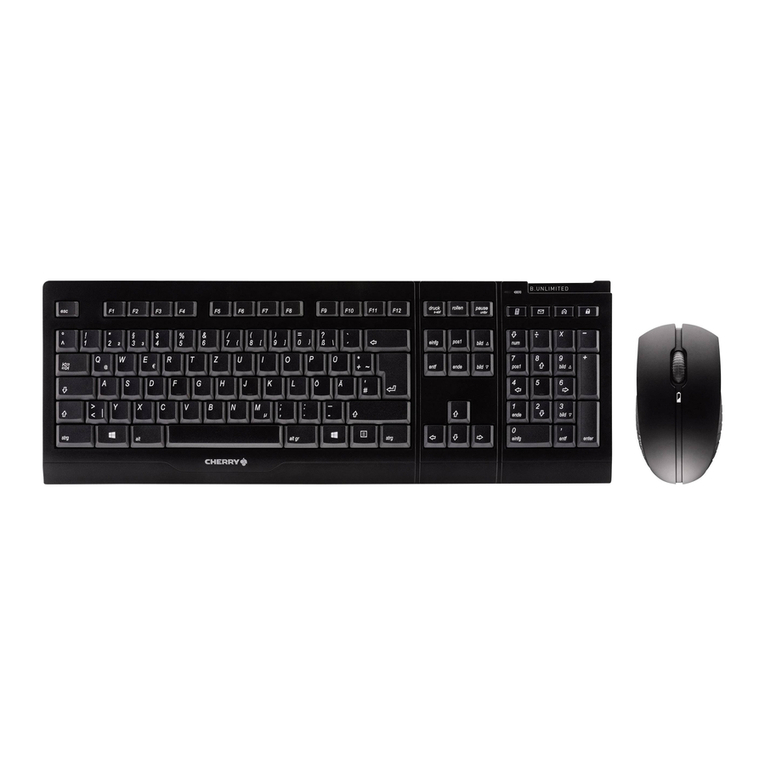
Your keyboard and mouse will operate from as far away•
as30ft.(10m)fromyourcomputer.
Customize the programmable buttons on your keyboard•
and mouse for greater functionality.
The scroll wheel is also a button. Press the scroll wheel•
(without rolling it) to automatically scroll a document or
web page, then move your mouse up or down to set the
automatic scroll speed.