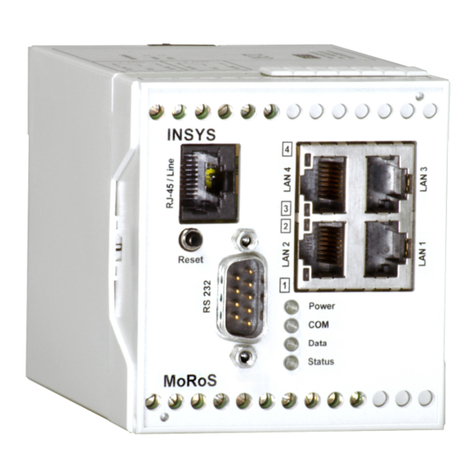
INSYS MoRoS User manual

Operating Manual
MoRoS
Modem 1.0
ISDN 1.0
June 06

Copyright © June 06 INSYS MICROELECTRONICS GmbH
Any duplication of this manual is prohibited. All rights on this documentation
and the devices are with INSYS MICROELECTRONICS GmbH Regensburg.
Restrictions of guarantee
This handbook contains a concise description. The compilation of the text has
been performed with utmost care. Despite all efforts, there may be deviations
to the actual functions. No guarantee can therefore be given for the accuracy of
the contents. We can neither assume legal responsibility nor any liability for
incorrect information and their consequences. Suggestions for improvements
and comments are always welcome.
Trademarks and logos
The use of a trademark or logo not shown below does not indicate that it is
freely available for use.
IBM PC, AT, XT are registered trademarks of International Business Machine Corporation.
INSYS ® is a registered trademark of INSYS MICROELECTRONICS GmbH.
Linux is a registered trademark of Linus Torvalds.
Windows™ is a registered trademark of Microsoft Corporation.
Opera is a registered trademark of Opera Software ASA.
Mozilla is a registered trademark of the Mozilla Foundation.
Publisher:
INSYS MICROELECTRONICS GmbH
Waffnergasse 8
93047 Regensburg, Germany
Phone: 0941/560061
Fax: 0941/563471
Internet: http://www.insys-tec.de
Subject to technical changes. Errors excepted.
Date: June 06
Item number: 31-22-03.056 English

MoRoS Modem/ISDN Contents
June 06 3
1SCOPE OF DELIVERY....................................................5
2GENERAL.....................................................................5
3DEVICE DESCRIPTION .................................................7
3.1 FRONT PANEL ............................................................................7
3.2 TOP.........................................................................................8
3.3 BOTTOM ..................................................................................9
4INSTALLATION ..........................................................10
5CONFIGURATION......................................................11
5.1 PC SETUP ...............................................................................11
5.2 INITIAL CONFIGURATION ...........................................................15
6FUNCTIONS...............................................................18
6.1 BASIC SETTINGS .......................................................................18
6.2 DHCP ...................................................................................20
6.3 ISDN.....................................................................................21
6.4 MODEM.................................................................................22
6.5 DIAL-IN..................................................................................23
6.6 DIAL-OUT ..............................................................................26
6.7 INPUTS...................................................................................30
6.8 OUTPUTS................................................................................30

Contents MoRoS Modem/ISDN
4June 06
6.9 SYSTEM..................................................................................31
7PROXY ......................................................................35
7.1 BASIC CONFIGURATION.............................................................35
7.2 RELOAD FUNCTION...................................................................37
8FAQ...........................................................................38
9SAFETY INSTRUCTIONS.............................................41
10 TECHNICAL DATA......................................................42
10.1 MECHANICAL FEATURES............................................................42
10.2 POWER SUPPLY .......................................................................42
10.3 INPUTS AND OUTPUTS ..............................................................43
10.4 INTEGRATED SWITCH................................................................43
10.5 INTEGRATED COMMUNICATION MODULE .....................................43
10.6 INTERFACE COMMUNICATION MODULE .......................................44
10.7 DIRECTIVES .............................................................................45
11 GLOSSARY ................................................................46

MoRoS Modem/ISDN Scope of Delivery
June 06 5
1Scope of Delivery
Before starting with the initial operation, please check if all accessories are
included in the box.
¾MoRoS
¾1 phone cord TAE-N at RJ12 (only for MoRoS Modem)
¾1 ISDN phone cord S0 (only for MoRoS ISDN)
¾manual
Please contact your supplier if the content is not complete. Please also check the
MoRoS for shipping damage. Please also refer to the supplier if anything is
damaged.
The scope of delivery does not include a power supply.
Please keep the packaging material for possible future shipping or storage.
2General
The MoRoS is a router with an integrated communication device (analogue
modem or ISDN-TA), and an integrated 4-port switch. It has a very compact design
and a plastic housing according to IP40. The MoRoS has the following
characteristics, which are described in detail in the following:
¾integrated configuration interface and help function
¾easy configuration
¾local or remote configuration
¾4-port switch with 10/100 MBit/s
¾integrated communication module (analogue modem or ISDN-TA)
¾international country settings (up to 97 countries for the analogue
modem)
¾dial-In function
¾dial-Out function
¾dialing filter for Dial-Out
¾dial-In authentication for up to 10 users
¾authentication via PAP, CHAP, MS-CHAP, MS-CHAP 2
¾DHCP server and client
¾firmware update (local and remote)
¾2 digital inputs
¾2 digital outputs
¾buffered RTC (real time clock)
¾proxy server

General MoRoS Modem/ISDN
6June 06
Examples of Use:
The MoRoS connects two networks to allow each subscriber of one network to
communicate with any subscriber of the other network. The MoRoS can
automatically start to establish a connection from each network.
The MoRoS can connect a network to the Internet in the same way. The connection
setup takes place automatically, via local network queries.

MoRoS Modem/ISDN Device Description
June 06 7
3Device Description
3.1 Front panel
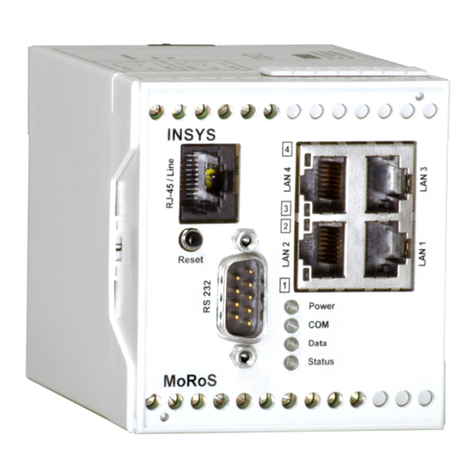
The MoRoS has LEDs to indicate the operating state:
Name Color LED off LED on
Power Green No supply voltage Supply voltage available
Green MoRoS is offline. MoRoS is hooked to the phone line, but there is no usable
data connection yet (OH).
COM
Orange MoRoS has established a usable data connection via the
phone line (CONNECT).
Data Yellow A PPP data packet is transmitted via the phone line.
Status Red MoRoS is ready. MoRoS is not ready (e.g. after being switched on or when
restoring the standard settings).
Green An LAN cable is connected and the port is set to 100 MBit/s.
This LED blinks during data traffic.
1
2
3
4
Yellow
No LAN cable
connected.
An LAN cable is connected and the port is set to 10 MBit/s.
This LED blinks during data traffic.

Device Description MoRoS Modem/ISDN
8June 06
The reset key has several functions:
¾Pressing it for a short time (no longer than 1 second) initiates a soft reset. The
MoRoS performs a restart; the integrated communication module is not restarted.
The settings are maintained.
¾Pressing it for a long time (more than 3 seconds) initiates a hard reset; the
integrated communication module is also restarted. Regarding its effect, this
equals a voltage failure. The settings are maintained.
¾Pressing the reset key three times for a short time. Each keystroke may not last
longer than 1 second. All three keystrokes must be performed within 2 seconds.
The settings are reset to the factory defaults.
As soon as a function of the reset key becomes active, the “Status” LED lights up red.
The RS232 interface has no function.
3.2 Top
Terminal Meaning
1 OUT 1-NC Output 1 – normally closed
2 OUT 1 Output 1
3 OUT 1-NO Output 1 – normally open
4 OUT 2-NC Output 2 – normally closed
5 OUT 2 Output 2
6 OUT 2-NO Output 2 – normally open

MoRoS Modem/ISDN Device Description
June 06 9
3.3 Bottom
Terminal Meaning
17 RS 485 B Reserved
18 RS 485 A Reserved
19 GND Ground
20 Input 2 Input 2
21 Input 1 Input 1
22 GND Ground
23 Reset Reset input
24 GND Ground
25 10..60 VDC Power supply 10V - 60V DC
26 GND Ground
For the voltage supply, please use a power supply which has its own fuse and overvoltage
protection and can supply at least 3W at a DC voltage of 10 V minimum and 60V
maximum.
The reset terminals have the same function as the reset key.
Currently, the terminals for the RS485 interface have no function.

Installation MoRoS Modem/ISDN
10 June 06
4Installation
1. Mounting on DIN rail
2. Connecting the power supply
a) connecting the ground connection
b) connecting the power supply 10..60V DC
Note: The minimum value is 10V DC.
The maximum value is 60V DC.
3. Switch on power supply
The green ”Power” LED lights up.
4. Connection to the PC
The network card of the PC must be connected to any one of the four MoRoS
Ethernet ports.
5. Connection to the telephone network
The ”RJ45/Line” plug is connected as follows:
-for the MoRoS Modem, via the supplied phone cord with the TAE
(German telephone plug unit).
-for the MoRoS ISDN, via the supplied ISDN cord with the ISDN S0 bus
or with the internal S0 bus of an ISDN phone system.
Other manuals for MoRoS
3
Table of contents
Other INSYS Modem manuals
INSYS
INSYS 56k Small INT 2.0 User manual
INSYS
INSYS MoRoS User manual
INSYS
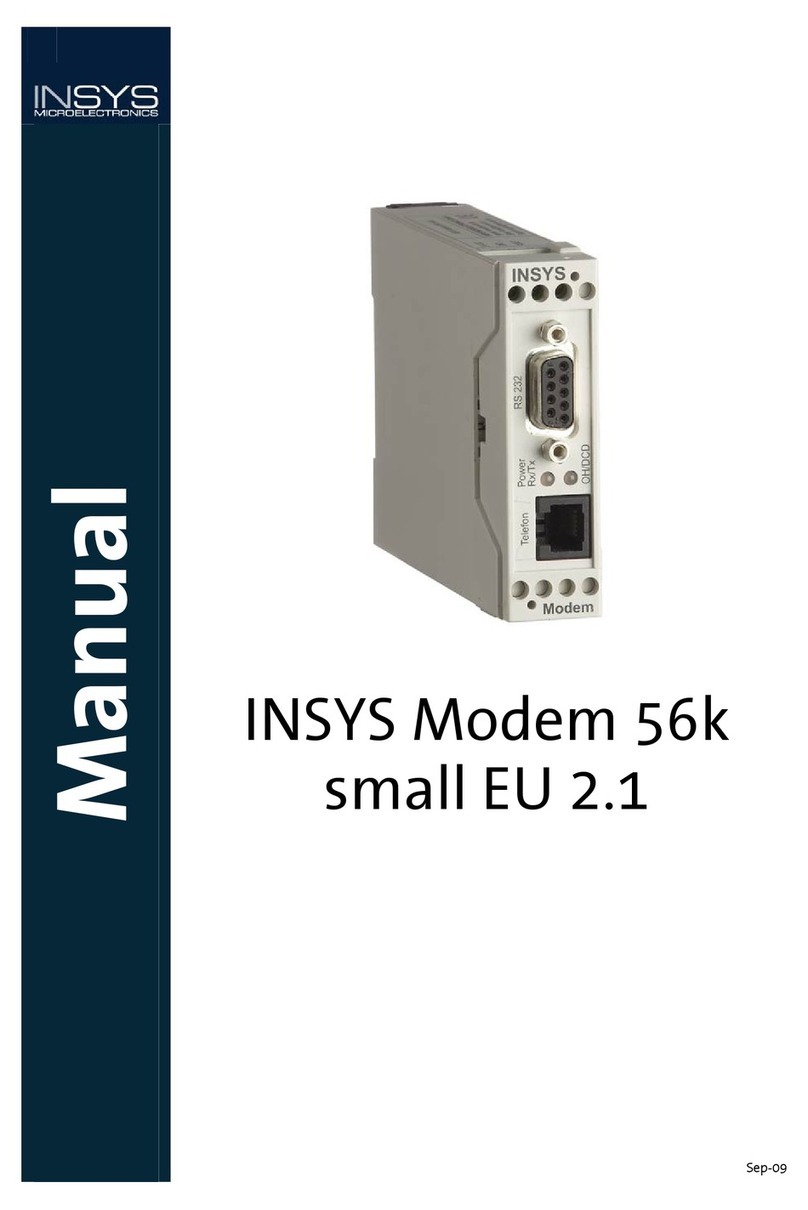
INSYS 56k small EU 2.1 User manual
INSYS
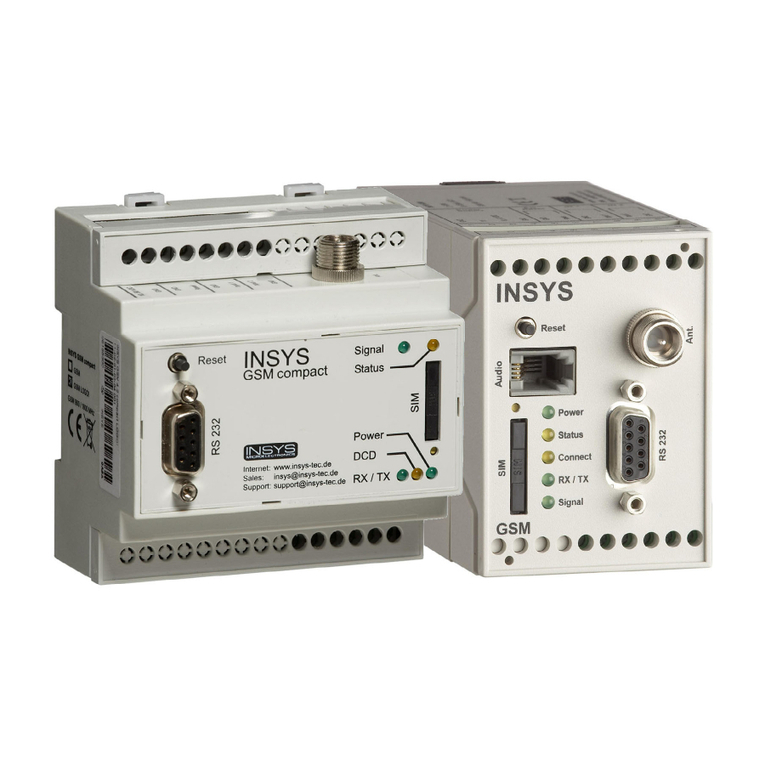
INSYS GSM 4.3 easy User manual
INSYS
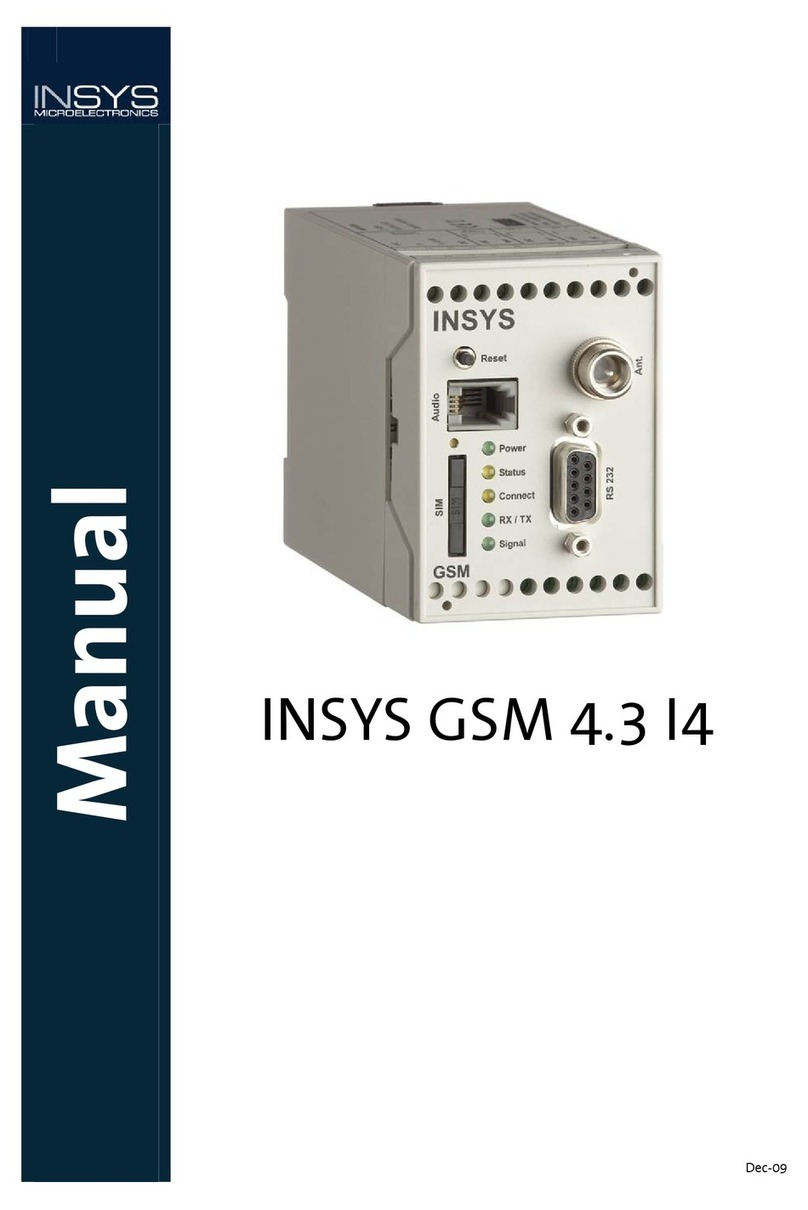
INSYS GSM 4.3 I4 User manual
INSYS
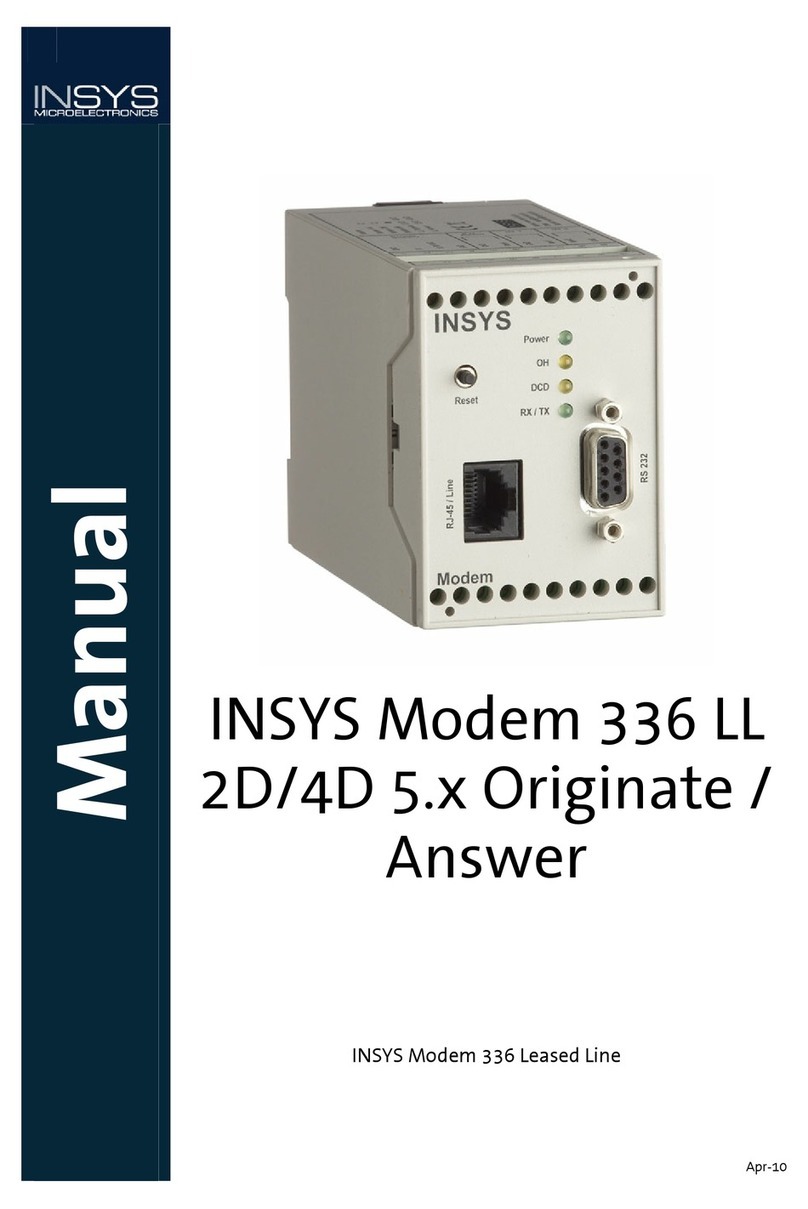
INSYS Modem 336 LL 2D/4D 5.x Originate / Answer User manual
INSYS
INSYS MoRoS User manual

INSYS
INSYS i-modul 336 LL User manual
INSYS
INSYS 56k Small INT 2.0 Assembly instructions
INSYS
INSYS 336 4.1 User manual