Intek MT-5050 User manual

OWNER'S MANUAL
MANUALE DI
ISTRUZIONI
MULTISTANDARD
HANHDELD TRANSCEIVER
(PMR446 / LPD433 BANDS)
MT-5050

- 1 -
Index
Contents .................................................................................................................. 1
Introduction ......................................................................................................... 2-3
Contents of Package ............................................................................................. 3
Battery Operation ................................................................................................... 4
Controls and Indicators .................................................................................... 6-10
Operation.......................................................................................................... 11-17
Specifications ....................................................................................................... 18
Optional Accessories ........................................................................................... 18
Important Informations ........................................................................................ 19
Declaration of Conformity.................................................................................... 20
User Information ................................................................................................... 20
RoHS
2002/95/EC
English
IMPORTANT !
It is recommended to carefully read this instruction manual throughout, before using the radios.
This also in order to prevent you from using the radios out of the limits stated by the regulations.
IMPORTANT !
The maximum operating range will vary depending on terrain and environment. Range will be
usually greater in open fields. While range is usually shorter within and around buildings or large
structures. This unit may not ensure privacy of communication.

Introduction
- 2 -
Congratulations !
Congratulations on your selection and purchase of this high quality product. With proper care
and adherence to the set-up and user instructions in this Owner’s Manual, this unit will let you
enjoy years of trouble-free service.
We are committed to providing quality products that fit your needs, however we would like to
receive any comments or suggestions that you might have on this product, which will help us in
continuous improvement of the quality.
Applications
The MT-5050 is a compact design two-way communication device, operating on the PMR 446
MHz and on the LPD 433 MHz European bands. Radio must be operated on the band
(PMR446 or LPD433) and on the channels allowed in the country where the product is
been used, in accordance with the local regulations. It can be used to provide immediate,
high quality, cost free 2-way communication, for both business or personal use, it is the ideal
communication tool for many applications, like :
Industry Sport & Leisure
Construction Sites Sporting Events, Concerts, Meetings
Shops, Stores & Shopping Malls Bike & Motorcycle Riding
Warehouses & Buildings Kids and old personsControl
Hotels & Resorts Camping and Hiking
Safety & Emergency Indoor & Outdoor Activities
Baby Monitor Sailing and Sports Flight
MT-5050EX (INTERNATIONAL VERSION)
Items in this manual that are marked (MT-5050EX) refer only to model INTEK MT-5050EX.
Functions marked (MT-5050EX) are not available in model MT-5050 (EUROPEAN VERSION).
Model MT-5050EX is not available in the European market.
English

Introduction - Contents of Package
- 3 -
Features and Benefits
The radio includes a number of advanced features, nevertheless its operation is user firendly
and you may get familiar with it, after few minutes of use.
Please refer to the following list of the main feautres in this two-way radio :
8 PMR Channels + 69 LPD Channels
30 PMR Simplex Channels + 99 LPD Simplex channels (MT-5050EX)
20 PMR/LPD Semi-Duplex Channels (MT-5050EX)
38 CTCSS Codes
Roger Beep Tone
Keypad Program Tone
8 Memory Channels
Keypad Lock
Adjustable Digital Squelch
Monitor
Auto Power Save Circuit
VOX (Baby Room Monitor) / Handsfree Use
Dual Watch function
Adjustable Hi-LO Transmitter Power (PMR band)
Channel / Memory Scan
Channel / CTCSS Tone Memory
3 Selectable Call Tone Melodies
Large Size Back Lighted LCD Display
Battery Level Indication
Digital S/RF Meter
Scrambler Function (MT-5050EX)
External Earset-Microphone Jack
Wall Charger Jack
Contents of Package
Please carefully check that the package contains the following items :
1 x Main Unit (Radio with Antenna)
5 x 1.2V 1500mAh Ni-MH Battery
1 x 230VAC Wall Charger
1 x Belt Clip
1 x User Manual (this one)
English

Battery Operation
- 4 -
English
Installing and Checking Batteries
Slide down and remove the battery door (17) and to access the battery room. Set the battery
type switch (18) according to the type of used batteries (Ni for rechargeable batteries and AL
for alkaline batteries). Install 5 x AA size alkaline batteries or rechargeable batteries and pay
attention to install it with the correct polarity as indicated in the battery room. Switch ON radio
by turning the OFF/VOL (2) control and check the battery level on the battery level indicator
(E), 4 bars mean full charge, 3 bars mean normal charge, 2 bars mean half charge and 1 bar
means low battery condition. When the battery capacity is low, the Battery Indicator (E) and bt
Lo (N) indication will flash on the LCD display. Recharge or replace the batteries at this time.
Please refer to the following item BATTERY CHARGING.
Battery Charging
When the battery capacity is low, switch OFF the radio and connect the supplied battery travel to
the CHARGE jack (4), then plug it into the 230VAC outlet. To obtain the maximum performance
from the batteries, recharge them only when they are fully discharged. The charging time
depends on the capacity of the used batteries, it is approximately 12 hours for one set of Ni-MH
batteries (1200-1500mAh). When the charging time has expired, unplug the charger from the AC
outlet and then disconnect it from the radio.
WARNING !
1. Only Ni-MH (or Ni-CD) batteries may be recharged.
2. Do never try to recharge alkaline batteries, as this might cause damage to the radio
or explosion of the batteries.
3. Set the battery type selector (18) to Ni.
4. Always switch OFF radio before starting the battery charging process.
5. Do not recharge batteries for more than 13-14 hours, in order to avoid overcharge or
overheating, which could cause damage to the radio.
6. Use only the enclosed battery charger or original INTEK battery chargers.

Controls and Indicators
Front Panel
- 5 -
BUSY
SC DW
HI LO
SCR
PS
VOX
TX
S
159
1
10
14
13
12
11
15
2
6
8
9
4
7
5
3
English

Controls and Indicators
- 6 -
1. Antenna
High efficency rubber antenna.
2. OFF/VOL (OFF/Volume) Control
This knob switches the radio ON and OFF and it adjusts the volume control. If no signals are
being received on the operating channel, it is suggested to open the SQUELCH and adjust the
volume to the desired level while listening to the background noise.
3. LCD Display
Large size LCD display with green color backlight function for best readability in darkness. The
large 6-line LCD indicates simultaneously all the programmed settings and all the enabled
functions. Digital 10-bar S/RF/MOD Meter and 4-bar battery level indicator.
LCD Display
A. Keypad Program Tone Icon
The Keypad Program Tone Icon (A) is lighted when the keyboard tone function is enabled.
B. Roger Beep Icon
The Roger Beep Icon (A) is lighted when the Roger Beep function is enabled.
BUSY
SC DW
HI LO
SCR
PS
VOX
TX
D EB
O N MP
F
A C
G
S
R
Q
T
H
I
L
S
123456
English

English
Controls and Indicators
- 7 -
C. TX Icon
The TX (C) icon is ligthed when radio is in the transmit mode.
D. LOCK Icon
The LOCK (D) icon is lighted when the keypad lock function has been enabled.
E. Battery Level Indicator
It shows the current battery level condition.
F. SCR Icon (MT-5050EX)
The SCR Icon (F) is lighted when the SCRAMBLER function is enabled.
G. HI Icon
The HI icon (G) is lighted when the trasmitter is in the HIGH POWER mode (PMR channels
only).
H. LO Icon
The LO icon (G) is lighted when the trasmitter is in the LOW POWER mode (PMR channels
only).
I. DW Icon
The DW icon is lighted when the DW (DUAL WATCH) function has been enabled, in order to
automatically monitor two different channels.
L. CTCSS Code Number
It shows the selected CTCSS Code Number.
M. SC Icon
The SC icon (M) is lighted when the SCAN function has been enabled, in order to automatically
search busy channels or busy memory channels.
N. Channel Number
It shows the selected channel, from P1 to P8 (PMR channels) and from 01 to 69 (LPD channels).
O. S/RF Digital Bar Meter
The 6-bar digital meter indicates the received signal strength (S0 to S6) in the receive mode.
It indicates the transmitter RF output power in the transmit mode.
P. Memory Channel Number (1-8)
It indicates the selected memory channel number, total 8 memory channels are available (1-8).

English
Controls and Indicators
- 8 -
Q. Memory Icon
The M Icon (Q) is lighted when the radio is in MEMORY MODE.
R. PS Icon
The PS Icon (R) is lighted when the Automatic Power Save Circuit has been enabled.
S. VOX Icon
The VOX Icon (S) is lighted when the VOX (handsfree use) function is enabled.
T. BUSY Icon
The BUSY Icon (T) appears when radio is receiving a signal or when Squelch is open.
4. Earset-Microphone-Charge Jack
Connect an external earset-microphone to this jack. Connect the supplied 230VAC battery travel
charger to this jack.
WARNING !
Use only original accessories. Connecting and using accessories other than the original
ones, may cause serious damage to the radio and will void the warranty.
Always set the volume to minimum before connecting an external earset, in order to avoid
damaging the earset or the user’s ear.
5. UP Key
The UP (5) key is used to change channel, CTCSS Code and toggle setting in Menu mode.
6. CALL / CONFIRM Key
Press the CALL (6) key to transmit a musical Call Alert Tone. In the MENU MODE press this
key to confirm the function selection.
7. DOWN Key
The DOWN (7) key is used to change channel, CTCSS Code and toggle setting in Menu mode.
8. MENU / MEMORY key
Use the MENU (8) key to enable and program the various functions of the radio. Pressing the
MENU (8) key will scroll the various functions. Press and hold the MENU (8) key for about 3
seconds to enter in the MEMORY MODE (refer to MEMORY CHANNEL OPERATION at page
15-16).

English
Controls and Indicators
- 9 -
9. Built-in Speaker
Built-in front speaker.
10. Desk Charger Contacts
Contacs for Desk Charger mod. INTEK DDC-500.
11. Built-in Microphone
Built-in microphone.
12. LIGHT / SCRAMBLER Key
LIGHT
Shortly press the LIGHT (12) key to backlight the LCD display. The LCD backlight will be turned
OFF automatically after 5 seconds.
SCRAMBLER (MT-5050EX)
Press and hold the LIGHT (12) key to enable the SCRAMBLER function (refer to SCRAMBLER
FUNCTION at page 17).
13. MON Key
Press the MON key (13) to activate the Monitor function. This function opens Squelch in order to
listen to the background noise and weak signals.
14. SCAN / LOCK Key
SCAN
Shortly press the SCAN (14) key to start the channels/memory scanning (refer to AUTOMATIC
SCANNING at page 16 and 17).
KEYPAD LOCK
Press and hold the SCAN (14) key for about 3 seconds to enable the keypad LOCK function.
Press and hold this key again to disable the keypad LOCK function.
15. PTT (Push-To-Talk) Key
Press the PTT (15) key to transmit and hold it during transmission. The TX (C) icon will be lighted
during transmission. Release the PTT (15) key at the end of your transmission to return to the
receive mode.
WARNING ! Do not touch the antenna during transmission.
Table of contents
Languages:
Other Intek Transceiver manuals
Intek
Intek M-100 PLUS User manual
Intek
Intek M-100 PLUS User manual
Intek
Intek M-490 Plus User manual

Intek
Intek KT-980HP User manual
Intek
Intek HR-2800 User manual
Intek
Intek T100WP User manual

Intek
Intek MT-3030 User manual
Intek
Intek seatec-5 User manual
Intek
Intek MT-174W10 User manual
Intek
Intek SL-02 User manual
Intek
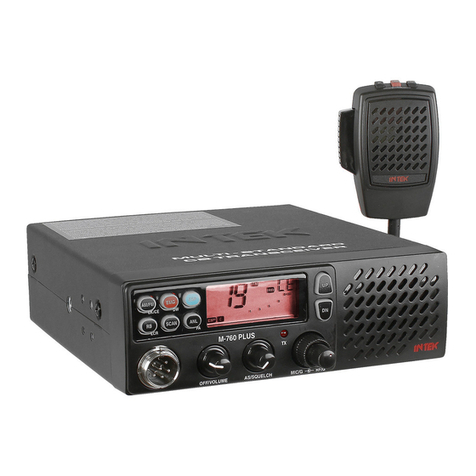
Intek M-760 PLUS User manual
Intek
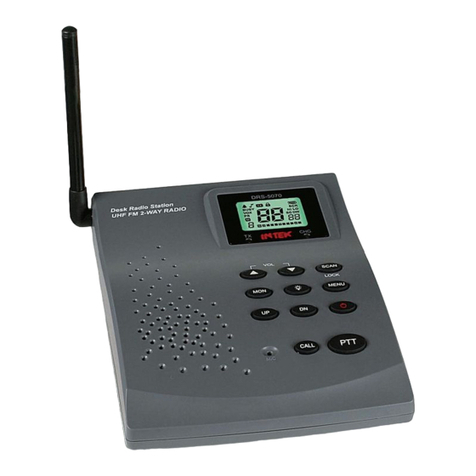
Intek DRS-5070 User manual
Intek
Intek M-60 Plus User manual
Intek
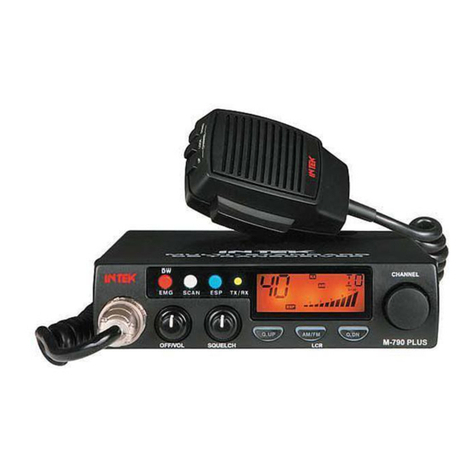
Intek M-790 plus User manual
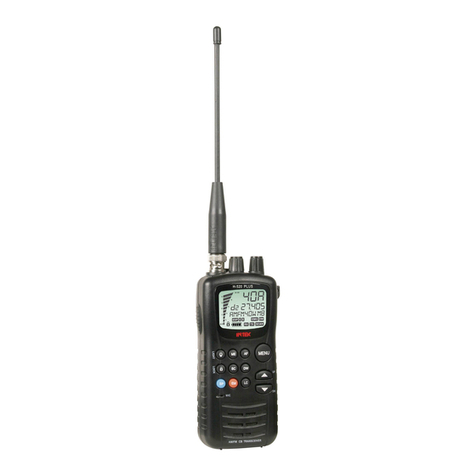
Intek
Intek H-520 PLUS User manual
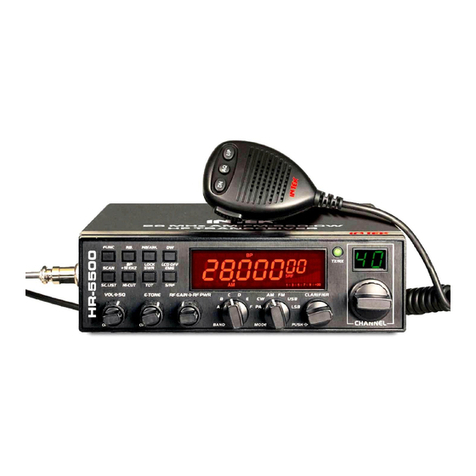
Intek
Intek HR-5500 User manual
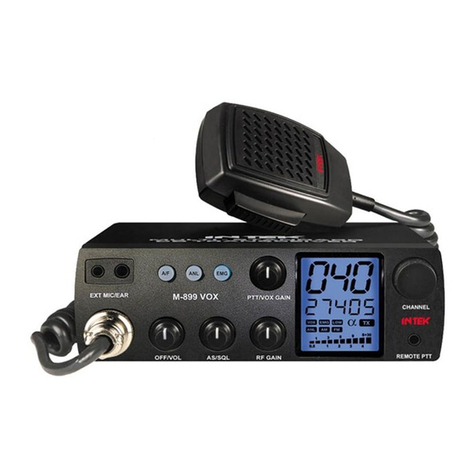
Intek
Intek M-899 VOX User manual
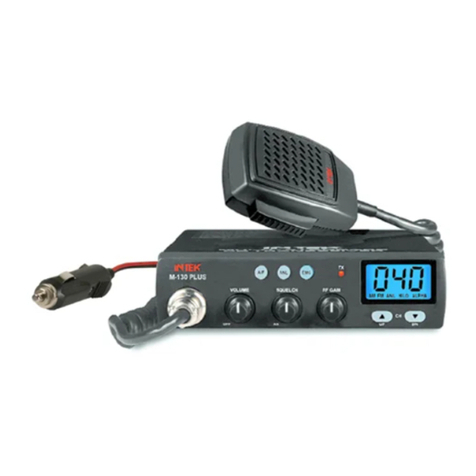
Intek
Intek M-130 PLUS User manual
Intek
Intek M-120 PLUS User manual
Intek
Intek HR-200S User manual