6 TruVision TVB-2104/4104 and TVB-2105/4105 IR Camera User Manual
Access the Main menu
The Main menu provides access to the camera configuration options. The on-
screen display (OSD) is only available in multi languages, such as English,
Korean, Traditional Chinese, Simplified Chinese, Japanese, Russian, French,
Spanish, Italian, Portuguese, Dutch, German, Polish, Turkish, Hebrew, Arabic.
Program the camera by attaching a standard video monitor to the system.
Figure 5: The Main menu
Table 2: Main menu description
Menu item Description
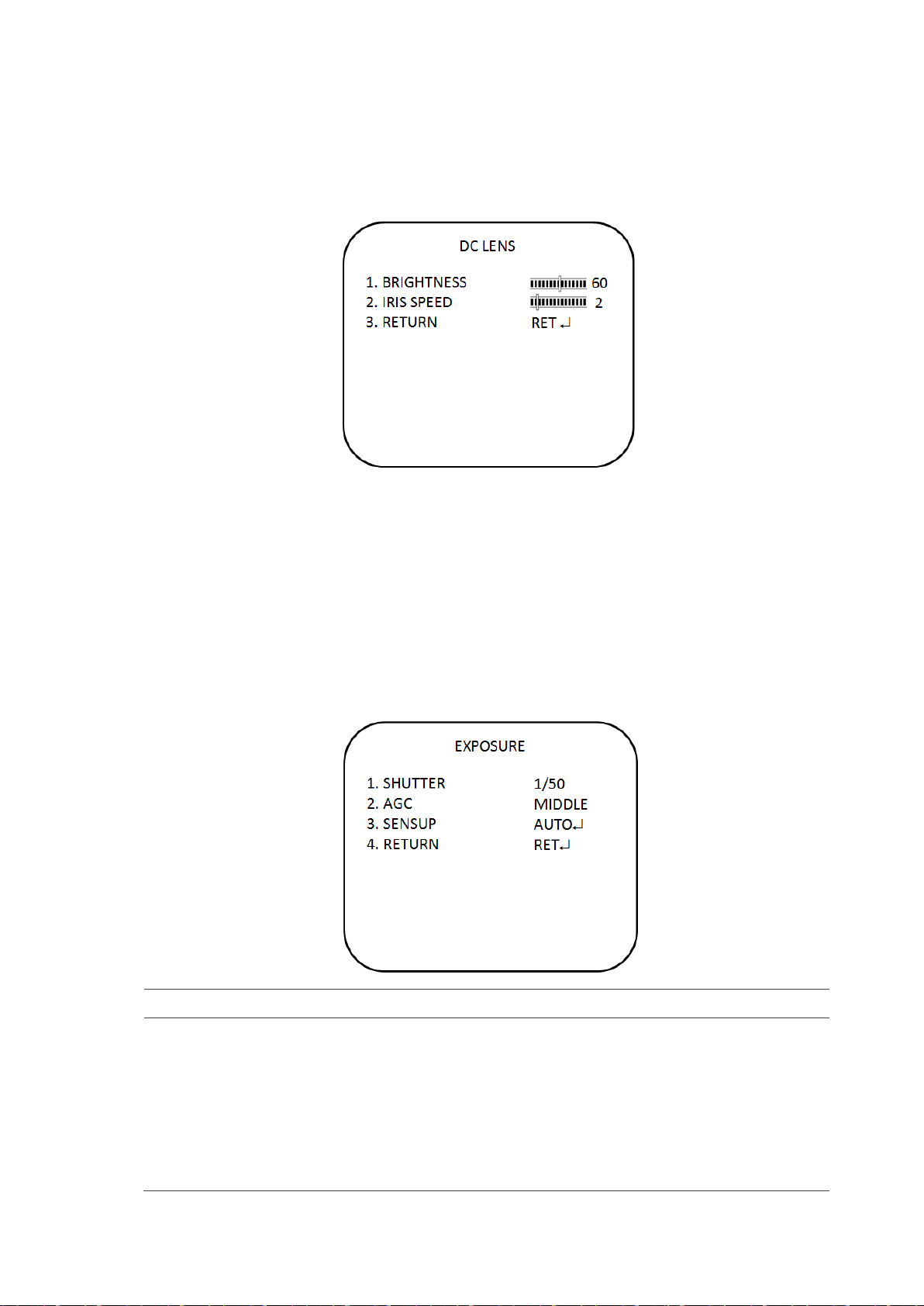
Lens Defines the lens brightness and iris speed.
Exposure Defines the method of iris control.
Backlight Defines the highlight compensation (HLC) and backlight compensation
(BLC) set up.
White bal Defines the white balance (WB) set up
Day&night Defines the day/night (D/N) set up
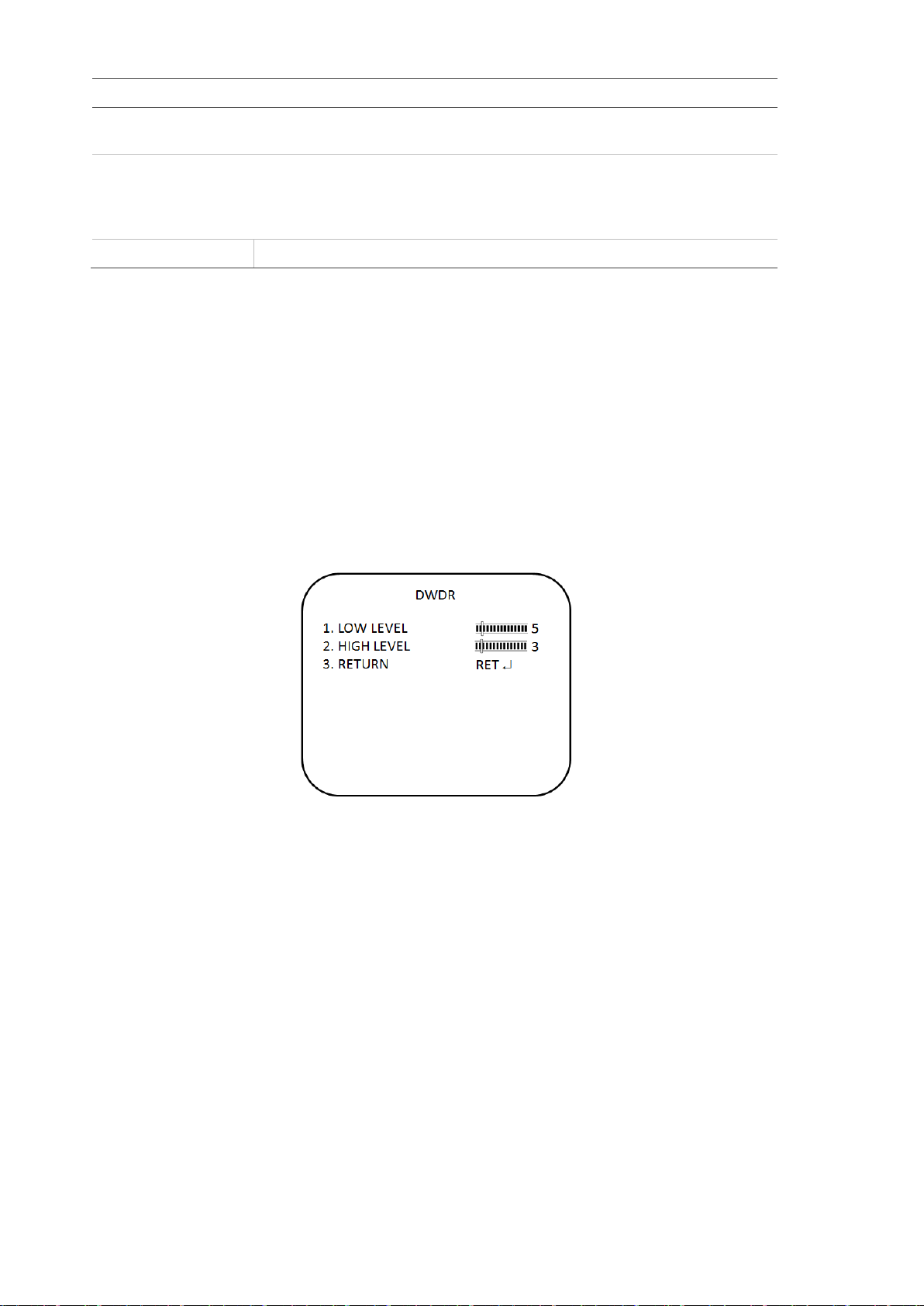
Smart 3DNR Defines the digital noise reduction set up
De-fog Defines the defog set up
Function Defines motion detection, privacy, digital effect, image adjustment,
autofocus, language and OSD color set up
Exit Exits the menu and returns to live mode. Saves changes made.
To access the Main menu:
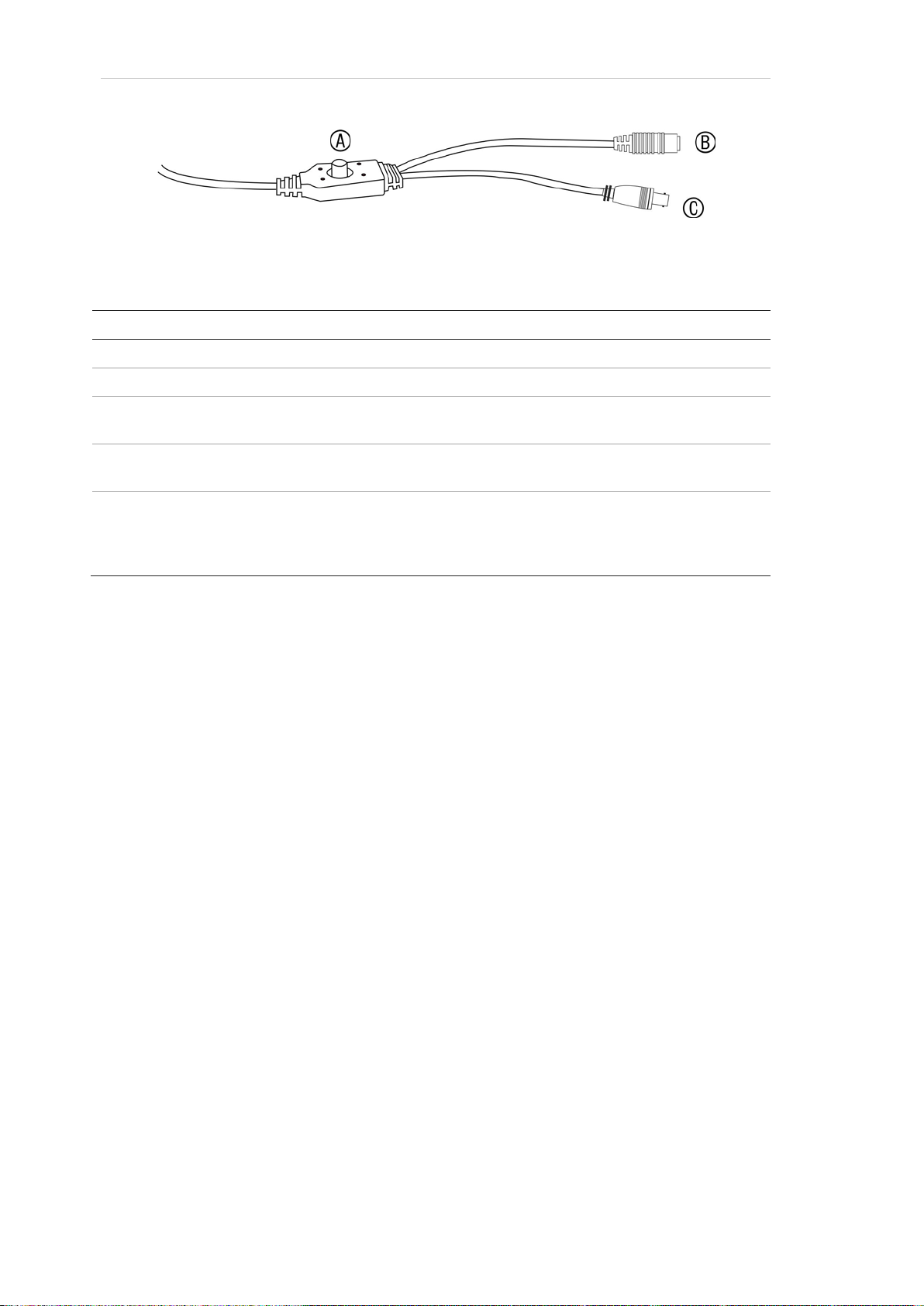
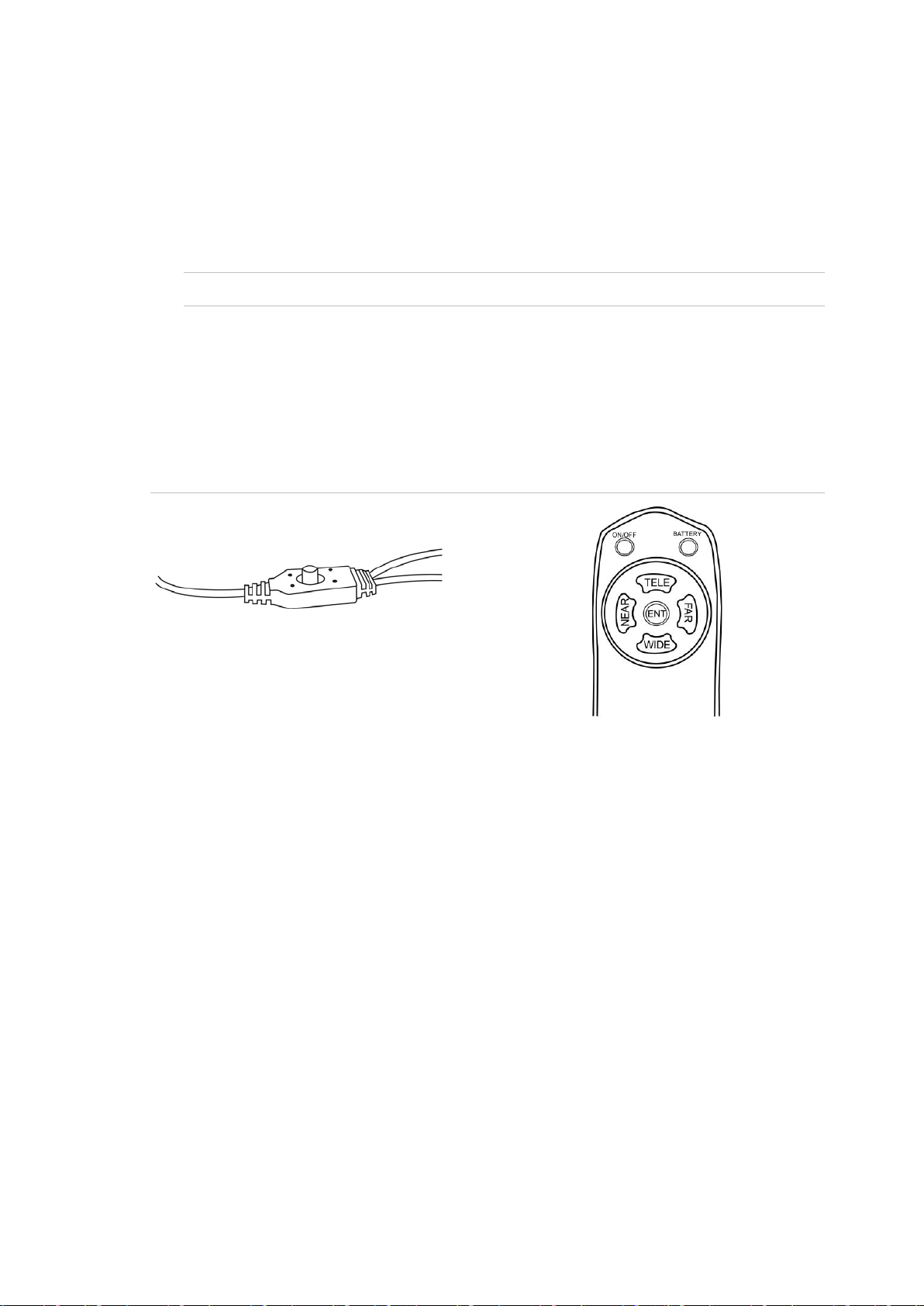
1. Press the OSD control pad (Enter) or Coaxial Control Enter button to access
the Main menu and its submenus.
2. Push the pad up, down, left and right or Coaxial Control TELE, WIDE, NEAR,
and FAR button to move between menu options.
3. Press the OSD control pad Coaxial Control Enter button to select an option.
4. When in a sub menu, select Return to return to the previous menu.
5. To exit the Main menu, move the cursor to Exit at the bottom of the screen
and press Enter. All changes are saved.