IRIS CARDIRIS User manual

1
GETTING STARTED
GETTING
STARTED
manual.PMD 29/05/2007, 12:151

2
©2007I.R.I.S.Allrightsreserved
OCR technology by I.R.I.S.
Connectionist, Linguistic and FieldAnalysis technology by I.R.I.S.
©2007I.R.I.S.Allrightsreserved
manual.PMD 29/05/2007, 12:152

3
GETTING STARTED
IT’STHE BUSINESS YOU WANT, NOT THE CARDS!©
Cardiris is the unbeatable productivity tool for your business cards. This busi-
ness card organizer allows you to archive, index and OCR business cards from
around the world.
In our information age, all key corporate information is contained in data-
bases.With information being the key, Cardiris gives a comprehensive answer to
the need to manage your business contacts: Cardiris goes the full circle from
archiving scanned business cards to contact management. After all, isn’t it the
business you want, and not the cards?
ONE, CARDIRIS GIVES YOU GREAT IMAGES
Cardiris improves the everyday operation of your office by getting rid of all
business cards. Enter any office and you’ll find the desk and drawers of the
employees crowded with business cards of all types and places. Business cards
suffer more than other documents from the known disadvantages of the paper
world: they get lost easily, aren’t available to your colleagues, can’t be searched
or sorted etc.
Cardiris, the “electronic Rolodex”©, puts a final end to all this.You begin by
scanning the business cards, thus putting images in a database. Use this manage-
ment tool to file your business cards and no more stacks of business cards will be
lying around in your office!
So, all business cards can be thrown away or returned to the owner as soon as
they have been archived. This means that you never lose any information con-
tained on a card, not even the company’s colorful logo or slogan, the contact’s
photograph or still a second telephone number or e-mail address which you don’t
usually encode in your “traditional” contact manager or database.
When you are dealing with “exotic” business cards - in, say, Vietnamese or
Arabic - which you simply cannot enter in a database, the advantage is all the
more prominent: as you first archive the card images, Cardiris offers a unique
manual.PMD 29/05/2007, 12:153

4
solution here. Even if a business card can’t be read by OCR, the color image is
there to be consulted!
As a wide range of dedicated business card scanners, flatbed scanners and
“all-in-one”devices or“MFPs” (“multifunctionalperipherals”) issupported, what-
ever scanner you may already own is fine by us.
Your Cardiris software may be bundled with the I.R.I.S. Card Scanner
“IRISCard Pro”, a USB-2 A6 color scanner, and with the “IRISCard Mini”, a
USBA8 greyscale scanner. Dedicated scanners are optimized for scanning busi-
ness cards and have many advantages over other scanner types: they hardly take
up any space on your desk, they swiftly cope with business cards of varying
paper and printing qualities and you never have to wonder about selecting the
correct card format.
The color, greyscale or black-and-white images are saved compressed to limit
the use of space on your hard disk. The scanned business cards are prominently
displayedsoas to makethem legible without havingto zoom. Optimallegibility is
ensured, even on low-end monitors and the LCD screens of notebook comput-
ers!
As Cardiris also allows you to add comments, it suffices to scan every busi-
ness card you come across and add some notes and you’ll never lose any infor-
mationagain!
manual.PMD 29/05/2007, 12:154

5
GETTING STARTED
TWO, OCR BRINGS YOU EDITABLE TEXT
Once the cards are archived, you can convert images into data by indexing
and OCRing them. Indexing means that a business card is sorted by a primary
search key - the company name is filled out and checked -, OCR means that the
card’s data is extracted automatically from the image.
OCR stands fortwo things here: characterrecognition to convertthescanned
image into editable text and field analysis. Optical character recognition (OCR)
allows to encode business cards without the time-consuming task of retyping
them. Think of your last exhibition when you came back with an entire stack of
business cards and it took your secretary two days to encode them!
Cardiris incorporates specialized recognition technology, optimized for tiny
characters, and supports countries from all over the world - North and South
American business cards, business cards from the European countries, including
the Eastern-European nations, African, Asian and Oceanic business cards, you
name it! (The “Asian Edition” of Cardiris reads business cards from China, Ja-
pan, Singapore, South-Korea and Taiwan. Business cards from these countries in
English are supported by the “other” editions of the Cardiris software!)
Fieldanalysisassigns the recognized data to specific database fields. Cardiris
extensively uses a knowledge database, thus acquiring the necessary intelligence
to discriminate the first and last name, a city and its state, a telephone and a fax
number etc.
manual.PMD 29/05/2007, 12:155

6
At this stage, Cardiris takes the layout of a business card into account. Each
country has a different “style” of composing business cards, Americans com-
pose an address differently than the French do etc. In this way, Cardiris can
process correctly business cards of all designs and countries: business cards with
an American or European look, vertical cards as well as horizontal cards etc.
The recognition accuracy depends on the printing quality, whether or not a too
stylized font or “exotic” layout has been used etc. Cutting and pasting is available
to edit and correct the recognized data, but so are “drag-and-drop” operations
for maximal ease of use. To correct small errors, you can indeed draw a frame
around the information and drag the frame to a database field - say, the city: the
OCR gets done “on the fly”.
Interestingly, the scanning, indexing and recognition are separate phases. In-
dexing and OCR can be deferred, performed later on at any moment. Sales
executives at an info desk or on the company booth at a trade show, secretaries
at a reception desk may be too busy to perform the complete cycle of indexing
and OCRing business cards, but surely they can quickly scan the business card of
their visitors... When they do, Cardiris will keep trace of every single contact
they come across with a minimal effort.
manual.PMD 29/05/2007, 12:156

7
GETTING STARTED
THREE, IT’SA DATABASE
Once your business cards are converted into text placed in data fields, you
have a real address database, similar to a cardfile system: the data is directly
searchable by any field. Extensive sort and select functions are available, dupli-
cate contacts can be found and resolved. Looking up a company, client or pros-
pect is a cinch. Even with very little to go on, say, no more than the first charac-
ters of a company name, you are sure to find your contact again instantly.
The resulting data is available for export. Cardiris smoothly complements
suchapplicationsas contact managers,“customer relations managers” (“CRMs”),
“personal information managers” (“PIMs”), general databases, spreadsheets or
even word processors whose mail merge function allows to print letters, enve-
lopes and labels. Or synchronize your Cardiris database with the contacts stored
on your PDA- your Palm organizer, yourWindows Mobile (Pocket PC) handheld
device etc.
Exchanging data with the professional CRM software Microsoft Dynamics
CRM requires a special version of Cardiris!
Some other clearcut advantages of Cardiris over the paper world are all too
obvious: as you are dealing with a database, the information is centralized and
available to all your colleagues.Also, databases are easily transportable on CD-
ROM etc.
manual.PMD 29/05/2007, 12:157

8
ABOUT THIS GUIDE
This guide gives a short introduction to Cardiris. It contains all you need to
know to get started with this I.R.I.S. product successfully.
However, this guide does not intend to be a complete user documentation of
Cardiris. To make full use of the many advanced capabilities of this software
package, it is mandatory that you study the on-line help information closely.
SYSTEM REQUIREMENTS
This is the minimal system configuration required to use Cardiris:
a Pentium based Intel PC or compatible.
256 MB RAM.
150 MB free disk space.
the Windows Vista, Windows XPor Windows 2000 operating system.
Your Cardiris software may be bundled with the I.R.I.S. Card Scanners
“IRISCard Pro” and “IRISCard Mini”. It takes a USB port to connect the scan-
ner “IRISCard Mini” and a USB-2 port to connect the scanner “IRISCard Pro”...
INSTALLING THE CARDIRIS SOFTWARE
The Cardiris software is delivered on an autorunning CD-ROM. To install,
simply insert the CD-ROM in your CD-ROM drive and wait for the installation
program to start running. Follow the on-screen instructions.
REGISTER TO VOTE!
Don’t forget to register your Cardiris licence! Doing so will allow us to keep
you informed of future product developments and related I.R.I.S. products. The
registration benefits, including free product support and special offers, are strictly
limited to registered users.
manual.PMD 29/05/2007, 12:158

9
GETTING STARTED
You can register in many ways: by sending in your registration card or faxing
its electronic counterpart, by calling I.R.I.S. during working hours and by filling
out a registration form on the I.R.I.S. web site!
STARTING THE SOFTWARE UP
ClickontheCardirisapplication inthesubmenu"I.R.I.S.Applications-Cardiris"
or click on the shortcut to the Cardiris application on your desktop.
manual.PMD 29/05/2007, 12:159

10
ITTAKES TWO TO TANGO
The Cardiris application window is displayed. The database last opened is
loaded into memory automatically. (The first time, the sample database
SAMPLE.CID is opened.) Use the command "Open" under the "File" menu to
load another database. (You can access the databases last loaded directly under
the "File" menu.)
Cardiris starts up in the album view mode: it displays 16 business cards in an
album-like presentation. Only the major data fields - company name, first name
and name, job title and e-mail address - are listed.
manual.PMD 29/05/2007, 12:1510
This manual suits for next models
2
Table of contents
Other IRIS Scanner manuals

IRIS
IRIS IRIScan Book 5 Wif Instruction manual
IRIS
IRIS IRISPen Translator 6 User manual
IRIS
IRIS IRIScan Pro 3 Wifi User manual
IRIS
IRIS IRIScan Pro 5 User manual
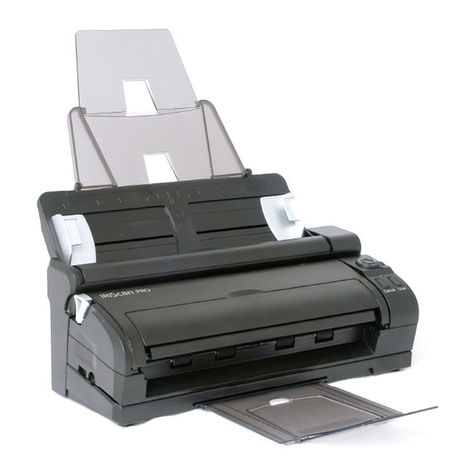
IRIS
IRIS IRIScan Pro 3 Cloud Instruction manual
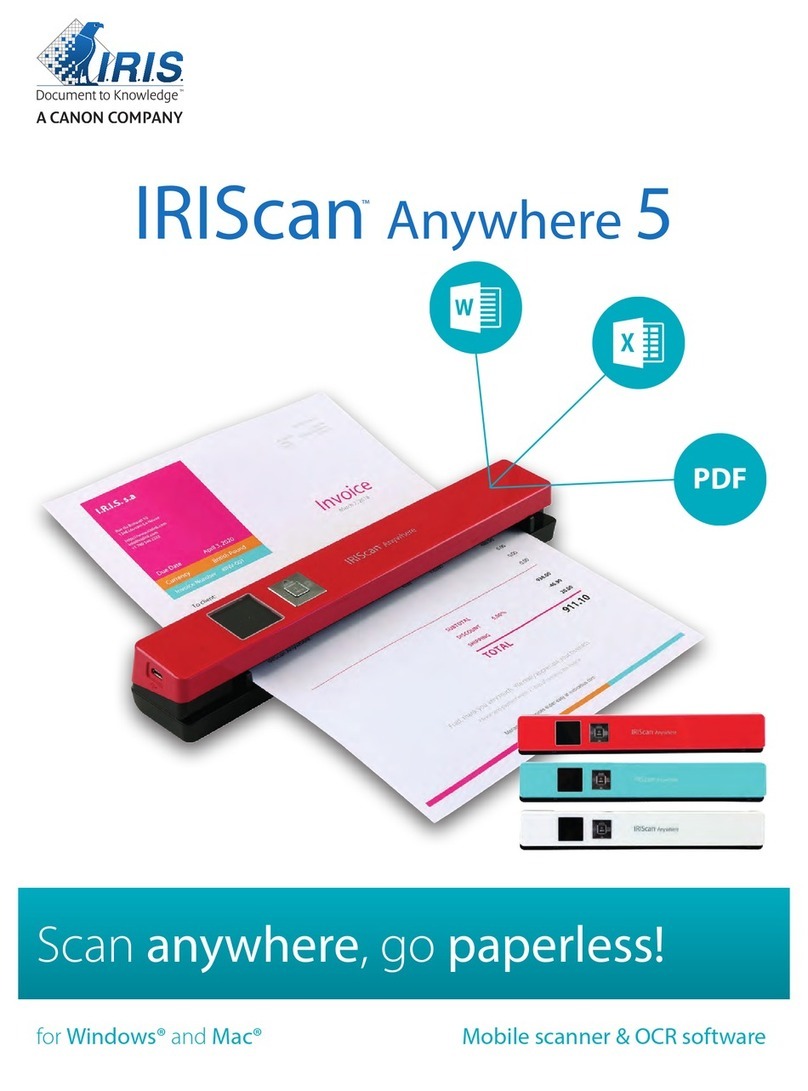
IRIS
IRIS IRIScan Anywhere 5 Instruction manual
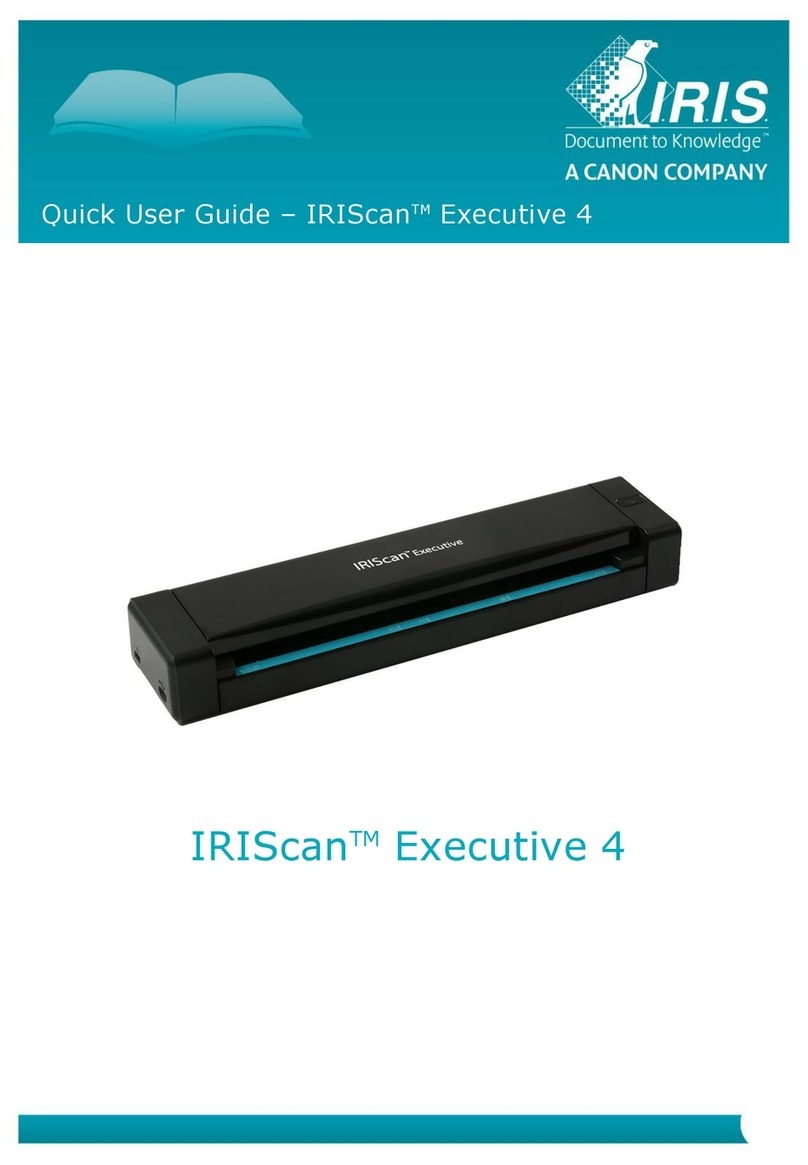
IRIS
IRIS IRIScan Executive 4 Instruction manual
IRIS
IRIS IRISPEN AIR 7 User manual
IRIS
IRIS IRISPen Executive 6 User manual

IRIS
IRIS IRISPen Executive 7 User manual