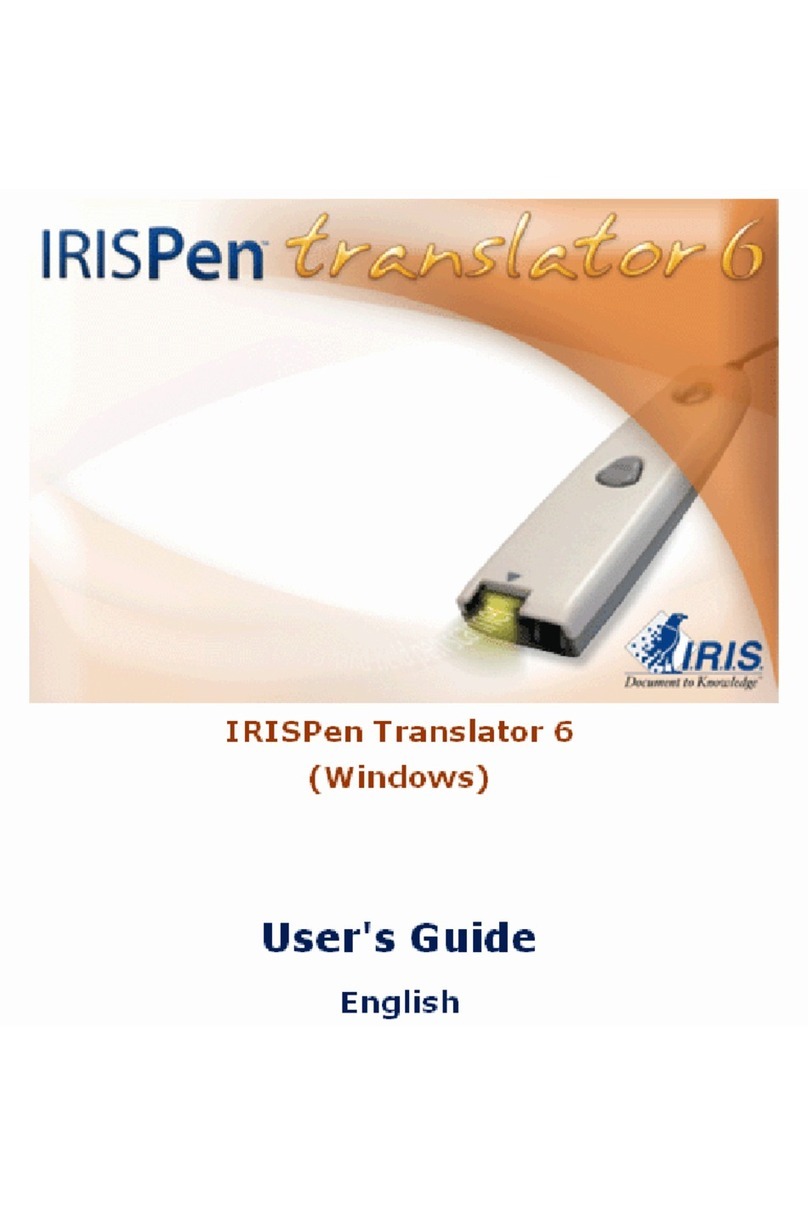
IRIS IRISPen Executive 6 User manual


iii
Table of Contents
Copyrights........................................................................................................1
Chapter 1 Introducing the IRISPen...............................................................3
What is the IRISPen?............................................................................................3
How does it work?................................................................................................7
The steps to follow................................................................................................9
Chapter 2 Installation...................................................................................11
System requirements...........................................................................................11
Installing the IRISPen software ..........................................................................11
Installing the pen scanner....................................................................................14
Uninstalling the IRISPen software......................................................................16
How to get product support?...............................................................................16
How to register?..................................................................................................17
Chapter 3 Starting up...................................................................................19
Running the IRISPen..........................................................................................19
User interface......................................................................................................20
Calibrating the pen scanner.................................................................................23
Changing the user interface language .................................................................24
The Scan Test window........................................................................................25
Image adjustment................................................................................................28
The IRISPen Wizard...........................................................................................29

IRISPen Executive 6 - User's guide
iv
Chapter 4 Basic settings...............................................................................33
Reading options..................................................................................................33
Scan type ........................................................................................................33
Language ........................................................................................................35
Other...............................................................................................................36
Target..................................................................................................................37
Scanning mode....................................................................................................39
Chapter 5 Frequent commands....................................................................41
Pen Buttons.........................................................................................................41
Delimiters ...........................................................................................................43
Character subset..................................................................................................46
Barcodes .............................................................................................................48
Handprinting.......................................................................................................50
Speech synthesis.................................................................................................53
Beep Sound.........................................................................................................55
Chapter 6 Learn how to...............................................................................57
Customize/save/reopen settings..........................................................................57
Read dot matrix text............................................................................................59
Read small print..................................................................................................60
Read numeric data...............................................................................................61
Read handprinting...............................................................................................62
Read barcodes.....................................................................................................64

TABLE OF CONTENTS
v
Scan multiple lines..............................................................................................67
Scan from right to left.........................................................................................68
Scan negative images..........................................................................................69
Scan vertical text (optional)................................................................................70
Define the symbol for unknown characters.........................................................72
Replace a character string...................................................................................72
Replace vertical lines..........................................................................................74
Program hotkeys.................................................................................................77
Index.............................................................................................................79


1
Copyrights
Copyrights ©1993-2007 I.R.I.S. All Rights Reserved.
The IRISPen Mini, the IRISPen Express, the IRISPen Executive, the IRISPen
Translator software were designed and developed by I.R.I.S. OCR ("Optical
Character Recognition") and Linguistic technology by I.R.I.S.
I.R.I.S. detains the copyrights of the IRISPen Mini software, the IRISPen
Express software, the IRISPen Executive software, the IRISPen Translator
software, Read & Speak, the PBR ("Pen Bar Code Reading") technology, the
PCR ("Pen Character Recognition") technology, the PHR ("Pen Handprinting
Recognition") technology, the linguistic technology, the on-line help system
and this manual.
The I.R.I.S. logo, IRISPen, PBR, PCR, I.R.I.S. Linguistic Technology and
Read & Speak are trademarks of I.R.I.S.
All other products mentioned in this user's guide are trademarks or registered
trademarks of their respective owners.
CE and FCC conformity
The IRISPen was tested to comply with the EEC standards (EMC Directive
89/336/EEC amended by 92/31/EEC & 93/68/EC) as well as the FCC
Standards for Home or Office Use (47 CFR Part 15 regulation & ANSI
C63.4).


3
CHAPTER 1
INTRODUCING THE IRISPEN
WHAT IS THE IRISPEN?
The IRISPen is a hand-held pen scanner and software that allows
you to scan data and instantly convert it into real editable text
with the OCR (Optical Character Recognition) technology of
I.R.I.S. The result is directly available in any Windows or Mac
application.
Major applications
You will use the IRISPen to scan and enter into your active
application any of the following:
- notes and short entries like addresses, phone numbers, etc.,
- figures and tables from checks, invoices, bank statements, etc.,
- excerpts of texts from books, magazines, newspapers, etc.,
- small graphics like signatures, logos, handwritten notes, etc.
Depending on the IRISPen version used, you will also able to read

IRISPen Executive 6 - User's guide
4
barcodes, handprinting,dot matrix text, scan multiple lines at a
time, or even read out or translate the scanned lines.
The IRISPen series
Here is the IRISPen series. Each version offers a different range of
functionalities.
- IRISPen Mini (+ Asian version)
- IRISPen Express (+ Asian version)*
- IRISPen Executive (+ Asian version)*
- IRISPen Translator
(*) Available for Windows and for Mac OS X.
IRISPen
Mini IRISPen
Express IRISPen
Translator IRISPen
Executive
Basic features Basic features Basic features Basic features
User interface in
15 languages User interface in
15 languages User interface in
15 languages User interface in
15 languages
47 recognition
languages
+ 4 languages in
Asian version
(*)
121 recognition
languages
+ 4 languages in
Asian version
(*)
121 recognition
languages
(**)
121 recognition
languages
+ 4 languages in
Asian version (*)
Programmable
pen buttons: 4
possible
operations
(simple click
only)
Programmable
pen buttons: 5
possible
operations
(simple click
only)
Programmable
pen buttons: 12
possible
operations
(simple and
double click)
Programmable
pen buttons: 13
possible
operations
(simple and
double click)
Customizable
hotkeys Customizable
hotkeys Customizable
hotkeys
Save default
settings Save default
settings Save default
settings
IRISPen Wizard IRISPen Wizard IRISPen Wizard
Other manuals for IRISPen Executive 6
1
This manual suits for next models
1
Table of contents
Other IRIS Scanner manuals

IRIS
IRIS IRISPen Executive 7 User manual
IRIS
IRIS IRISPen Executive 6 User manual
IRIS
IRIS IRISPEN AIR 7 User manual
IRIS
IRIS IRIScan Pro 5 User manual
IRIS
IRIS IRIScan Executive 4 Instruction manual
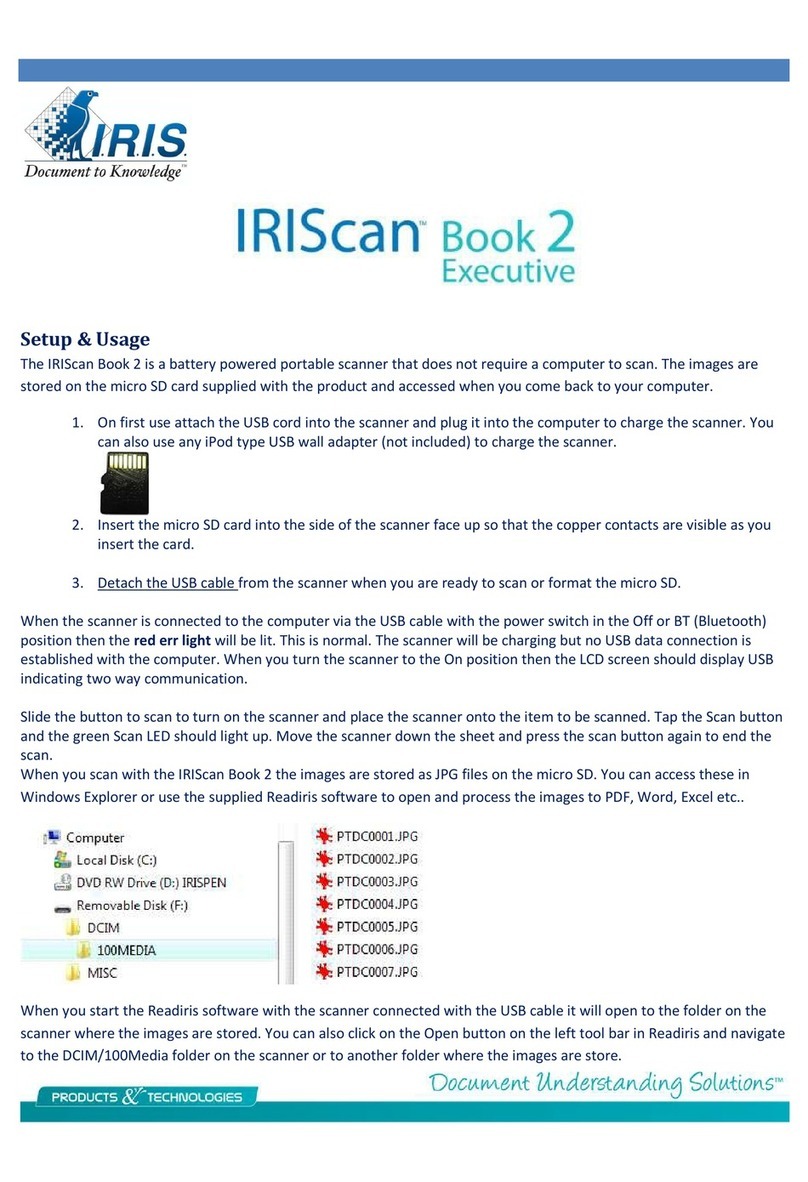
IRIS
IRIS IRIScan Book Executive 2 Manual
IRIS
IRIS IRIScan Pro 3 Cloud Instruction manual

IRIS
IRIS CARDIRIS User manual
IRIS
IRIS IRIScan Anywhere 5 Instruction manual
IRIS
IRIS IRIScan Pro 5 User manual