www.istorage-uk.com 4
Package contents
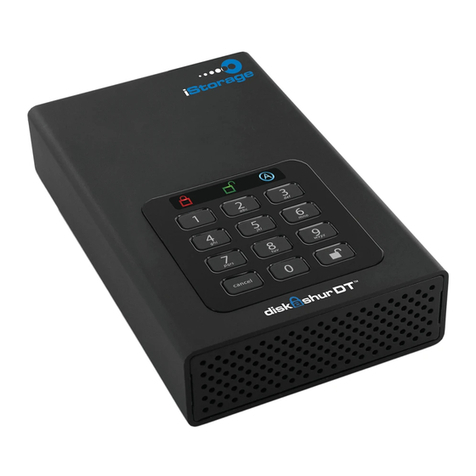
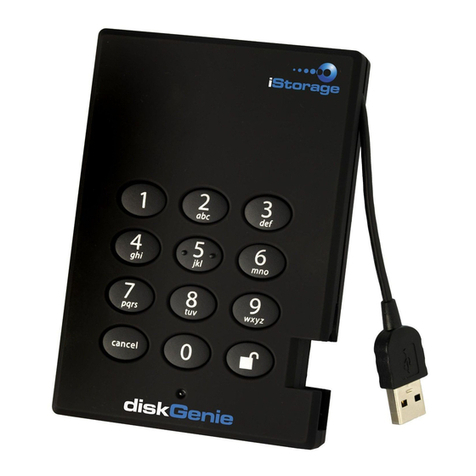
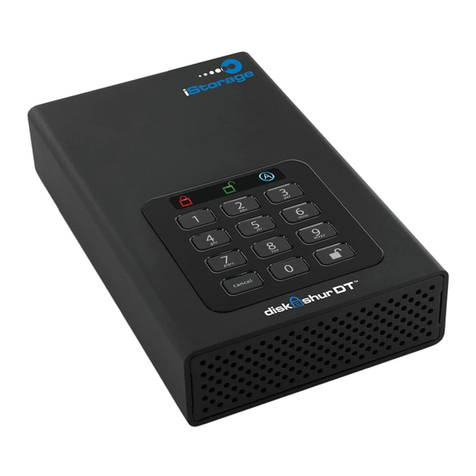
Looking for an effortless way to secure
your data? Look no further than the
diskAshur DT.
With an easy-to-use keypad design
and software free setup, the diskAshur
DT enables you to access the drive
with your own unique pin. Featuring
256 bit hardware encryption and a
super-fast USB 3.0 connection, the
diskAshur DT provides seamless real-
time encryption, keeping your data
safe 24/7.
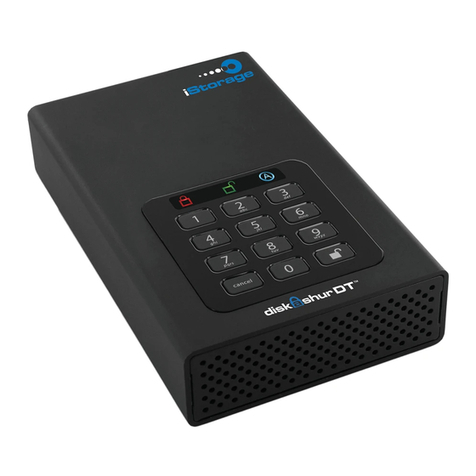
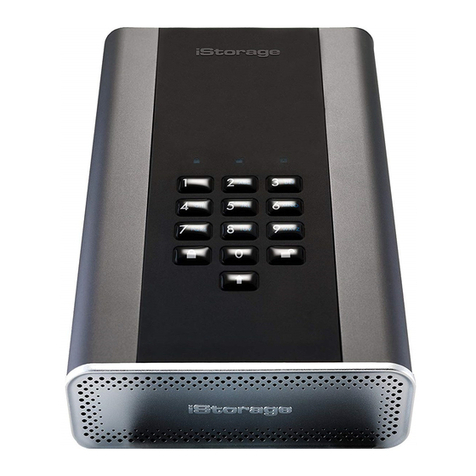
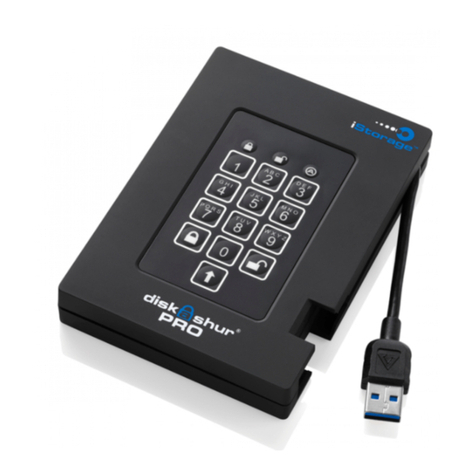
diskAshur DT• AC Adapter• USB 3.0 data cable•
(backwards compatible
with USB 2.0)
Quick Start Guide•
About the diskAshur
Desktop Drive
Quick Start Guide
3
1
2
Cancel button
button
LED Indicator light
Remember to save your password in a
safe place. If lost or forgotten, there is
no way to access the drive.
If you are having difculty please refer
to the complete user’s manual which is
loaded on your DiskAshur drive and is
also available at IStorage’s website at:
www.istorage-uk.com/support
Your DiskAshur DT is preformatted in NTFS for Windows®and is ready for use. For the Mac OS
please refer to the directions on the reverse to reformat your drive to a compatible format.To
access the DiskAshur DT connect the drive to a power outlet via the AC Adapter and a USB port
using the USB 3.0 cable (this cable is also compatible with USB 2.0).
Once connected turn the power swit c h o n t h e b a c k o f t h e d r i v e t o t h e O N p osition, the LOCK
indicator light on the top of the unit s h o u l d s h o w R E D . E n t e r t h e d e f ault PIN number of 1234 5 6 a nd
press . The UNLOCK indicator light wil l t u r n G R E E N i n d i c a t i n g t h e drive is u n l o c k e d a n d c a n b e
accessed.
Changing the ADMIN PIN number to your own unique PIN number
Yo u a r e t h e “ a d m in i s tr a t or ” o f t h is d ri v e . T h e r s t th i n g y o u w i l l w a nt t o d o is c ha n g e t h e A d m i n i s t r a t or
PIN number from the default 123456 t o a u n i q u e , s e c u r e P I N n u m b e r t hat you will remember.
To change theAdmin PIN number follow the instructions below:
To e n t e r A d m i n M o d e , c o n n e c t t h e d r i v e t o a U S B p o r t . T h e U N L O C K i n d i c a t o r l i g h t w i l l b e R E D .1 .
Next , press and ho ld 0 + for 5 s econds until t he UNL OCK ind icator light ashes RED.2. Enter the Admin PIN number (default is 123456) and press . The ADMIN (A)3. indicator light will turn BLUE indicating you are in Admin Mode.
While in Admin Mode, press and hold 9 + until the ADMIN (A) light ashes BLUE.4. Enter the new PIN number (minimum 6 digits) and press . The UNLOCK indicator5.
light will ash GREEN 3 times if successful.
Re-enter the new PIN number and press . The UNLOCK indicator light will stay6. solid GREEN for 2 seconds then the ADMIN (A) indicator light will become solid BLUE
indicating you have successfully changed the Admin PIN.
To exit Admin Mode and begin using your DiskAshur drive, press the CANCEL button7. until the LOCK indicator light turns RED. Now enter your new PIN number and press .