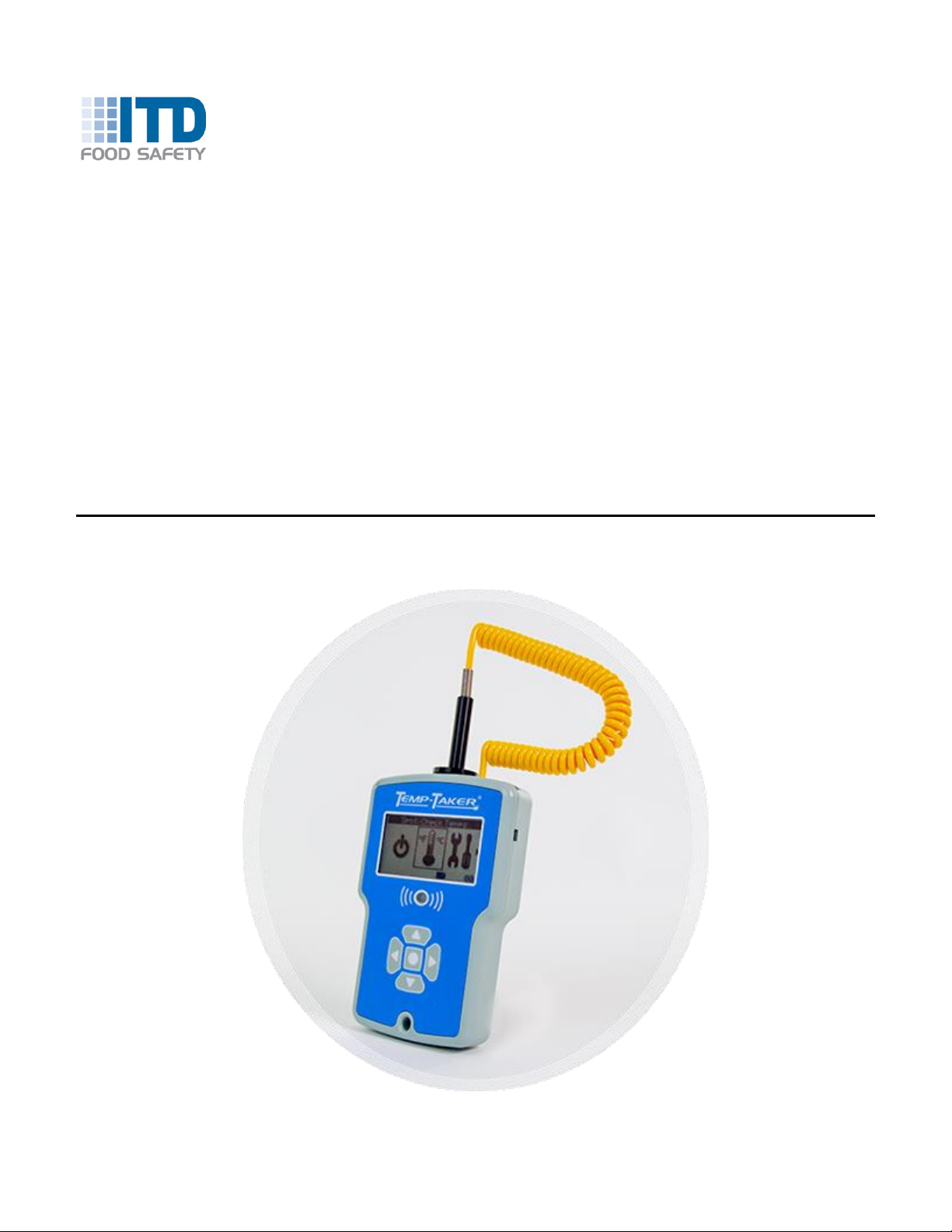
Temp-Taker® 5 User Guide Part 1 –The Basics
T5UG1-200810 - Page 2 Copyright © 2013-2020 ITD Food Safety
Table of Contents
1Introduction & Safety....................................................................................................4
1.1 Packaging Contents...........................................................................................................4
1.2 Notices...............................................................................................................................4
1.3 Icons & Terms Used ..........................................................................................................5
1.4 Safety Instructions & Warnings..........................................................................................5
1.5 How to Use This Guide......................................................................................................6
2Getting Started .............................................................................................................7
2.1 Software Installation...........................................................................................................7
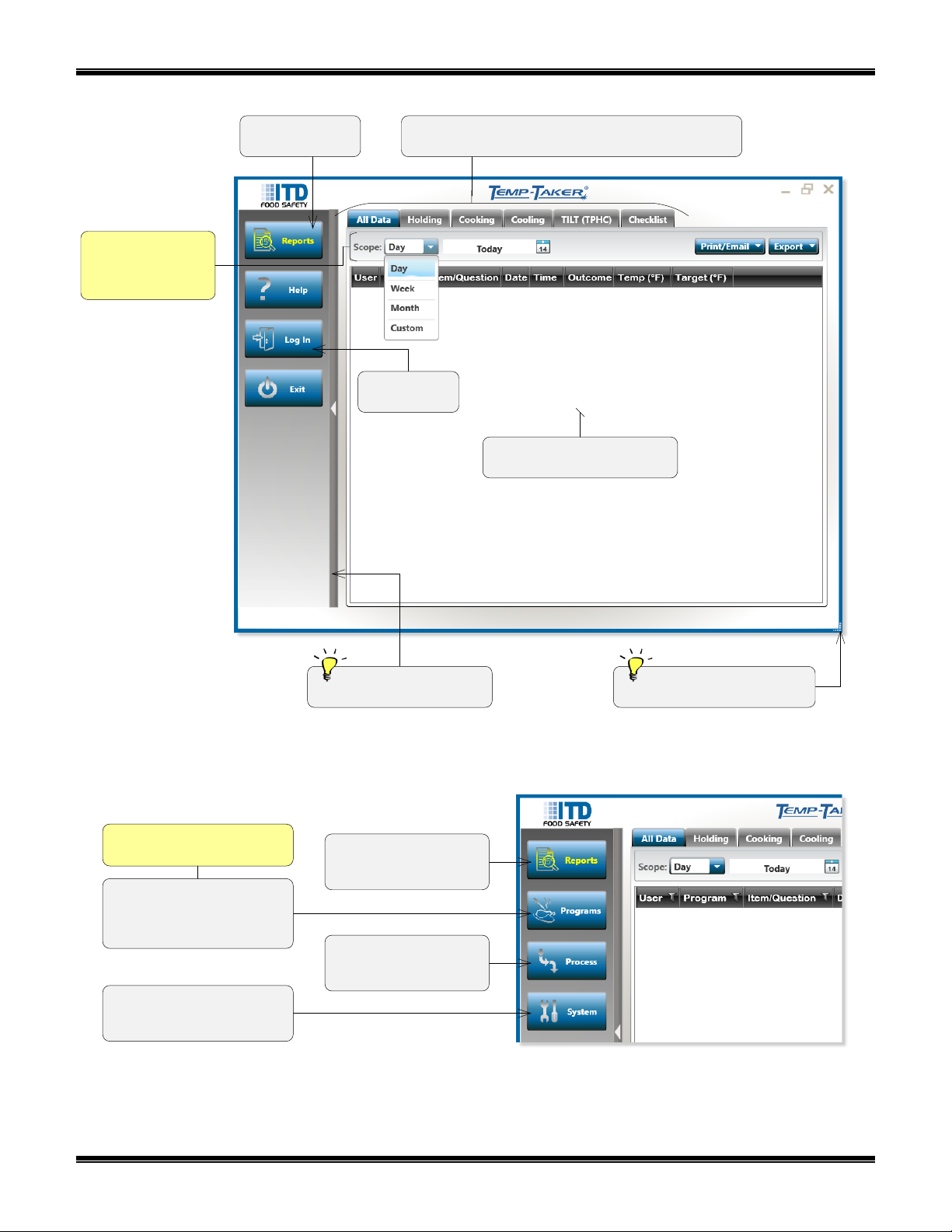
2.2 Temp-Taker®App Introduction...........................................................................................7
2.3 Hardware Basics................................................................................................................9
2.3.1 Maintenance & Battery Replacement............................................................................................. 10
2.3.2 Probe Usage Instructions............................................................................................................... 11
2.4 The Device User Interface ...............................................................................................12
2.5 Bluetooth Setup...............................................................................................................13
2.5.1 Procedure to Disable the Bluetooth Power-Saving Property.......................................................... 13
2.5.2 Bluetooth Pairing Procedure .......................................................................................................... 14
2.6 Entering User Names.......................................................................................................16
2.7 Entering Your Item List ....................................................................................................17
2.8 Logging into the Device ...................................................................................................18
2.9 How to Take & View Temps.............................................................................................19
2.10 Temp-Taker®Programs and Processes...........................................................................21
2.11 Spot-Check Temps Mode ................................................................................................23
2.12 Timers Mode....................................................................................................................24
3Holding-Line Temps.................................................................................................. 25
3.1 How to Set Up Temp-Taker®to Take Holding-Line Temps ..............................................25
3.1.1 Define Your Safe Holding Zones.................................................................................................... 25
3.1.2 Tweak Your Corrective Action Directives....................................................................................... 26
3.1.3 Build Your Holding Program........................................................................................................... 27
3.2 How to Take Holding-Line Temps....................................................................................29
4TILT........................................................................................................................... 31
4.1 How to Set Up Temp-Taker®to Implement a TILT Policy.................................................31
4.1.1 Build Your TILT Program................................................................................................................ 31
4.1.2 Adjust Your General TILT Options ................................................................................................. 32
4.2 How to Execute Your TILT Policy.....................................................................................33
4.3 Combined TILT/Holding Functionality ..............................................................................34
5Cooling Temps .......................................................................................................... 35
5.1 Different Cooling Practices...............................................................................................35
5.2 How to Set Up Temp-Taker®to Take Cooling Temps ......................................................36
5.2.1 Build Your Cooling Program........................................................................................................... 36
5.2.2 Adjust Your Alarm Settings ............................................................................................................ 37
5.3 How to Take Cooling Temps............................................................................................38
5.3.1 ‘Room’ Cooling Type...................................................................................................................... 38