9
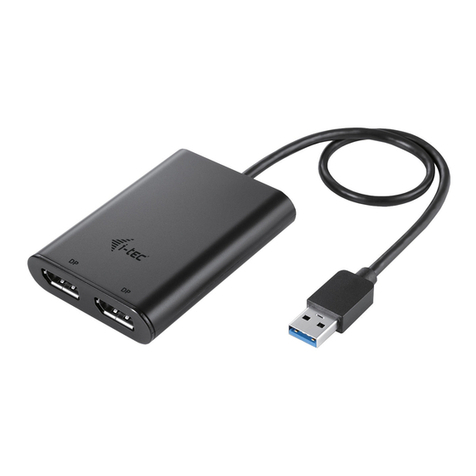
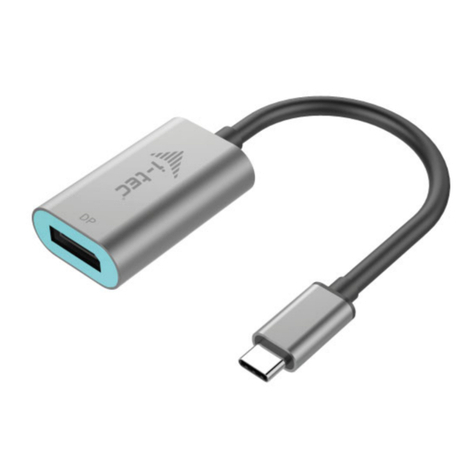
Quick Start / USB-C DUAL DISPLAY PORT ADAPTER
For ordinary work on multiple monitors
• Processor:IntelCorei52+GHz/AMDTrinityorbetter
• RAM: 4GB
• Graphics processor: Intel HD 4000, ATI Radeon HD7xxx, NVidia GeForce
5xxMorbetter
• USB-C or Thunderbolt 3 port
For video playback
• Procesor:IntelCorei72+GHz/AMDRichlandA10-575x/AMDKaveriA10-
7400P or better
• RAM: 8GB
• Graphicsprocessor:IntelHD4000,ATIRadeonHD8650,NVidiaGeForce
7xxM or better
• USB-C or Thunderbolt 3 port
ForUltraHD4Kvideoplaybackthecomputermustbeabletodecodethevideo
using its primary graphics processor. Low end laptops can be able to playback
the video but the quality might be less than ideal (video interruption, screen
tearing).
INSTALLING DRIVERS
Once connected, the drivers for the adapter are automatically installed from the
system. Before installing, make sure that the latest drivers for your device and
updated BIOS are installed in your system.
CONNECTING A DISPLAY PORT MONITOR
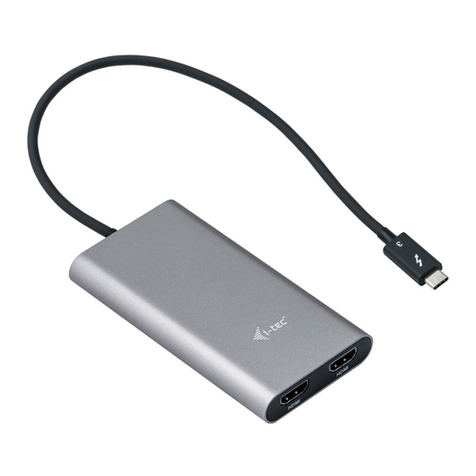
The adapter is equipped with 2x Display Port 4K for connecting an external
monitor or projector with Display Port interface. As imaging equipment,
advanced plasma and LCD monitors and TVs can be used. Graphics chips, that
arethe"heart"oftheadapter,supportupto2x4K(UltraHD)resolution3840x
2160 pixels. To connect the monitor to the adapter, use a high quality DP cable.
During the additional monitor installation, the screen of the laptop, Mac, tablet or
PC can blink, this is normal state.
Note:
Windows OS: Setting of the MST mode with two connected monitors is always
dependent on the internal graphics card and hardware specications of the
notebook / tablet (must support dual monitor set-up). To set up two monitors,
using of both the Windows control utility and the “Control panel for the Intel HD
Graphics” is required in some hardware combinations (item Display-Multiple
monitors). For the corresponding resolution, we also recommend setting of the
same refresh rate on both connected monitors.
EN