Power Button
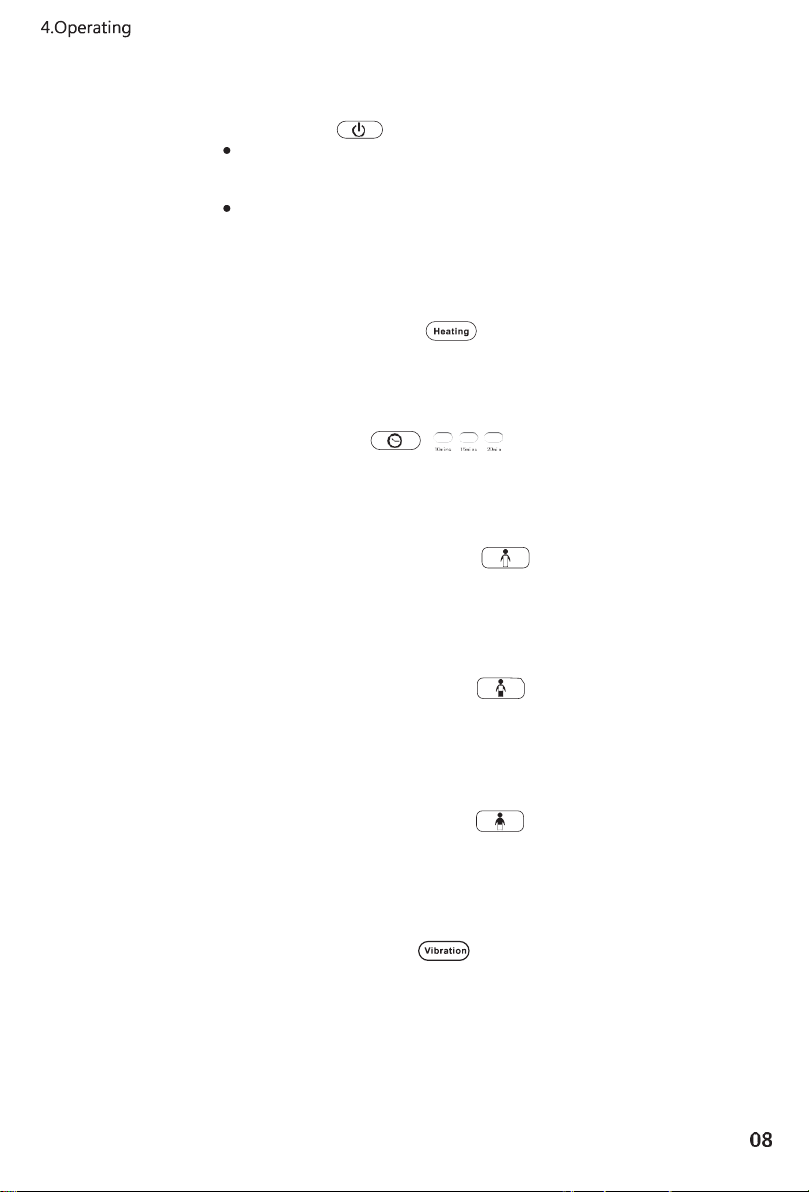
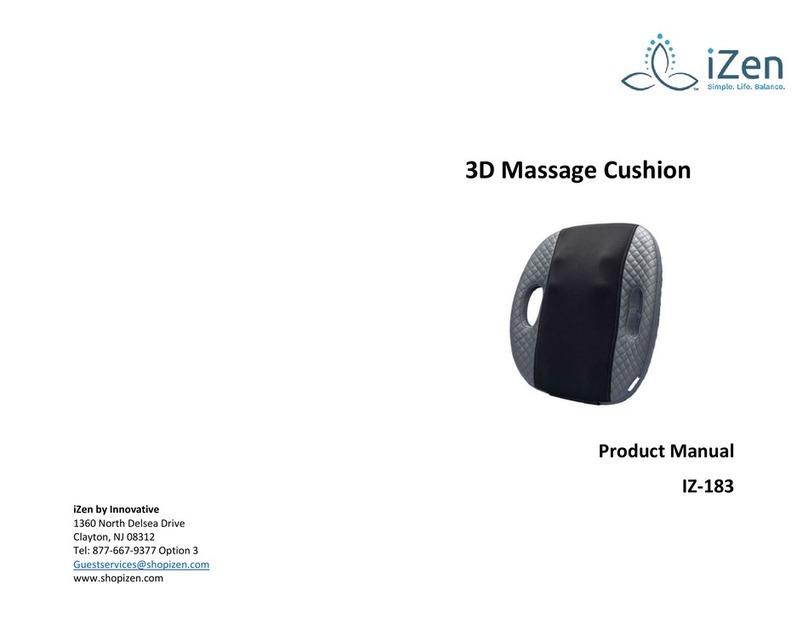
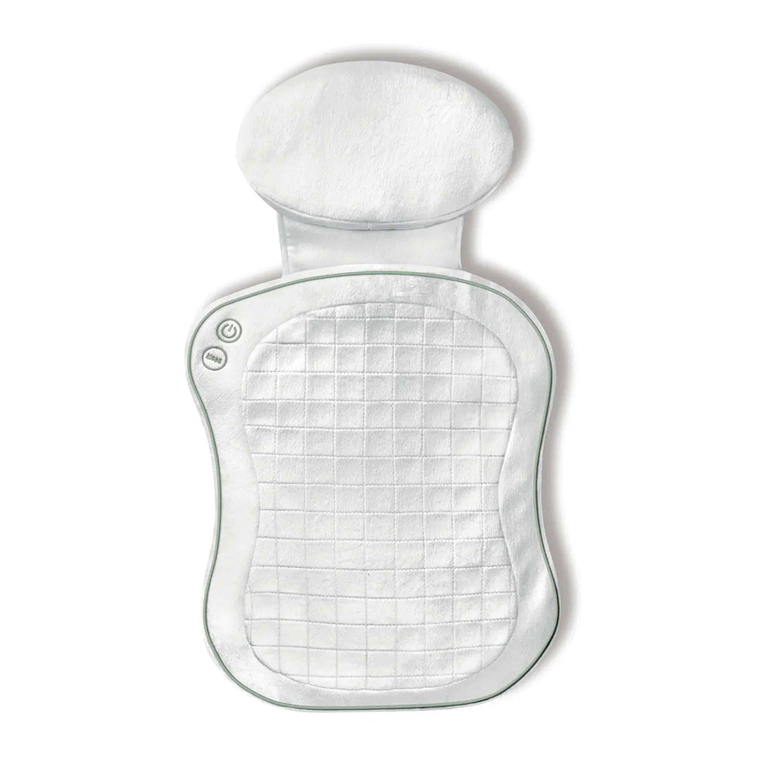
To turn the unit on, press the Power button. The LED ind icator will light and
the massager will start in the default automatic mode: full-back kneading
massage. The massager will automatically turn off after 15 minutes.
Adjust the massage type or time by using the buttons on the controller.
To turn off, press the power button again. The massage heads will reset to
their automatic position.
Heating Function Button
Press the heating function button in any massage mode, including vibration.
Press the button again to turn the heating function off.
Timing Selection
Press the timer button,to select a 10-, 15-, or 20-minute massage.
The corresponding indicators will light.
Whole Back Kneading Massage
Press this button to start the kneading massage function back-and-forth and
up-and-down along the entire back. Press the button again to switch to the
Manipulation & Position mode.
Upper Back Kneading Massage
Press this button to start the kneading massage function back-and-forth and
up-and-down along the upper back. Press the button again to switch to the
Manipulation & Position mode.
Lower Back Kneading Massage
Press this button to start the kneading massage function back-and-forth and
up-and-down along the lower-back. Press the button again to switch to the
Manipulation & Position mode.
Vibration Mode Button
Vibrating massage functions in the seat portion of the cushion. Vibration can
operate simultaneously with any other massage mode.