manuals.online logo
Brands
  1. Home
  2. •
  3. Brands
  4. •
  5. Joab
  6. •
  7. Lifting System
  8. •
  9. Joab EcoDrive User manual

Joab EcoDrive User manual

Other manuals for EcoDrive

1

Other Joab Lifting System manuals
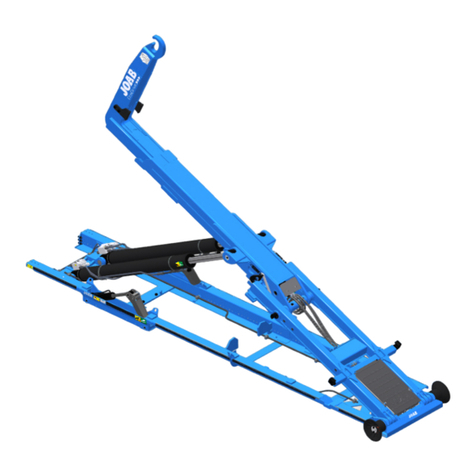
Joab L Series Original operating manual

Joab

Joab L Series Original operating manual

Joab Hookmaster User manual

Joab

Joab Hookmaster User manual

Joab EcoDrive LA User manual

Joab

Joab EcoDrive LA User manual

Joab VL10 User manual

Joab

Joab VL10 User manual

Joab EcoDrive VL10U User manual

Joab

Joab EcoDrive VL10U User manual

Joab EcoDrive Hook-Lift L User manual

Joab

Joab EcoDrive Hook-Lift L User manual

Joab EcoDrive User manual

Joab

Joab EcoDrive User manual

Popular Lifting System manuals by other brands

probst SDH-H-15 operating instructions

probst

probst SDH-H-15 operating instructions

Bruno OUTDOOR ELITE CRE-2110E Operator's manual

Bruno

Bruno OUTDOOR ELITE CRE-2110E Operator's manual

matev FPS Mounting Assembly Installation Guide

matev

matev FPS Mounting Assembly Installation Guide

Vestil CYL-HLT Series instruction manual

Vestil

Vestil CYL-HLT Series instruction manual

Butts Tools BXS0002 operating instructions

Butts Tools

Butts Tools BXS0002 operating instructions

Safelift MoveAround MA60 Original instructions

Safelift

Safelift MoveAround MA60 Original instructions

Terex Genie Z452513A-48153 Service and repair manual

Terex

Terex Genie Z452513A-48153 Service and repair manual

Granberg InDIago 510 Operating and care instructions

Granberg

Granberg InDIago 510 Operating and care instructions

EUFAB Bike Lift operating instructions

EUFAB

EUFAB Bike Lift operating instructions

morse 82H-124 Operator's manual

morse

morse 82H-124 Operator's manual
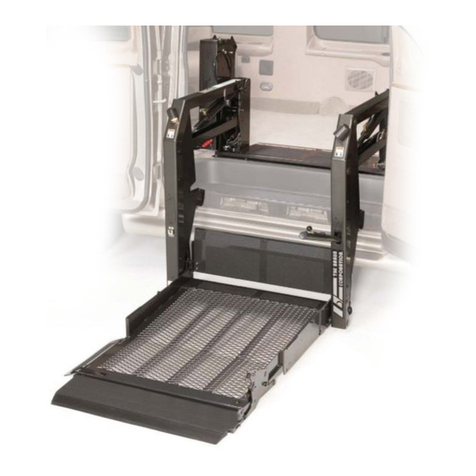
Braun NL955 Series Operator's manual

Braun

Braun NL955 Series Operator's manual
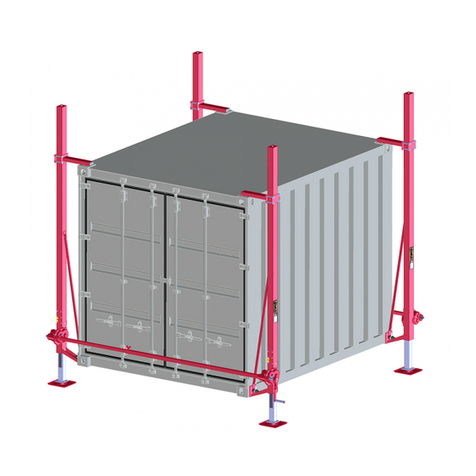
Protekt AT 252 instruction manual

Protekt

Protekt AT 252 instruction manual

R. Beck Maschinenbau HS 600 operating manual

R. Beck Maschinenbau

R. Beck Maschinenbau HS 600 operating manual

Nova Technology International, LLC NAS Series quick start guide

Nova Technology International, LLC

Nova Technology International, LLC NAS Series quick start guide
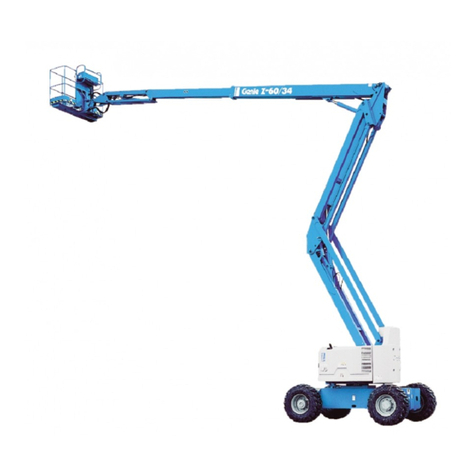
Genie Z-60/34 Operator's manual

Genie

Genie Z-60/34 Operator's manual
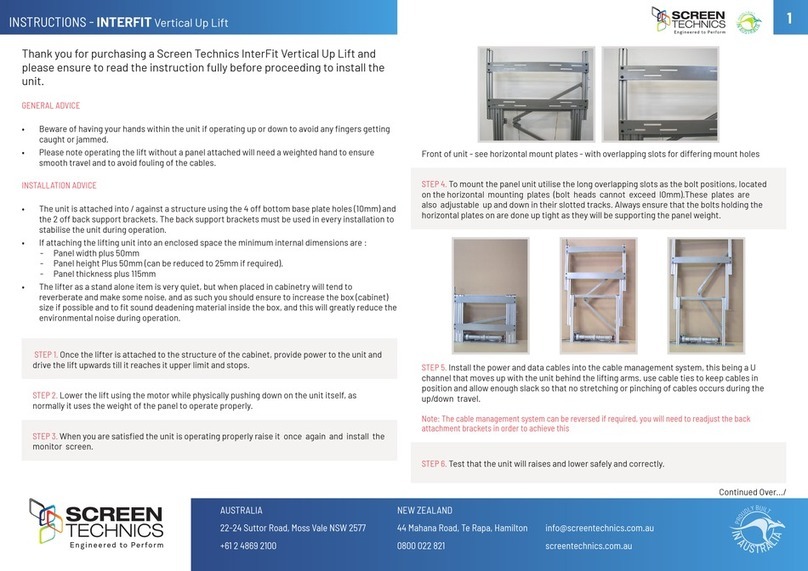
Screen Technics INTERFIT Vertical Up Lift instructions

Screen Technics

Screen Technics INTERFIT Vertical Up Lift instructions

Drive DUPONT SAMERY Hermes user manual

Drive

Drive DUPONT SAMERY Hermes user manual

Custom Equipment Hy-Brid 3 Series MAINTENANCE & TROUBLESHOOTING MANUAL

Custom Equipment

Custom Equipment Hy-Brid 3 Series MAINTENANCE & TROUBLESHOOTING MANUAL

manuals.online logo
manuals.online logoBrands
  • About & Mission
  • Contact us
  • Privacy Policy
  • Terms and Conditions

Copyright 2025 Manuals.Online. All Rights Reserved.

Quick Reference Guide | EcoDrive - Snow Plough Operation | 1021128 Edition 1 | 2021-04-28
EcoDrive - Snow Plough Operation
Operate the Plough
1. Turn the PTO off.
2. Press the right arrow directional button on the CBW
controller to open the snow plough page .
NOTE: if it is not possible to select the snow plough
page, as described above, see section 5 below.
3. Push the control-stick forward to lower the front snow
plough. To lower the side plough, press the top button
on the top of the control-stick.
4. Operate the ploughs, as required, in accordance with
Table 1 below.
Side plough
OUT
Side plough
IN
Side plough
DOWN
Side plough
UP
Front plough
DOWN
Front plough
UP
Table 1: Control stick functions
Front plough
LEFT
Front plough
RIGHT
Plough Icon Definitions
The following table lists the icons available in the snow
plough page setup.
Icon Description Icon Description
Slush flap* Plough work lights*
Float mode - Plough Salt spreader - fixed*
Automatic Plough UP
on reverse Salt spreader - LS*
Table 2: Plough Icon Definitions
* Option
Slush Flaps - If installed, this activates a set of rubber
flaps that are lowered below the bottom edge of the snow
plough blade and are used to scrape slush from the road.
Float Mode - see float mode below.
Automatic Plough UP on reverse - when activated, the
front and the side plough are retracted whenever the
vehicle is put into reverse gear.
Plough work lights - when activated, the right lower work
lighting on the vehicle is lit.
Salt Spreader - see salt spreader below.
Float Mode
Float mode allows the front plough to follow undulations in
the road surface. The plough can move up and down.
There is a serious risk of injury or death when operating or working on a vehicle with a snow plough. This is
particularity important to bare in mind when the Automatic plough up function is activated. The ploughs are
automatically retracted when the vehicle is put into reverse gear. Make sure there are no persons near the ploughs
when operating the vehicle or ploughs.
Page 1 of 2
Quick Reference Guide | EcoDrive - Snow Plough Operation | 1021128 Edition 1 | 2021-04-28
EcoDrive - Snow Plough Operation
Press the following icon to activate float mode for the
front plough. There are three states for this function, which
are displayed by a green status bar above the icon .
The green status bar has the following states:
1. OFF - float function is not active.
2. Flashing - the float valve is disengaged but will
engage when the control-stick is pushed forwards.
3. ON - the float valve is engaged and the plough is in
float mode.
The side plough is by default set to work in float mode.
However, if desired, it can be raised to a desired height
and it will remain at that position. Float mode is deac-
tivated as soon as it is raised.
Salt Spreader
To activate a salt spreader follow the procedure below.
1. Turn the PTO OFF.
2. Press the right arrow directional button on the CBW
controller to open the snow plough page .
NOTE: if it is not possible to select the snow plough
page, as described above, see section 5 below.
3. For fixed displacement systems press the salt
spreader icon to activate the salt spreader. For LS
systems, press the LS salt spreader icon .
Activate Plough Page
If it is not possible to select the snow plough page using
the CBW controller's left or right arrow key, activate it as
described below
1. Press and hold down the OK button and the right arrow
button at the same time for a few seconds.
The screen will then dis-
play the menu page
options as shown.
2. Select the snow flake icon
and then press the OK but-
ton to activate it (active page setups have a green rect-
angle below them).
3. Press and hold down the OK button for a few seconds
to save the new settings. The snow plough page can
now be selected using the CBW's left or right arrow
key.
There is a serious risk of injury or death when operating or working on a vehicle with a snow plough. This is
particularity important to bare in mind when the Automatic plough up function is activated. The ploughs are
automatically retracted when the vehicle is put into reverse gear. Make sure there are no persons near the ploughs
when operating the vehicle or ploughs.
Page 2 of 2