manuals.online logo
Brands
  1. Home
  2. •
  3. Brands
  4. •
  5. Jobsite
  6. •
  7. Transmitter
  8. •
  9. Jobsite IR-E1HO User manual

Jobsite IR-E1HO User manual

Other Jobsite Transmitter manuals

Jobsite IR-E1 Operation manual

Jobsite

Jobsite IR-E1 Operation manual

Jobsite IR-E1 User manual

Jobsite

Jobsite IR-E1 User manual

Jobsite IR-E1HO Operation manual

Jobsite

Jobsite IR-E1HO Operation manual

Jobsite IR-E2 User manual

Jobsite

Jobsite IR-E2 User manual

Popular Transmitter manuals by other brands

Seneca K120RTD installation manual

Seneca

Seneca K120RTD installation manual

Nautel GV40 installation manual

Nautel

Nautel GV40 installation manual

HumanTechnik cm-light operating instructions

HumanTechnik

HumanTechnik cm-light operating instructions

INOR APAQ C130 TC User instructions

INOR

INOR APAQ C130 TC User instructions

Linear DXS-64 operating instructions

Linear

Linear DXS-64 operating instructions

FeinTech ABT00102 instruction manual

FeinTech

FeinTech ABT00102 instruction manual

Geo Web Pack quick start guide

Geo

Geo Web Pack quick start guide

Inovonics EchoStream EN1210W installation instructions

Inovonics

Inovonics EchoStream EN1210W installation instructions

IKONNIK KA-6 quick start guide

IKONNIK

IKONNIK KA-6 quick start guide

Rohde & Schwarz SR8000 Series System manual

Rohde & Schwarz

Rohde & Schwarz SR8000 Series System manual

Audio Technica UniPak ATW-T93 Installation and operation

Audio Technica

Audio Technica UniPak ATW-T93 Installation and operation

NIVELCO EasyTREK SCA-300 Series Programming manual

NIVELCO

NIVELCO EasyTREK SCA-300 Series Programming manual

Honeywell 5816WMBR installation instructions

Honeywell

Honeywell 5816WMBR installation instructions

Kamstrup READy MTU Installation and operation guide

Kamstrup

Kamstrup READy MTU Installation and operation guide

Omega ZW Series user guide

Omega

Omega ZW Series user guide

ABB Field 264H Instructions for installation

ABB

ABB Field 264H Instructions for installation

Dejero EnGo 3x manual

Dejero

Dejero EnGo 3x manual

Rosemount 4600 Reference manual

Rosemount

Rosemount 4600 Reference manual

manuals.online logo
manuals.online logoBrands
  • About & Mission
  • Contact us
  • Privacy Policy
  • Terms and Conditions

Copyright 2025 Manuals.Online. All Rights Reserved.

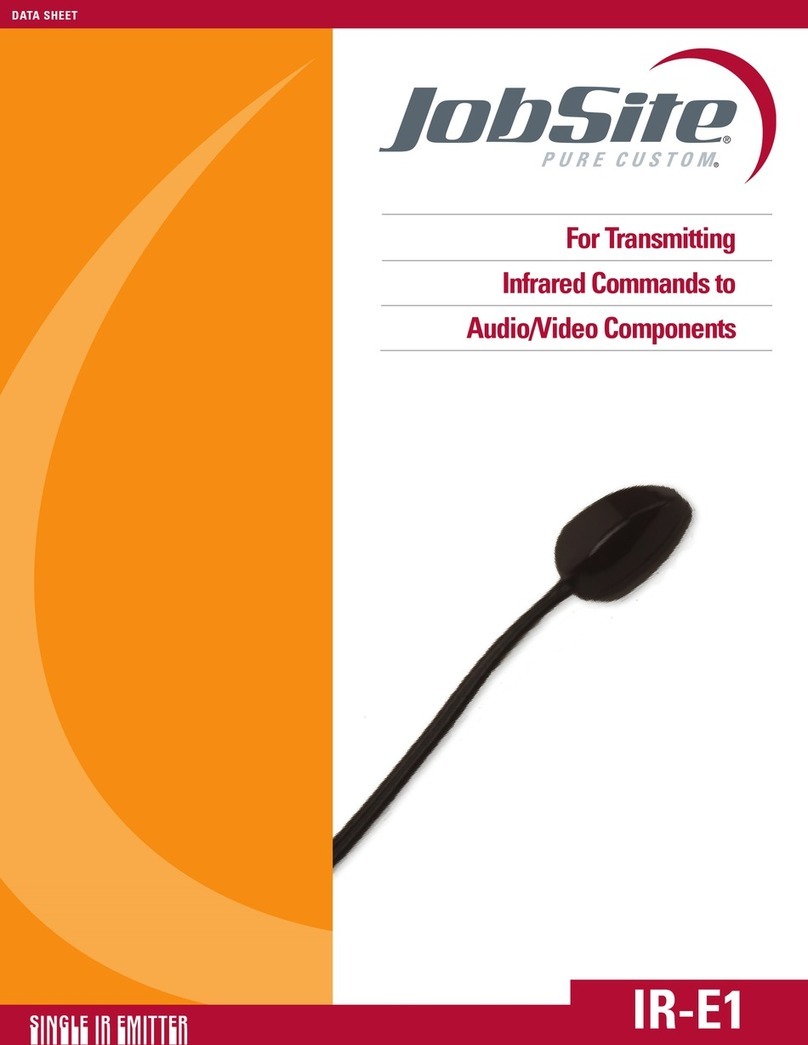
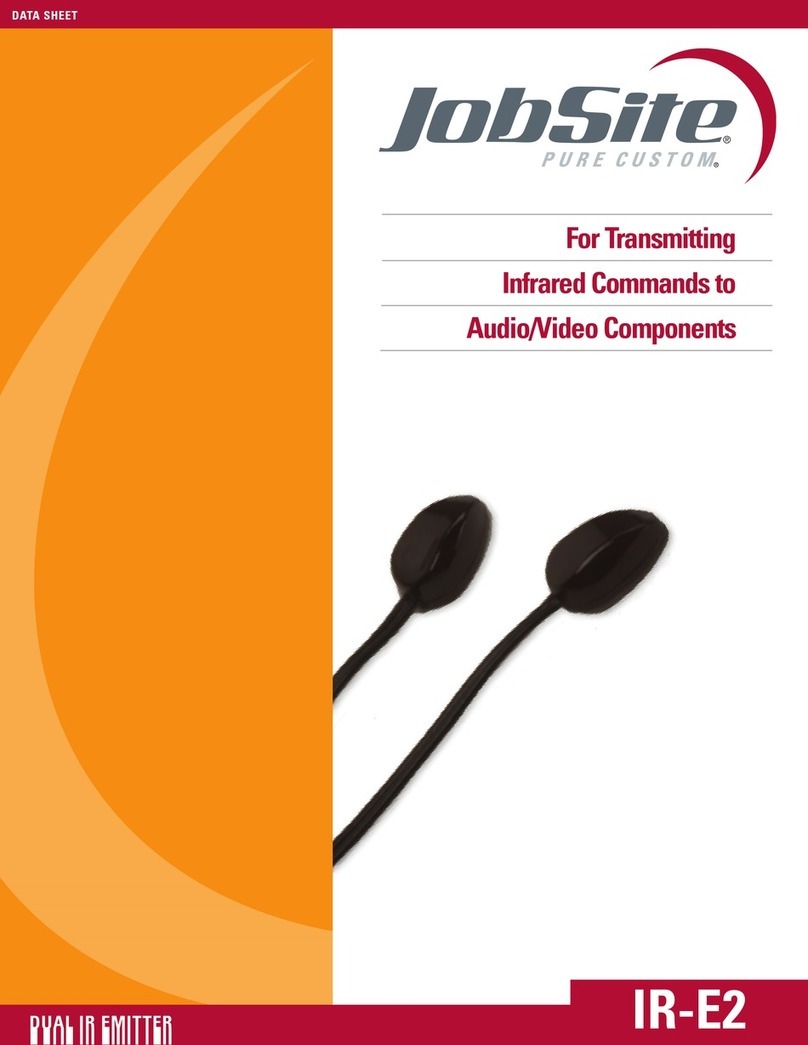
For Transmitting
Infrared Commands to
Audio/Video Components
HIGH OUTPUT IR EMITTER IR-E1HO
DATA SHEET
IR-E1HO
HIGH OUTPUT IR EMITTER
FEATURES
• High output for controlling an entire stack of A/V system components
INSTALLATION FRIENDLY DESIGN:
• 10’ of cable with 3.5mm plug
• Reliable adhesive backing
SPECIFICATIONS
• Works with practically all brands of IR remote controls
• IR transmitting: 18’-30’ (line of sight)
• Works from extended distances and angles
WIRING REQUIREMENTS
• 10” of 2-conductor
•22-gauge wire with a 3.5mm plug is supplied
•Use 18 gauge for distances up to 20’ and 16 gauge for up to 200’
MOUNTING:
Self-adhesive, surface mount
DIMENSIONS:
1” wide x 3/8” high x 2-1/4” deep
WARRANTY:
2 year limited
HIGH OUTPUT IR EMITTER IR-E1HO
JOBSITE SYSTEMS
12331 SW 130 STREET
MIAMI, FL 33186
P866.4JB.SITE (866.452.7483)
F305.238.0185
WWW.JOBSITESYSTEMS.COM
HIGH OUTPUT IR EMITTER IR-E1HO
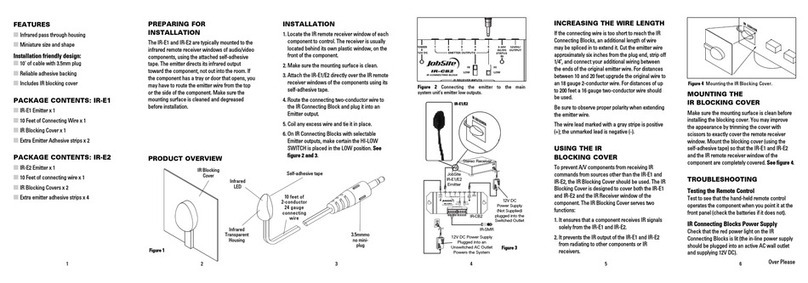
PREPARING FOR INSTALLATION:
The IR-E1HO is typically used as a “flooding” emitter to control a stack of
audio/video components. For this type of application, place the IR-E1HO with its
LED’s pointed straight up and at least an inch in front of the equipment you
wish to control. For tall stacks of components use multiple IR-E1HO emitters.
Make sure the mounting surface is cleaned and degreased before installation.
INSTALLATION:
1. Test the operation of the IR-E1HO in the planned mounting location. If all of
the components operate correctly via the IR repeater system, proceed.
2. Make sure the mounting surface is clean.
3. Remove the protective coating from the self-adhesive tape and attach the
IR-E1HO to the mounting surface.
4. Route the connecting two-conductor wire to the IR Connecting Block and
plug it into an Emitter output.
5. Coil any excess wire and tie it in place.
6. On IR Connecting Blocks with selectable Emitter outputs make certain the
HI-LOW SWITCH is placed in the HI position.
IR-E1HO INSTALLATION DIAGRAM
12V DC Power
Supply
(Not Supplied)
plugged into
the Switched
Outlet
12V DC Power Supply
Plugged into an Unswitched
AC Outlet Powers the System
IR-CB-2
JobSite
IR-E1HO
Emitter
IR-E1HO
12VDC/
OUTPUT
HI
LOW
HI
LOW
1
12
2 3 54
EMITTER OUTPUTS
POWER
+12V DC
IR RECEIVER INPUTS
3-30V
AC/DC
STATUS
IN
IR-CB2
IR CONNECTING BLOCK
IR-SMR
Stereo
Receiver
CD
DSS
JOBSITE SYSTEMS
12331 SW 130 STREET
MIAMI, FL 33186
P866.4JB.SITE (866.452.7483)
F305.238.0185
WWW.JOBSITESYSTEMS.COM
©2004 Niles Audio Corporation. JobSite,
Pure Custom and Niles are registered
trademarks of Niles Audio Corporation
and the JobSite Logo is a trademark of
Niles Audio Corporation. JSIRE1HOPDF
Specifications subject to change without notice.