1 Introduction 8
2 Glossary 9
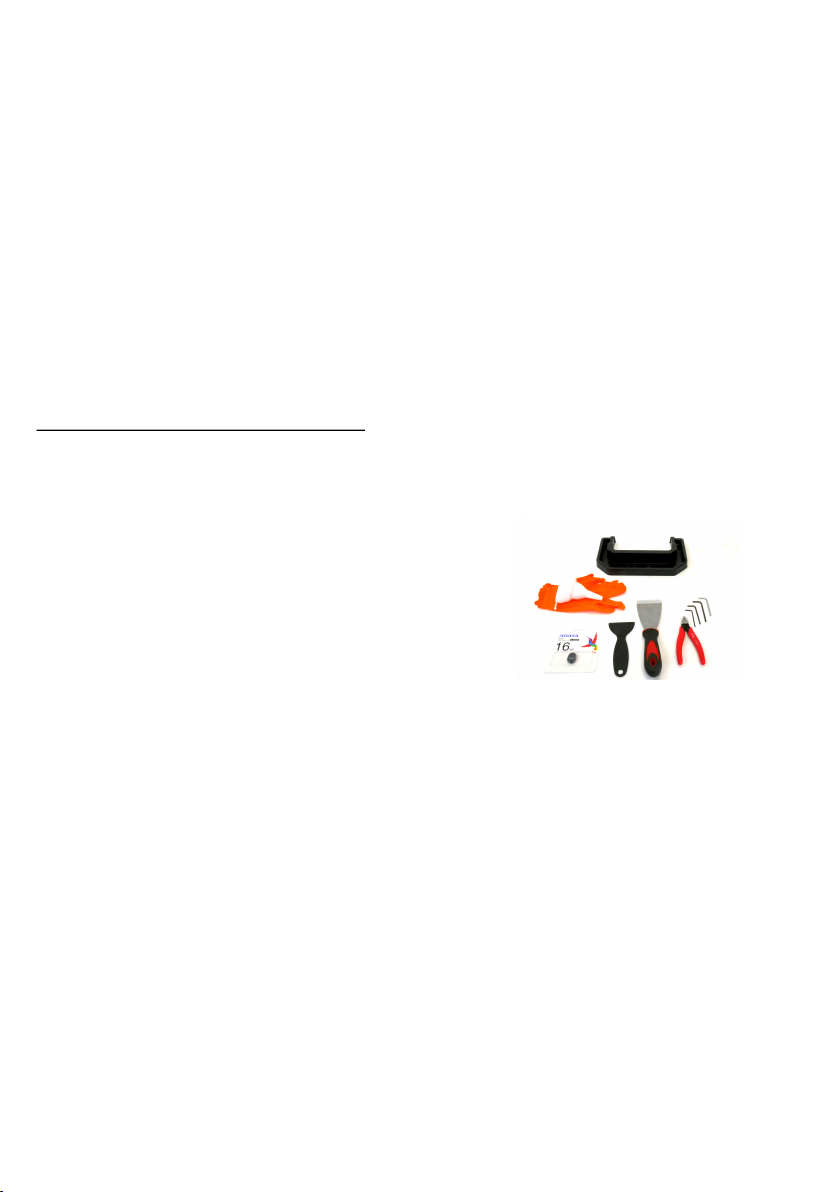
2.1 Accessories - bundled and optional 10
3 Quick-start information 11
3.1 How to contact tech support and send log files 12
4 Your First Print 14
4.1 Unpacking 14
4.2 First start and Calibration 14
4.3 Navigating the menus 17
4.4 Updating the printer’s firmware 18
4.5 Network connection - recommended 18
4.5.1 Internet connection - Ethernet cable 18
4.5.2 Internet connection - Wireless connection 18
4.6 Time and time zone configuration (optional) 19
4.7 Pouring resin into the tank 19
4.8 Running out of resin / Adding resin mid-print 20
4.9 Starting the First print 21
4.10 Removing the print 21
4.11 Removing a print stuck to the bottom of the tank 23
4.12 Removing supports 23
4.13 Bundled 3D models 23
5 After-print checks and actions 24
5.1 Washing / Curing / Drying models 24
5.1.1 Washing 24
5.1.2 Drying and curing 25
5.2 Disposing of resins 25
5.3 Menu structure and advanced functions 26
6 Printing your own models 27
6.1 Obtaining a printable model 27
6.2 Creating your own models 28
6.3 What are SL1 files? 28
6.4 PrusaSlicer 29
6.5 Slicing objects for the SL1 30
6.6 Importing an object into PrusaSlicer 31
6.7 Positioning an object 32
6.8 How to generate supports for SLA prints 32
6.9 Pad, supports, layer height and exposure times 34
6.9.1 Pad 35
6.9.2 Supports 35
6.9.3 Layer height explained 35
6.9.4 Exposure time explained 36
6.10 Slicing, exporting and printing custom models 37
6.11 Object orientation and slicing examples 37
6.11.1 Reims Cathedral 37
6.11.2 Eiffel tower 38
6.11.3 Jewelry 38
6.11.4 Characters and props 39
6.12 How to recognize problematic areas 39
6.13 Printing large and heavy objects 41
6.14 Hollowing objects in PrusaSlicer 41
7 Connecting PrusaSlicer to the SL1 over the network 43
8 Updating the printer’s firmware 44