manuals.online logo
Brands
  1. Home
  2. •
  3. Brands
  4. •
  5. JVC
  6. •
  7. Car Receiver
  8. •
  9. JVC KW-AVX640 Manual

JVC KW-AVX640 Manual

Other JVC Car Receiver manuals

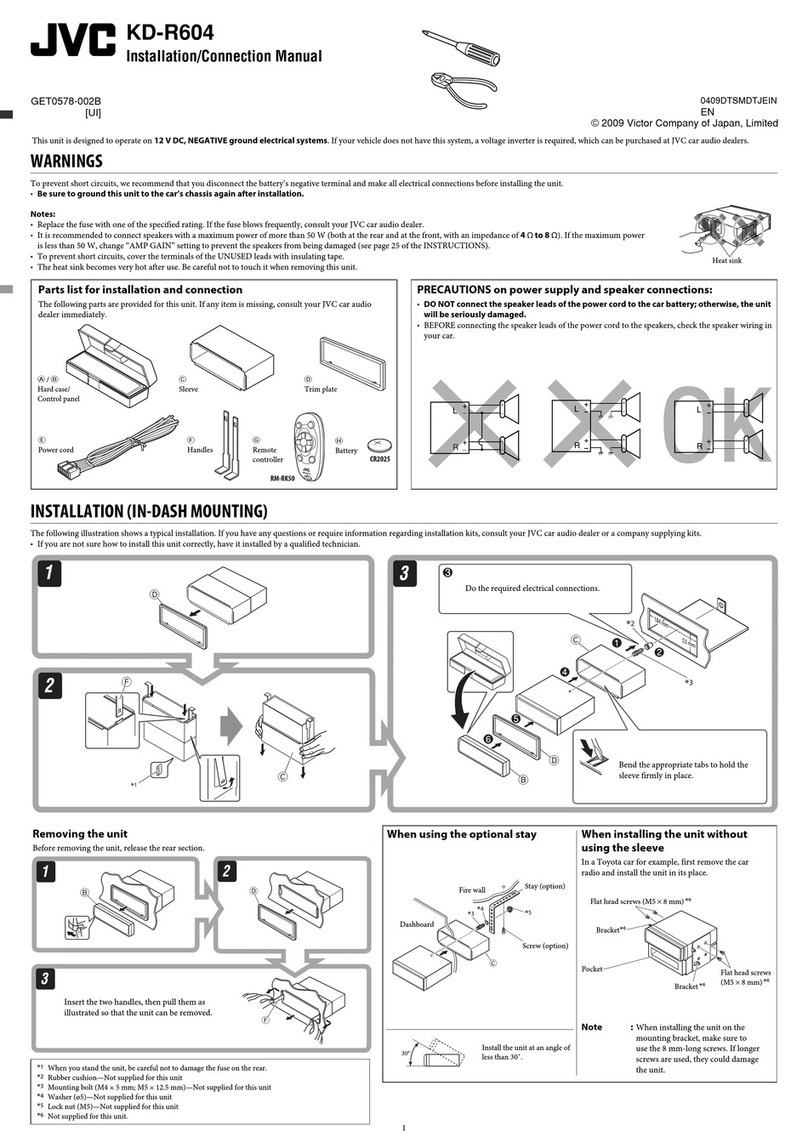
JVC KD-LX111R User manual

JVC

JVC KD-LX111R User manual

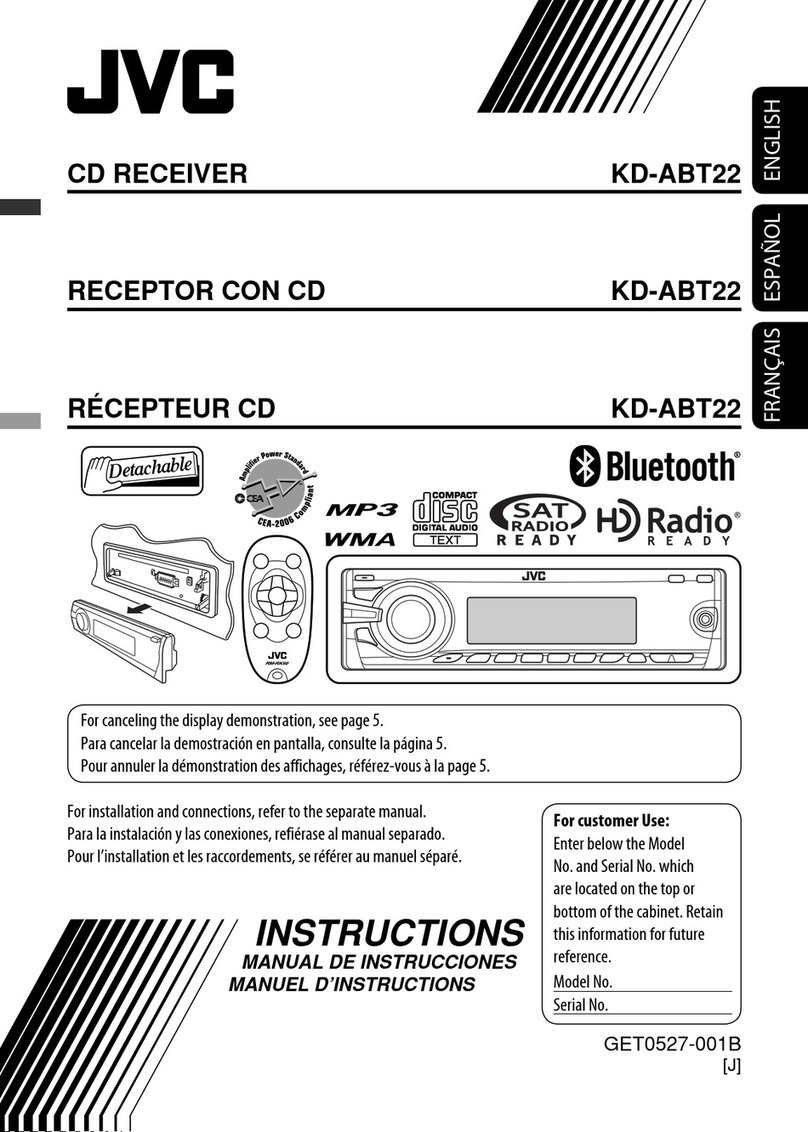
JVC KW-XR416 User manual

JVC

JVC KW-XR416 User manual

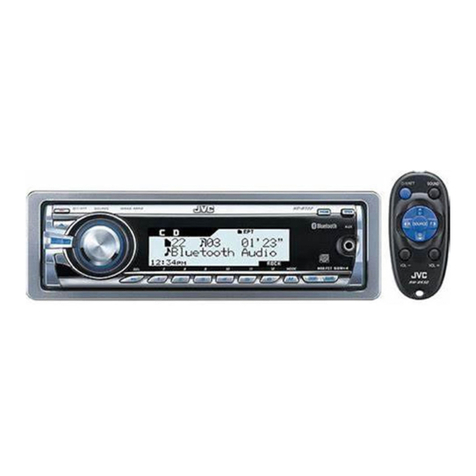
JVC KD-SV3105 Guide

JVC

JVC KD-SV3105 Guide

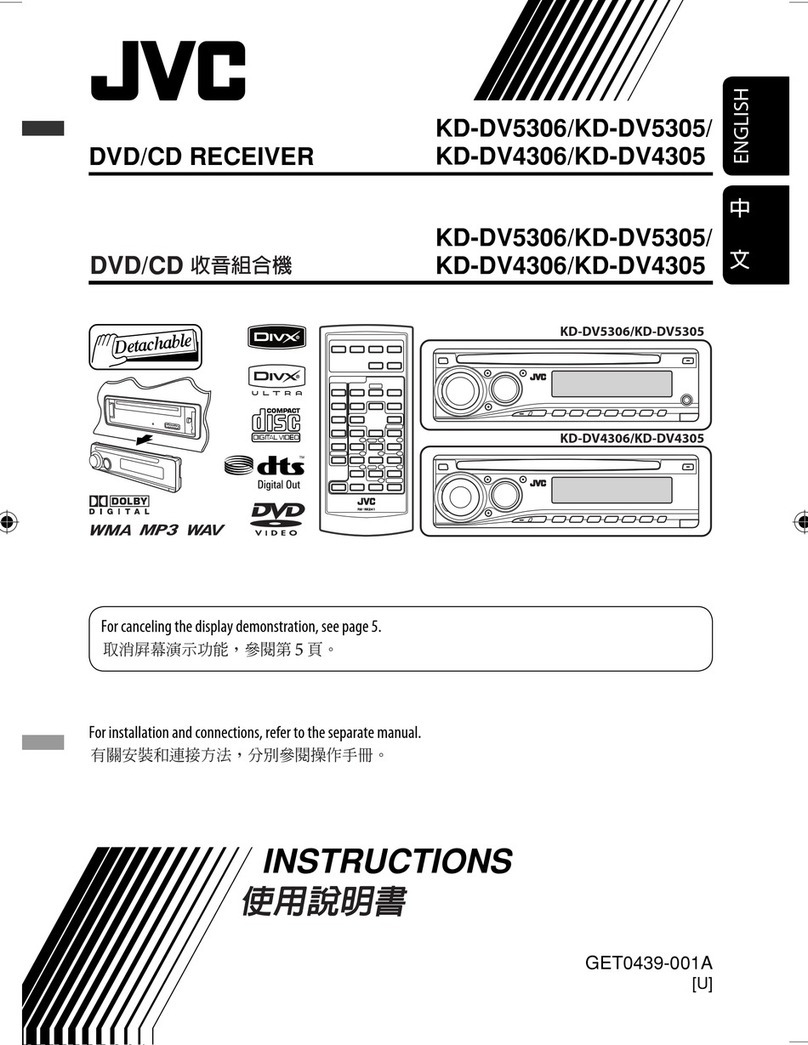
JVC KD-APD58 - Radio / CD Guide

JVC

JVC KD-APD58 - Radio / CD Guide

JVC KD-G735 Guide

JVC

JVC KD-G735 Guide

JVC KD-S577 User manual

JVC

JVC KD-S577 User manual

JVC KD-R520 Manual

JVC

JVC KD-R520 Manual

JVC KD-AR300J User manual

JVC

JVC KD-AR300J User manual

JVC KD-X320BT User manual

JVC

JVC KD-X320BT User manual

JVC KD-AVX77 - EXAD - DVD Player User manual

JVC

JVC KD-AVX77 - EXAD - DVD Player User manual

JVC KD-G455 Guide

JVC

JVC KD-G455 Guide

JVC KD-G351E User manual

JVC

JVC KD-G351E User manual

JVC DT1100 User manual

JVC

JVC DT1100 User manual

JVC KD-R511E User manual

JVC

JVC KD-R511E User manual

JVC KW-XG810 User manual

JVC

JVC KW-XG810 User manual

JVC KD-SX8250 User manual

JVC

JVC KD-SX8250 User manual

JVC KD-LX330R Manual

JVC

JVC KD-LX330R Manual

JVC KW-X855BTS User manual

JVC

JVC KW-X855BTS User manual

JVC KD-AHD57 User manual

JVC

JVC KD-AHD57 User manual

JVC KD-SX999R User manual

JVC

JVC KD-SX999R User manual

JVC KS-FX7 User manual

JVC

JVC KS-FX7 User manual

JVC KD-R423 User manual

JVC

JVC KD-R423 User manual

JVC KS-FX845R User manual

JVC

JVC KS-FX845R User manual

JVC KD-SX950J Guide

JVC

JVC KD-SX950J Guide

Popular Car Receiver manuals by other brands

Panasonic CQ-C3301N null

Panasonic

Panasonic CQ-C3301N null

Alpine CDE-133BT null

Alpine

Alpine CDE-133BT null

Panasonic CQ-C8803N null

Panasonic

Panasonic CQ-C8803N null

Panasonic CQ-C5302W null

Panasonic

Panasonic CQ-C5302W null

Panasonic CQ-C5355N null

Panasonic

Panasonic CQ-C5355N null

Panasonic CQ-C7703W null

Panasonic

Panasonic CQ-C7703W null

Panasonic CQ-C7703N null

Panasonic

Panasonic CQ-C7703N null

Clarion ADB365MP null

Clarion

Clarion ADB365MP null

Motorola VWA63 Service manual

Motorola

Motorola VWA63 Service manual

Nextar D3201 instruction manual

Nextar

Nextar D3201 instruction manual

Alpine CDE-163BT owner's manual

Alpine

Alpine CDE-163BT owner's manual

Pioneer DEH-P645R installation manual

Pioneer

Pioneer DEH-P645R installation manual

Axxera XDMA7600 Installation & owner's manual

Axxera

Axxera XDMA7600 Installation & owner's manual

XM OnyX quick start guide

XM

XM OnyX quick start guide

Sound Storm STM93R user manual

Sound Storm

Sound Storm STM93R user manual

Soundstream VIR-5000 owner's manual

Soundstream

Soundstream VIR-5000 owner's manual

Avson MKT Platform user manual

Avson

Avson MKT Platform user manual

Sony MEX-1HD - Audio Library System operating instructions

Sony

Sony MEX-1HD - Audio Library System operating instructions

manuals.online logo
manuals.online logoBrands
  • About & Mission
  • Contact us
  • Privacy Policy
  • Terms and Conditions

Copyright 2025 Manuals.Online. All Rights Reserved.

2011 JVC Product Tech Guide
KW-AVX640
C M Y K
AV Headunits
KW-AVX640
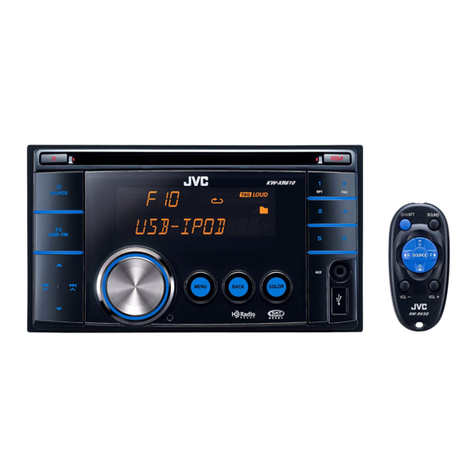
DVD/CD/USB Receiver with 6.1-inch Widescreen Touch Panel Monitor
Ready for
Bluetooth
®
Adapter
20W x 4
RMS
Multilingual
Display
MOS-FET
50W x 4
MP3/WMA/WAV
GIGA MP3 MULTI
2-Way Control
for iPod/iPhone
iPod Headunit
The 6.1-inch WVGA LCD touch panel not only offers clear images, but is also detachable. MotionX-GPS Drive iPhone app can be
used on the unit for navigation. Enjoy audio and video* from your iPod/iPhone, as well as the sound of apps with External Mode.
Operation is available from either your iPod/iPhone or on the headunit. Select the matching illumination from over 30,000 colors.
The advanced EQ settings adjusted for the human ear offer dynamic sound even with ordinary speakers. The Front AUX provides
easy connection. Bluetooth®Wireless Technology* and HD Radio®/SAT Radio can be enjoyed with optional devices.
Radio Ready
SAT
iPod/iPhone
USB G3
Recommended Features
Key Benefits
* KS-BTA100 and 2 x RCA male phono to 3.5mm female mini-jack converter cable (not supplied) required. Available functions depend on cell phone.
Phone Book
Access Profile
Front AUX
AUDIO
External Mode
for
iPod/iPhone
Detachable
Panel
Detachable
Panel
6.1” Wide
WVGA
6.1” Wide
WVGA
Touch
Panel
Touch
Panel
Wallpaper
Capture
Wallpaper
Capture
Phone Paring
[Up to 5 Phones]
Multiple
(Front+Rear+Subwoofer)
3
Pre-Output
Full Digital
Full Speed Charging
1.0A
Support
✹MotionX-GPS Drive Navigation Ready
MotionX-GPS Drive iPhone navigation app can be used on the headunit,
with the map displayed on the large screen. You can listen to music while
being navigated. Your iPhone will be available for other apps as well as
Bluetooth®calls when using MotionX-GPS Drive.
* KS-U30 optional cable required. Compatible with iPhone 4 only.
Ready for
KT-HD300
Radio Data
System
2011 JVC Product Tech Guide
C M Y K
KW-AVX640
USB
Rear
KW-AVX640 DVD/CD/USB Receiver with 6.1-inch Widescreen Touch Panel Monitor
NTK-0786-05
*4
*5
N/A
✔USB ✔USB ✔USB
✔USB
✔USB
✔USB
✔USB
✔USB
✔USB
Quick Reference of iPod/iPhone Compatibility*1
Playback
Connection
*2*3
*6
*1 Please visit www.jvc.co.jp/english/car/ for iPod/iPhone compatibility details. *2 Same compatibility applies for the following 4th generation and earlier iPod models: iPod with dock connector, iPod mini, and iPod with color display. *3 Same compatibility
applies for iPod nano (1st generation) *4 Same compatibility applies for iPod classic (160GB (2007) only). *5 Same compatibility applies for iPod touch (1st, 2nd, and 3rd generation) *6 Same compatibility applies for iPhone, and iPhone 3G.
✔USB
✹External Mode for
iPod/iPhone
You can listen to the sound of
iPod/iPhone apps, such as games,
web radio, and YouTube, with high
current ready power supply.
Maximum Power Output 50W x 4
Continuous Power Output (RMS) 20W RMS X 4 Channels at 4Ω
*1Total Harmonic Distortion ; 1.0% THD*1+ N
HPF*2(Front/Rear)
off/Through/40/60/80/100/120/150/180/220 (-12dB/oct)
LPF (Front/Rear) off/50/60/80/100/120/Through (-12dB/oct)
AV Input ✔
Video Input (Camera) ✔
Line Pre-Output Terminals 3 (Front + Rear + Subwoofer)
Center Channel Output -
Subwoofer Output with
Level/Frequency Control ✔
Subwoofer Output Level 4.0V
Subwoofer Gain Control -50 - +10dB
Composite Video Output ✔
Digital Output -
Load Impedance 4Ω(4 - 8Ωallowable)
Pre-Output Level/Impedance 4.0V/20kΩ
Video Output 1.0Vp-p/75Ω
2nd Audio Output -
Video Input 1.0Vp-p/75Ω
Audio Input 1.5V/20kΩ
Dimentions (W x H x D)
Installation Size 7 3/16” x 4 3/8” x 6 5/16” 182 x 111 x 160 mm
Panel Size 7 7/16” x 4 5/8” x 7/16” 188 x 117 x 10 mm
Detachable Face Plate 6 3/4” x 3 13/16” x 1 7/16” 171 x 96 x 35 mm
Key Specifications
*2Set according to LPF figures.
Connections
KT-HD300
J-BUS
iPod
Cell phone
Portable
Audio Players
iPhone
KS-BTA100
(Optional)
AUX-IN
Front
AV-IN
Rear
2 x RCA Male Phono to
3.5mm Female Mini-Jack
Converter Cable (Not Supplied)
✹Wallpaper Capture & Customize
Capture and customize your own wallpaper.
You can use JPEG pictures via USB, or video
scenes from DVDs.
* Copyright protected content cannot be captured.
Rear Panel
✹USB Connection (G3 iPod/iPhone)
Enjoy digital audio/video from your iPod, iPhone, or USB devices at
full-speed transfer. You can also charge your iPod/iPhone.
* USB playback not supported for NTFS formatted devices. When partitions are
created, only the first partition can be read.
** DivX®files must be less than 2Mbps for playback on USB
*** For iPod/iPhone video playback, KS-U30 cables are required. Please visit
www.jvc.co.jp/english/car for iPod/iPhone compatibility details.
✹6.1-inch WVGA Monitor
The 6.1-inch WVGA LCD panel features 4 times more pixels than the QVGA used on
previous models, offering comfortable viewing with clear and bright display for both
images and GUI.
6.1” Wide
WVGA
6.1” Wide
WVGA
QVGA WVGA
More Detailed
✹Variable-Color Illumination
You can select from 8 presets/2 user
settings or 30,000 colors customizable
by RGB combinations.
8 Preset Colors!
Over 30,000
Customizable Colors
+
✹3-Band Parametric iEQ
You can adjust the center frequency, bandwidth, and levels for each of the 3 bands,
with user-friendly GUI operation on the wide screen.
For easy setup, 9 factory EQ presets and 3 user
settings are available. With Pro Mode, you can
fine-tune the sound to suit your ears.
✹Detachable Face Panel
With JVC headunits, you can easily remove the control panel
and take it with you for security. They are provided with a
convenient compact carrying case.
USB Memory
for Audio Playback
iPod iPhone
HDD
Optional Wireless
Remote Control
Available
RM-RK252P
for Video Playback
(KS-U30)
HD Radio®
Tuner Box
Cell phone
KS-BTA100
(optional)
✹Ready for Bluetooth®Adapter (KS-BTA100)
With the optional KS-BTA100 adapter,
you can enjoy the safety and
convenience of Bluetooth®Wireless
Technology such as hands-free calling,
voice dialing, and audio streaming.
The compact all-in-one adapter has
microphone/keys/LED functions, and
can be easily connected via the AUX.
Hands-Free Calls
- Voice Dialing
- Redial Call
- Private Mode
Audio Streaming
- Noise/Echo Cancellation
Speed Camera