manuals.online logo
Brands
  1. Home
  2. •
  3. Brands
  4. •
  5. Kogan
  6. •
  7. Vacuum Cleaner
  8. •
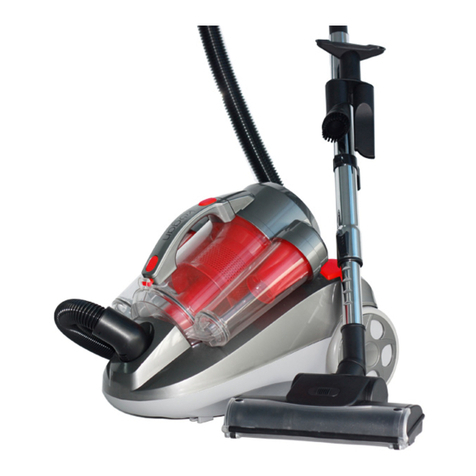
  9. Kogan KAURVAC900A User manual

Kogan KAURVAC900A User manual

Other Kogan Vacuum Cleaner manuals

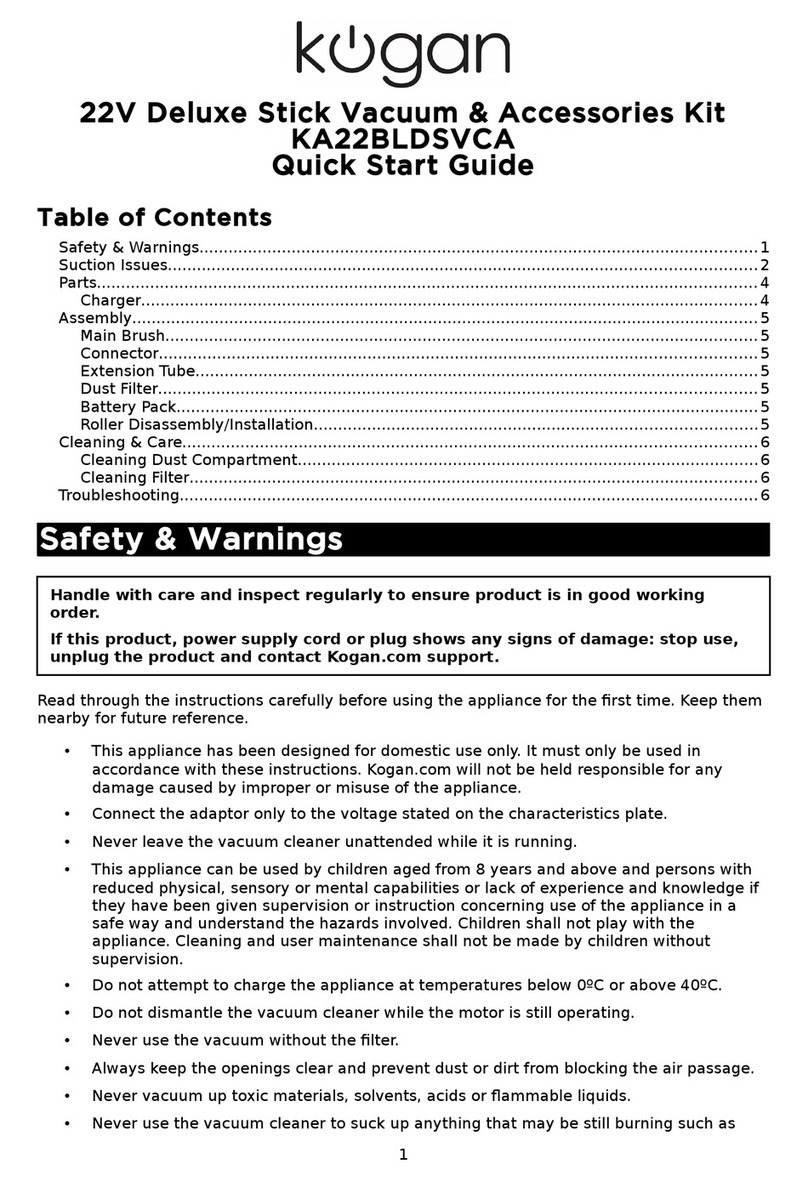
Kogan MX6 User manual

Kogan

Kogan MX6 User manual

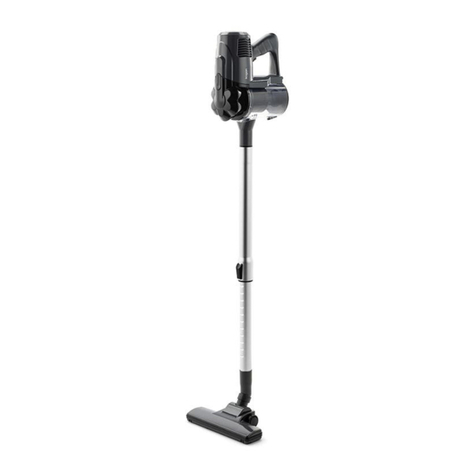
Kogan KAWDVAC21LA User manual

Kogan

Kogan KAWDVAC21LA User manual

Kogan KA600CDSTVA User manual

Kogan

Kogan KA600CDSTVA User manual

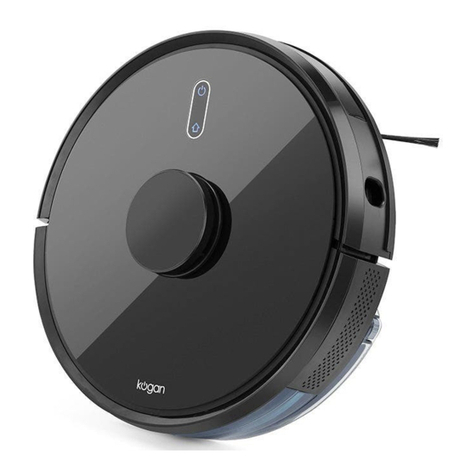
Kogan MX10 PRO User manual

Kogan

Kogan MX10 PRO User manual

Kogan MX12 User manual

Kogan

Kogan MX12 User manual

Kogan SmarterHome LX10 User manual

Kogan

Kogan SmarterHome LX10 User manual

Kogan SmarterHome LX10 User manual

Kogan

Kogan SmarterHome LX10 User manual

Kogan KAVAC21RECA User manual

Kogan

Kogan KAVAC21RECA User manual

Kogan KACRDSTVCMA User manual

Kogan

Kogan KACRDSTVCMA User manual

Kogan KAVACRBL16A User manual

Kogan

Kogan KAVACRBL16A User manual

Kogan SMARTERHOME LS16 User manual

Kogan

Kogan SMARTERHOME LS16 User manual

Kogan SMARTERHOME G20 User manual

Kogan

Kogan SMARTERHOME G20 User manual

Kogan PREMIUM 15-IN-1 User manual

Kogan

Kogan PREMIUM 15-IN-1 User manual

Kogan Z11 PRO User manual

Kogan

Kogan Z11 PRO User manual

Kogan KAVACST296A User manual

Kogan

Kogan KAVACST296A User manual

Kogan X6 User manual

Kogan

Kogan X6 User manual

Kogan SMARTERHOME G30 User manual

Kogan

Kogan SMARTERHOME G30 User manual

Kogan SMARTERHOME G80 User manual

Kogan

Kogan SMARTERHOME G80 User manual

Kogan T10 Pro User manual

Kogan

Kogan T10 Pro User manual

Kogan MX11 PRO User manual

Kogan

Kogan MX11 PRO User manual

Kogan KA22CYTBVCA User manual

Kogan

Kogan KA22CYTBVCA User manual

Kogan KAVAC16TRBA User manual

Kogan

Kogan KAVAC16TRBA User manual

Kogan V10 User manual

Kogan

Kogan V10 User manual

Kogan KAPRSTVC22A User manual

Kogan

Kogan KAPRSTVC22A User manual

Popular Vacuum Cleaner manuals by other brands

Shark KD400WM owner's guide

Shark

Shark KD400WM owner's guide

Shark CORDLESS SV780_N 14 user manual

Shark CORDLESS

Shark CORDLESS SV780_N 14 user manual

Philips FC9176/08 manual

Philips

Philips FC9176/08 manual

Kenmore KW3030 user manual

Kenmore

Kenmore KW3030 user manual

AMiO YF-101 user manual

AMiO

AMiO YF-101 user manual

Beko VRT 94929 VI user manual

Beko

Beko VRT 94929 VI user manual

Shark CORDLESS SV780 Series quick start guide

Shark CORDLESS

Shark CORDLESS SV780 Series quick start guide

Lumme LU-3203 instruction manual

Lumme

Lumme LU-3203 instruction manual

Melissa 640-040/051 instruction manual

Melissa

Melissa 640-040/051 instruction manual

Makita DVC152L instruction manual

Makita

Makita DVC152L instruction manual

Bosch BSN1 instruction manual

Bosch

Bosch BSN1 instruction manual

King Canada 8560LST Service manual & parts list

King Canada

King Canada 8560LST Service manual & parts list

EUFY RoboVac 11c+ owner's manual

EUFY

EUFY RoboVac 11c+ owner's manual

Panasonic MC-E4101 Service manual

Panasonic

Panasonic MC-E4101 Service manual

Panasonic MC-V9658 operating instructions

Panasonic

Panasonic MC-V9658 operating instructions

Bosch BGB 2 Series instruction manual

Bosch

Bosch BGB 2 Series instruction manual

Hoover dog & cat TURBO manual

Hoover

Hoover dog & cat TURBO manual

FGE Far Tools NET UP 20 manual

FGE

FGE Far Tools NET UP 20 manual

manuals.online logo
manuals.online logoBrands
  • About & Mission
  • Contact us
  • Privacy Policy
  • Terms and Conditions

Copyright 2025 Manuals.Online. All Rights Reserved.

Table of Contents
Safety & Warnings..............................................................................................................................1
Product Overview..............................................................................................................................2
Assembly...............................................................................................................................................2
Operation...............................................................................................................................................3
leaning and are..............................................................................................................................5
Troubleshooting..................................................................................................................................6
Safety & Warnings
• Read all instructions before using the appliance
• Before the first operation, make sure the dust cup or the dust bag is properly
installed.
• Only use the vacuum cleaner indoors on dry surfaces and keep the area your
cleaning well lit.
• Don’t use this vacuum cleaner if it has been dropped, damaged or left
outdoors.
• Don’t handle the plug or use the vacuum cleaner with wet hands.
• Don’t pull or carry this vacuum cleaner by the power cord. Don’t use the power
cord as a handle, pull the power cord around corners, sharp edges or close a
door over the Power cord. Don’t unplug vacuum cleaner by pulling on the power
cord.
• Don’t vacuum up any flammable or combustible materials (lighter fluid, petrol,
kerosene etc.) or use the vacuum cleaner in an area with explosive vapours or
liquid.
• Don’t vacuum up hot coals, cigarette butts, matches or smoking hot burning
items or use in an area where there may be harmful fluids (chlorine, bleach, and
ammonia drain cleaner).
• Don’t attempt to remove blockages with sharp objects as this may cause
damage to your vacuum cleaner.
• Don’t attempt to remove blockages with sharp objects as this may cause
damage to your vacuum cleaner.
• If abnormal noise, smell, smoke or any other failure or breakage, including any
issue with the power cord is found during the operation, cease use immediately
and contact Kogan Support.
• This appliance is not intended for use by persons (including children) with
reduced physical, sensory or mental capabilities, or lack of experience and
knowledge, unless they have been given supervision or instruction concerning
use of the appliance by a person responsible for their safety.
• hildren should be supervised to ensure that they do not play with the
appliance.
1

Product Overview
1. Handle 4. Handle hose 7. Air outlet plate 10. revice tube
2. Dust container release 5. Switch pedal 8. Wheel 11. Power cord
3. Dust container assembly 6. Brush assembly 9. Brush hose 12. Power cord holder
Assembly
Insert the handle into the body, then
ax with screw.
Align the dust container onto the
machine and press until it clicks into
place.
2
Insert the handle hose end into the
connector hose and rotate the
connectors clockwise. Then insert the
other hose connector into the body.
Insert the crevice tube into the
machine.
Operation
Twist the quick-release cord hook to
release the power cord.
Step on the brush cover, then turn the
machine along the arrow.
onnect the appliance to a power
outlet and turn on.
Do not overfill the dirt container.
Remove the hose handle and crevice
tube from the machine.
The extension hose can be used as-is.
The crevice tube can be added to extend the distance.
4
Cleaning and Care
Emptying and cleaning the dust container
Press the dust container
release button.
Hold dust container over
a bin and unclip the lock,
allowing dust to fall out
the bottom.
Align the base onto the
machine and press until it
clicks into place.
Cleaning the dust filter
Pull the just
container lock to
open the handle.
Turn the dust
container handle
to remote.
Tap the filter to
remove the dust
cap.
Tap the filter to
remove the filter
holder.
Tap the filter over
a bin to release the
dust.
Wash the filter and filter holder under
running water (40° maximum).
Leave to fully dry
for 24 hours before
replacing.
5
Cleaning the filter assembly
Remove the filter
assembly from the
dust container.
Turn the cap and
tap to remove.
Wash the head
under running
water.
Leave to fully dry
for 24 hours before
replacing.
Troubleshooting
IMPORTANT: If you are experiencing any issue with the appliance whatsoever,
first inspect the filters and all parts of the brush head carefully and ensure there
is no buildup of dust or dirt.
This is the most common cause of vacuum cleaner faults and problems,
including powering on and suction strength.
If you experience any issues, contact Kogan Support.
User manual is subject to change without notice. For the latest version of your user manual,
please visit https://www.kogan.com/usermanuals/
6