manuals.online logo
Brands
  1. Home
  2. •
  3. Brands
  4. •
  5. Komshine
  6. •
  7. Measuring Instrument
  8. •
  9. Komshine KFI-40 User manual

Komshine KFI-40 User manual

Other Komshine Measuring Instrument manuals

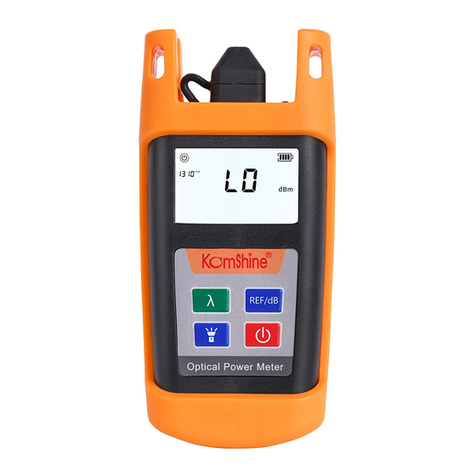
Komshine KPM-35m User manual

Komshine

Komshine KPM-35m User manual

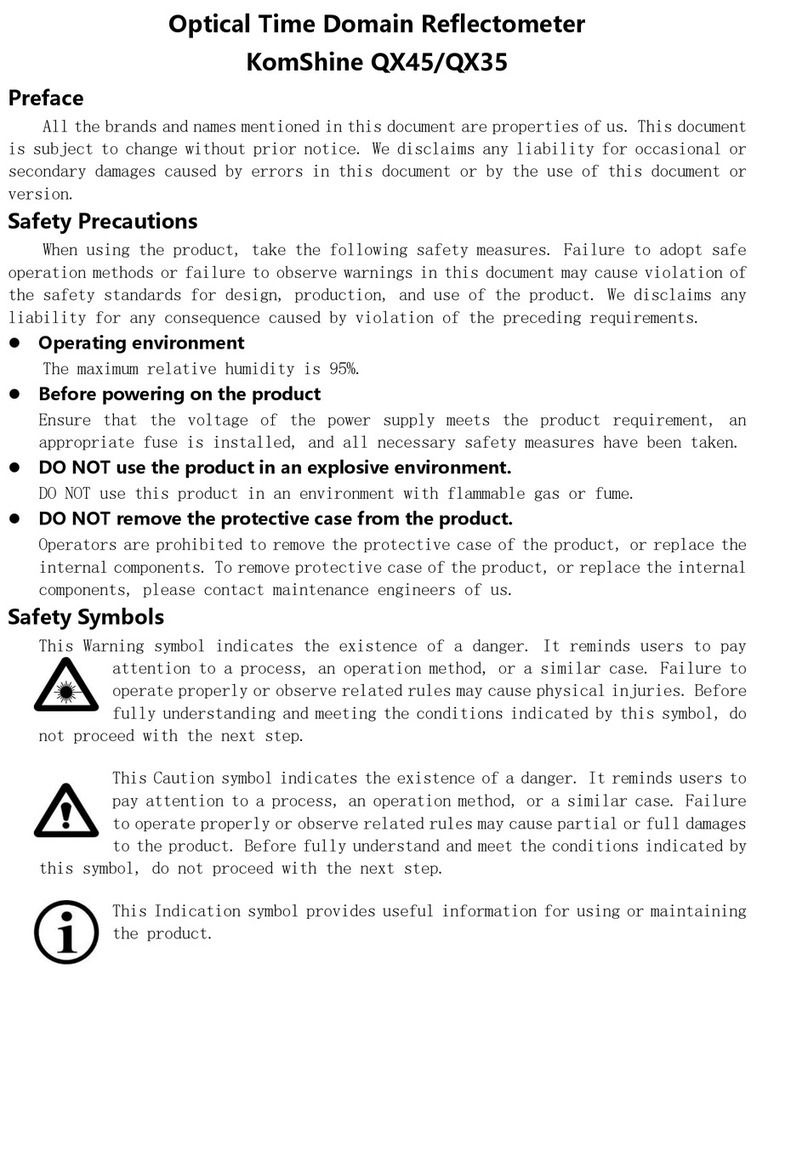
Komshine QX45 User manual

Komshine

Komshine QX45 User manual

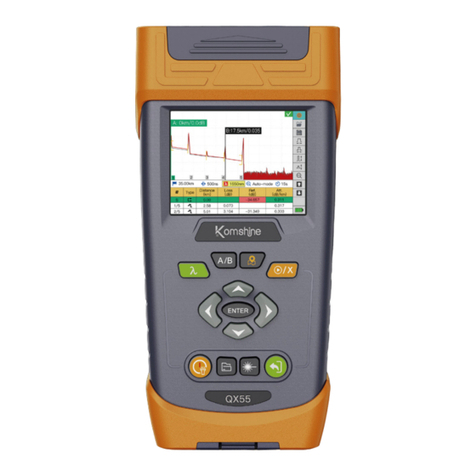
Komshine QX55 Series User manual

Komshine

Komshine QX55 Series User manual

Komshine KIP-600V User manual

Komshine

Komshine KIP-600V User manual

Komshine KFL-11M User manual

Komshine

Komshine KFL-11M User manual

Komshine KPN-35 PON User manual

Komshine

Komshine KPN-35 PON User manual

Komshine KLS-35m User manual

Komshine

Komshine KLS-35m User manual

Komshine KPM-25m User manual

Komshine

Komshine KPM-25m User manual

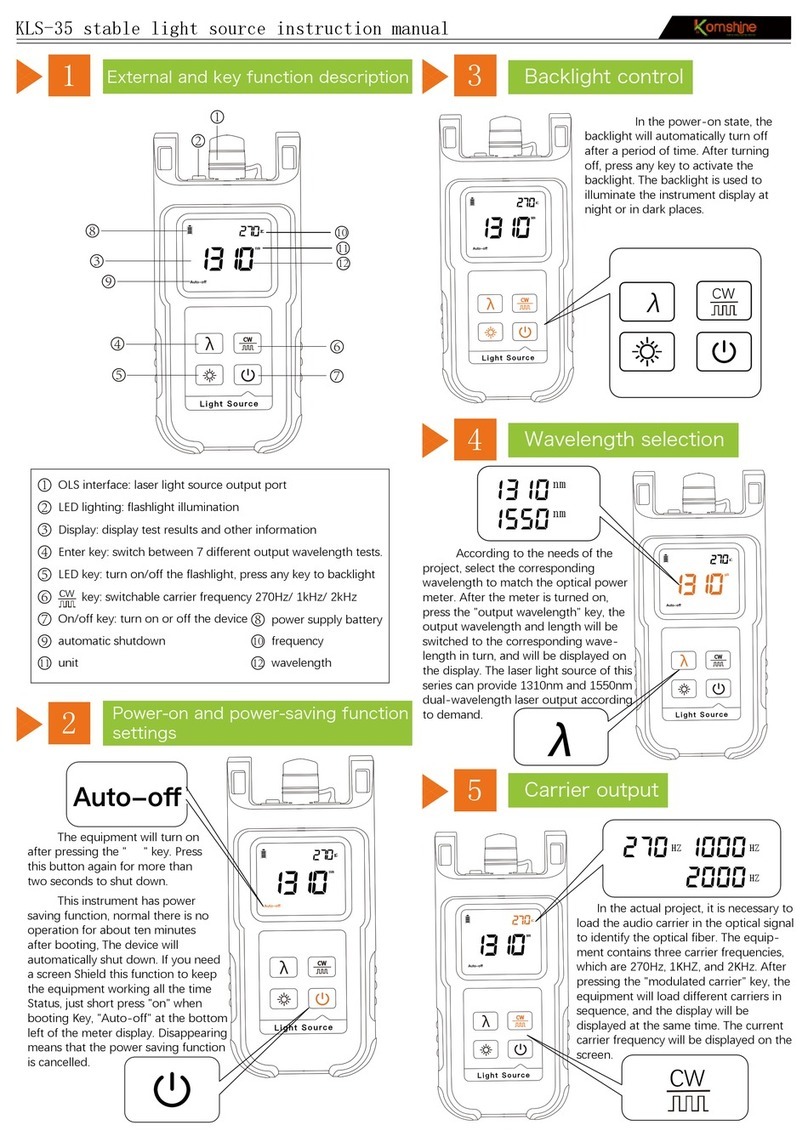
Komshine KLS-35 User manual

Komshine

Komshine KLS-35 User manual

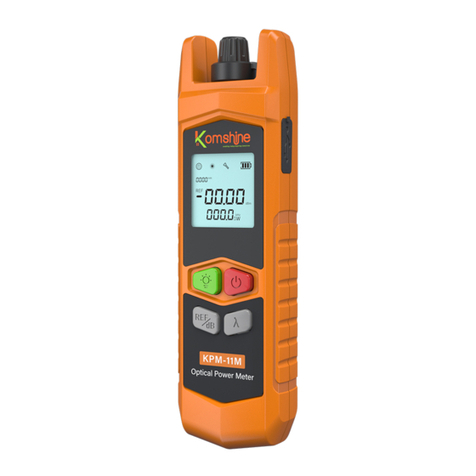
Komshine KPM-11M User manual

Komshine

Komshine KPM-11M User manual

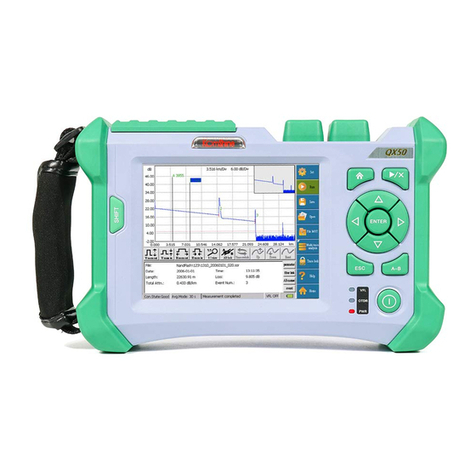
Komshine OTDR QX50 User manual

Komshine

Komshine OTDR QX50 User manual

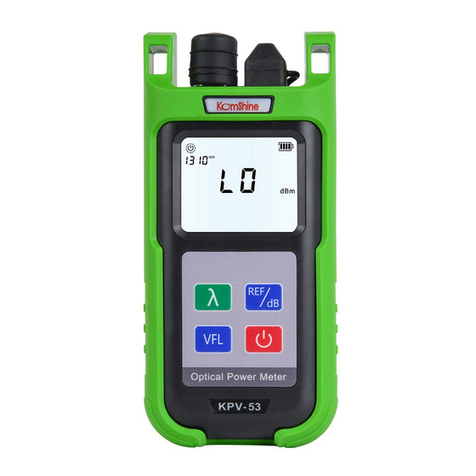
Komshine KPV-53 User manual

Komshine

Komshine KPV-53 User manual

Komshine KLS-25m User manual

Komshine

Komshine KLS-25m User manual

Komshine KPM-35 User manual

Komshine

Komshine KPM-35 User manual

Komshine KLS-35 User manual

Komshine

Komshine KLS-35 User manual

Popular Measuring Instrument manuals by other brands

Powerfix Profi 278296 Operation and safety notes

Powerfix Profi

Powerfix Profi 278296 Operation and safety notes

Test Equipment Depot GVT-427B user manual

Test Equipment Depot

Test Equipment Depot GVT-427B user manual

Fieldpiece ACH Operator's manual

Fieldpiece

Fieldpiece ACH Operator's manual

FLYSURFER VIRON3 user manual

FLYSURFER

FLYSURFER VIRON3 user manual

GMW TG uni 1 operating manual

GMW

GMW TG uni 1 operating manual

Downeaster Wind & Weather Medallion Series instruction manual

Downeaster

Downeaster Wind & Weather Medallion Series instruction manual

Hanna Instruments HI96725C instruction manual

Hanna Instruments

Hanna Instruments HI96725C instruction manual

Nokeval KMR260 quick guide

Nokeval

Nokeval KMR260 quick guide

HOKUYO AUTOMATIC UBG-05LN instruction manual

HOKUYO AUTOMATIC

HOKUYO AUTOMATIC UBG-05LN instruction manual

Fluke 96000 Series Operator's manual

Fluke

Fluke 96000 Series Operator's manual

Test Products International SP565 user manual

Test Products International

Test Products International SP565 user manual

General Sleep Zmachine Insight+ DT-200 Service manual

General Sleep

General Sleep Zmachine Insight+ DT-200 Service manual

Sensa Core Lacto Spark user manual

Sensa Core

Sensa Core Lacto Spark user manual

VOLTCRAFT UTS-1980 operating instructions

VOLTCRAFT

VOLTCRAFT UTS-1980 operating instructions

EBCHQ 94915 Operation manual

EBCHQ

EBCHQ 94915 Operation manual

Balluff BIP LD2-T017-01-EP-S4 Series user guide

Balluff

Balluff BIP LD2-T017-01-EP-S4 Series user guide

Pulsar IMP Lite Series instruction manual

Pulsar

Pulsar IMP Lite Series instruction manual

ETCR 6800 user manual

ETCR

ETCR 6800 user manual

manuals.online logo
manuals.online logoBrands
  • About & Mission
  • Contact us
  • Privacy Policy
  • Terms and Conditions

Copyright 2025 Manuals.Online. All Rights Reserved.

KFI-40 Fiber Identifier User Manual
Structure
1Fiber signal recognition
3
VFL red light test
4
LED lighting
5
Panel features open
2Turn on the power, open the dust cover, and insert the fiber
interface under test into the laser connector.Press the VFL
button, the laser will output continuous wave, press the VFL
button again, the laser pulse. Rush output, short press again
to turn off the VFL function.
1
2
3
4
5
1
6
7
5
86
9
4
dB
Hz
5.9
270
1 Fixture cover
2mm/3mm
1、LCD display-display power value, frequency.
2、Direction indicator-indicating the direction
of the optical fiber light source under test.
3、Power-power on/off.
4、Backlight-Switch the backlight function [On] or [Off].
5、VFL key-- turn on/off the VFL function.
2 Plunger detachable, use on the
front and back, choose the cor-
responding surface according to
the thickness of the fiber
3 Optical components
4 Fiber groove
5 battery cover
6 Fixing screws
7 2*1.5V alkaline battery
8 Dust cover: built-in VFL interface
(2.5mm universal interface) and
LED lighting
9 Lock button
2
3
5
2
4
dB
Hz
5.9
270
dB
Hz
5.9
270
Turn on the power, open the dust cover, click the " "
button to turn on the flashlight, which is convenient to
use in a dark environment and realize the lighting function;
short press the " " button to turn off the flashlight.
Note: This product does not specify power accuracy
and should not be used to determine the actual signal
strength in the fiber.
250/900μm
front
back
2.If there is a signal in the optical fiber, the left and
right direction lights show the signal direction.
3.If there is no signal in the optical fiber, the LCD
display shows LO, and the direction indicator light
may flicker left and right. When the fiber is not
clamped, the direction light may also flicker left
and right
4.When the signal frequency is 2KHz, 1KHz,
270Hz, the corresponding indicator light is on,
accompanied by a buzzing sound (when the signal
is too weak, it will not be correctly identified).
1.Put the fiber to be tested into the groove of the
fixture, push the button to lock the fixture, and
install the fixture cover .
KFI-40 Fiber Identifier User Manual
Tips
9
Please read all instructions and warnings before
using this product. Irregular use will cause
damage to the product or personal safety.
1)Equipment should be kept free of dirt and other contaminants
2)Do not store this product in high temperature, strong light and
strong magnetic fields, and do not place it in other harsh environ-
ments such as fire sources.
3)Personal and property damage caused by improper use of
consumers in violation of the product manual.The harm will bear all
consequences by itself, and the company will not bear any legal
responsibility.
7)Non-professionals are strictly prohibited from disassembling
this product.
4)The user should carefully place the optical fiber in the provided
optical fiber slot. Incorrectly pressing the optical fiber into the head
assembly or misalignment of the optical fiber with the fiber groove
may cause the optical assembly to deform
5)To avoid serious eye injury, never directly look at the optical
output of fiber optic network equipment, test equipment, jumpers
or test jumpers
6)Avoid strong physical effects, including knocking, throwing,
trampling, squeezing, etc.
Packing carton, host, certificate,
instruction manual.
Standard packages
Product parameter
8
Wavelength recognition range
VFL wavelength range 650nm
VFL laser type LD
LED flashlight Support
800nm to 1700nm
Signal recognition type CW,270 Hz ± 5%,1 kHz ± 5%,2 kHz ± 5%
Detector type φ1mm InGaAs 2 pcs
Adapter fiber type universal φ0.25mm (fiber), φ0.9mm,
φ2.0mm, φ3.0mm optical fiber sheath
Optical power
reading range -40 dBm to 10 dBm
Signal frequency range
Power type
range of working temperature -10℃ to 60℃
Product size/weight
Storage temperature range
219mm*45mm*28mm/235g
VFL power range
VFL test distance
1mW
3-5km
-25℃ to 70℃
AA*2
Operating environment altitude: areas below
2000m above sea level
Use environment
270Hz,1kHz,2kHz
product description
6
Product Features
7
The fiber identification instrument is an essential tool for fiber
maintenance. It is used for non-destructive fiber identifica-
tion. It can be detected at any position of single-mode and
multi-mode fiber. During maintenance, installation, wiring
and recovery, it is often necessary to continue without
interruption. In the case of business, find and separate a
specific optical fiber, by injecting a 1310nm or 1550nm band
modulation (270Hz, 1KHz, 2KHz) signal into the optical fiber
at one end, and use the recognizer to identify it on the line,
and it can also indicate the signal direction. This product
integrates VFL red light function and LED lighting function.
The VFL uses a 2.5mm universal interface with an output
power of up to 1mW, which can detect fiber breaks or
corners within 5KM. The VFL red light source supports pulse
and continuous wave operation. Equipped with LED lighting
function, convenient for construction in the dark.
The three-in-one universal fixture design is suitable for a
variety of optical fibers. Mechanical damping design to
ensure no harm to light
LED backlight display, suitable for various environments
without auxiliary lighting.
Recognize 270Hz, 1Hz, 2KHz modulation signal.
Online testing, no need to interrupt the business, one-touch
operation mode, simple and convenient.
Be equipped with LED light,more convenient to work in the dark.
Integrated VFL function, 2.5mm universal interface.
Contact us:
KOMSHINE TECHNOLOGIES LIMITED
TEL: +86 25 66047688
Mail: [email protected]
Add: 2F Bldg. D Qinheng Tech. Pk. Nanjing,
JS, 210001, China
Web: www.komShine.com