manuals.online logo
Brands
  1. Home
  2. •
  3. Brands
  4. •
  5. Kurzweil
  6. •
  7. Computer Hardware
  8. •
  9. Kurzweil K2600 BEST OF VAST - REV A User manual

Kurzweil K2600 BEST OF VAST - REV A User manual

Other manuals for K2600 BEST OF VAST - REV A

26

Other Kurzweil Computer Hardware manuals

Kurzweil PCR-2 Classic Keys User manual

Kurzweil

Kurzweil PCR-2 Classic Keys User manual

Kurzweil PCX-1 User manual

Kurzweil

Kurzweil PCX-1 User manual

Kurzweil ORCHTABLE User manual

Kurzweil

Kurzweil ORCHTABLE User manual

Kurzweil PCR-1 User manual

Kurzweil

Kurzweil PCR-1 User manual

Kurzweil PCR-1 User manual

Kurzweil

Kurzweil PCR-1 User manual

Popular Computer Hardware manuals by other brands

Toshiba TOSVERT VF-MB1/S15 IPE002Z Function manual

Toshiba

Toshiba TOSVERT VF-MB1/S15 IPE002Z Function manual

Shenzhen MEITRACK MVT380 user guide

Shenzhen

Shenzhen MEITRACK MVT380 user guide

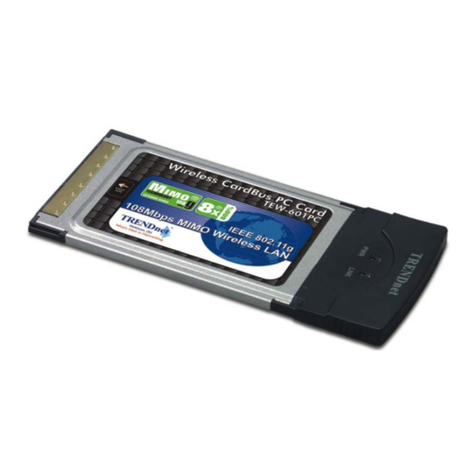
TRENDnet TEW-601PC - SUPER G MIMO WRLS PC CARD user guide

TRENDnet

TRENDnet TEW-601PC - SUPER G MIMO WRLS PC CARD user guide

StarTech.com CF2IDE18 instruction manual

StarTech.com

StarTech.com CF2IDE18 instruction manual

Texas Instruments LMH0318 Programmer's guide

Texas Instruments

Texas Instruments LMH0318 Programmer's guide

Gateway 8510946 user guide

Gateway

Gateway 8510946 user guide

Devon IT TC2D Quick setup guide

Devon IT

Devon IT TC2D Quick setup guide

Krüger & Matz Air Shair2 owner's manual

Krüger & Matz

Krüger & Matz Air Shair2 owner's manual

Crystalio VPS-2300 quick guide

Crystalio

Crystalio VPS-2300 quick guide

MYiR FZ3 user manual

MYiR

MYiR FZ3 user manual

Protech Systems BC-K200 Quick reference guide

Protech Systems

Protech Systems BC-K200 Quick reference guide

Miranda DENSITE series DAP-1781 Guide to installation and operation

Miranda

Miranda DENSITE series DAP-1781 Guide to installation and operation

Sierra Wireless Sierra Wireless AirCard 890 quick start guide

Sierra Wireless

Sierra Wireless Sierra Wireless AirCard 890 quick start guide

Leadtek Killer Xeno Pro Quick installation guide

Leadtek

Leadtek Killer Xeno Pro Quick installation guide

Star Cooperation FlexTiny 3 Series Instructions for use

Star Cooperation

Star Cooperation FlexTiny 3 Series Instructions for use

Hotone Ampero user manual

Hotone

Hotone Ampero user manual

Connect Tech Xtreme/104-Express user manual

Connect Tech

Connect Tech Xtreme/104-Express user manual

Yealink WF50 user guide

Yealink

Yealink WF50 user guide

manuals.online logo
manuals.online logoBrands
  • About & Mission
  • Contact us
  • Privacy Policy
  • Terms and Conditions

Copyright 2025 Manuals.Online. All Rights Reserved.

Part No. 910380, Rev. A
K2600Vintage Electric Pianos User’s Guide
The Vintage Electric Pianos ROM option equips your K2600 with the classic electric piano sounds that are vital to any modern key-
board player. While some electric piano sounds have remained obscure vintage gems, others have attained a level of importance to the
keyboardist comparable to that which the Fender Stratocaster or Gibson Les Paul has for the modern guitarist.
Program slots have been assigned and organized for optimum usefulness. The instruments represented in this set are: Fender Rhodes
Electric Piano, Wurlitzer Electric Piano, Hohner Pianet, Yamaha CP-80 Electric Grand Piano, and the RMI Electra-Piano.
Each program was created using high-quality audio samples of electric pianos as a starting point. The sounds were then processed using
Kurzweil’s V.A.S.T. synthesis engine. This allowed us to apply powerful filters, velocity layers and cross-fades, envelopes and a host of
other sound-sculpting tools. In some cases, samples from the K2600’s base-ROM were also used in combination with the Vintage EPs
samples in order to add a certain flavor or to enhance the harmonic content of the sound.
The final stage of sound-shaping was done in KDFX, our massive effects processing engine. KDFX played a crucial role in making this
a truly ground-breaking project, providing on-board effects unprecedented in both quantity and quality. Effects pedals, speaker cabi-
nets, and recording techniques have all been faithfully replicated, giving the Vintage EPs programs a level of detail and realism never
before achieved in any electric piano emulation.
Using V.A.S.T. and KDFX we were able to replicate the exact sounds from dozens of different live and studio recordings of electric
pianos. This is why many of the program names inVintage EPs are derived from song titles and not electric piano model numbers.Also,
we have included a section devoted entirely to non-realistic sounds, “hybrids and synths,” where we transformed the Vintage EPs sound
sources into a wide variety of sonic textures, ranging from slight mutations to completely unrecognizable new sounds.
We have included detailed charts that list the controller assignments for each program and setup. If a program has been taken from a
specific recording, the artist's name and song title have been provided as well.
On the following pages are brief descriptions of each of the instruments sampled for Vintage EPs.
Program Farm Files
In addition to the 100 programs described on the following pages, we have included a number of other programs in the file
EPFARM.K26, included with your objects disks. You can load these programs into the bank of your choice using the K2600’s Disk
Mode.
2
K2600Vintage Electric Pianos User’s Guide
Slider Assignments and KDFXV2
Here are a few of the guidelines which were used in determining control and slider assignments for the programs in Vintage EPs. These
general rules should make it relatively easy to adjust the most basic program settings when first scrolling and playing through the com-
plete set of sounds. Keep in mind that these are
general rules
, and there will be some exceptions. Refer to the table that begins on page
5 to view the complete controller assignment information for each program. For the rack version of the K2600, programs will respond
to MIDI messages sent on the corresponding MIDI channels for each slider listed below:
The Vintage Electric Pianos ROM is the first K2600 sound set to make extensive use of KDFX V2 effects, and the programs were
greatly enhanced by the ability to “chain” multiple effects presets on a single KDFX bus. Thirty-one new KDFX studios are included
with Vintage EPs, and most of them use this powerful “effects-chaining” feature, which was not available in previous versions of
KDFX.
Since you can import studios from any program in the K2600, you may wish to use some of these new studios with other K2600 pro-
grams. To select a different studio for a program, press the
ImpFX
soft button while in program-edit mode, select a “target” program
containing the desired effects studio, then press
Import
. This imports the target's studio along with all of the FX Mods of the target pro-
gram. If it does not seem to work right away, go to the Common page, and select a different KDFX pair (usuallyA or B) for the pro-
gram.
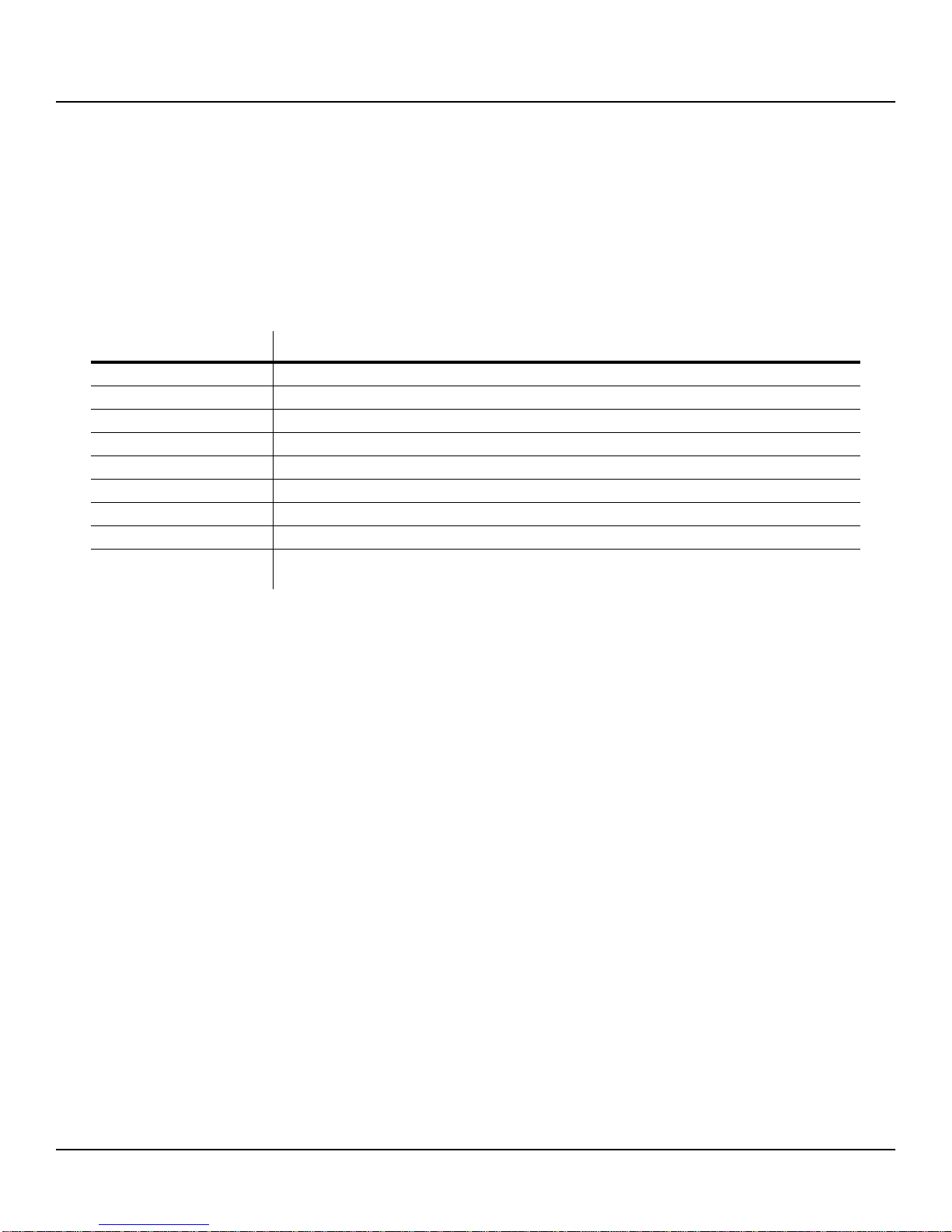
Controller Function
ModWheel controls tremolo depth
Data/MIDI 06 (Slider A) controls tremolo rate
MIDI 22 (Slider B) controls tone or EQ settings
MIDI 23 (Slider C) also controls tone or EQ settings
MIDI 25 (Slider E) controls reverb/delay wet/dry
MIDI 26 (Slider F) controls distortion warmth (“fuzz”)
MIDI 27 (Slider G) controls distortion drive (We suggest moving MIDI 26 and 27 up and down together.)
MIDI 28 (Slider H) controls the volume of characteristic noises (“thumps” and “tine sizzle”)
MIDI 29 (Sw2) performs a variety of functions: low EQ cut/boost, enables secondary effect. (Make sure to
try this one on each program.It's the button just above the ModWheel.)
K2600Vintage Electric Pianos User’s Guide
3
Fender Rhodes
Produced from 1965-1986 in a number of variations of the original model, the Fender Rhodes is the most widely recognized
and easily identified electric piano sound in popular music. The Rhodes played an important role in defining some of the new
styles of music that began to emerge in the mid-sixties and early seventies, mainly jazz-fusion, disco and funk, and was
adopted quickly by other already established styles such as R&B, rock, pop, blues, and jazz. The Rhodes sound remains popu-
lar today and it can be found in a variety of settings: played live by blues, funk and jam bands among others, and on recordings
of hip-hop, pop, acid-jazz, and electronica.
Like most other electric pianos, the Rhodes produced its sound electromechanically, with a hammer mechanism striking metal
bars or “tines.” A damper pedal, much like the one found on an acoustic piano, provided sustain.
The two main models (of which there were a few variations) were the Suitcase Piano and the Stage Piano. The suitcase model
was introduced first. Featuring an enclosure equipped with an amplifier, speaker cabinet, and tremolo circuit, the original suit-
case model used hammers with felt tips, which were later replaced by ones with neoprene (hard synthetic rubber) tips. The felt
hammers gave the early suitcase models a slightly less-bright attack sound and a less-tight decay for each note. The Stage
Piano (which did not have an amplifier nor speaker cabinet) was introduced in the early seventies as a more portable alterna-
tive to the Suitcase model. Both models were replaced in 1979 by corresponding “Mark II” versions.
Wurlitzer
Similar in both its design and sound to the Rhodes, the Wurlitzer electric piano was nearly as popular, and actually pre-dated
the first Rhodes suitcase model. Two basic models were produced, of which there were a few versions: the 100 series, manu-
factured from c.1954-1967, and the 200 series, which continued from c.1967-1980. Most recordings of the Wurlitzer feature
one of the 200 series models.
Using a piano-type action with felt-tipped hammers to strike metal elements, called “reeds”, the Wurlitzer employed a damper
pedal mechanism to provide sustain, much the way the Rhodes did. The Wurlitzer was smaller than the Rhodes (most had 64
notes), and was available exclusively as a console, which sat on four metal legs. Most models came equipped with at least two
built-in speakers, and a tremolo circuit. The Wurlitzer produced a sound which had a slightly more narrow frequency range
than the Rhodes; it was “thinner” sounding, blending more easily with other instruments in a mix.
Hohner Pianet
Although featured prominently in a number of classic rock songs by The Beatles, The Zombies and others, the Hohner Pianet
remains a lesser-known instrument, its sound having often been mistakenly attributed to the Wurlitzer.
Produced from c.1962-1980 in various console models, the Pianet series differed from the Rhodes and Wurlitzer in a few
important areas. Sound was produced by metal reeds, which were plucked by a set of adhesive pads. Also distinguishing the
Pianet was the absence of a sustain pedal.
Hohner also manufactured the much more rare Electra-Piano (not to be confused with the RMI Electra-Piano) which featured
an enclosure resembling that of an upright piano. Reported to have a hammer mechanism very much like the one found in the
Rhodes, the Hohner Electra-Piano featured a built-in amp and four speakers. Led Zeppelin made this sound famous, employ-
ing it in a number of hits. Using our Pianet samples and bit of processing, we were able to craft some realistic imitations of the
Hohner Electra-Piano, and we’ve included them in the Pianet section of Vintage EPs.

4
K2600Vintage Electric Pianos User’s Guide
Yamaha CP-80
Known commonly as the “electric grand”, the CP-80 (88 notes), along with its smaller counterpart, the CP-70 (76 notes), was
the product of clever engineering combined with traditional piano-making craftsmanship. Inside the CP-80, are the basic
workings of a real acoustic piano, which have been altered to fit into a smaller enclosure. On the outside, the CP-80 looks like
a “grand” version of the Rhodes, covered in tolex, with the top portion extending in the rear to accommodate the piano harp
inside. Up until the mid-1980’s, when sampled pianos became available, the CP-70/80 was the only instrument capable of pro-
viding a decent substitute for a real piano. While it served this purpose well, the CP-70/80 had some unique features, which
allowed it to have its own very distinct sound when desired.
With single strings on the lower notes, and double strings on the rest, the CP-70/80 included a modified Yamaha grand piano
action and employed piezo-electric transducers in lieu of pickups. The original CPseries featured bass and treble tone controls
and a tremolo circuit. Later, seven bands of EQ, balanced outputs and MIDI capabilities were added (CP-70/80B and M mod-
els). Often used with chorus and compression effects, the CP-80 was known for having more “punch” than an acoustic piano.
Production began in 1977 and ended in 1987.
RMI Electra-Piano
Built by Rocky Mount Instruments, a division of theAllen Organ Company, from 1967-1980, the RMI Electra-Piano is the one
instrument represented in Vintage EPs which did not produce sound by electromechanical means. With an electronic tone-gen-
erator for each note, un-weighted plastic keys, which were not touch-sensitive, and a set of “stops” for sound selection, the
RMI more closely resembled an organ than anything else. Both sustain and volume pedals were included with the unit. Most
were black tolex-covered consoles with 61 (later 68) keys, and rested on a set of metal legs.
There were five stops on the RMI for tone: Piano, Piano PP, Harpsi, Harpsi PP, and Lute. There were two additional stops;
Accenter, which added in an attack “thump” as well as Organ Mode, which extended the decay of held notes.
Though not capable of producing a realistic piano sound, the RMI, with its Harpsi stops did provide a viable “electric harpsi-
chord/clavichord” tone. In addition, the overall sound of the RMI was warm, yet thin and manageable, and lent itself nicely to
the use of effects processors and pedals. The RMI was most widely used by progressive-rock bands like Genesis and Yes in the
early to mid-1970s, although it has also appeared in a broad variety of other settings.

2002, All Rights Reserved. K
urzweil is a product line ofYoung Chang Co., Ltd. Kurzweil, K2600, LaserVerb, KDFX, and
V.A.S.T. are trademarks of Young Chang Co., Ltd. All other trademarks and registered trademarks are the property of their
respective owners. Product features and specifications are subject to change without notice.
K2600Vintage Electric Pianos User’s Guide
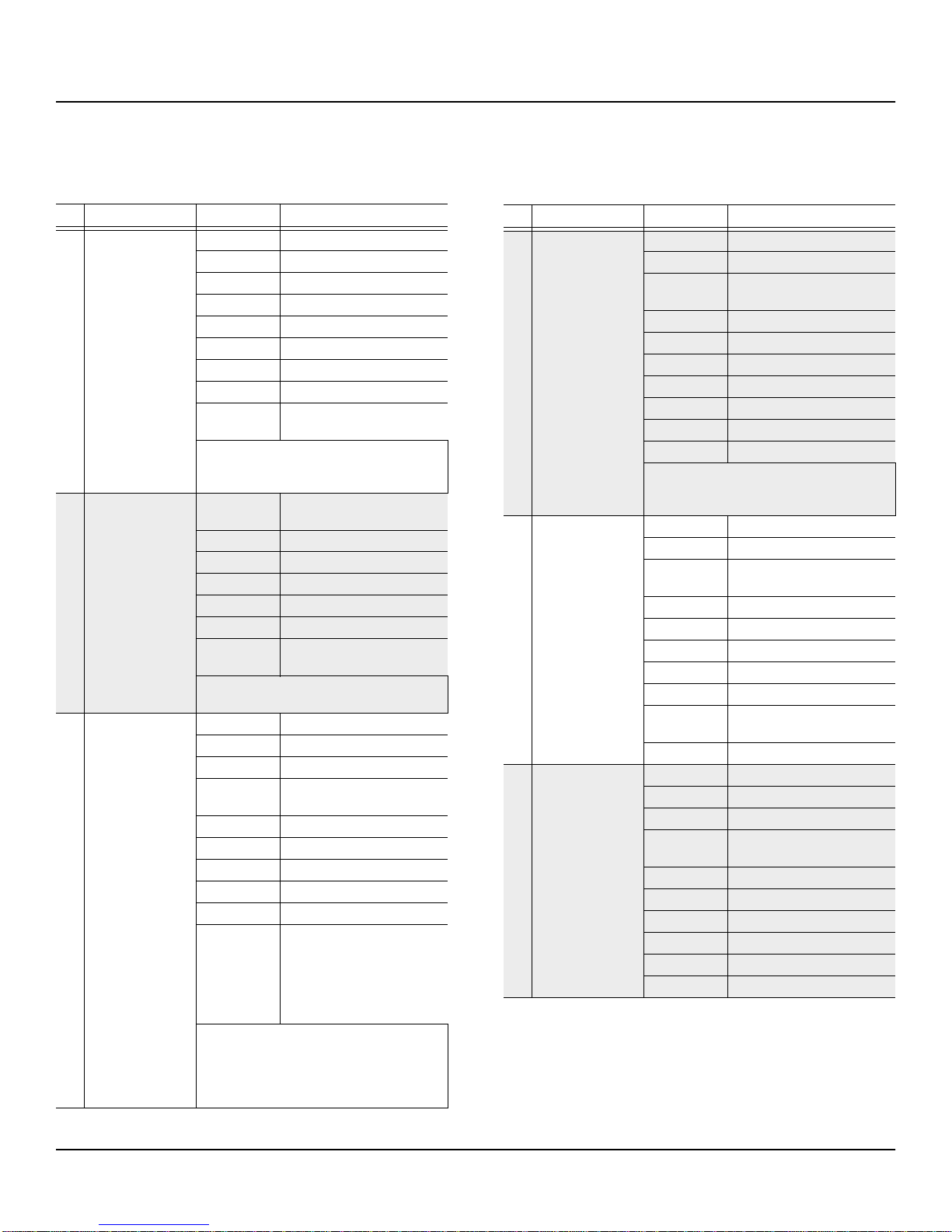
Vintage EP Programs
5
Vintage EP Programs
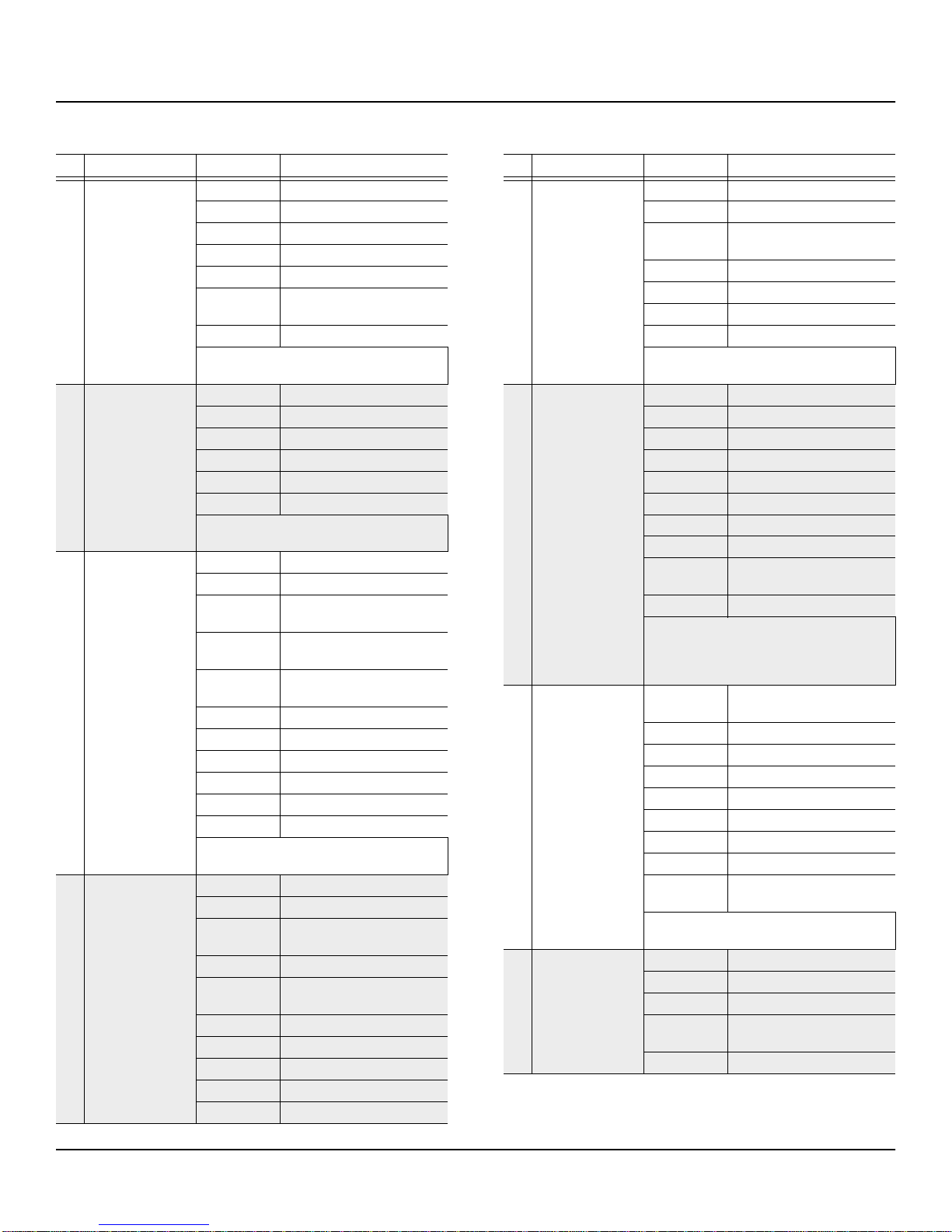
ID Name Control Function
600 Model This! Rhds
MWheel Tremolo Depth
Data Tremolo Speed
MIDI 23 Bass EQ
MIDI 24 Treble EQ
MIDI 25 Reverb Wet/Dry
MIDI 26 Distortion Warmth
MIDI 27 Distortion Drive
MIDI 28 Xcouple (tone)
MIDI 29 (Sw2) MIDI29+Mwheel gives classic
“hard pan” tremolo shape
Rhodes sound inspired by Chick Corea's album,
“Friends”, Peter Gabriel's “Humdrum”, and Kate
Bush's “Blow Away”.
601 Shinin' Xfade
MWheel Stereo Trem on (KDFX FX1c
Simple Panner)
Data Trem Rate (for both Trems)
MIDI 22 Mono Trem on
MIDI 25 Reverb Wet/Dry
MIDI 26 Distortion Warmth
MIDI 27 Distortion Drive
MIDI 28 Enable Compressor (Comp
Ratio)
Rhds W/Compression & Distortion, recreating
the EP on Earth Wind & Fire's “Shinin' Star”.
602 CleanRhdsEchPlx
MWheel Stereo Tremolo Depth
Data Tremolo Rate
MIDI22 EQ Brightness
MIDI 23 Echo Tap2
(Enables 1/8th Note Echoes)
MIDI 24 Echo PitchAdjust
MIDI 25 Echo Wet/Dry
MIDI 26 Reverb Wet/Dry
MIDI 27 Echo Mid EQ Gain
MIDI 28 Echo Bass EQ Gain
MIDI 29 (Sw2) Multiple Functions: Changes
Reverb Length, Enables Smooth
(sine-shaped) tremolo.MIDI
29(Sw2) + Modwheel enables
“hard pan” (square shaped)
tremolo.
The sound itself recreates the Rhds on Stevie
Wonder's “Living for the City”. Featured in
KDFX is Kurzweil's emulation of the classic
Echoplex tape delay, with sliders assigned to con-
trol the tone and pitch of the echo effect.
603 AgedTolexPhasSw2
MWheel Enable Mono Tremolo
Data Tremolo Rate
MIDI 22 Brightness
(Filter Cutoff Freq inVAST)
MIDI 23 Phaser Rate
MIDI 24 Phaser Center Freq (Tone)
MIDI 25 Reverb Wet/Dry
MIDI 26 Bass EQ (KDFX)
MIDI 27 Treble EQ (KDFX)
MIDI 28 Phaser Depth
MIDI 29 (Sw2) Enables Phaser
In “dry” mode, this program emulates the EP
sound used by Herbie Hancock on Joni Mitchell's
“Mingus” album.
604 Real 70's Chorus
MWheel Enables Stereo Tremolo
Data Tremolo Rate
MIDI 22 Brightness Control
(Filter Cutoff Freq inVAST)
MIDI 23 Chorus Hi Freq Dampening
MIDI 24 Reverb Time
MIDI 25 Reverb Wet/Dry
MIDI 26 Chorus Depth
MIDI 27 Chorus Wet/Dry
MIDI 28 CompressionAmount (Lowers
Thresh, Increases Ratio)
MIDI 29 (Sw2) Lo Freq Cut
605 Studio ClassicEP
MWheel Enables Stereo Tremolo
Data Tremolo Rate
MIDI 22 Phaser Rate
MIDI 23 Reverb Hi Freq Dampening
(Brightness)
MIDI 24 PhaserWet/Dry
MIDI 25 Reverb Wet/Dry
MIDI 26 Distortion Warmth
MIDI 27 Distortion Drive
MIDI 28 Reverb Density
MIDI 29 (Sw2) Lo Freq Cut
ID Name Control Function
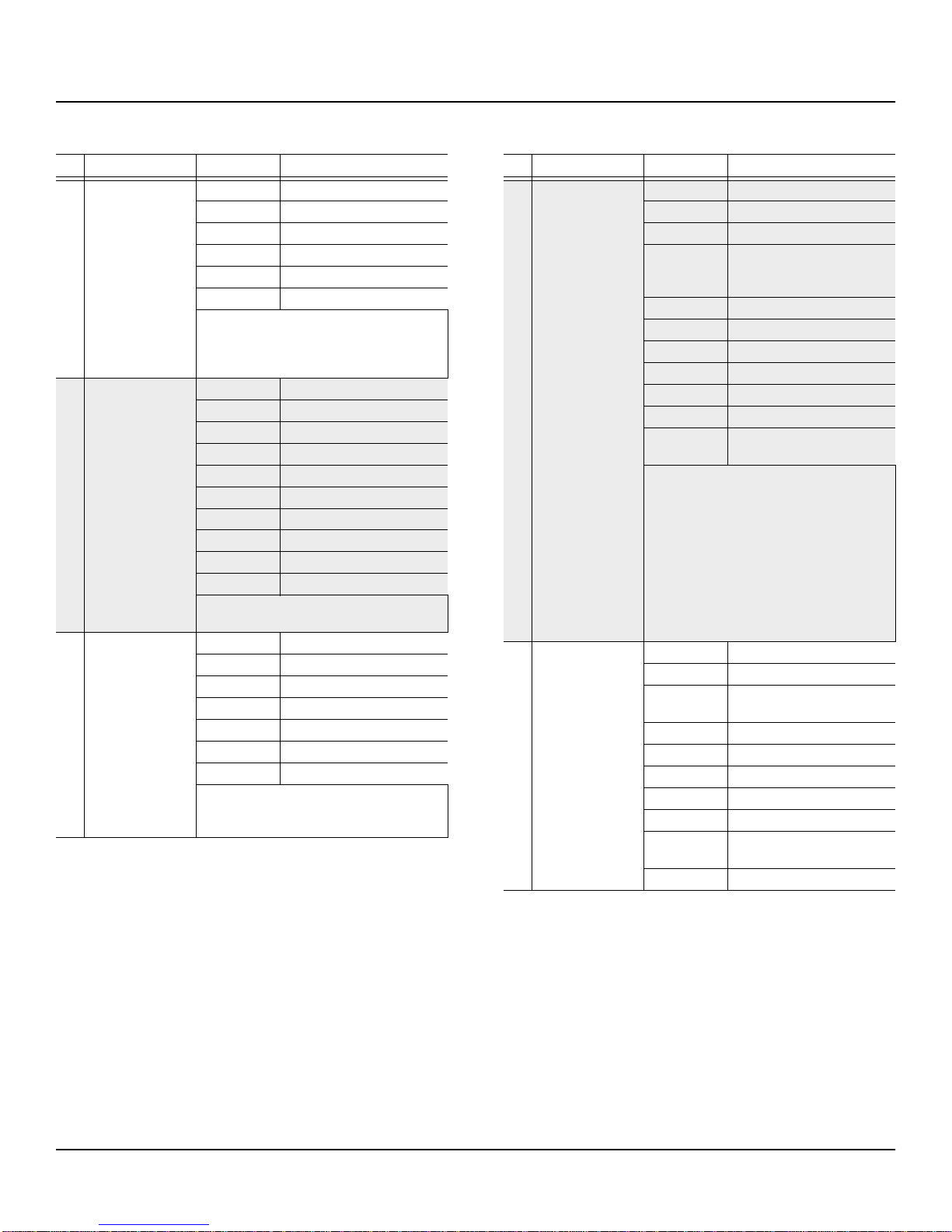
6
K2600Vintage Electric Pianos User’s Guide
Vintage EP Programs
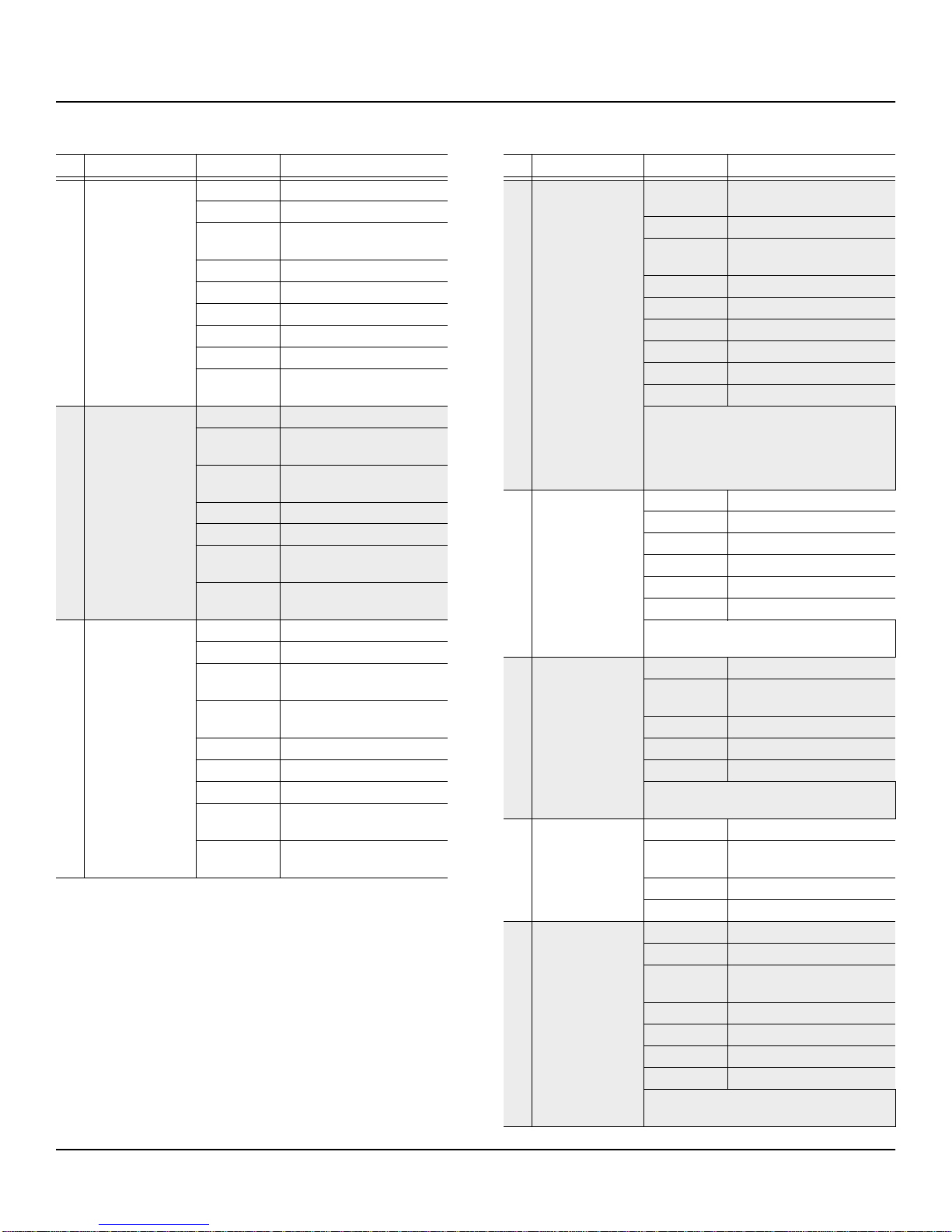
606 SweetLoretta Amp
MWheel Enables mono tremolo
Data tremolo Rate
MIDI 25 Reverb Wet/Dry
MIDI 26 Distortion Warmth
MIDI 27 Distortion Drive
MIDI 28 Env release decay
Emulates Billy Preston's EP sound from the
Beatles song, “Get Back”. MIDI28 (H slider) will
tighten up the release.(Amount of decay after a
note is struck and released)
607 TheNightFly
MWheel Phaser Notch Depth (Tone)
Data Chorus Rate
MIDI 22 Phaser Rate
MIDI 23 Phaser Depth
MIDI 24 Phaser Center Freq (Tone)
MIDI 25 Reverb Wet/Dry
MIDI 26 Chorus Hi Freq Dampening
MIDI 27 Chorus Depth
MIDI 28 Release Tine Noise Volume
MIDI 29 (Sw2) Chorus On/Off
Recreates Donald Fagen's EP sound on “Green
Flower Street” from his album “The NightFly”.
608 Sugdaddy Mtron
MWheel Enables Mono Tremolo
Data Tremolo Rate
MIDI 23 Mutron (Env Filter) Wet/Dry
MIDI 25 Delay Wet/Dry
MIDI 26 Distortion Warmth
MIDI 27 Distortion Drive
MIDI 29 (Sw2) Enables Flange Effect
This KDFX studio reproduces the Mutron sound
used by Bootsy Collins and Bernie Worrell from
Parliament/Funkadelic.
ID Name Control Function
609 Herbie'sEPWahSw2
MWheel Enables smooth stereo tremolo
Data Tremolo Rate
MIDI 22 Echo Feedback
MIDI 23 Behaves exactly like a Wah
Pedal when MIDI29 is pressed.
(For those without the ccpedal)
MIDI 24 Echo delay time (for TAP1)
MIDI 25 Echo Wet/Dry
MIDI 26 Distortion Warmth
MIDI 27 Distortion Drive
MIDI 28 Feedback Control
MIDI 29 (Sw2) Enables Wah Pedal
CCPedal1 Behaves exactly like a real Wah
Pedal when MIDI29 is pressed.
This program recreates the sound and FX chain
used by Herbie Hancock on his albums, “Head-
hunters” and “Manchild”, with distortion and ste-
reo trem with an FX loop to Wah and Echoplex.
MIDI29 button clicks on the wah, and a continu-
ous controller pedal (volume pedal) acts like the
wah pedal. Plug the pedal into cc1 jack on the
back. MIDI23 (C slider) will also function as the
wah for those without the ccpedal. This program
(with the wah turned off) also resembles the EP
used by Patrick Moraz onYes's “Relayer” album.
610 Adjstbl ChDlyRvb
MWheel Enables stereo tremolo
Data Tremolo Rate
MIDI 22 Brightness Control
(Filter cutoff Freq inVAST)
MIDI 23 Chorus Rate Control
MIDI 24 Chorus Depth Control
MIDI 25 Reverb Wet/Dry
MIDI 26 Delay wet/Dry
MIDI 27 Chorus feedback Control
MIDI 28 Chorus pitch Env Shape -
Trapezoid or Triangle
MIDI29(Sw2) Disables FX
ID Name Control Function
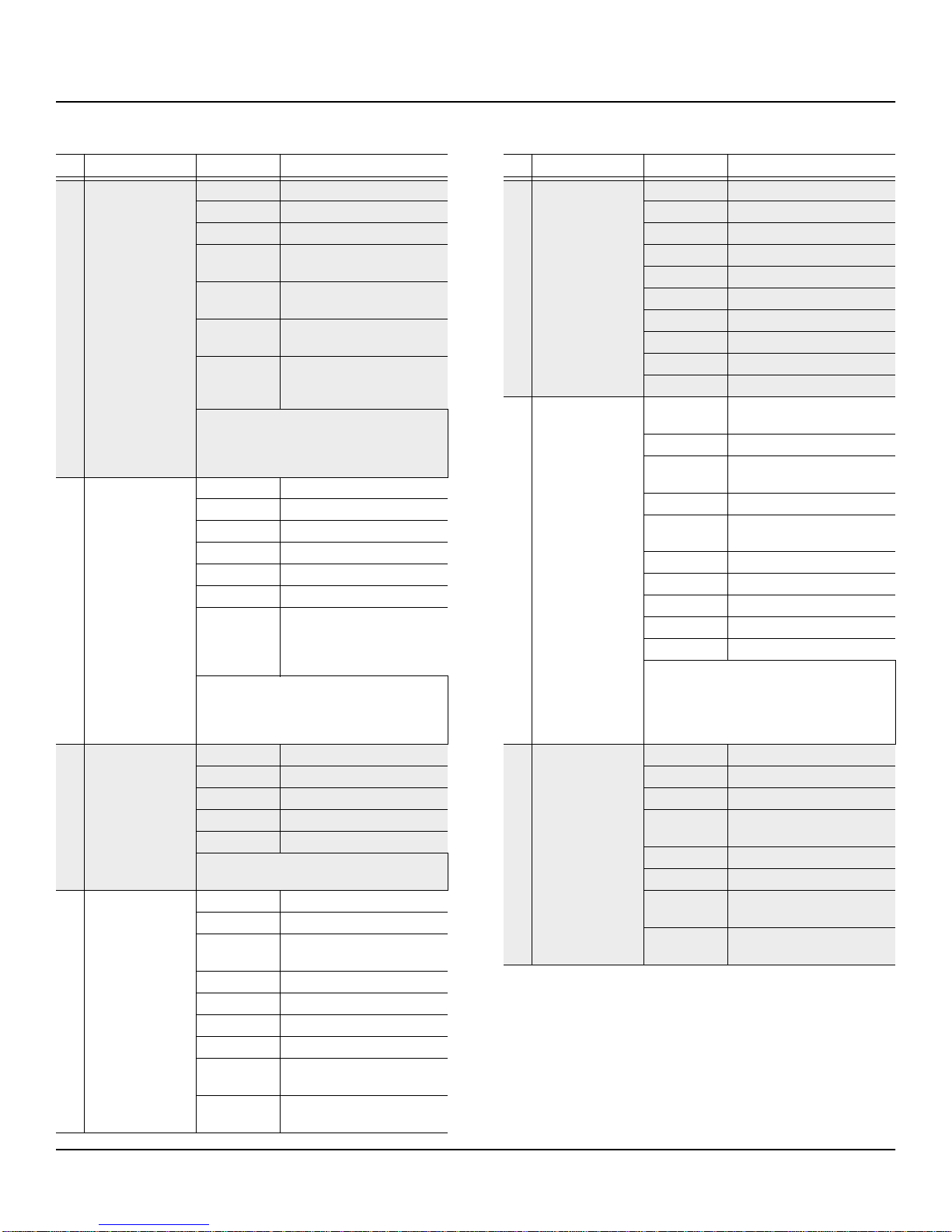
K2600Vintage Electric Pianos User’s Guide
Vintage EP Programs
7
611 XTineRhds RvsRvb
MWheel Stereo Tremolo Depth
Data Tremolo Rate
MIDI25 Reverse Reverb Wet/Dry
MIDI26 Reverb Hi Freq Dampening
(Brightness)
MIDI27 Reverb Feedback
(Number of Repetitions)
MIDI28 Reverb Length
(Length of Each Rep)
MIDI29(Sw2) Enable Smooth Tremolo.
MIDI29+Mwheel enables clas-
sic “hard pan” tremolo.
A brighter version of the classic Rhds sound,
with extra tine sizzle. Featured in KDFX is a
powerful reverse reverb with adjustable parame-
ters assigned to sliders.
612 BellToneDist RDS
MWheel Tremolo Depth
Data Tremolo Rate
MIDI 24 Static Phaser Notch (Tone)
MIDI 25 Reverb Wet/Dry
MIDI 26 Distortion Warmth
MIDI 27 Distortion Drive
MIDI 29 (Sw2) MIDI29 alone enables smooth
stereo tremolo.
MIDI29+MWheel enables clas-
sic “hard pan” stereo tremolo.
Inspired by the great fusion players of the late
sixties and early seventies- Jan Hammer of
Mahavishnu, Chick Corea w/Return to Forever,
and Herbie Hancock w/Miles Davis.
613 The Phase I'm In
MWheel Enables Stereo Tremolo
Data Tremolo Rate
MIDI 22 Phaser Rate
MIDI 23 Phaser Center Freq (Tone)
MIDI 25 Reverb Wet/Dry
Inspired by Richard Manuel's phased EP sound
on The Band's “The Shape I'm In”
614 HardStr CompRhds
MWheel Enables Stereo Tremolo
Data Tremolo Rate
MIDI 22 Lowpass (KDFX EQ)
(Brightness)
MIDI 24 Reverb Time
MIDI 25 Reverb Wet/Dry
MIDI 26 Distortion Warmth
MIDI 27 Distortion Drive
MIDI 28 Decreases Compression
Amount
MIDI 29 (Sw2) Changes Reverb Type from
Chamber to Plate
ID Name Control Function
615 SizzleTine PhsCh
MWheel Phaser Notch Depth (Tone)
Data Phaser Rate
MIDI 22 Chorus rate
MIDI 23 Phaser Depth
MIDI 24 Phaser Center Freq (Tone)
MIDI 25 Reverb Wet/Dry
MIDI 26 Chorus Depth
MIDI 27 Reverb Lowpass (Brightness)
MIDI 28 Tine Sizzle Amount
MIDI 29 (Sw2) Chorus Disable
616 EarlyFusionDstEP
MWheel Enables Stereo/Mono Tremolo
(KDFX Preset)
Data Tremolo Rate
MIDI 22 Brightness
(Filter Cutoff Freq inVAST)
MIDI 23 Bass EQ (KDFX)
MIDI 24 Reverb Hi Freq Dampening
(Brightness)
MIDI 25 Reverb Wet/Dry
MIDI 26 Static Phaser Setting (Tone)
MIDI 27 Distortion Drive and Warmth
MIDI 28 Env Release Decay
MIDI 29 (Sw2) Selects Stereo or Mono Trem
Inspired by the great fusion players of the late
sixties and early seventies- Jan Hammer of
Mahavishnu, Chick Corea w/Return to Forever,
and Herbie Hancock with Miles Davis. MIDI28
(H Slider) will tighten up the note releases.
617 Growlin'Electric
MWheel Enables Mono Tremolo
Data Tremolo
MIDI 22 Filter Resonance (VAST) (Tone)
MIDI 23 Reverb Hi Freq Dampening
(Brightness)
MIDI 24 Reverb Time/Size
MIDI 25 Reverb Wet/Dry
MIDI 26 DistortionWarmth and Lowpass
(Brightness)
MIDI 29 (Sw2) Sample Alt Start
(Mellows the Attack)
ID Name Control Function
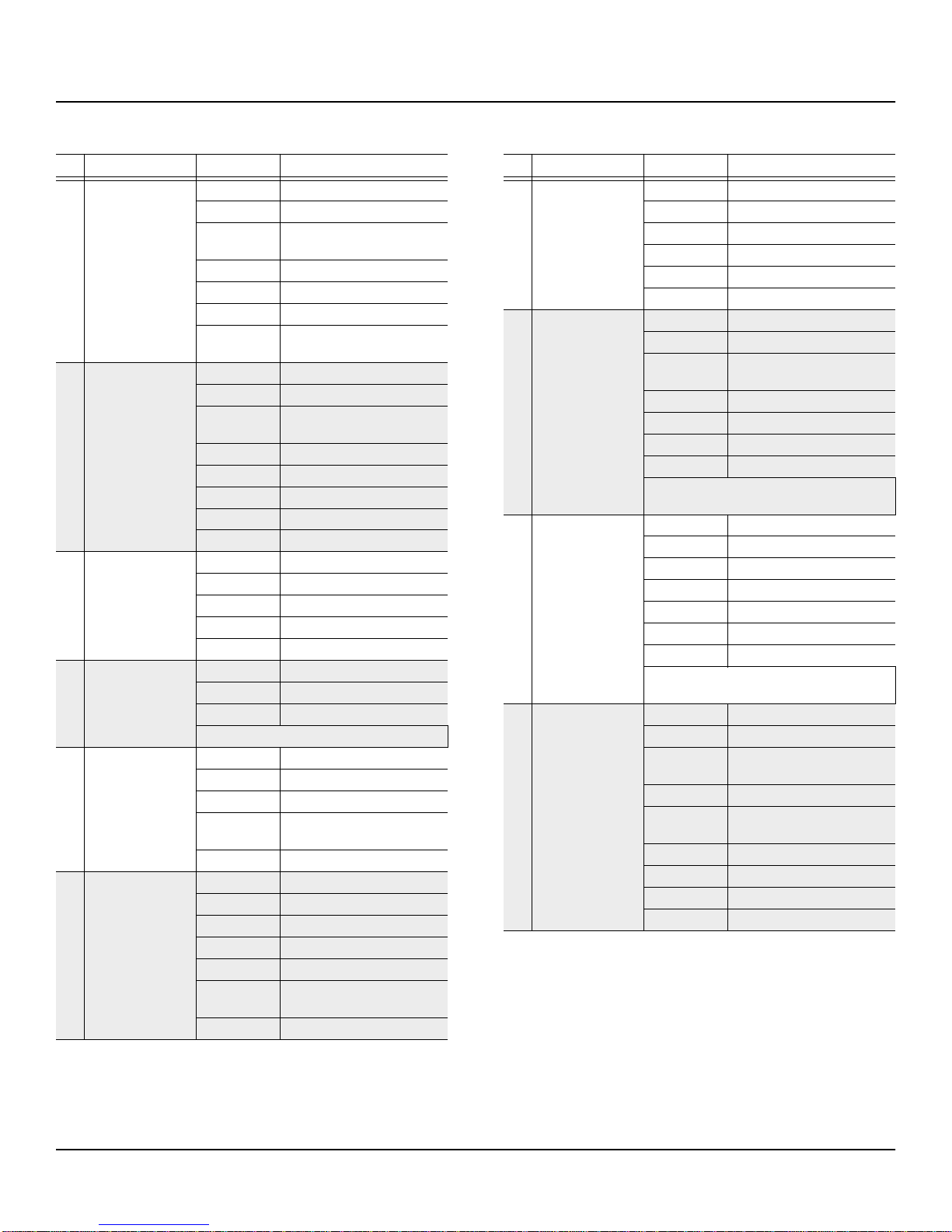
8
K2600Vintage Electric Pianos User’s Guide
Vintage EP Programs
618 Serious EPno
MWheel Enables Mono Tremolo
Data Tremolo Rate
MIDI 22 Brightness
(Filter Cutoff Freq inVAST)
MIDI 23 Bass EQ (KDFX)
MIDI 24 Reverb Time
MIDI 25 Reverb Wet/Dry
MIDI 26 Reverb Hi Freq Dampening
(Brightness)
619 70's HrdStr EP
MWheel Enables mono Tremolo
Data Tremolo Rate
MIDI 22 Filter Cutoff Freq (VAST)
(Brightness)
MIDI 23 Phaser Center Freq (Tone)
MIDI 24 Reverb Time/Size
MIDI 25 Reverb Wet/Dry
MIDI 26 Phaser Rate
MIDI 29 (Sw2) Disables Phaser
620 Rhds No Bell
MWheel Enables Mono Tremolo
Data Tremolo Rate
MIDI 25 Reverb Wet/Dry
MIDI 26 Chorus Rate
MIDI 29 (Sw2) Lo Freq Cut
621 Hard E Piano
MWheel Enables Mono Tremolo
Data Tremolo Rate
MIDI 25 Reverb Wet/Dry
This is a template for a creating new sounds.
622 Soft E Piano
MWheel Enables Mono Tremolo
Data Tremolo Rate
MIDI 22 Filter Cutoff Freq (Brightness)
MIDI 23 EnablesAlt Start
(Mellows the Attack)
MIDI 25 Delay (LaserVerb) wet/Dry
623 Barking Tines
MWheel Tremolo Depth
Data Tremolo Rate
MIDI 25 Reverb Wet/Dry
MIDI 26 Distortion Warmth
MIDI 27 Distortion Drive
MIDI 28 Turns down/off Thump/Tine
Noise
MIDI29(Sw2) Switches to Stereo Tremolo
ID Name Control Function
624 Triple Tines
MWheel Enables mono Tremolo
Data Tremolo Rate
MIDI 25 Reverb Wet/Dry
MIDI 26 Chorus Mix
MIDI 27 Delay Mix
MIDI 29 (Sw2) (fx3) Chor/Delay On/Off
625 Stay With Me
MWheel Enables mono Tremolo
Data Tremolo Rate
MIDI 22 Brightness
(Filter Cutoff Freq inVAST)
MIDI 25 Reverb Wet/Dry
MIDI 26 Distortion Warmth
MIDI 27 Distortion Drive
MIDI 28 Static Phaser Xcouple (Tone)
This heavily EQed program recreates Ian McLa-
gan's EP sound on the Faces' “Stay With Me.”
626 What'dISay Wurly
MWheel Enables Mono Tremolo
Data Tremolo Rate
MIDI 25 Reverb Wet/Dry
MIDI 26 Distortion Drive
MIDI 27 Distortion Warmth
MIDI 28 Reduces/Turns off thump
MIDI 29 (Sw2) Mid EQ Boost (KDFX)
This is a replica of the classic old Wurly sound
used by Ray Charles on “What’d I Say”.
627 RetroVerb Wurly
MWheel Enables Mono Tremolo
Data Tremolo Rate
MIDI 22 Brightness
(Filter Cutoff Freq inVAST)
MIDI 23 Reverb Size Scale (Smaller)
MIDI 24 Absorption
(Reduces perceived reverb size)
MIDI 25 Reverb Wet/Dry
MIDI 26 Distortion Warmth
MIDI 27 Distortion Drive
MIDI 28 Static Phaser Wet/Dry (Tone)
ID Name Control Function
K2600Vintage Electric Pianos User’s Guide
Vintage EP Programs
9
628
VANCradleWillRO
K
MWheel Enables Mono Tremolo
Data Tremolo Rate
MIDI 25 Reverb Wet/Dry
MIDI 26 Distortion Warmth
MIDI 27 Distortion Drive
MIDI 28 Turns Down/Off clunks and
thumps
MIDI 29 (Sw2) Static Phaser Notch (Tone)
Inspired by Van Halen Wurlitzer into guitar amp
sound on “The Cradle Will Rock.”
629 Supertramp Wrly
MWheel Enables mono Tremolo
Data Tremolo Rate
MIDI 24 Disable Detuning (VAST)
MIDI 25 Reverb Wet/Dry
MIDI 28 Delay Wet/Dry
MIDI 29 (Sw2) Disables Phaser
Rick Davies' s processed Wurly sound with
Supertramp inspired this program.
630 PinkFloydzTheWah
MWheel Enables Mono Tremolo
Data Tremolo Rate
MIDI 22 Brightness
(Filter Cutoff Freq inVAST)
MIDI 23 Behaves like Wah Pedal for
those without the CCpedal
MIDI 24 Reverb Hi Freq Dampening
(Brightness)
MIDI 25 Reverb Wet/Dry
MIDI 26 Distortion Warmth
MIDI 27 Distortion Drive
MIDI 28 Static Phaser Xcouple (Tone)
MIDI 29 (Sw2) Disables Wah
CCPedal1 Wah Pedal
Recreates Pink Floyd’s Wurly w/Wah Pedal
sound on “Money” from Dark Side of the Moon.
631 EQ Vintage Wurly
MWheel Enables Mono Tremolo
Data Tremolo Rate
MIDI 22 Brightness
(Filter Cutoff Freq inVAST)
MIDI 23 Phaser Rate
MIDI 24 Low Freq Boost
(KDFX 1b Res Filter)
MIDI 25 Reverb Wet/Dry
MIDI 26 Distortion Warmth
MIDI 27 Distortion Drive
MIDI 28 Phaser Xcouple (Tone)
MIDI 29 (Sw2) Enables Phaser
ID Name Control Function
632 StandnOnTheVerge
MWheel Enables Mono Tremolo
Data Tremolo Rate
MIDI 22 Brightness
(Filter Cutoff Freq inVAST)
MIDI 25 Delay Wet/Dry
MIDI 26 Distortion Warmth
MIDI 27 Distortion Drive
MIDI 29 (Sw2) Flange Boost
Emulates Mutron Wurly on Funkadelic's “Stand-
ing on the Verge of Getting' It On”.
633 WoodstockClunker
MWheel Disables Mono Tremolo
Data Tremolo Rate
MIDI 22 Static Phaser Freq (Tone)
MIDI 23 Static Phaser Out Notch (Tone)
MIDI 24 Static Phaser FB Notch (Tone)
MIDI 25 Reverb wet/Dry
MIDI 26 Distortion Warmth
MIDI 27 Distortion Drive
MIDI 28 Reduces/Turns off volume for
clunks and thumps
MIDI 29 (Sw2) Switches Tremolo to Stereo
Recreates Joni Mitchell's Wurly sound on her
version of “Woodstock”. The thumps and clunks
(prominent in the recording) can be turned down
or off with MIDI28 (H Slider).
634 Wurly + Alien FX
MWheel Enables Martian Leslie
(Flanger)
MIDI 22 EQ Mid Boost (VAST)
MIDI 23 LaserVerb Feedback
MIDI 24 LaserVerb Delay Length
MIDI 25 LaserVerb Wet/Dry
MIDI 26 Distortion Warmth
MIDI 27 Distortion Drive
MIDI 28 Turns Down/Off thumps
MIDI 29 (Sw2) Enables MartianAutoWah
(KDFX 2c EQ Morpher)
Classic Wurly with distortion, featuring some
interesting effects unique to KDFX.
635 MeanPhaseWurly
Data Phaser Rate
MIDI 25 Reverb Wet/Dry
MIDI 27 Distortion Drive
MIDI 28 Turns Down/Off Thumps and
Clunks
MIDI 29 (Sw2) Lo Freq Cut (KDFX EQ)
ID Name Control Function
10
K2600Vintage Electric Pianos User’s Guide
Vintage EP Programs
636 UpcloseHeavyWrly
MWheel Enables Mono Tremolo
Data Tremolo Rate
MIDI 22 Brightness
(Filter Cutoff Freq inVAST)
MIDI 23 Bass EQ (KDFX)
MIDI 24 Rev Pre Delay Time
MIDI 25 Reverb Wet/Dry
MIDI 26 Reverb Decay Time
MIDI 27 Reverb Room Size
MIDI 28 Reverb Hi Freq Dampening
(Brightness)
637 Lesslie Wurlie
Mwheel Leslie Fast/Slow
MIDI 22 Brightness
(Filter Cutoff Freq inVAST)
MIDI 23 Vibrato/Chorus Select
(KDFX FX2)
MIDI 24 Flange Rate (Must be enabled)
MIDI 25 Reverb Wet/Dry
MIDI 28 Delay Wet/Dry
(Must be enabled)
MIDI 29 (Sw2) Disables Leslie, Enables
Flange/Delay
638 Soft Wurly
MWheel Enables Mono Tremolo
Data Tremolo Rate
MIDI 22 Brightness
(Filter Cutoff Freq inVAST)
MIDI 23 EnablesAlt Start
(mellows the attack)
MIDI 25 Reverb Wet/Dry
MIDI 26 Chorus Wet/Dry
MIDI 27 Chorus Feedback
MIDI 28 Reverb Hi Freq Dampening
(Brightness)
MIDI 29 (Sw2) Enables “Impact”-
exaggerated attack
ID Name Control Function
639 Joy to the Piant
MWheel Enables Tremolo and Vibrato
(VAST)
Data Tremolo/Vibrato Rate
MIDI 22 Brightness
(Filter Cutoff Freq inVAST)
MIDI 23 Phaser Rate
MIDI 25 Reverb Wet/Dry
MIDI 26 Distortion Warmth
MIDI 27 Distortion Drive
MIDI 28 Phaser Xcouple (Tone)
MIDI 29 (Sw2) Enables Phaser
Imitates two classic sounds used by Jimmy
Greenspoon of Three Dog Night; normally, it
produces the EP sound from “Joy to the World”.
Moving the mod wheel up will switch to the war-
bly sound from “Mama Told Me Not to Come”.
640 TheseEyes
MWheel Enables Mono Tremolo
Data Tremolo Rate
MIDI 22 Phaser Rate
MIDI 26 Distortion Warmth
MIDI 27 Distortion Drive
MIDI 29 (Sw2) Enables Phaser
Burton Cummings' EP part on The Guess Who's
song, “These Eyes” inspired this.
641 No Quarter
Data Phaser Rate
MIDI 22 Brightness
(KDFX 2c Resonant Filter)
MIDI 23 Phaser Center Freq (Tone)
MIDI 25 Reverb Wet/Dry
MIDI 27 Distortion Drive
Recreates John Paul Jones's “bubbly” EP from
Led Zeppelin's “No Quarter”.
642 Black Friday
Data Phaser Rate
MIDI 22 Brightness
(Filter Cutoff Freq inVAST)
MIDI 23 Phaser Center Freq (Tone)
MIDI 25 Reverb Wet/Dry
643 StrwyToEPHeaven
MWheel Enables Mono Tremolo
Data Tremolo Rate
MIDI 23 Reverb Hi Freq Dampening
(Brightness)
MIDI 24 Reverb Size
MIDI 25 Reverb wet/Dry
MIDI 26 Distortion Warmth
MIDI 27 Distortion Drive
Recreates John Paul Jones' EP sound from Led
Zeppelin's “Stairway to Heaven”.
ID Name Control Function