1
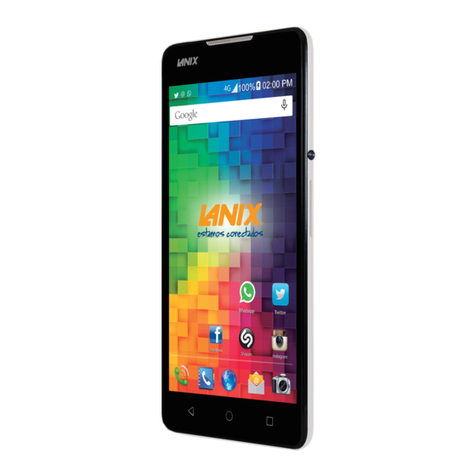
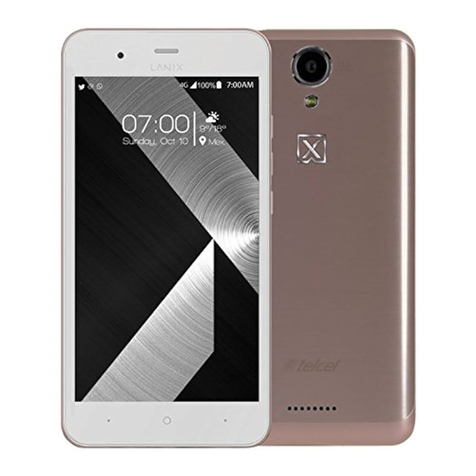
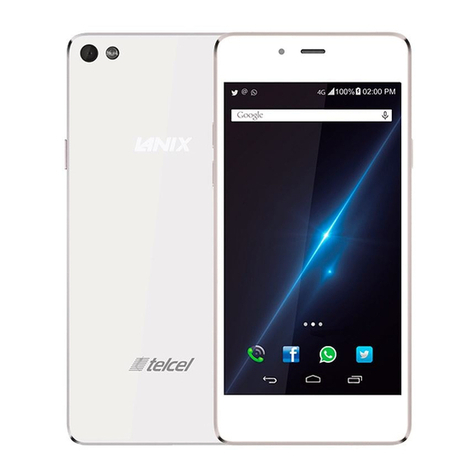
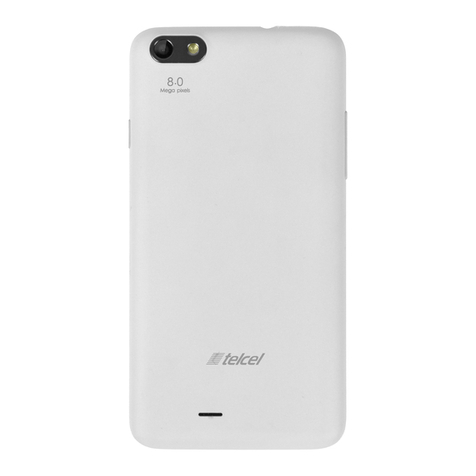
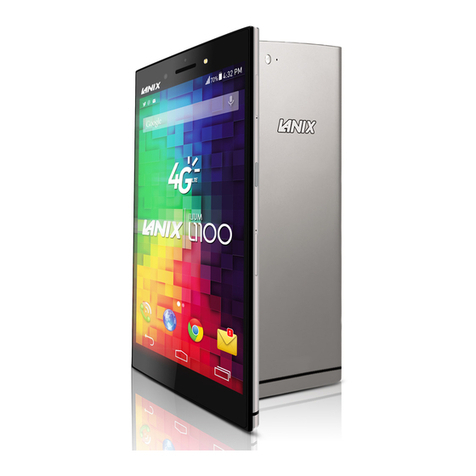
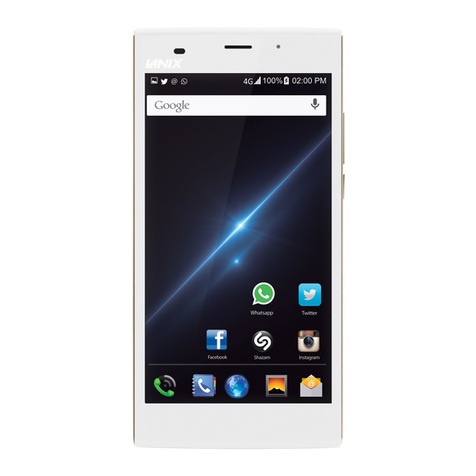
Ilium S600
Content
Get Started ...................................................................... 2
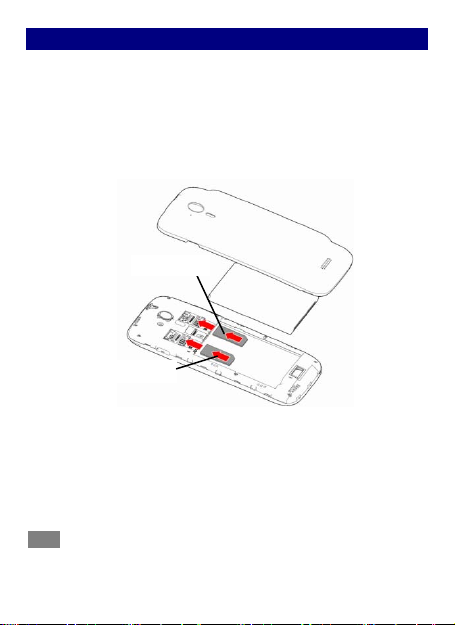
Insert SIM card ..................................................................2
Insert Memory card...........................................................2
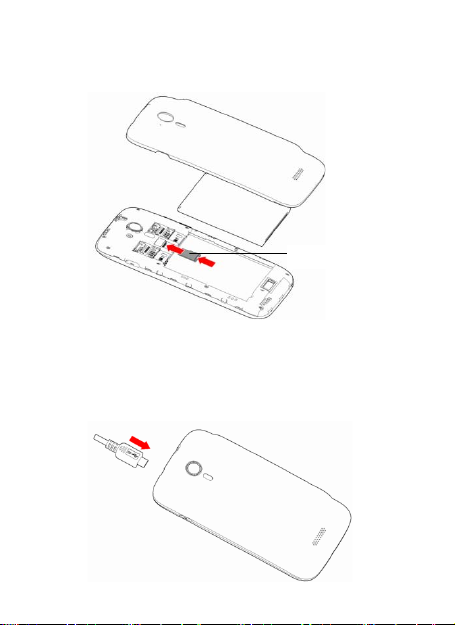
Charge the Battery or Connect to a Computer .................3
Keys and Parts ................................................................. 4
Lock and Unlock the Screen.............................................. 5
Make it yours................................................................... 6
Add Widgets and more icons to Home Screen ................... 7
Adding widgets and icons to home screen........................7
Rearranging or removing widgets and icons on your Home
screen..................................................................................7
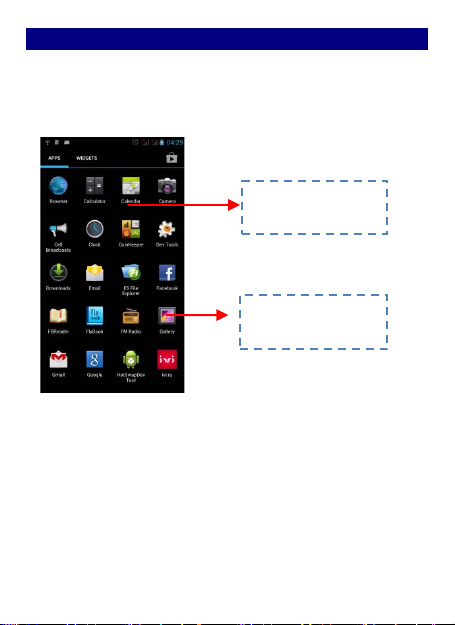
Enter Launcher ................................................................ 8
Open and Switch Applications...........................................8
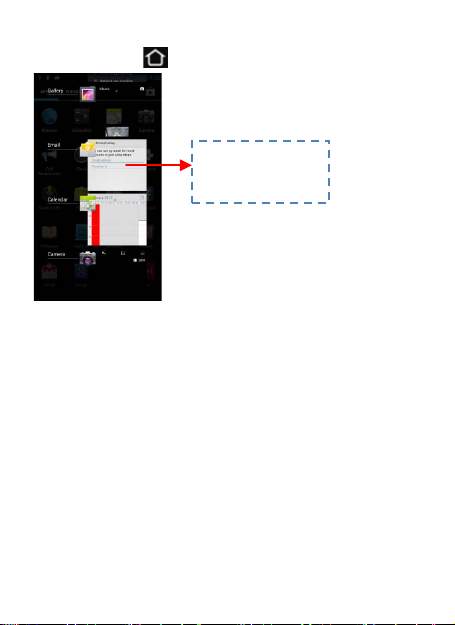
Switch to Recently Used Application.................................9
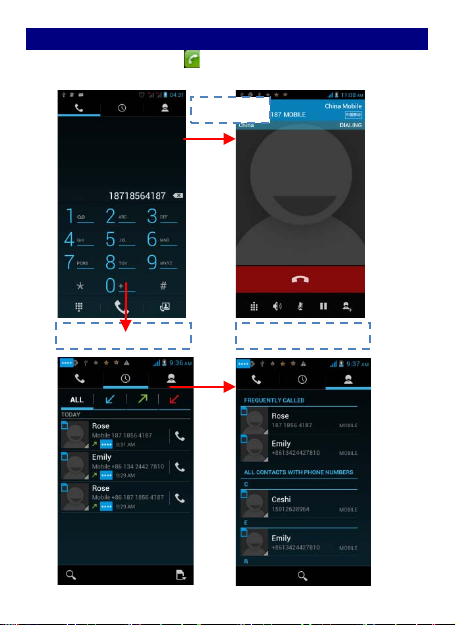
Make a Call.................................................................... 10
Call Log.......................................................................... 11
Reject a Call by Sending a Busy Message ......................... 12
Add a Contact ................................................................ 13
Send and Receive Message(s) ......................................... 14
Browse the Web ............................................................ 17
Download Applications From Android Market................. 18
Manage Applications/ Move to SD card .......................... 19
Maintenance & Safety.................................................... 20