1
Overview
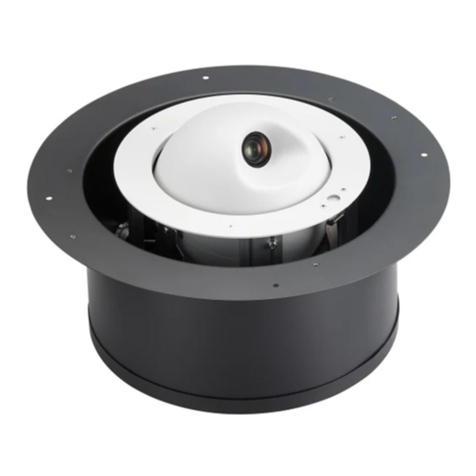
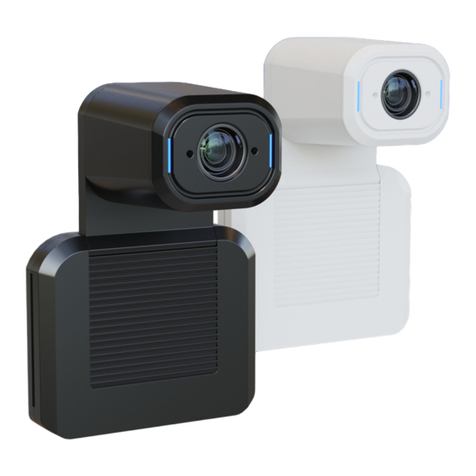
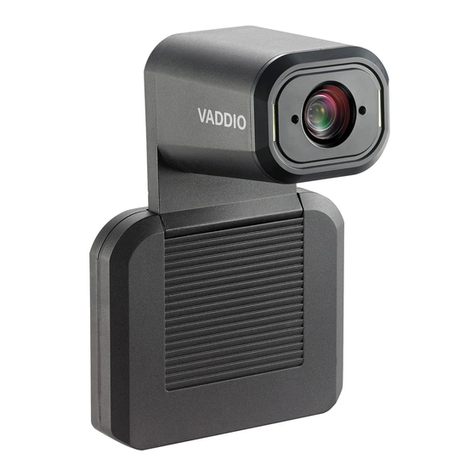
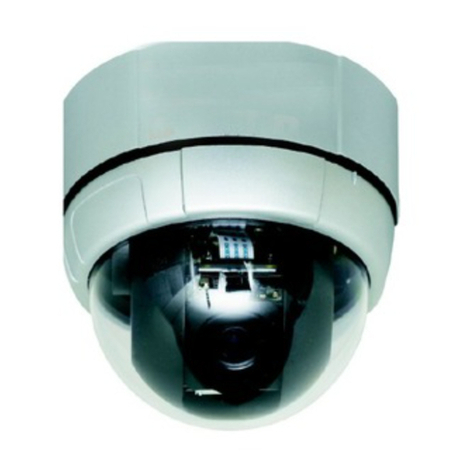
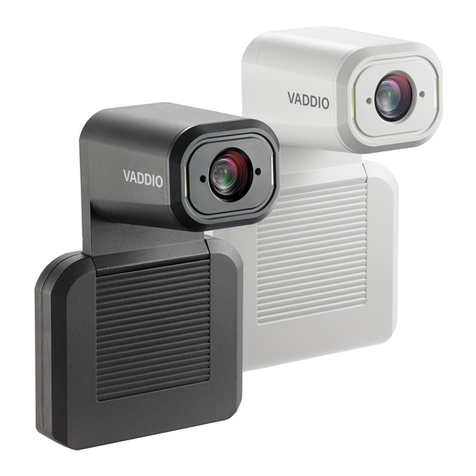
This guide describes installation and related information for the RoboFLIP®30 HDBT in-ceiling HD PTZ
camera:
nCamera with OneLINKHDMI camera extension – 999-99800-100 (North
America), 999-99800-101 (Europe/UK), 999-99800-109 (Australia/New
Zealand)
nCamera with OneLINK Bridge A/V interface – 999-99800-200 (North
America), 999-99800-201 (Europe/UK), 999-99800-209 (Australia/New
Zealand)
What's in this Guide
This guide covers:
nUnpacking
nPhysical features
nInstallation
nSystem administration, configuration, and maintenance
nOperating the camera
nTelnet and RS-232 API references
nSpecifications
nTroubleshooting
nCompliance/conformity information
For your convenience, the information you need to install this product is also available in the smaller, stand-
alone Installation Guide for the RoboFLIP 30 HDBT In-Ceiling HD PTZ Camera, which covers
unpacking, physical features, installation, and initial power-up.
Download manuals, dimensional drawings, and other information from www.legrandav.com.
Features
nIdeal in environments where knowing the camera’s active status is critical
nRotates into its enclosure when video is not active
nRecessed design allows staff to deep-clean and sanitize the room without risking damage to the
camera
n30x zoom with horizontal field of view from 70.2º (wide) to 3.4º (tele)
n1/2.5-Type Exmor R™ backlit CMOS sensor for 8.5 megapixels (effective)
nSimultaneous HDBaseT and IP H.264 streaming
nFull HD (native 1080p/60); IP streaming up to up to 1080p/30
nSuperior low-light performance (0.4 Lux)
nWeb interface for remote administration and operation from your computer's browser or the Vaddio
Device Controller, integration-ready Telnet control, presenter-friendly IR remote control
nUse with a OneLINK device for power, video, and control:
oOneLINKHDMI – uncompressed HDMI video, bidirectional RS-232 connectivity for camera control
via third-party equipment, passes IP stream from the camera
oOneLINK Bridge – OneLINKHDMIcapabiliities plus uncompressed USB 3.0 streaming, HD-SDI
output, and audio routed up to the camera and injected into the IP stream