The Class Of
MANUAL LEKKER BIKES / E-Jordaan 11 MANUAL LEKKER BIKES / E-Jordaan 12
CHAPTER 4 CHAPTER 5
Adjusting gears and final
checks
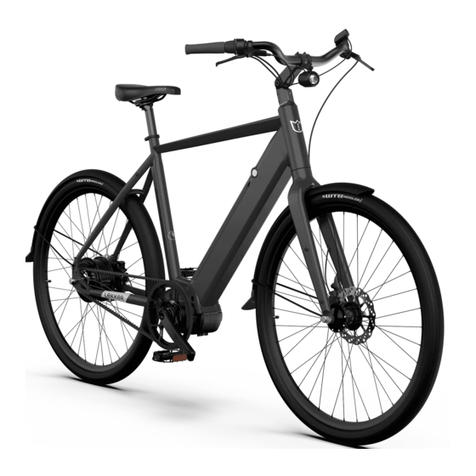
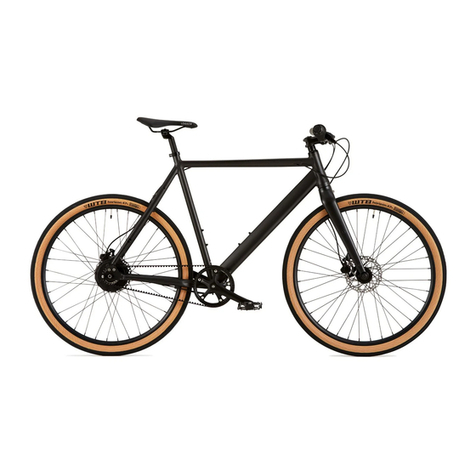
The E-Jordaan comes fitted with the excellent ENVIOLO Nuvnci Nfinity stepless
shifting hub, this allow gear changing with the need to pedal for engagement, whilst we
check all gear systems some cable stretch can occur before during and after the first
few rides, the check that your gears are correctly aligned, we recommend that you
follow the manufacturer's guide found online in our service section.
15. Using either a hand pump or track pump, remove the valve covers on both wheels,
attach the pump head and inflate the tyres to the recommended pressure (usually
printed on the sidewall of the tyre) remove pump and fit the valve caps.
16. Check the brakes are working by pressing the lever rapidly a few time to allow
pressure to build up in the system, lift the wheel off the ground and spin it, It should spin
freely without noise, if you hear a metallic rubbing sound then the brakes will need
adjusting. PLEASE NOTE: the brakes will need checking before every ride, any
anomalies should be addressed before using the bike further.
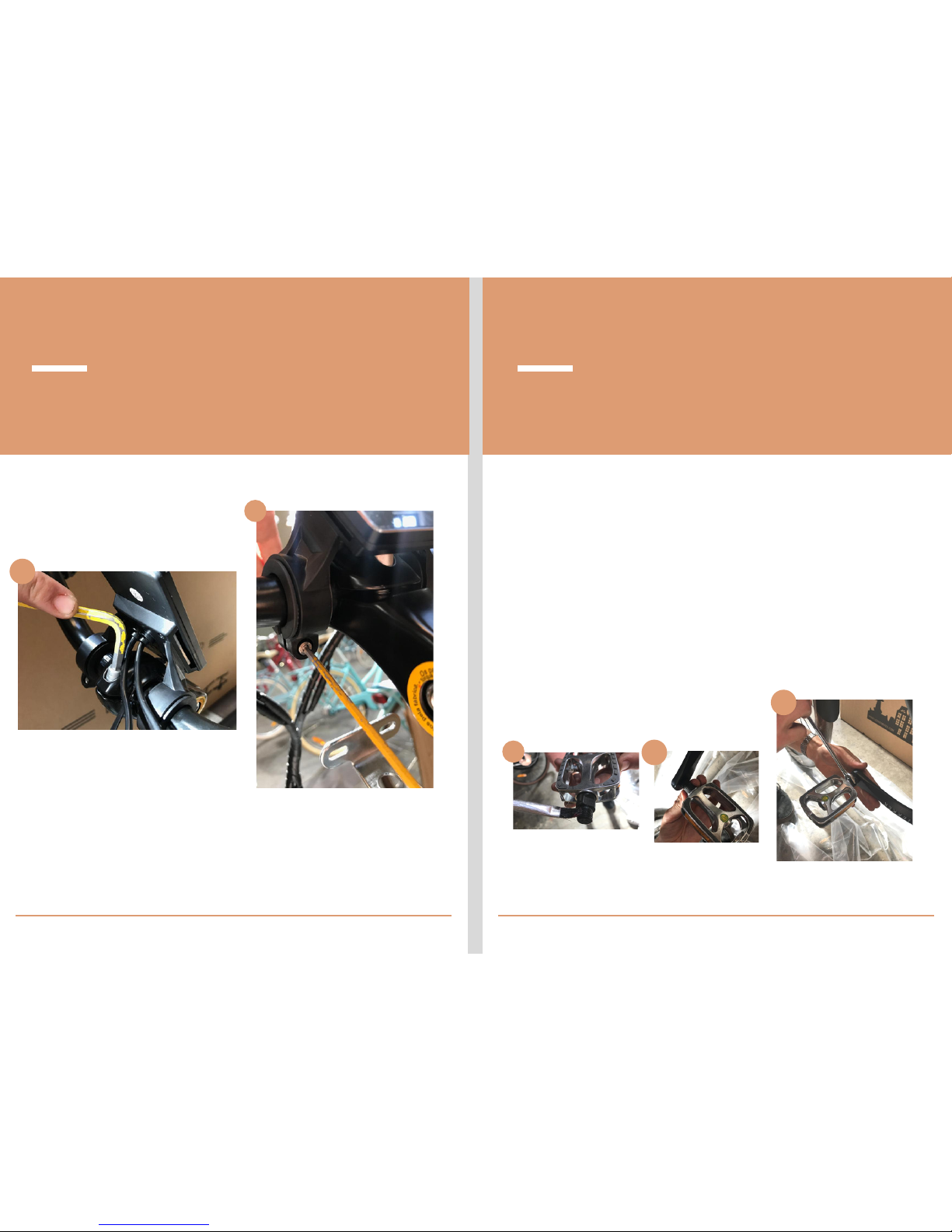
17. To adjust the the brakes, you will need a 5 mm allen key, Firstly check the the side
mounted bolts to make sure they are secured tightly, once this is done you can then
proceed to adjust the caliper, you will need to loosen the two 5mm allen key bolts
found on the top of the caliper, once done, you will then be able to adjust the caliper
horizontally so the disc rotor moves freely between the brake pads. PLEASE NOTE;
Disc brakes are subjected to high temperatures and stresses, which can cause the disc
rotor to warp slightly, this is normal and can be adjusted by bending the disc rotor back
to its original position. ATTENTION: If you do not feel comfortable adjusting the brakes
correctly, we recommend to always take your bicycle to a trained mechanic for
building/adjustment.
18. Loosen the bolt on the seat post collar using a 5mm allen key and remove the seat
post completely, apply a small amount of grease to the inside of the frame, insert the
seat post to the desired height and tighten the collar to 5Nm. Check the saddle is
correctly positioned and retighten the 6mm bolt at the top of the seat post (located
under the saddle) to 17Nm.
Front rack fitment
9. Your E-Jordaan comes with a removable front “Dutch style” Rack,
this will need partial assembly, firstly remove the rack from its
packaging and check that all the screws and bolts are supplied
correctly.
10. Attach the back plate to the bottom plate using four 8mm nuts
and bolts (two either side) leave these a little loose, to allow easier
fitting.
11. Using two 8 or 10mm nuts and bolts, attach the whole rack to
the stem plate located under the stem, again, leave these a little
loose to begin with.
12. Attach the two legs, make sure that the light fixing is on the
LEFT hand side facing forward, this will require two 8mm nuts and
bolts, once attached you can then proceed to bolt the two legs to
the fork, using one 8mm bolt per side.
13. Now you can tighten all bolts to 8Nm, PLEASE NOTE: you may
need to apply a bit of roce to centre the rack correctly.
14. Attach the front light to the light fixing on the left hand leg using
the cross head screw and nut provided, and remove the plastic
battery tab.