TABLE OF CONTENTS This instruction manual may contain images
or content different from the model you
purchased. This manual is subject to revision
by the manufacturer.
SAFETY INSTRUCTIONS ..............................................................3
IMPORTANT SAFETY INSTRUCTIONS ..........................................................3
INSTALLATION.............................................................................10
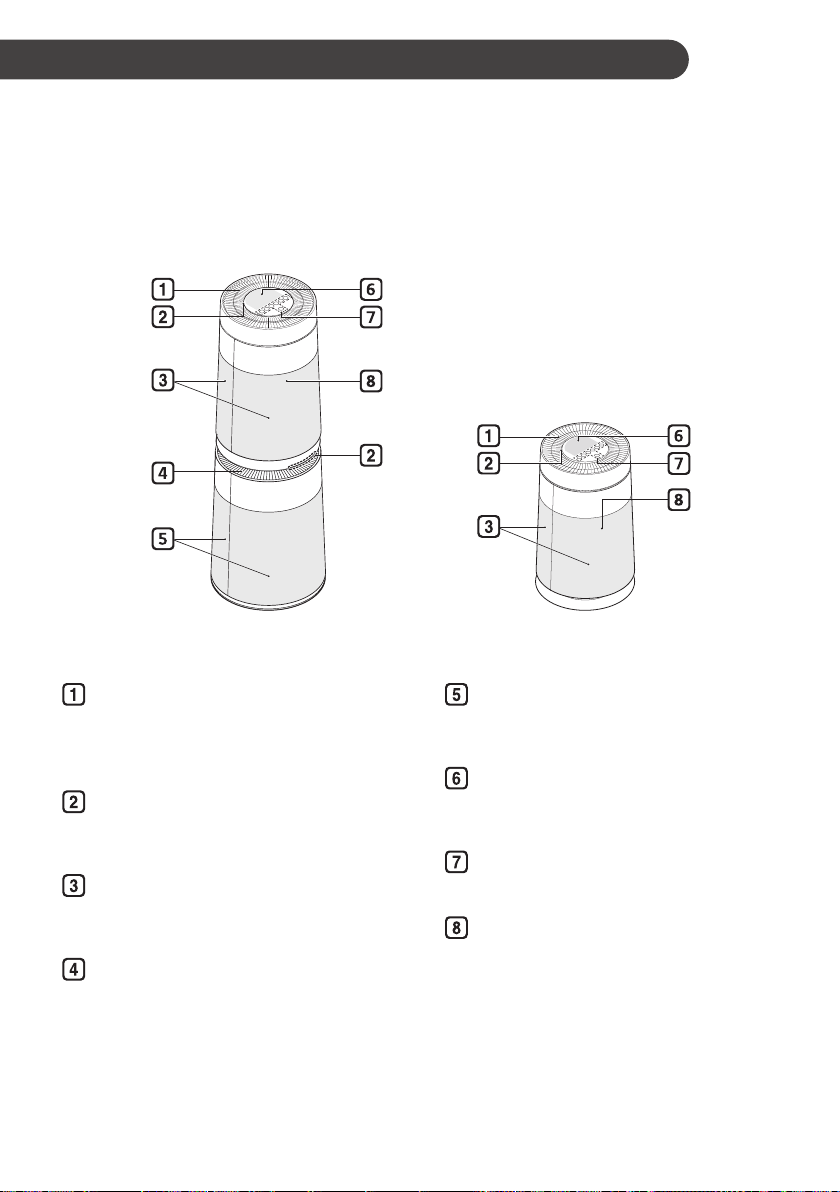
Appliance Overview ........................................................................................10
Unpacking the Appliance.................................................................................12
Installation Location Requirements.................................................................13
Transportation Requirements..........................................................................13
OPERATION .................................................................................14
Control Panel ..................................................................................................14
Status Display Panel.......................................................................................15
Remote controller............................................................................................16
Operation starting............................................................................................17
Using the Mode...............................................................................................17
Adjusting the Fan Speed.................................................................................18
Clean Booster Fan Speed...............................................................................19
Using Pet Mode ..............................................................................................19
Using the Extra Functions...............................................................................20
Checking the Air Quality..................................................................................21
SMART FUNCTIONS....................................................................24
LG ThinQ Application ......................................................................................24
Smart Diagnosis..............................................................................................25
MAINTENANCE............................................................................26
Maintaining the Product ..................................................................................26
Cleaning the Appliance ...................................................................................27
Maintaining the Filter.......................................................................................28
TROUBLESHOOTING.................................................................. 30
Before Calling for Service ...............................................................................30
APPLIANCE SPECIFICATIONS...................................................33