Conventional transformer operations
Operating your locomotive set in the conventional environment
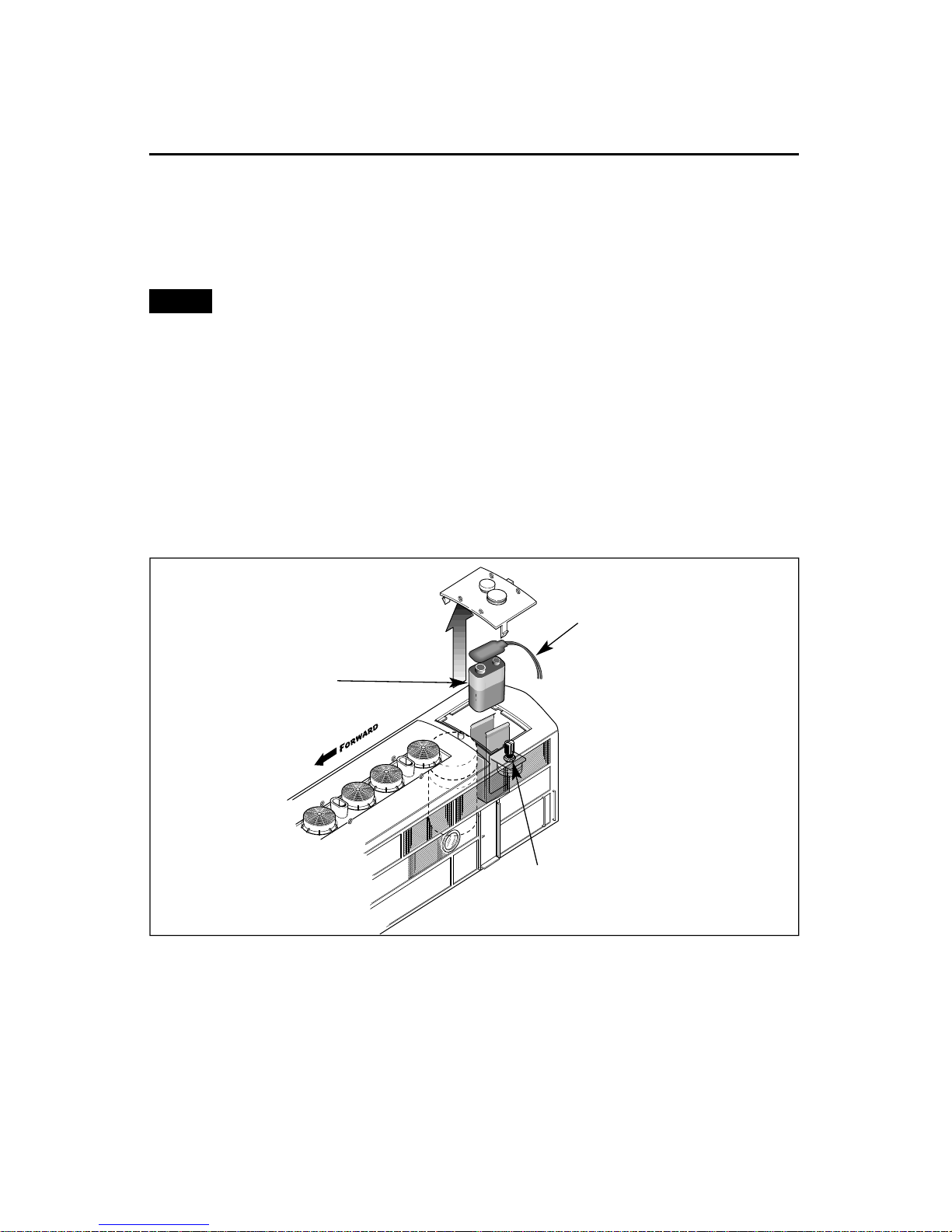
1. Slide the Odyssey System switch to the NO ODY position to operate without
speed control. To operate your locomotive with speed control, slide the Odyssey System
switch to the ODY position and refer to pages 14 and 15.
Keep the Odyssey System switch in the NO ODY position when you are not running
your locomotive with speed control. If the Odyssey System switch remains in the ODY
position, your locomotive may lock into an unwanted speed setting as you adjust
your throttle to control train speed. This effect may be caused by variations in your
power supply and/or conditions on your layout. To operate your locomotive with the
Odyssey System for speed control, slide the Odyssey System switch to the ODY position
and refer to the procedures on pages 14 and 15. Be sure that the locomotive is not in
motion and track power is turned off when you engage the Odyssey System switch.
2. Place your locomotive set on Lionel or Lionel-compatible O-31 or larger
track. Be sure that the non-powered A-unit faces the rear of the train. The back-up light on
the B-unit should face the rear of the train.
3. Power your locomotive set at 8-18 volts with your alternating current (AC)
transformer.
Power your locomotive with an alternating-current (AC) transformer only.
Powering your locomotive with a direct-current (DC) transformer may result in
damage to sensitive electronic components.
4. Wait three to eight seconds as your locomotive set determines whether it
is in a conventional environment or a TrainMaster Command Control
environment.
When the locomotive set has determined that a TrainMaster Command Base is not connected
to the track, the locomotive set’s headlight will illuminate and the RailSounds sound system
will start. You are ready for operation in the conventional environment.
5. Move ‘em out!
Press the DIRECTION button on your transformer to sequence your powered A-unit
locomotive through the repeating pattern of operations: forward, neutral, reverse, neutral,
and so on. You may also briefly turn off track power to advance the locomotive set to the
next operating state. Adjust the throttle until your locomotive set moves at your desired
speed.
When placing your powered A-unit locomotive on your layout for the first time, it will
start out in neutral. Thereafter, it will start in forward after every power interruption
lasting five seconds or longer.
Use the HORN and BELL buttons on your transformer to activate those features on the
powered A-unit locomotive. Refer to page 12 if your transformer is not equipped with those
buttons.
Note!
6
Note!
Caution!