3
Table of contents
Quick Start
LEGACY Control operations 4
TrainMaster Command Control operations 4
Transformer operations 4
LEGACY Control Systems operations
Get ready to run 5
Start ‘Er Up 5
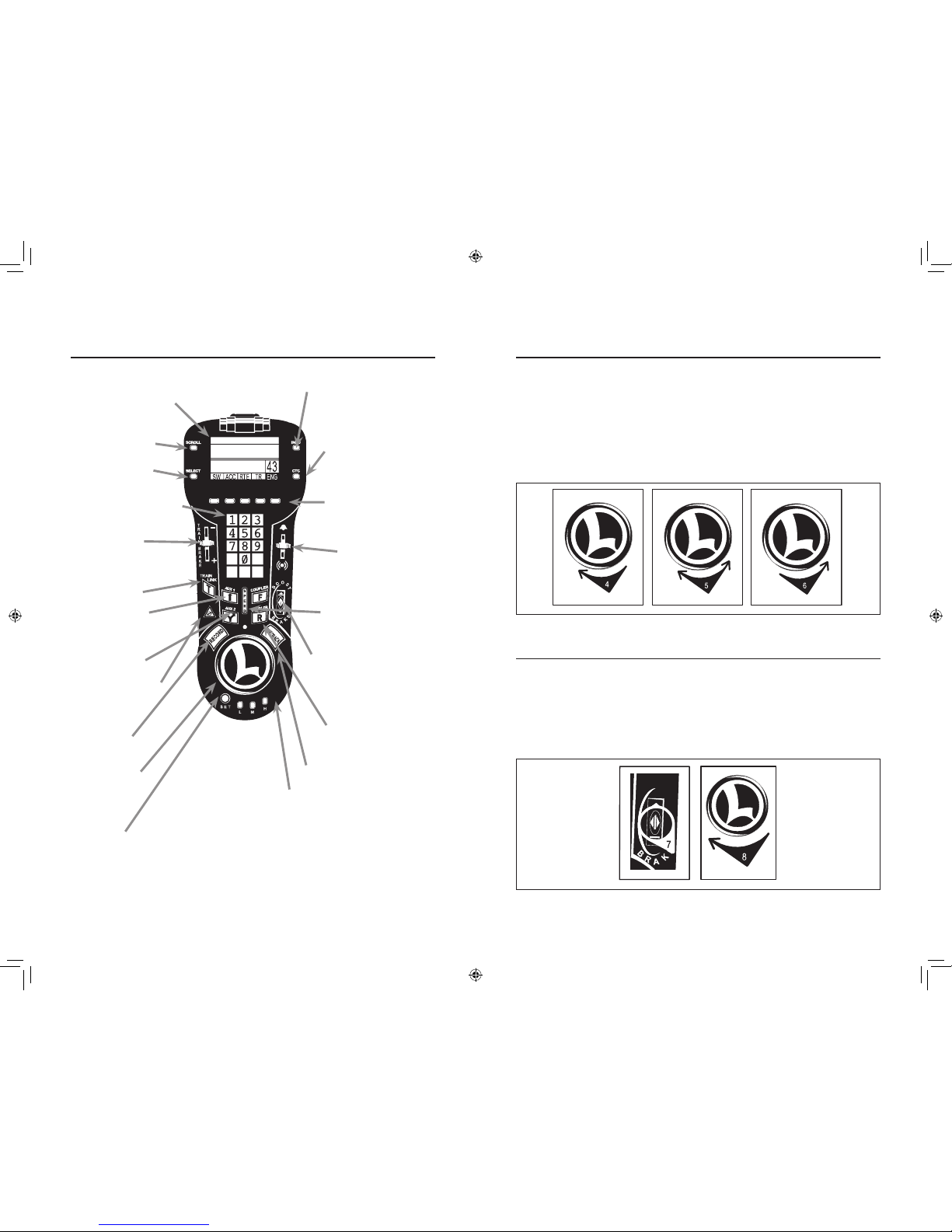
The LEGACY CAB-2 Remote Controller 6
The velocity throttle 7
The multi-controller 7-8
The train brake slider 8
The warning sound controller 9
The speed bar 10
Locomotive switch function overview
Switch overview 11
TrainMaster Command Control operations
TrainMaster Command Control operations 12
Operating your locomotive in the Command Control environment 12
CAB-1 Remote Controller commands 13
CAB-1 Remote Controller numeric keypad commands 14
CAB-1 numeric keypad table 15
Tuning your locomotive’s performance 16-17
Assigning your locomotive a new ID# 18
Building a lash-up 19
Reprogramming your locomotive to restore features 20
Conventional transformer operations
Operating your locomotive in the conventional environment 21-22
Locking your locomotive into a single direction 23
Uncoupling in the conventional environment 23
Odyssey II Speed Control system operations
Odyssey II Speed Control system operations 24
Odyssey II Speed Control system LEGACY Control operation 24
Odyssey II Speed Control system TrainMaster Command Control operation 24
Odyssey II Speed Control system conventional transformer operation 24
LEGACY RailSounds sound system operations
LEGACY RailSounds sound system operations 25
Installing the battery 26
Using the LEGACY RailSounds sound system in the conventional environment 27
Installing a Lionel Sound Activation Button for conventional operation 28
Activating the CrewTalk dialog and TowerCom announcements
in the conventional environment 29
Using the LEGACY RailSounds sound system in the TrainMaster Command Control environment 30
Activating the CrewTalk dialog and TowerCom announcements
in the Command Control environment 31
LEGACY RailSounds on a round trip 32
Maintaining and servicing your locomotive
Lubricating your locomotive 33
Adding fluid to your locomotive’s smoke generator 34
Adjusting the smoke output 35
Replacing your locomotive’s LEDs and lamps 35
Replacing the traction tires 35
Limited Warranty/Lionel Service 36
Congratulations!
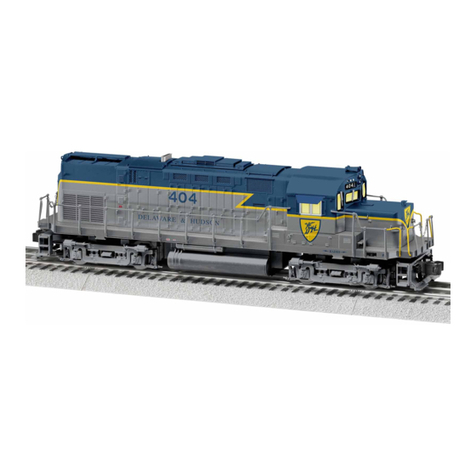
Congratulations on your purchase of the Lionel Dash 8-40 BW Diesel Locomotive! On the
outside, this locomotive features numerous prototypical details and expert decoration
in your favorite livery. Inside the body, this locomotive is equipped with some of the most
advanced sounds and controls in model railroading. The Dash 8-40 BW is ready for duty on
your layout.
Features of the locomotive
• LEGACY Control System equipped—able to run with the new LEGACY
Control system, in the TrainMaster Command Control environment, or in
the conventional environment with only a standard transformer
• LEGACY RailSounds sound system with intelligible CrewTalk dialog and
TowerCom announcements, each with different scenarios depending on
whether the locomotive is in motion or stopped
• Odyssey II Speed Control with ON/OFF switch
• Directional lighting including operating LED headlights
• Oscillating ditch lights
• Two ElectroCouplers
• Dual powerful maintenance-free motors with momentum flywheels
• Four traction tires
• Fan-driven smoke unit
• Lighted number boards
• Lighted cab interior
• Minimum curve: O-31
2
The following Lionel marks may be used throughout this instruction manual and are protected under law. All
rights reserved.
Lionel®, TrainMaster®, Odyssey®, RailSounds®, CrewTalk™, TowerCom™, DynaChuff™, StationSounds™,
Pullmor®, ElectroCoupler™, Magne-Traction®, CAB-1® Remote Controller, PowerMaster®, Lionel ZW®, ZW®,
PowerHouse®, TMCC®, Lionelville™, Lockon®, Wireless Tether™, LionMaster®, FatBoy™, American Flyer®,
TrainSounds™, PowerMax™, LEGACY™, PowerMax™ Plus, Odyssey II™, LEGACY RailSounds™
The name FasTrack® is used with permission from Pitsco, Inc.
72-8269-250 Dash 8-40BW.indd 2-3 12/23/09 9:51 AM