5
CHAPTER 2: ENGINEERING MODE
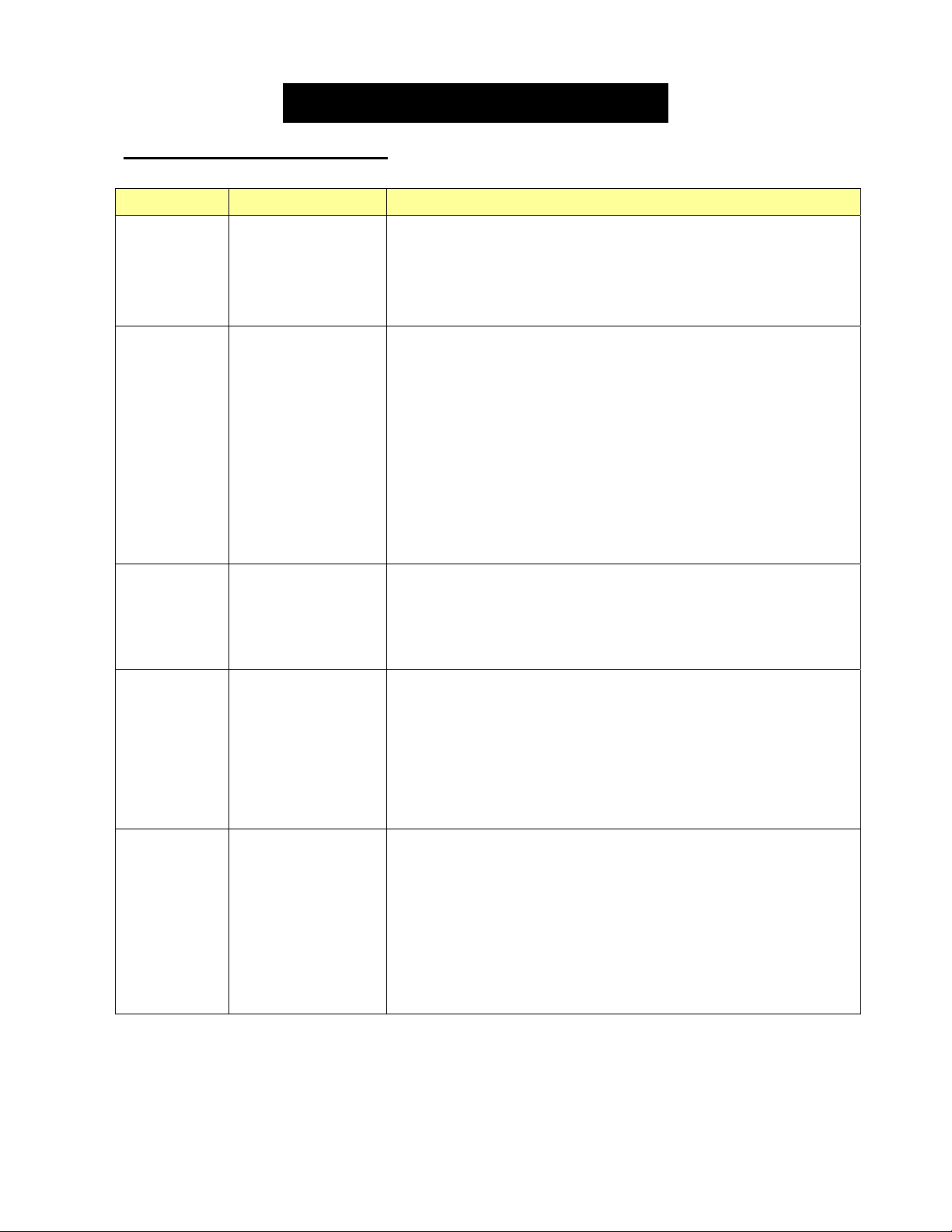
2.2 Engineering Mode Overview
Mode Function Description
Eng 0
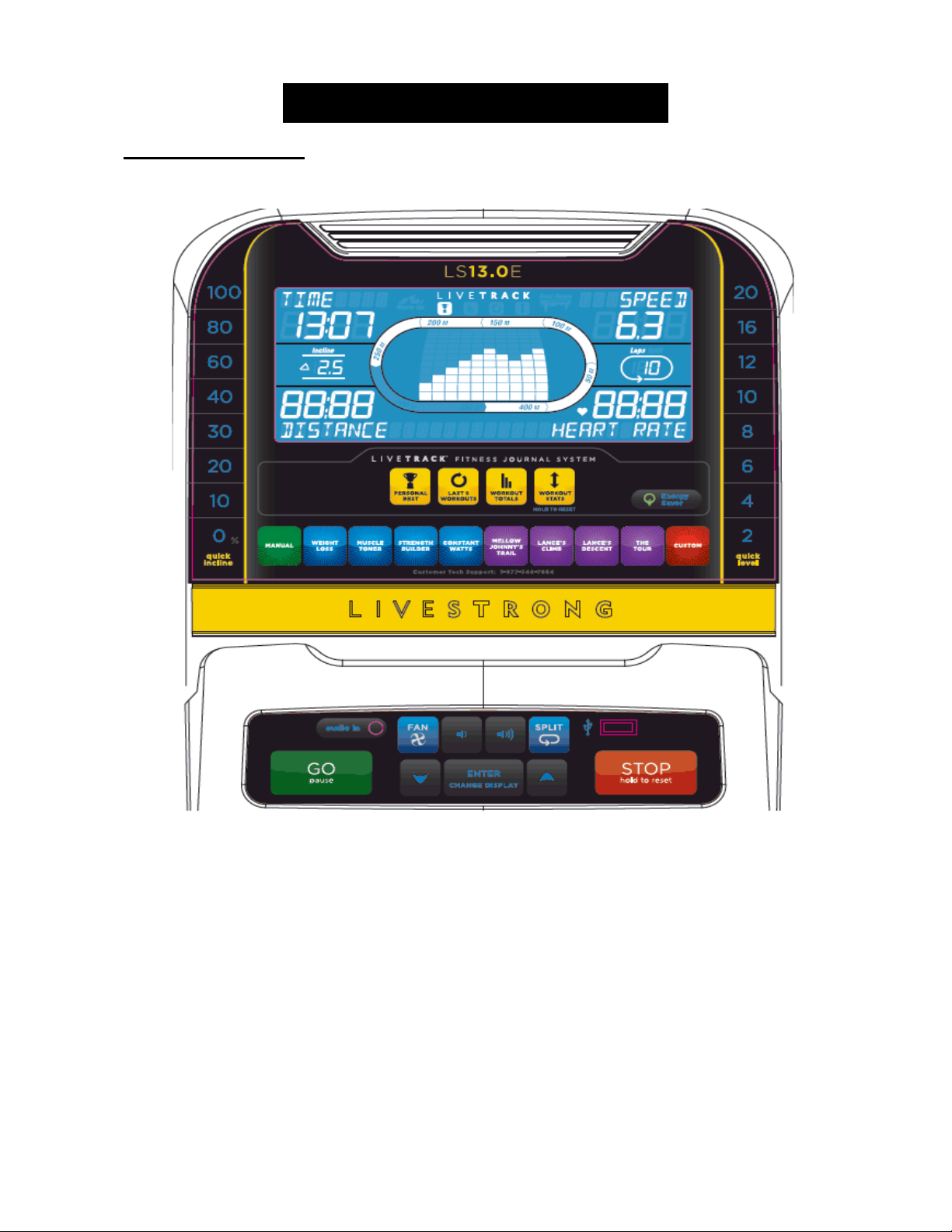
Display Test
GO LCD on
STOP LCD off
Press any other key to test for function.
Hold “STOP” 3 secback to “Engineering Menu”
Eng 1
Hardware Test
Press ENTER to scroll through the options in this menu and LEVEL UP
or DOWN to test or change the settings / components below.
ECB Count –Allows testing of the ECB motor.
Incline – Allows testing of the incline motor.
Heart – Allows for testing of the heart rate.
MCB Ver – Shows the software version of the MCB. Not Editable.
USB On / Off – This setting will automatically display on or off
depending on if there is a USB in the USB port.
Hold “STOP” 3 secback to “Engineering Menu”
Eng 2
Switch Function
Use INCLINE up and down to choose SPEED MODE.
ENTER Use INCLINE up and down to switch EUP on or off.
ENTER Use INCLINE up and down to choose US or ID
Hold “Stop” 3 secback to “Engineering Menu”
Eng 3
Information
Press ENTER to scroll through the options in this menu and LEVEL UP
or DOWN to test or change the settings / components below.
Speed Mode – Miles or Kilometers.
EUP On / Off – EUP = Energy Using Products Directive.
Machine Set – Set the region of the customer (US or ID (international)).
Hold “Stop” 3 secback to “Engineering Menu”
ENG8
While in ENG2, Hold LEVEL UP and DOWN for 3 sec to enter ENG8.
P0 in distance window = the current software
P1 in distance window = accelerated ratio (factory only setting).
P3 in distance window = Hold START key for 3 sec to clear all console
data.
P4 in distance window = Burn Time (factory only setting).
Hold “Stop” 3 secback to “Engineering Menu”
※ “START” key to save the change.