
LogTag UTRED30-16 Specification sheet

UTRED30-16
30-day Dual Channel
Temperature
Recorder with
Display
Product User Guide
Document Release Version: 2.0
Published October 1st, 2021
Copyright © LogTag North America, 2018-2021
All rights reserved.
LogTag North America
www.calcert.com [email protected]1.800.544.2843 0
5
10
15
20
25
30

Safety Information UTRED30-16 User Guide 4
Safety Information
The UTRED30-16 PDF USB temperature logger contains two "AAA" non-rechargeable
batteries. These batteries can be replaced as detailed in Replacing the AAA batteries.
The logger also contains a non-rechargeable backup battery (LiMnO2 CR2032 coin cell).
When this battery indicates “LOW” ( ), it can be replaced by a
qualified technician. Please contact your distributor for further
information and also refer to the section about Powering the
UTRED30-16 on page25.
Keep out of the reach of children!
Do not expose the logger to extreme temperatures as it may lead to the destruction of
the battery and may cause injuries.
Empty batteries should be recycled or disposed of according to your local regulations.
Liability
LogTag North America’s standard warranty terms apply. A copy can be requested by
emailing . In addition, LogTag North America shall not be
held liable
lif the device was used beyond LogTag North America’s stated limitations;
lfor any claims due to the improper storage and use of the device;
lfor any problems with refrigeration units;
lfor the bad quality of the monitored goods, if any;
lfor incorrect readings if the device was used with a low battery; or
lfor consequential loss.
Battery Life
The batteries in the UTRED30-16 designed to power the device for up to 12 months of
operation, provided
lfresh batteries from a reputable manufacturer are used;
lthe acoustic alarm is not active over long periods;
lthe recording interval is not shorter than 5 minutes; and
lthe device is stored and operated according to LogTag North America’s
recommendations.
www.calcert.com [email protected]1.800.544.2843 0
5
10
15
20
25
30

Safety Information UTRED30-16 User Guide 5
Disclaimer
The UTRED30-16 monitors temperature exposure and not the quality of the goods it
accompanies. Its purpose is to signal if product quality evaluation/testing is required.
Typographical Conventions
Text in this font refers to buttons on the UTRED30-16.
Text in this font refers to option settings, dialogue boxes or actions to be taken in
LogTag® Analyzer.
Text in this font describes features of the product.
This text describes certain aspects of the product, where incorrect use of a
feature may lead to inadvertent loss of data.
This text contains important information for the correct operation of
your UTRED30-16.
This text contains information that explains some aspects of a feature in more
detail.
This text contains tips that help you get the best out of your UTRED30-16 logger
www.calcert.com [email protected]1.800.544.2843 0
5
10
15
20
25
30

Introduction UTRED30-16 User Guide 6
Introduction
The LogTag® UTRED30-16 30-day Dual Channel Temperature Recorder with Display
features a display, USB connectivity, data logging memory storing up to 16065
temperature readings per channel and a separate statistical memory, storing maximum
and minimum reading as well as alarm duration for each of the last 30 days.
During recording the display shows the following, alternating for each channel:
lThe current temperature (of the most recent reading)
lThe alarm status (within or outside the acceptance range)
lAn alarm trigger summary of up to the last 30 days (today and 29 days previous)
lThe current time and battery status
lMinimum and maximum temperatures since the start of the trip
Alarm events can be triggered when a number of readings are outside pre-set
temperature thresholds, and a “day alarm indicator” appears on the display.
Logged temperature data can be viewed on any PC by plugging the unit into a
computer’s USB port via a micro-USB cable. A PDF file is generated, which can be
accessed using free PDF software such as Acrobat Reader. The UTRED30-16 can also be
downloaded to the free companion software LogTag® Analyzer, where you can display
data in chart, list or summary formats. The software also allows electronic archiving and
exporting or transmitting data in support of sophisticated data management systems,
such as LogTag®Online.
www.calcert.com [email protected]1.800.544.2843 0
5
10
15
20
25
30

Features UTRED30-16 User Guide 7
Features
The UTRED30-16 Dual-channel temperature logger features a large display and USB
connectivity with a familiar LogTag® feel.
Case
lMounting lug for secure fastening of logger to fixtures
lMicro-USB socket with attached protective cap
lGold-plated, high-quality temperature sensor sockets
lRobust polycarbonate case, IP51
l2 user replaceable AAA batteries, accessible via a compartment at the rear of the
product
Buttons
lSTART/CLEAR/STOP button ( )
This is used to start the unit, and clear active alarms. It is also used to exit the
statistics review.
www.calcert.com [email protected]1.800.544.2843 0
5
10
15
20
25
30

Features UTRED30-16 User Guide 8
lREVIEW/MARK button ( )
This is used to review recorded data the trip directly on the display, to reset the
min/max data on the display and to stop the unit.
It is also used to place an inspection mark in the data.
lChannel button ( )
This button is used to manually switch the channels shown on the display.
Display and LED
The extra large display shows current, minimum and maximum temperatures and if
alarm events have occurred for the current day and up to 29 days in the past. Details of
any alarm event can be checked by inspecting the statistics history on the logger's
display or in more detail via LogTag® Analyzer. In addition, a red Alarm LED shows if an
alarm event has occurred.
External Probes
The UTRED30-16 will accept external probes from the ST100 product range.
Power Supply
The same USB socket that is used for communication is also used for providing power to
the UTRED30-16, using an external 5V USB power supply. The AAA batteries maintain all
functionality when USB power is not connected. A long-life CR2032 lithium backup
battery maintains essential functions if the AAA batteries are empty and external power
is not supplied.
PDF
The UTRED30-16 will generate a detailed PDFreport when plugged into a USB port of a
PC. The PDF report shows a summary of the trip, presents the data in chart and list
format and also includes a day summary page, showing an overview of the statistics
collected. A CSV file of the data list is also available.
www.calcert.com [email protected]1.800.544.2843 0
5
10
15
20
25
30

What You Need UTRED30-16 User Guide 9
What You Need
Required Items
In addition to your LogTag® UTRED30-16 30-day Dual Channel Temperature Recorder
with Display you will need the following:
la micro-USB cable to connect the UTRED30-16 to your PC (it is recommended that
you connect each UTRED30-16 via a permanently plugged in USB cable to protect
your computer’s USB socket)
lone or two external probes of the ST100 series
la PC running Windows 7 SP1 or later and LogTag® Analyzer 3 installed if you wish
to configure and download the logger
la PC with PDF reader software installed for viewing the generated PDF files
Optional Items
In addition to the above, following items are useful accessories:
la 5V/5W USB power supply, if you wish to power the unit permanently via the USB
socket
la wall mount bracket, which can be used, for example, to attach the UTRED30-16 to
the side of a fridge
www.calcert.com [email protected]1.800.544.2843 0
5
10
15
20
25
30

What You Need UTRED30-16 User Guide 10
lone or two glycol temperature buffers, which simulate environmental behavior of a
vaccine vial
www.calcert.com [email protected]1.800.544.2843 0
5
10
15
20
25
30

Preparing a UTRED30-16 for first use UTRED30-16 User Guide 11
Preparing a UTRED30-16 for first use
Before your UTRED30-16 can record temperature data you need to perform a few setup
steps.
In the Office
These steps are completed in your office, using a PC connected to the internet:
1. Install the batteries into the unit.
2. Download and install the latest version of LogTag® Analyzer 3. You can do this
from the LogTag Software Download page.
3. Configure the unit using LogTag® Analyzer software.
On-site
Once you have completed this process, you can take the logger to the location where it
will be installed:
1. Connect external power if you use the UTRED30-16 in a stationery application.
2. Connect the probes and place the unit, preferably using a wall mount bracket.
3. Start the logger.
www.calcert.com [email protected]1.800.544.2843 0
5
10
15
20
25
30

Preparing a UTRED30-16 for first use UTRED30-16 User Guide 12
Inserting the Batteries
The UTRED30-16 operates with two AAA batteries:
1. Remove the screw from the rear compartment lid.
2. Remove the lid, exposing the battery compartment.
3. Insert the AAA batteries in the correct orientation, as shown. The polarity is
marked inside the battery compartment.
The battery compartment is a good place to keep the surplus sensor socket
covers. You may wish to remove these now for each channel you want to
use and add them to the compartment before closing it (see Adding the
Probes and the Power Supply).
4. Replace the rear cover and the screw.
5. Press any button to turn on the display.
www.calcert.com [email protected]1.800.544.2843 0
5
10
15
20
25
30
Other manuals for UTRED30-16
4
Table of contents
Other LogTag Measuring Instrument manuals
LogTag
LogTag USRID-16W Specification sheet
LogTag
LogTag UTRED30-WiFi User manual
LogTag
LogTag TRED30-7 User manual
LogTag
LogTag TRED30-16R User manual
LogTag
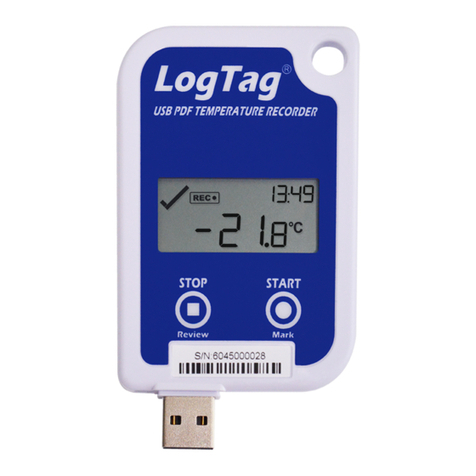
LogTag UTRED-16 User manual
LogTag
LogTag TRID30 User manual
LogTag
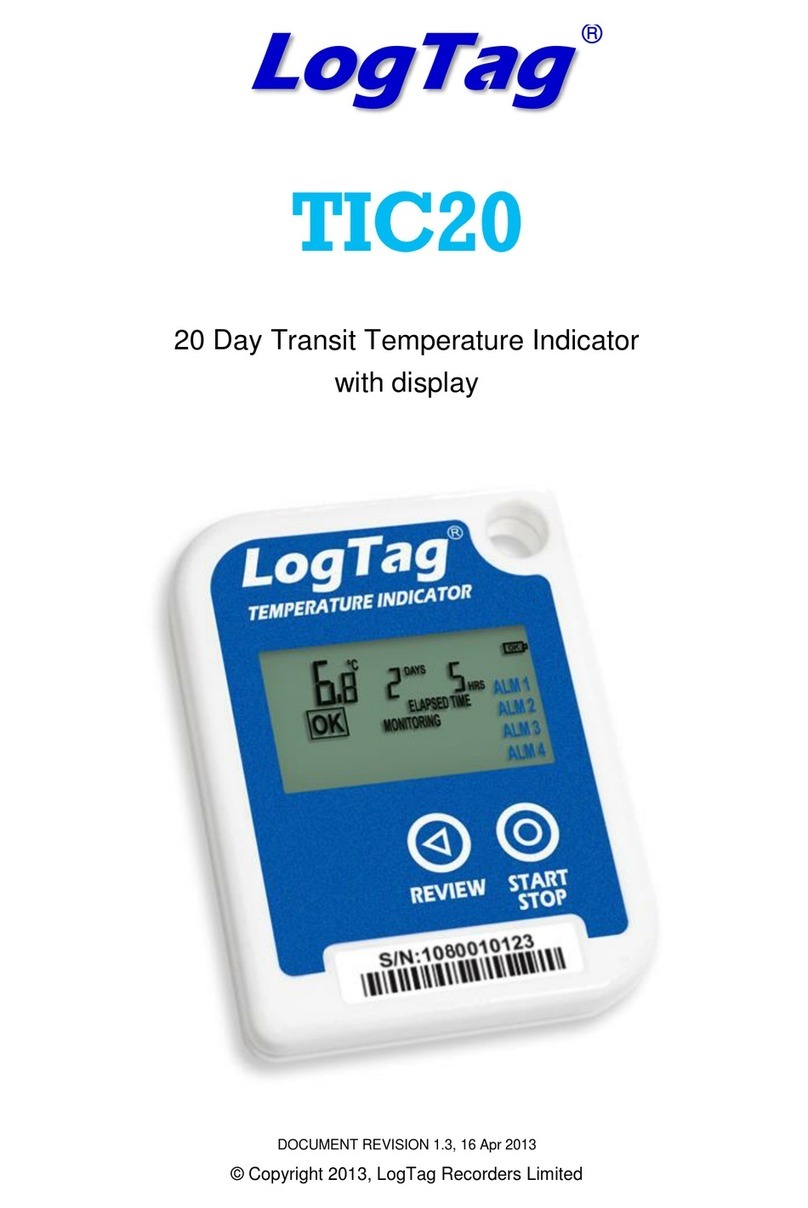
LogTag TIC20 User manual
LogTag
LogTag WHO USRID-16W1 Specification sheet
LogTag
LogTag UTREL30-WIFI User manual
LogTag
LogTag UTRED30-16 User manual
















