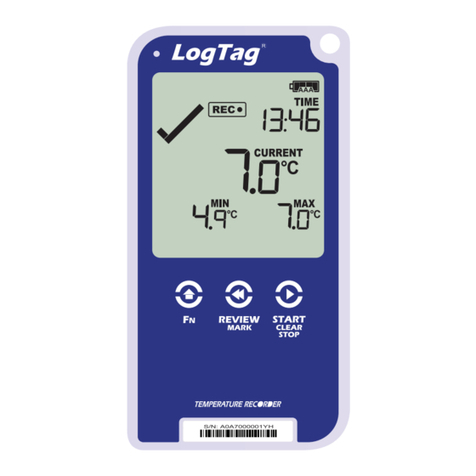
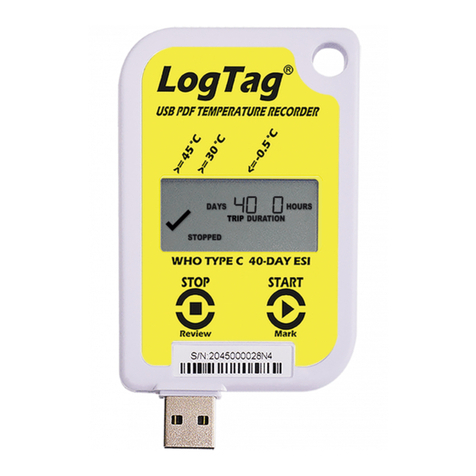
Configuring the Logger
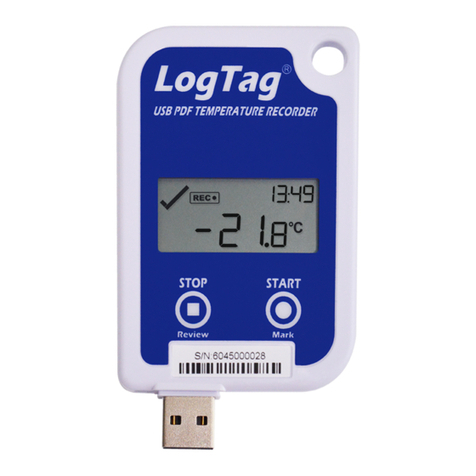
The loggers will need to be configured for Fridge or Freezer use using the recommended
settings for your state. Please contact your VFC/DOH representative or office for the
specific configuration settings for your state.
The settings shown in the following slides are for example only –the settings for your
state may vary.
•Open LogTag Analyzer Software (If not already
open)
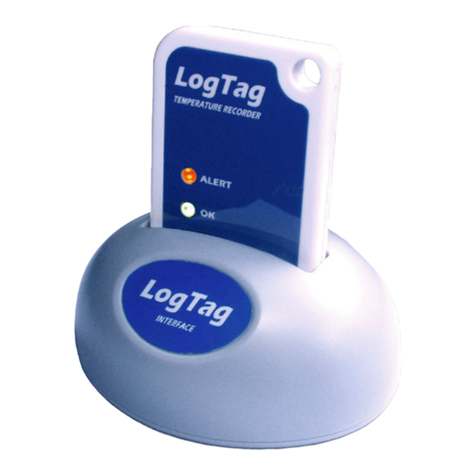
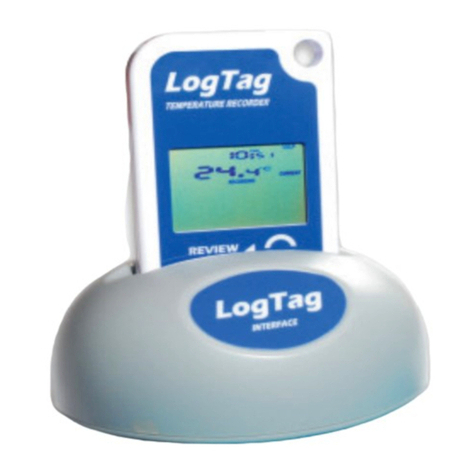
•Place the Logger into docking station –Push
down until you hear logger click into place.
The software will recognize the device and tell
you “A new log tag has been detected. Please
wait while the information is downloaded”
•If this is your first time inserting the logger, a
notification box will pop up telling you that
there is no data on the device. Click “OK” to
proceed, this message will time out and
disappear after 5 seconds by default.
•Launch the Configuration Wizard by clicking
on the Wizard icon. The software will then
scan for available loggers
•Once the logger is found you should see two
green checkmarks in the top left corner. Click
on the “Configure” button to continue to the
configuration options