manuals.online logo
Brands
  1. Home
  2. •
  3. Brands
  4. •
  5. London Electronics
  6. •
  7. Measuring Instrument
  8. •
  9. London Electronics Fusion-P User manual

London Electronics Fusion-P User manual

Other London Electronics Measuring Instrument manuals

London Electronics INTUITIVE INT4-P Installation instructions

London Electronics

London Electronics INTUITIVE INT4-P Installation instructions

London Electronics Fusion Series Configuration guide

London Electronics

London Electronics Fusion Series Configuration guide

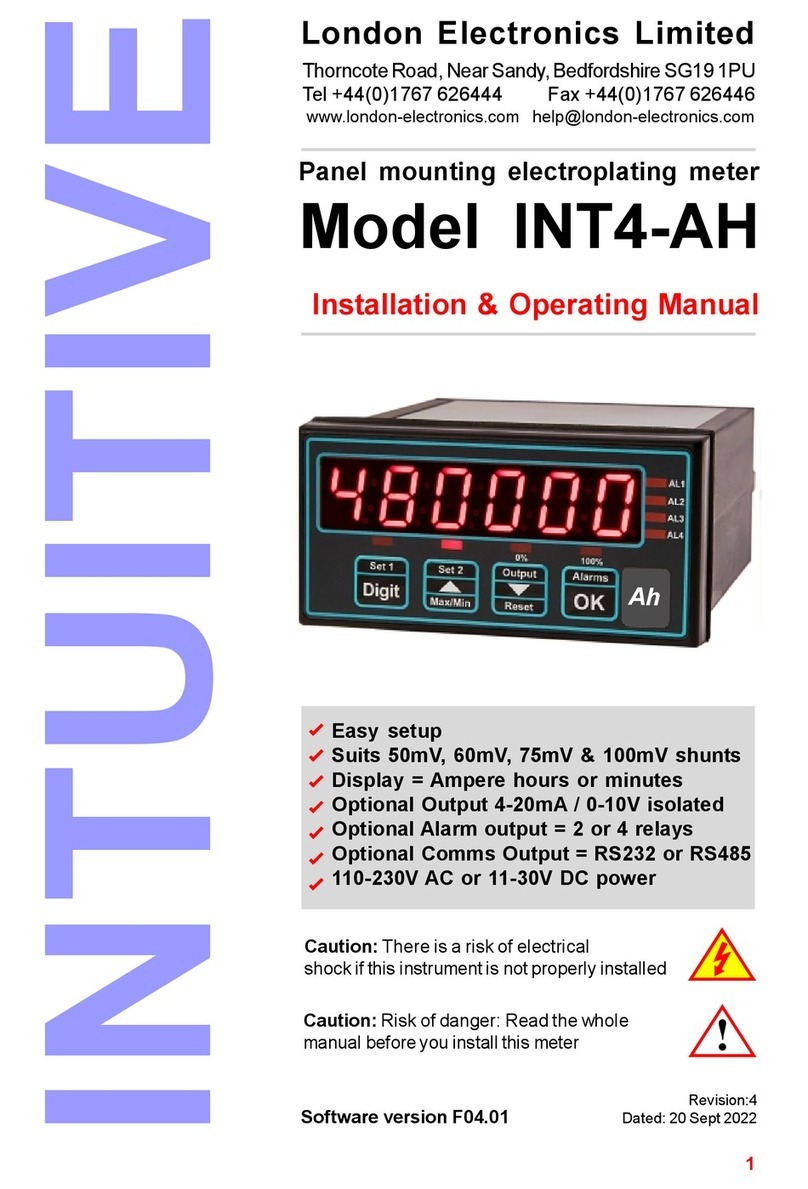
London Electronics Intuitive INT4-AH Installation instructions

London Electronics

London Electronics Intuitive INT4-AH Installation instructions

London Electronics INT-AH User manual

London Electronics

London Electronics INT-AH User manual

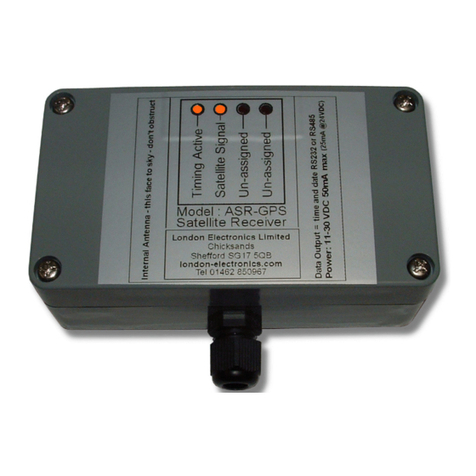
London Electronics ASR-GPS Configuration guide

London Electronics

London Electronics ASR-GPS Configuration guide

London Electronics Fusion-L 6 digit Configuration guide

London Electronics

London Electronics Fusion-L 6 digit Configuration guide

London Electronics PICA-P User manual

London Electronics

London Electronics PICA-P User manual

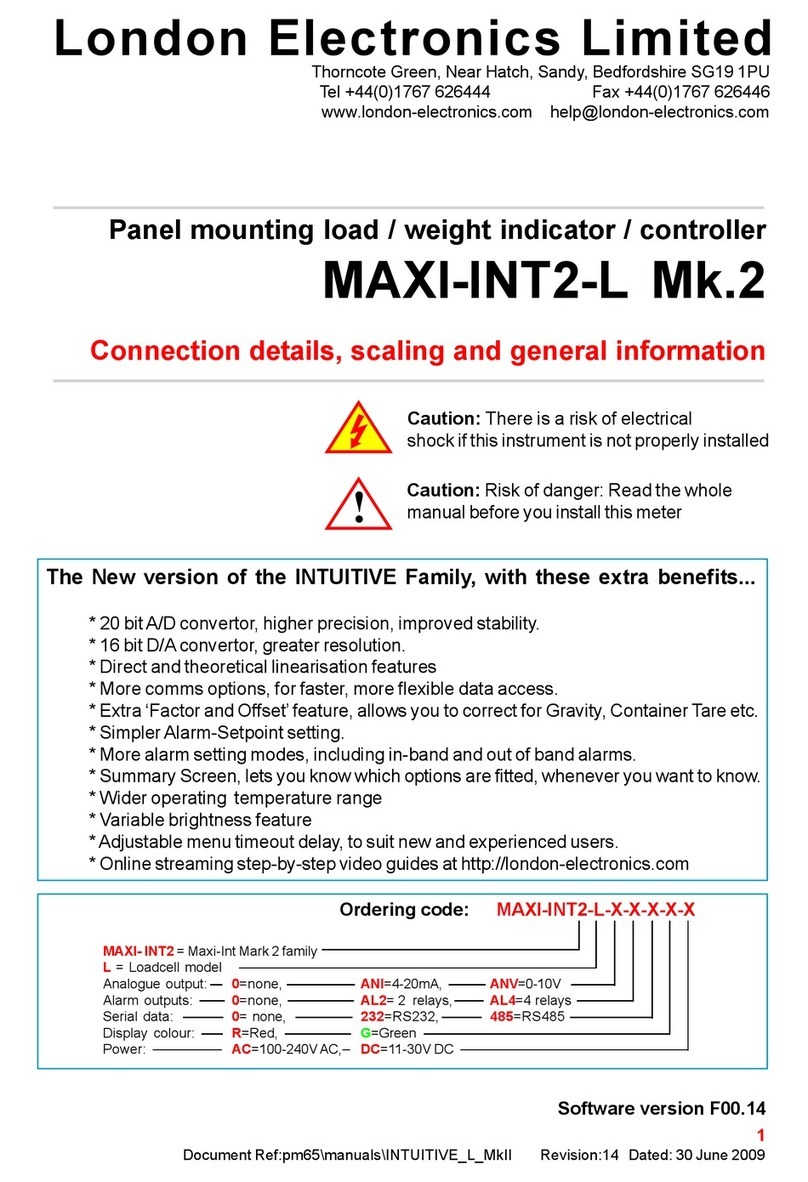
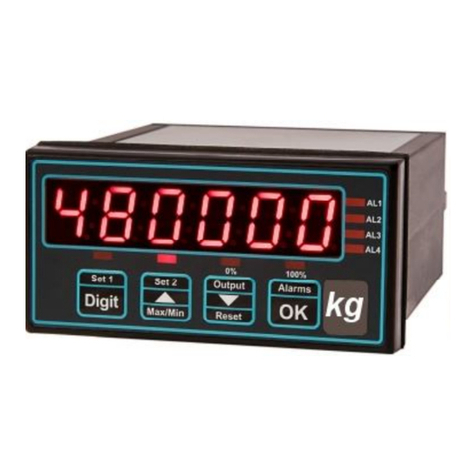
London Electronics MAXI-INT2-L Mk.2 User manual

London Electronics

London Electronics MAXI-INT2-L Mk.2 User manual

London Electronics IL2-L Configuration guide

London Electronics

London Electronics IL2-L Configuration guide

London Electronics INT2-P-DIFF User manual

London Electronics

London Electronics INT2-P-DIFF User manual

London Electronics INTUITIVE INT2 Series Configuration guide

London Electronics

London Electronics INTUITIVE INT2 Series Configuration guide

London Electronics ADEPT5 mk.2 User manual

London Electronics

London Electronics ADEPT5 mk.2 User manual

Popular Measuring Instrument manuals by other brands

Powerfix Profi 278296 Operation and safety notes

Powerfix Profi

Powerfix Profi 278296 Operation and safety notes

Test Equipment Depot GVT-427B user manual

Test Equipment Depot

Test Equipment Depot GVT-427B user manual

Fieldpiece ACH Operator's manual

Fieldpiece

Fieldpiece ACH Operator's manual

FLYSURFER VIRON3 user manual

FLYSURFER

FLYSURFER VIRON3 user manual

GMW TG uni 1 operating manual

GMW

GMW TG uni 1 operating manual

Downeaster Wind & Weather Medallion Series instruction manual

Downeaster

Downeaster Wind & Weather Medallion Series instruction manual

Hanna Instruments HI96725C instruction manual

Hanna Instruments

Hanna Instruments HI96725C instruction manual

Nokeval KMR260 quick guide

Nokeval

Nokeval KMR260 quick guide

HOKUYO AUTOMATIC UBG-05LN instruction manual

HOKUYO AUTOMATIC

HOKUYO AUTOMATIC UBG-05LN instruction manual

Fluke 96000 Series Operator's manual

Fluke

Fluke 96000 Series Operator's manual

Test Products International SP565 user manual

Test Products International

Test Products International SP565 user manual

General Sleep Zmachine Insight+ DT-200 Service manual

General Sleep

General Sleep Zmachine Insight+ DT-200 Service manual

Sensa Core Lacto Spark user manual

Sensa Core

Sensa Core Lacto Spark user manual

VOLTCRAFT UTS-1980 operating instructions

VOLTCRAFT

VOLTCRAFT UTS-1980 operating instructions

EBCHQ 94915 Operation manual

EBCHQ

EBCHQ 94915 Operation manual

Balluff BIP LD2-T017-01-EP-S4 Series user guide

Balluff

Balluff BIP LD2-T017-01-EP-S4 Series user guide

Pulsar IMP Lite Series instruction manual

Pulsar

Pulsar IMP Lite Series instruction manual

ETCR 6800 user manual

ETCR

ETCR 6800 user manual

manuals.online logo
manuals.online logoBrands
  • About & Mission
  • Contact us
  • Privacy Policy
  • Terms and Conditions

Copyright 2025 Manuals.Online. All Rights Reserved.

1
Document Ref:pm65\manuals\Fusion_P Revision:8 Dated: 31 October 2008
Software version F00.12
Large digit scalable process meter
FUSION-P 4 digit version
Connection details, scaling and general information
London Electronics Limited
Warren Court, Chicksands, Shefford, Bedfordshire SG17 5QB
Tel +44(0)1462-850967 Fax +44(0)1462-850968
www.london-electronics.com [email protected]
!
Caution: There is a risk of electrical
shock if this instrument is not properly installed
Caution: Risk of danger: Read the whole
manual before you install this meter
2
.
3
Alarm board configuration 25
Alarm programming 26-31
Analogue output 23-24
Bootup routine 10
Brightness Adjustment 11
Button Functions 12-13
Calibration - introduction 14
Calibration method - direct, no linearisation 15
Calibration method - direct, with linearisation 20
Calibration method - theoretical, no linearisation 16-17
Calibration method - theoretical, with linearisation 19
Connections 9
Decalaration of conformity 44
General Description 6
Introduction 5
Keyboard timeout Delay 10
Language 10
Logic inputs 34-35
Mounting and Installation 7
Notes 40-43
Option boards- installing 22
Record of revisions 37
Serial output option 32-33
Specifications 36
Warnings 4
WEEE 38
Wiring Advice 8
Zero drift compensation 21
Contents
4
Safety First ..............Don't assume anything............. Always double check.
If in doubt, ask someone who is QUALIFIED to assist you in the subject.
Warnings
Please carefully read this manual and all warnings. Install the display
ONLYwhen you are sure that you’ve covered all aspects.
Check that the model number and supply voltage suit your application
before you install the display.
Connect the display according to current IEE regulations, IEC61010 &
NFPA:70 National Electric Code in USA.
We designed this meter for Pollution-Degree 2 environments.
It is sealed to IP65 NEMA4 all round for wall and suspension mounting
versions with glands on the bottom surface.
Power supplies to this equipment must have anti-surge (T) fuses at
2A for 230V supply, 5A for 110V supply or 5A for DC supplies in the
range 11-30VDC. Aswitch or circuit breaker, clearly marked as a
disconnecting device, must be included close to the installation.
Don’t touch any circuitry after you have connected the display, because
there may be lethal voltages on the circuit board.
Only adjust on-board switches or connections with the power turned off
Make sure all screw terminals are tight before you switch the meter on.
Only clean the display’s case with a soft damp cloth. Only lightly dampen
with water. Do not use any other solvents.
!
!
!
!
!
Rear case screws - please note
The rear panel is held in place with finger-screws, which
only need to be gently tightened.
Do not use tools to tighten or loosen the screws, as
this could cause damage to the internal threads.
5
Introduction
Please contact us if you need help, if you have a complaint, or if you have
suggestions to help us improve our products or services.
If you contact us about a product you already have, please tell us the full
model number and serial number, so that we can give you accurate and fast
help.
This product has a 2 year warranty. We will put right or replace any meter
which is faulty because of bad workmanship or materials. This warranty does
not cover damage caused by misuse or accident.
IMPORTANT
If this equipment is important to your process, you may want to buy a spare to
cover possible failure or accidental damage in the future.
This is because during factory shutdown periods, you may have to to wait
several weeks for an equivalent replacement, or we may have no stock at the
time you urgently need it.
You may also need to pay extra carriage charges if you want a fast, guaranteed
courier service. Warranty repairs or replacements are usually returned with a
standard courier service.
We do not offer compensation for losses caused by failure of this instrument.
If you do not agree with these conditions, please return this item in unused,
condition, in its original packaging and we will refund the purchase price,
excluding any carriage paid.
We thought you’d prefer to know about possible delays and extra charges
now, rather than during a panic. Aspare unit could help to avoid these issues.
We always try to improve our products and services, so these may change
over time. You should keep this manual safely, because future manuals, for
new designs, may not describe this product accurately.
We believe these instructions are accurate, and that we have competently
designed and manufactured the product, but please let us know if you find any
errors.

6
General Description
The FUSION Series of displays accept industrial sensors to allow various
physical measurements to be made, such a weight, temperature, pressure,
humidity etc. Different models are available for different sensor types.
The main function of the FUSION series is to give a large numeric readout of
the variable being monitored. You can choose from various digit sizes and
formats. Most models include an excitation power output, to power the sensor
directly.
Optional output modules are also available, to give alarm relay outputs, analogue
output or digital communications, or any combination of these options.
Displays are programmed using front panel pushbuttons. The buttons may be
locked with a switch. The buttons may also be wired remotely, so that you can
make your settings from ground level.
These displays have two power supply options : 100-240 VAC or 11-30VDC
These units must be installed fully assembled, and must be installed according
to local electrical installation rules. When properly installed, with glands on the
lower surface, they provide ingress protection to IP65 / NMA4X
Safety
Obey all safety warnings in this manual, and install the display according to
local wiring and installation regulations. Failure to follow these guidelines may
cause damage to the display, connected equipment, or may be harmful to
personnel.
Any moving mechanical device controlled by this equipment must have suitable
access guards to prevent injury to personnel if the meter should fail.
!
Caution: There is a risk of electrical
shock if this instrument is not properly installed
Caution: Risk of danger: Read the whole
manual before you install this meter
7
Mounting and Installation
Install your Fusion display according to local electrical regulations.
Mount it away from moving machinery, to minimise the chance of damage, and
keep away from sources of heat, plastics solvents and electrical and magnetic
noise, such as welding equipment, arc lighting, inductive machines etc.
The screws on the back of the display are necessary for sealing - do not omit
any screws.
Do not overtighten screws - it is sufficient to finger-tighten them. In no
circumstance use an electric screwdriver to remove or fit screws, or you will
damage the case threads and sealing will be impaired.
Power cables and alarm relay cables should be routed seaparately to input
signal, logic signal, serial data and analogue output cabling, to minimise the
chances of electrical interference.
8
Only open the case when power has been removed.
This display uses internal detachable screw terminal connectors. Refer to the
wiring diagram on the following page for the correct positioning of each wire.
Each cable is fed through a compression gland for sealing. All glands must be
sealed, unused glands must be plugged.
The conductors you use must be suitable for the meter’s temperature, current
and voltage rating, which is broadly described as follows:-
Cable Temperature Rating
All cables must be rated for operation up to 90C continuous.
Cable gauge
The connectors on this instrument can accept conductors up to 1.5mm2c.s.a.
The minimum cross sectional area shall be 0.5mm2
Cable insulation voltage rating
Cables shall have an insulation voltage rating of at least 380V continuous.
Wire preparation:
We recommend multi-strand wire, because it withstands vibration better than
single strand cable. Pull the wire firmly after you make the connection to confirm
it is tight.
Use screened cable for all signal and control wiring and connect the screen to
earth at the destination end only. Route signal cabling away from power cabling
and relay switching cabling, to avoid electrical noise interference.
Use a single, circular cable through each gland, diameter 4.5 to 6.5mm
Wiring Advice
No bare wires exposed
Terminal screwdiver - 3mm blade
Strip back
5mm max.
London
Electronics
Pull connector
this way to detach
Detachable
connectors
Main board
Function board
Support pillars
9
Connectors and options
Connectors may be present
even if output options are not
installed. Refer to rating label
to see installed options.
!
Connections
Signal Input Board Alarm, Analogue and
Serial comm.s board Power
Board
Analog O/P -
Analog O/P +
Data B / TXD
Data A/ RXD
Common
Enable
Alarm 1
Alarm 1
Alarm 2
Alarm 2
Alarm 3
Alarm 3
Alarm 4
Alarm 4
Excitation -
Sig. common
4-20mA +
0-10V +
n/c
Excitation +
Common
n/c
Peak.Valley
Reset
Sensor Inputs logic Power
Alarm Lock switch
Calib. Lock switch
DC+/AC L
DC- / AC N
n/c
Earth
Contact
closure
From 4 to 8 glands will be fitted, depending on output options installed.
OK Button
Down Button
Up Button
Digit Button
Common
Remote
programming button
connector.
Remove this jumper link to
disable front panel buttons
Board positions
Your display may have its
boards in a different position or
orientation. The pinouts will be
the same as shown,
!
10
Startup meter Settings
Menu Language Choice
Press the two right hand buttons briefly. You will see the User Interface language, which you
can change with the UP or DOWN buttons. Accept with OK
Next you will see ...
Meter Bootup routine
1. Activates all digit segments
2. Runs up and down brightness
settings
3. Displays model number and
installed options
4. Displays firmware version
5.Displays calibration audit
number.
6. Goes to meter mode
When you switch the meter on, it can run through a summary list of software version number,
installed options, calibration number etc.
You can choose from the 3 lists of bootup information to be displayed, the less information
you display, the sooner the meter will be available to operate.
Next you will see ...
Tare Memory
You can configure the meter to store any tared values on power down (Tar.1), typical in
weighing applications, or you can clear the tare memory on power down (Tar.0).
Next you will see ...
Lockout notes: Cal Lock switch = OFF when changing. Switch Cal Lock to ON after changing
L.EnG L.FRA
Bt 0 Bt 1 Bt 2
1. Activates all digit segments
2. Runs up and down brightness
settings
3. Displays model number and
installed options
4. Goes to meter mode
1. Goes immediately to meter
mode
tar.1tar.0