manuals.online logo
Brands
  1. Home
  2. •
  3. Brands
  4. •
  5. Lumascape
  6. •
  7. Underwater Lighting
  8. •
  9. Lumascape LS5070 User manual

Lumascape LS5070 User manual

Other Lumascape Underwater Lighting manuals

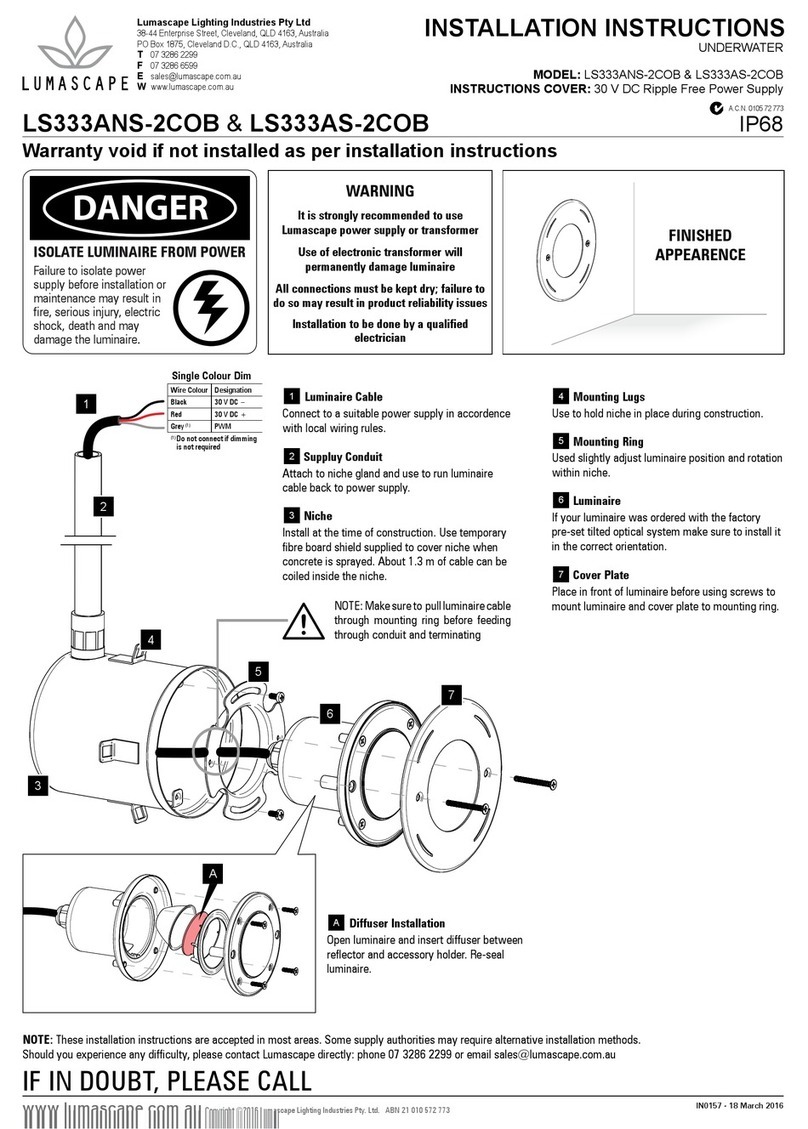
Lumascape LS333ANS-2COB User manual

Lumascape

Lumascape LS333ANS-2COB User manual

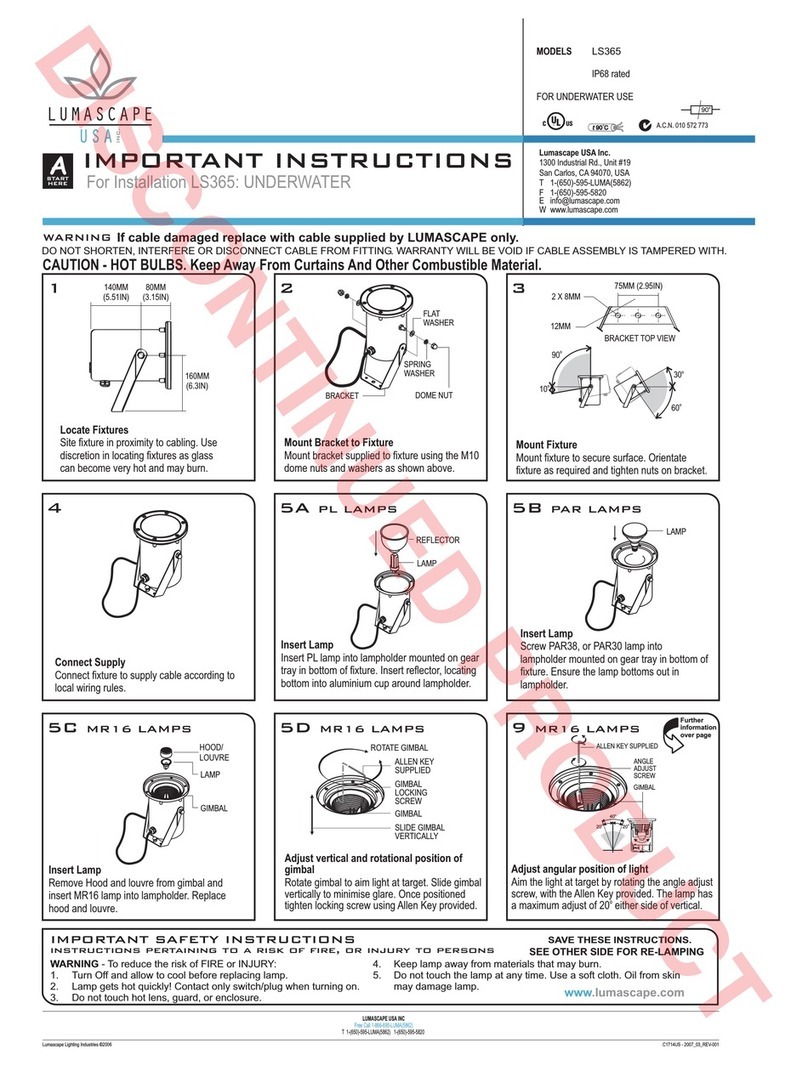
Lumascape LS365 Installation instructions manual

Lumascape

Lumascape LS365 Installation instructions manual

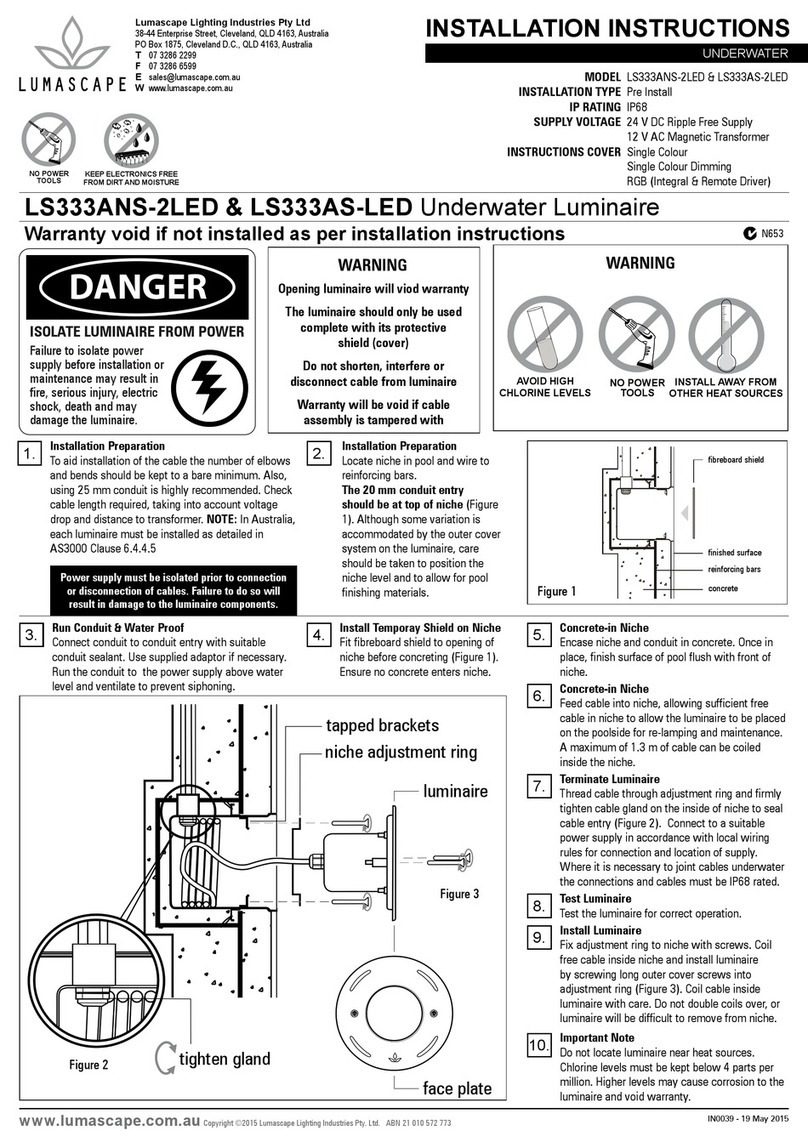
Lumascape LS333ANS-2LED User manual

Lumascape

Lumascape LS333ANS-2LED User manual

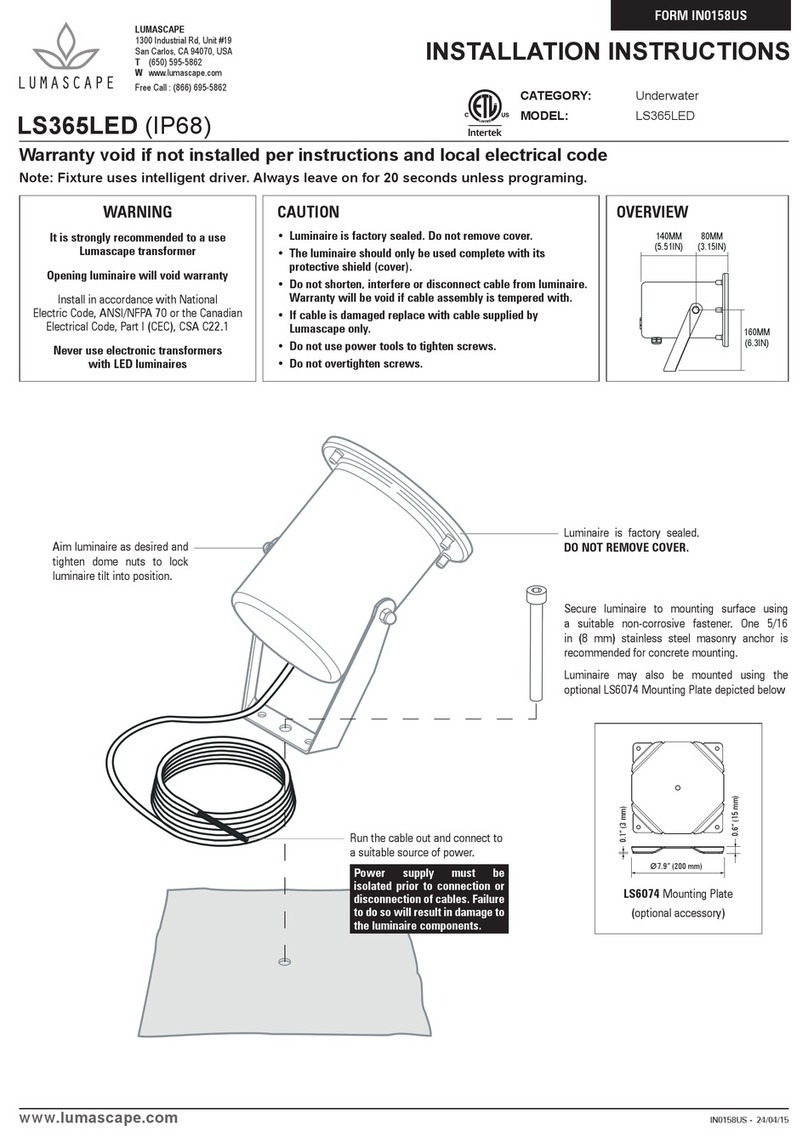
Lumascape LS365LED User manual

Lumascape

Lumascape LS365LED User manual

Popular Underwater Lighting manuals by other brands

S.R.Smith Mod-Lite PowerPass Wireless Faq

S.R.Smith

S.R.Smith Mod-Lite PowerPass Wireless Faq

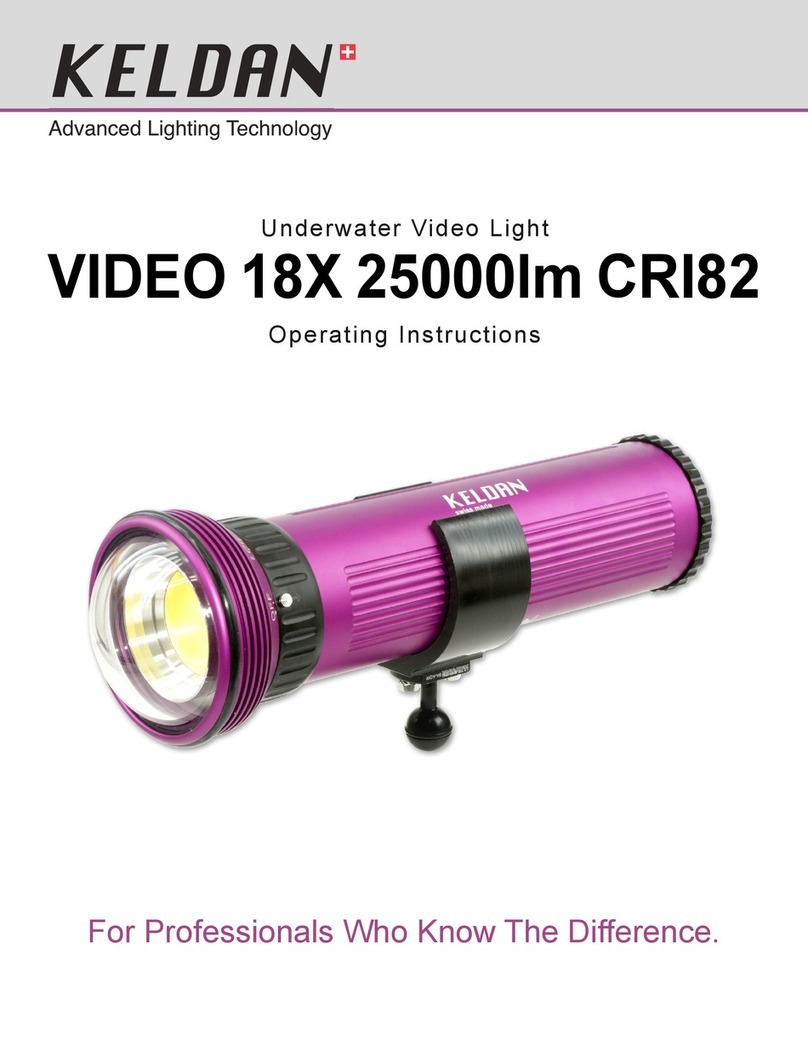
Keldan VIDEO 18X 25000lm CRI82 operating instructions

Keldan

Keldan VIDEO 18X 25000lm CRI82 operating instructions

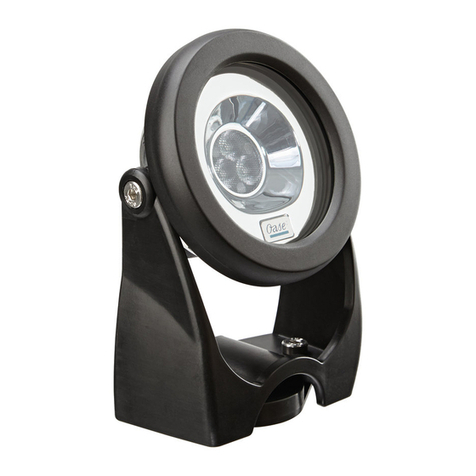
Oase ProfiLux Garden LED RGB operating instructions

Oase

Oase ProfiLux Garden LED RGB operating instructions

Oceanled DISCOVER D3 Installation & operation manual

Oceanled

Oceanled DISCOVER D3 Installation & operation manual

NORBIT AQUA FCL600 quick guide

NORBIT

NORBIT AQUA FCL600 quick guide

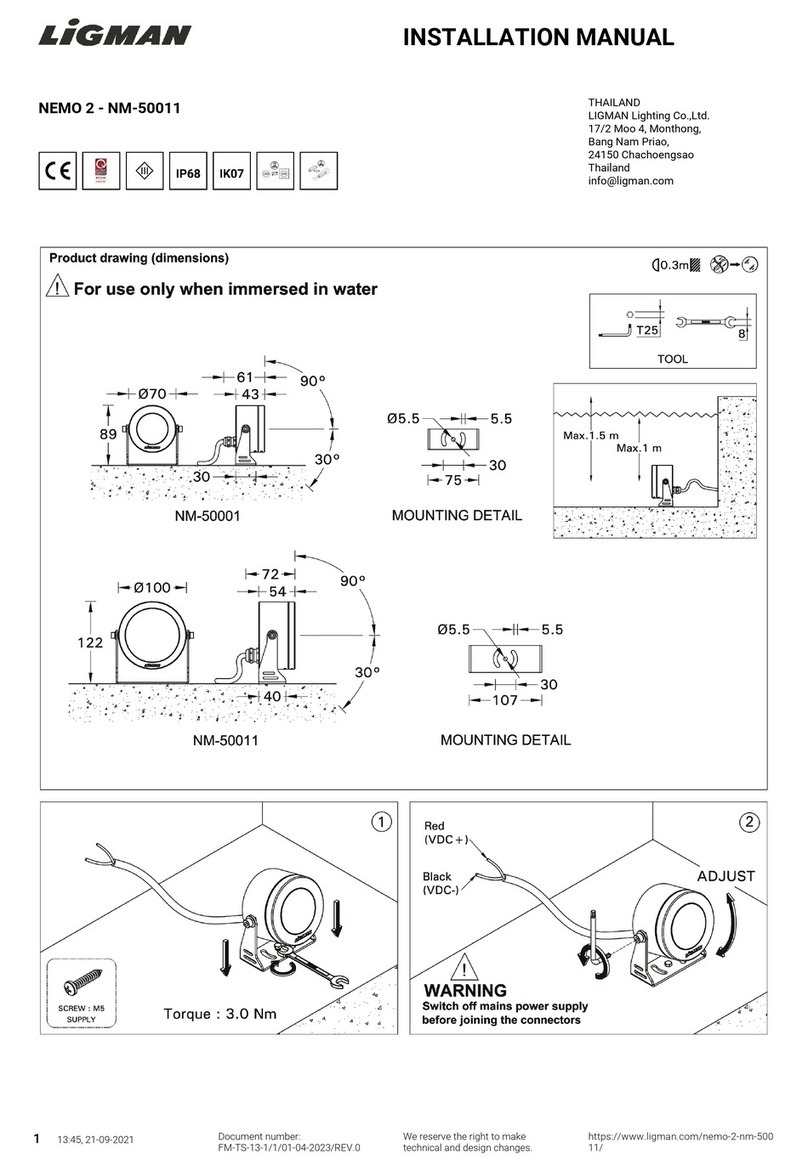
LIGMAN NEMO 2 installation manual

LIGMAN

LIGMAN NEMO 2 installation manual

Luxor LED-SUWL30-XX user manual

Luxor

Luxor LED-SUWL30-XX user manual

RGBlue System 01/02:re instruction manual

RGBlue

RGBlue System 01/02:re instruction manual

LIGMAN OR-60895 installation manual

LIGMAN

LIGMAN OR-60895 installation manual

hentech HT023C instruction manual

hentech

hentech HT023C instruction manual

hentech HT001BL-T1 instruction manual

hentech

hentech HT001BL-T1 instruction manual

OMD 5000w Tungsten Instructions for use

OMD

OMD 5000w Tungsten Instructions for use

EVA EVA Q2 MONO Mounting instructions

EVA

EVA EVA Q2 MONO Mounting instructions

EasyPro EPL20 Instructions for operation

EasyPro

EasyPro EPL20 Instructions for operation

PXM PxAqua 3 SF 12V user manual

PXM

PXM PxAqua 3 SF 12V user manual

LIGMAN ANNET 1 installation manual

LIGMAN

LIGMAN ANNET 1 installation manual

ccei Mini Brio M12 Technical manual

ccei

ccei Mini Brio M12 Technical manual

Oceanled Sport Colours DMX 012117CD Product guide

Oceanled

Oceanled Sport Colours DMX 012117CD Product guide

manuals.online logo
manuals.online logoBrands
  • About & Mission
  • Contact us
  • Privacy Policy
  • Terms and Conditions

Copyright 2025 Manuals.Online. All Rights Reserved.

LS5070 INSTALLATION INSTRUCTIONS
UNDERWATER LUMINAIRE
SURFACE MOUNT
LUMASCAPE ASIA PACIFIC Brisbane Technology Park, 18 Brandl Street, Eight Mile Plains, QLD 4113, Australia
Phone +61 7 3854 5000 | Fax +61 7 3854 5001 | Email: [email protected] | www.lumacape.com
LUMASCAPE NORTH AMERICA 1300 Industrial Road, Unit #19, San Carlos, CA 94070, USA
Phone +1 650 595 5862 | Fax +1 650 595 5820 | Email: [email protected] | www.lumacape.com
Products and specifications are subject to change without notice.
USA I Australia I Asia I Middle East I Europe
1 / 4
IN0179US N180207
READ ALL SAFETY INSTRUCTIONS FIRST
› Follow instructions carefully, failure to do so will void
warranty.
› Ensure installation complies with local law and
applicable standards.
› Input voltage is 30 V DC
› Only use Lumascape power supply, control equipment
and accessories.
› Ensure mains input power is surge protected.
› Never make connections whilst the power is
connected.
› Do not make modifications or alter the product.
› Luminaire must be submerged while in operation.
› Luminaire is factory sealed; opening will void warranty.
LS5070
Fountain Light
WARNING
Install in accordance with
National Electric Code, ANSI/NFPA 70 or
the Canadian Electrical Code,
Part I (CEC), CSA C22.1

LS5070 INSTALLATION INSTRUCTIONS
UNDERWATER LUMINAIRE
SURFACE MOUNT
LUMASCAPE ASIA PACIFIC Brisbane Technology Park, 18 Brandl Street, Eight Mile Plains, QLD 4113, Australia
Phone +61 7 3854 5000 | Fax +61 7 3854 5001 | Email: [email protected] | www.lumacape.com
LUMASCAPE NORTH AMERICA 1300 Industrial Road, Unit #19, San Carlos, CA 94070, USA
Phone +1 650 595 5862 | Fax +1 650 595 5820 | Email: [email protected] | www.lumacape.com
Products and specifications are subject to change without notice.
USA I Australia I Asia I Middle East I Europe
2 / 4
IN0179US N180207
11.2” (285 mm)
2.7” (70 mm)
2.5” (63 mm)
100º
20º
Ø8.5” (217 mm)
Overview
Luminaire Assembly
Luminaire Mounting Foot
1.7” (44 mm)
3/8” (M10)
1/4” (M6)
30º
30º
Step 1 Screw the mounting foot to the luminaire body, Please note that the mounting foot can be reversed if required.
LS5070 INSTALLATION INSTRUCTIONS
UNDERWATER LUMINAIRE
SURFACE MOUNT
LUMASCAPE ASIA PACIFIC Brisbane Technology Park, 18 Brandl Street, Eight Mile Plains, QLD 4113, Australia
Phone +61 7 3854 5000 | Fax +61 7 3854 5001 | Email: [email protected] | www.lumacape.com
LUMASCAPE NORTH AMERICA 1300 Industrial Road, Unit #19, San Carlos, CA 94070, USA
Phone +1 650 595 5862 | Fax +1 650 595 5820 | Email: [email protected] | www.lumacape.com
Products and specifications are subject to change without notice.
USA I Australia I Asia I Middle East I Europe
3 / 4
IN0179US N180207
Step 2
Step 3 Step 4
Place the luminaire in the mounting position and mark the anchor points you wish to use.
Drill holes for mounting bracket as marked. Adjust luminaire rotation and secure
luminaire to mounting surface.
Mount Luminaire
LS5070 INSTALLATION INSTRUCTIONS
UNDERWATER LUMINAIRE
SURFACE MOUNT
LUMASCAPE ASIA PACIFIC Brisbane Technology Park, 18 Brandl Street, Eight Mile Plains, QLD 4113, Australia
Phone +61 7 3854 5000 | Fax +61 7 3854 5001 | Email: [email protected] | www.lumacape.com
LUMASCAPE NORTH AMERICA 1300 Industrial Road, Unit #19, San Carlos, CA 94070, USA
Phone +1 650 595 5862 | Fax +1 650 595 5820 | Email: [email protected] | www.lumacape.com
Products and specifications are subject to change without notice.
USA I Australia I Asia I Middle East I Europe
4 / 4
IN0179US N180207
Step 5
Step 6
Adjust luminaire tilt and tighten screw to lock in tilt.
Connect Luminaire to suitable 30 V DC power supply or low voltage PowerSync™master.
Ensure electrical connection is in accordance with local electrical code.
Power up the circuit to test the installation.
Tilt Adjustment
Tighten screw to lock
luminaire tilt into place.
Wiring Diagram
Wire Colour Designation
Black Power –
Red Power +
Orange* Data +
Grey* Data –
* Do not connect if not required
Data Signal Wires
Incorrect wiring will damage
luminaire and void warranty.
Do not Hi-Pot test. Isolate
these conductors if data
injector is not in use.
QUESTIONS Contact us at details below.