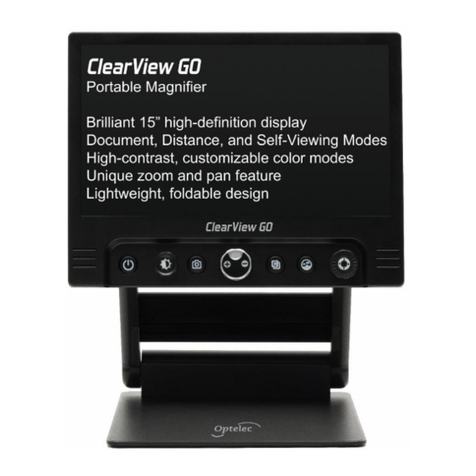
MagniLink PRO - Mac
User Manual 7944079e
MagniLink PRO - Mac 3
Table of Contents
1 About LVI......................................................................................... 5
2 Introducing MagniLink PRO........................................................... 6
3 Information...................................................................................... 8
3.1 Reuse, installation and maintenance......................................... 8
3.2 Cleaning ...................................................................................... 8
3.3 Safety information....................................................................... 8
4 Unpacking ..................................................................................... 10
4.1 Packaging.................................................................................. 10
5 Accessories ................................................................................... 11
6 Installation..................................................................................... 13
6.1 Unfolding................................................................................... 13
6.2 Connection................................................................................ 14
6.3 Installation of reading table..................................................... 14
7 Use ................................................................................................. 15
7.1 Control box ............................................................................... 15
7.2 Menu.......................................................................................... 16
7.3 Reading table............................................................................ 18
7.4 Camera ...................................................................................... 19
7.5 Battery ....................................................................................... 19
8 MagniLink MacViewer .................................................................. 20
8.1 Minimum System Requirements.............................................. 20
8.2 Recommended System Requirements.................................... 20
8.3 Installation of Software............................................................. 21
8.4 Using the Software ................................................................... 22
9 Ergonomics ................................................................................... 43
10 Troubleshooting ........................................................................... 44
11 Technical information................................................................... 45
12 Declaration of Conformity ........................................................... 47