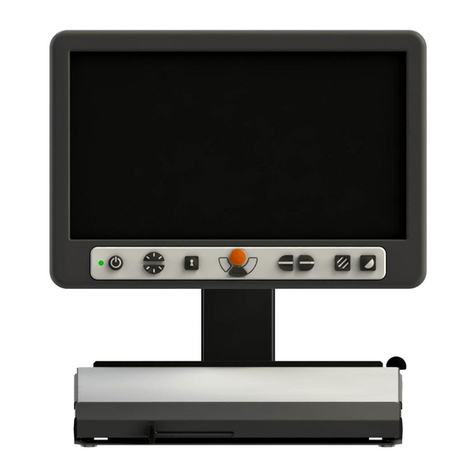
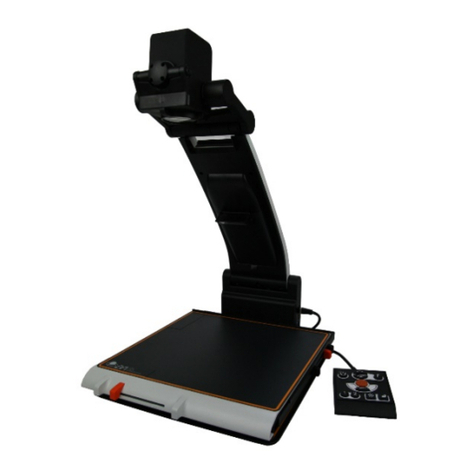
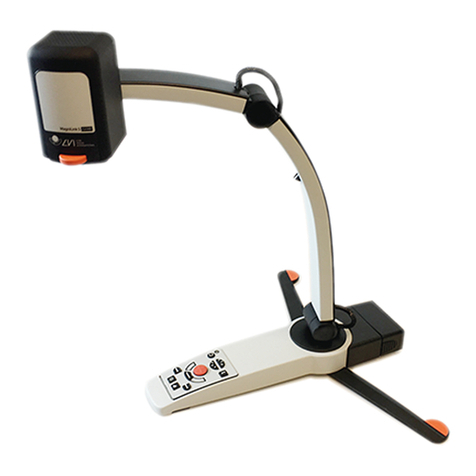
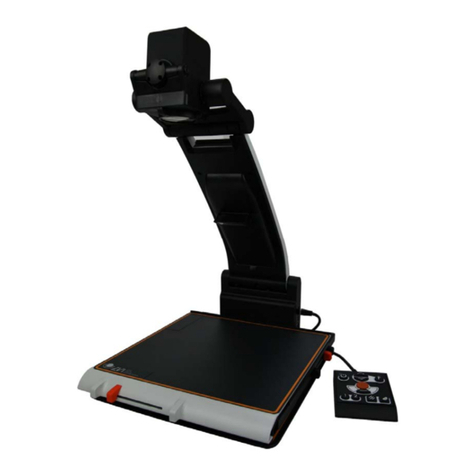
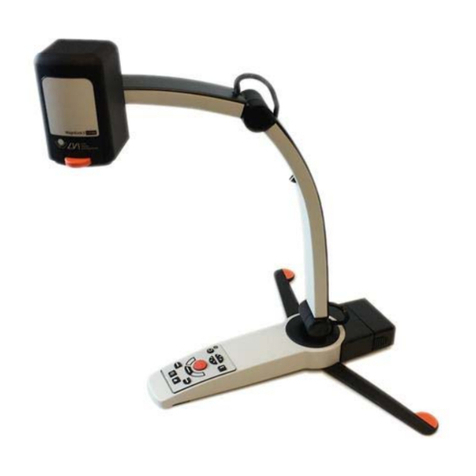
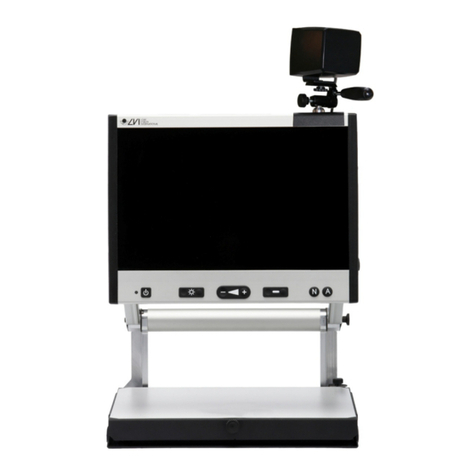
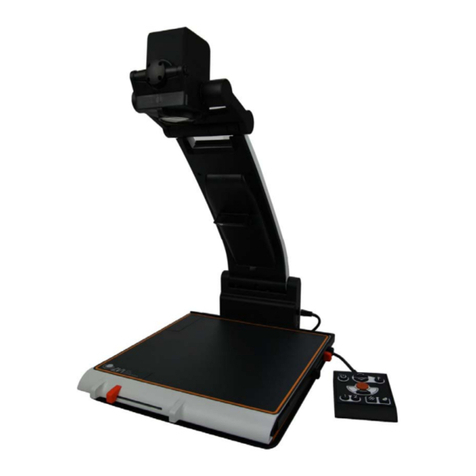
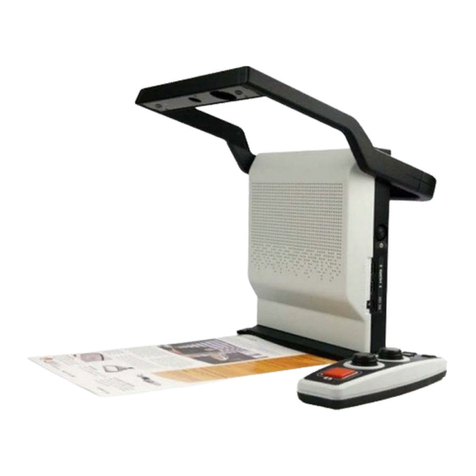
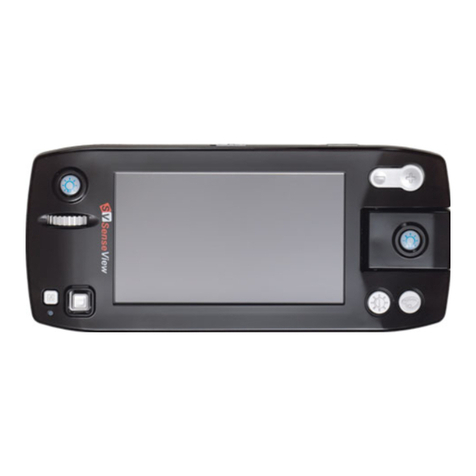
MagniLink PRO - PC
User Manual 7944070c | MagniLink PRO - PC 3
Table of Contents
1 About LVI......................................................................................... 5
2 Introducing MagniLink PRO........................................................... 6
3 Safety information .......................................................................... 8
4 Unpacking ....................................................................................... 9
4.1 Packaging.................................................................................... 9
5 Accessories ................................................................................... 10
6 Installation..................................................................................... 12
6.1 Unfolding................................................................................... 12
6.2 Connection................................................................................ 12
6.3 Installation of reading table..................................................... 13
7 Use ................................................................................................. 14
7.1 Control box ............................................................................... 14
7.2 Menu.......................................................................................... 15
7.3 Reading table............................................................................ 17
7.4 Camera ...................................................................................... 18
7.5 Battery ....................................................................................... 18
8 MagniLink PCViewer..................................................................... 19
8.1 Minimum system requirements ............................................... 19
8.2 Recommended system requirements ..................................... 19
8.3 Installation of software ............................................................. 19
8.4 Licensing.................................................................................... 22
8.5 Using the software .................................................................... 23
8.6 Update software ....................................................................... 37
9 Ergonomics ................................................................................... 40
10 Troubleshooting ........................................................................... 41
11 Technical information................................................................... 42
12 Declaration of Conformity ........................................................... 43