10
Standard operations, program selection.
Before starting any one of the programs, inspect the multicooker and the bowl.
Make sure that the bottom of the bowl and the surface of the heating element in the
multicooker camera are clean, without undesired objects.
Put the products into the bowl.
Set the bowl into the multicooker camera, slightly rotate it counterclockwise to ensure a
tight touch of the bottom of the bowl and the heating element.
Close the lid until the latch snaps into place.
Connect the multicooker to an electrical outlet.
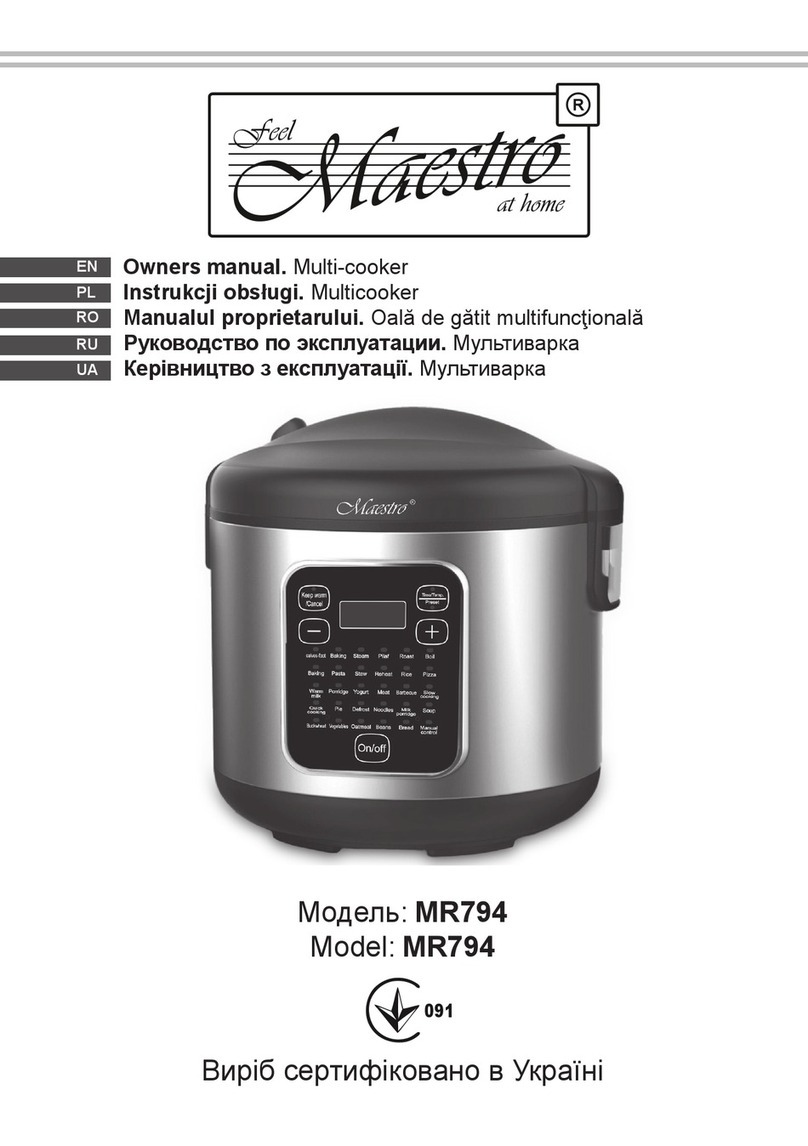
- The multicooker has 26 basic programs installed. For selecting and running the required
program, please take the following steps:
1) Press the “Menu” button (6/ Fig. 2) For program selecting and switching the desired
one, press the “+” button. To return to the previous program, press “-”. The cooking time of
this program will be indicated on the display and applied by default.
2) Press the button “Start” to conrm and start the selected program (2/ Fig 2). On the
display will start the time count backwards; the multicooker will carry out a programme. If
the selected program was not conrmed by pressing the start button “Start” in 3 seconds
the multicooker will enter sleep mode.
3) At the end of the selected program will sound the signal and the multicooker will
automatically pass to mode “Heating” (Heating mode is not available for the Yogurt
program). This will be indicated by the bb indicator on the display.
Pasta Program
Fill the bowl with water, pressing the button “Menu” select the Pasta program, press the
button “Start / Heating” button. The multicooker will start heating the water.
The display will show 00:00. When the water boils, the multicooker will sound the signal,
open the lid, put the spaghetti in the water, and press the button Start. On the display
shows the time and temperature of the program, start the time count backwards.
At the end of the program, the multicooker will beep and will automatically pass to the
heating mode. The display will show bb.
Note: after water boiling the sound signal will spread every 30 seconds (ve-fold
“beep”), if you do not put spaghetti in water during the last 5 minutes, the multicooker will
automatically stop the program.
The cooking time change
All multicooker’s programs have pre-factory settings of cooking time, however you can
change the cooking time at your discretion before cooking.
1) After putting the products into multicooker, close the lid and turn on the appliance.
2) Press the button “Menu” to select the desired program, on the display shows the preset
time of the selected program.
3) Press the button “Settings” (4 / Fig 2), to set the desired time. Press the button “+” to set