FREQUENCY (AUTORANGING)
Ranges: 10Hz to 40kHz
Accuracy: ± (0.1% rdg + 2 dgts)
Sensitivity: 2V RMS min.
Overload protection: 500VDC or AC rms
TEMPERATURE
Ranges: -20°C to 750°C, -4°F to 1400°F
Accuracy: ± (3.0% rdg + 2°C), ± (3.0% rdg + 4°F)
Sensor Type: K-type thermocouple.
Overload protection: 600V DC or 24V AC rms
PHASE INDICATOR
Frequency range: 45Hz to 450Hz
Voltage range: 80V to 480V
AC & DC CURRENT
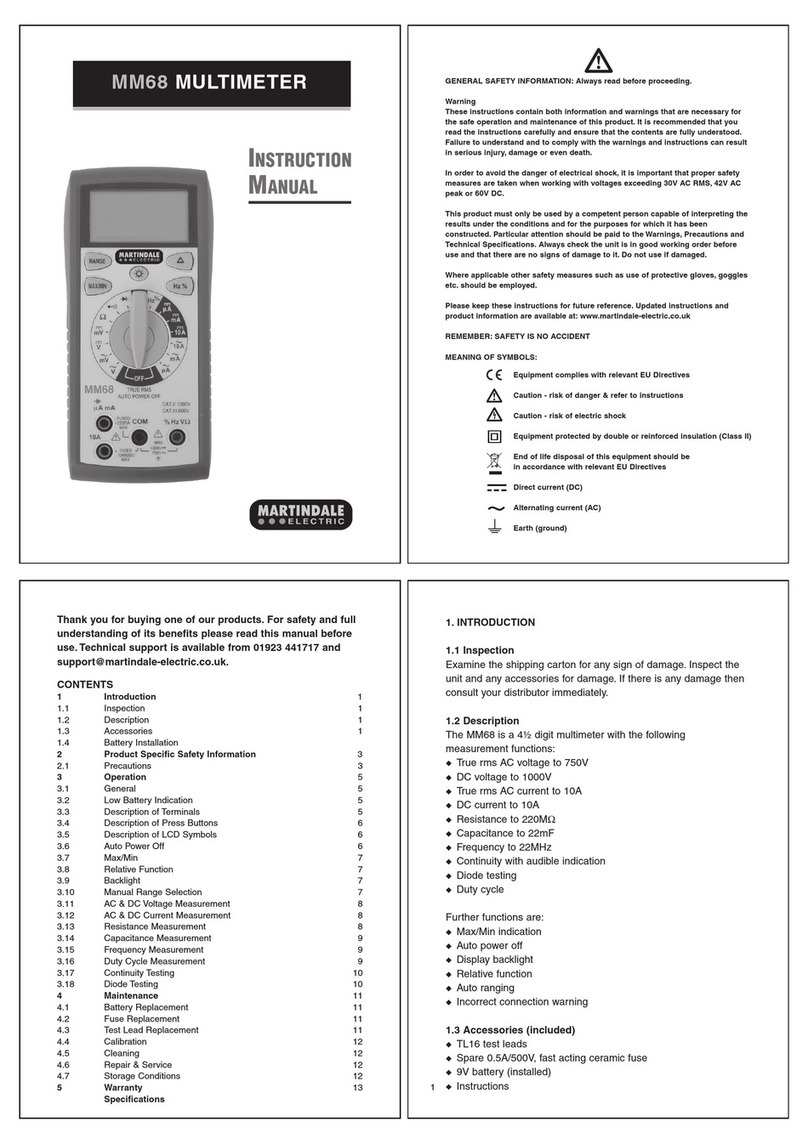
Current can be safely measured using an additional
current clamp such as the Martindales CT60 on the
AC or DC volts range.
OPERATION
Before taking any measurements, read the Safety
Information Section. Always examine the instrument
for damage, contamination (excessive dirt, grease,
etc.) and defects. If any abnormal conditions exist
do not attempt to make any measurements.
Voltage Measurements
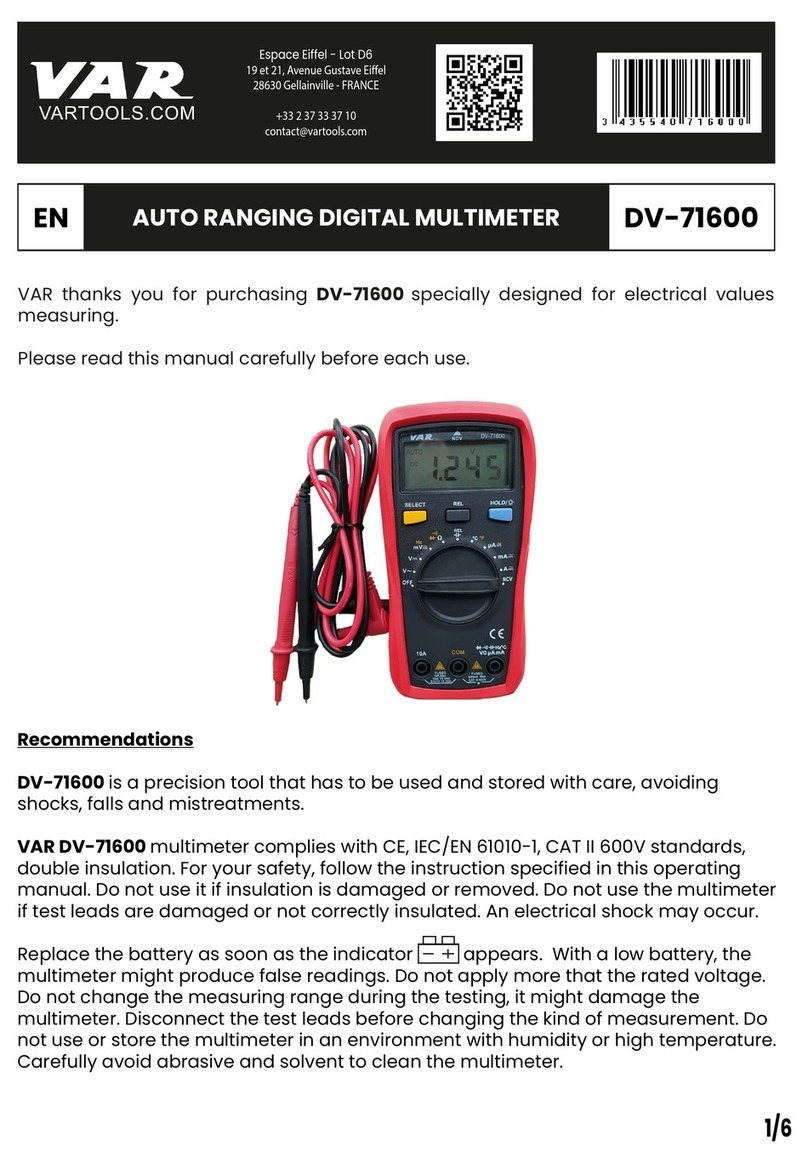
1. Connect the red test lead to the "VΩ" socket and
the black (or blue) test lead to the "COM" socket.
2. Set the Function/Range switch to the desired
voltage type (AC or DC) and range. If magnitude of
voltage is not known, set switch to the highest range
and reduce until a satisfactory reading is obtained.
3. Connect the test leads to the device or circuit being
measured.
4. For DC, a (-) is displayed for negative polarity;
positive polarity is implied.
Resistance and Continuity Measurements
1. Set in the Function/Range switch to the desired
resistance range or continuity position.
2. Remove power from the equipment under test.
3. Connect the red test lead to the”VΩ” socket and
the black (or blue) test lead to the “COM” socket.
4. Touch the probes to the test points. In ohms, the
value indicated by the display is the measured value
of resistance. In continuity test, the beeper sounds
continuosly, if the resistance is less than 100Ω.
Note when using 2000MΩRange
The 2000MΩrange has a fixed 10-count offset in the
reading. When the test leads are shorted together in
this range, the meter will display 010. This residual
reading must be subtracted from the reading. For
example, when measuring 1100MΩon the 2000MΩ
range, the display will read 1110, from which the 10
residual is subtracted to obtain the actual resistance
of 1100MΩ.
Diode Tests
1. Connect the red test lead to the "VΩ" socket and
the black test lead to the "COM" socket.
2. Set the Function/Range switch to the
position.
3. Turn off power to the circuit under test.
4. Touch probes to the diode. A forward-voltage
drop is about 0.6V (typical for a silicon diode).
5. Reverse probes. If the diode is good, "OL" is
displayed. If the diode is shorted, "000" or another
number is displayed.
6. If the diode is open, "OL" is displayed in both
directions.
Capacitance Measurements
1. Ensure the capacitor to be tested is fully discharged.
2. Set the Function/Range switch to the desired F
(capacitance) range.
3. Insert the test leads directly into the F and COM
sockets. Connect test leads to capacitor.
4. Read the capacitance directly from the display.
Temperature Measurements
1. Set the Function/Range switch to the desired
temperature range: °C or °F.
2. Connect a Type K thermocouple probe to the
“TEMPK” socket. This socket accepts standard
miniature thermocouple probes.
3. Take temperature measurement using the
thermocouple probe and read the temperature from
the display.
Frequency Measurements
1. Set the Function/Range switch to the 40kHz
position.
2. Connect the red test lead to the "VΩ" socket and
the black (or blue) test lead to the "COM" socket.
3. Connect the test leads to the point of measurement
and read the frequency from the display.
Phase Indicator
The phase indicator is designed to work with both
RYB and RST systems.
1. Set the Function/Range switch to the “3Ø RYB”
position.
2. Connect the red ted lead to “R” (VΩ) socket, the
yellow test lead to “Y” (S) socket and the blue (or
black) test lead to “B” (T) (COM).
3. Turn OFF power before connecting the test leads to
the device or 3-phase power source, then turn ON the
power being measured.
4. If the connection of Phase Sequence is correct, the
R, S,T and symbols will appear on the display
and the beeper sounds continuously.
5. If the connection of Phase Sequence is incorrect,
the R, S, T and symbols will appear on the
display. In this case, please change the connection of
test leads until the symbol appears on the
display.
Battery Replacement
Power is supplied by a 9 volt "transistor" battery.
(NEDA 1604, IEC 6F22, PP3). The appears on
the LCD display when replacement is needed. To
replace the battery, remove the three screws from the
back of the meter and lift off the front case. Remove
the battery from case bottom.
MAINTENANCE
Fuse Replacement
The only internal fuse is F1 100mA 250V protecting
the capacitance ranges. Replace only with the correct
type fast acting fuse. The use of other fuses may
cause damage to the meter, invalidate the warranty
and impair the safety of the user.
ACCESSORIES
CT60 - 600A AC/DC current clamp.
FUSE100250 - F1 - 20x5mm 100mA 250V Fast Blow
(Pack of 3).
TL16 - Standard red and black test leads.
TL55 - Fused red and black test leads to GS38
specification.
TL58 - 3 phase fused test leads - red, yellow & blue
to GS38 specification.
TC55 - Soft foam lined carry case.
Instrument Repairs and Spare Parts
Apart from the battery and fuse, there are no user
serviceable parts inside. If you suspect that the meter
is not operating properly, please check fuse, battery
and leads.
If the meter is still suspected of being faulty please
contact:
Metrohm House, Penfold Trading Estate,
Imperial Way, Watford, Herts. WD24 4YY, UK.
Tel: 01923 441717 Fax: 01923 446900
Web Site: http://www.martindale-electric.co.uk
MM47 REV3 7/05
WARNING
Remove test leads before changing battery or fuse