manuals.online logo
Brands
  1. Home
  2. •
  3. Brands
  4. •
  5. Milwaukee
  6. •
  7. Measuring Instrument
  8. •
  9. Milwaukee MW11 User manual

Milwaukee MW11 User manual

Other Milwaukee Measuring Instrument manuals

Milwaukee MW803 User manual

Milwaukee

Milwaukee MW803 User manual

Milwaukee 2217-40 User manual

Milwaukee

Milwaukee 2217-40 User manual

Milwaukee 2217-40 User manual

Milwaukee

Milwaukee 2217-40 User manual

Milwaukee MW10 User manual

Milwaukee

Milwaukee MW10 User manual

Milwaukee MI455 User manual

Milwaukee

Milwaukee MI455 User manual

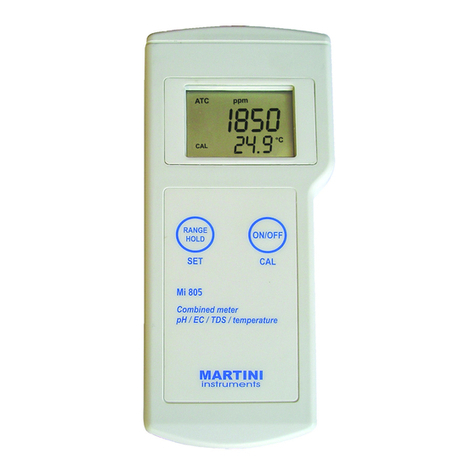
Milwaukee MI805 User manual

Milwaukee

Milwaukee MI805 User manual

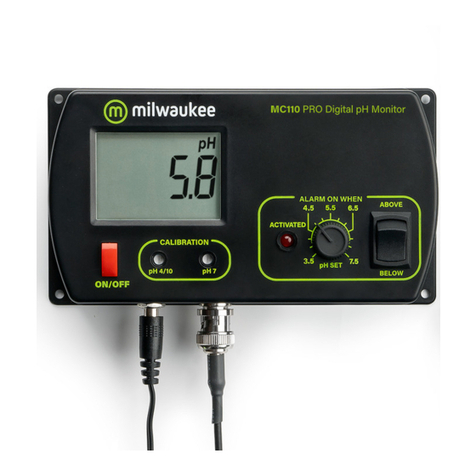
Milwaukee MC110 User manual

Milwaukee

Milwaukee MC110 User manual

Milwaukee CALIBRATION 2238-20 Operating instructions

Milwaukee

Milwaukee CALIBRATION 2238-20 Operating instructions

Milwaukee 3631-20 User manual

Milwaukee

Milwaukee 3631-20 User manual

Milwaukee MW190 User manual

Milwaukee

Milwaukee MW190 User manual

Milwaukee 2280-20 User manual

Milwaukee

Milwaukee 2280-20 User manual

Milwaukee M12 3632-20 User manual

Milwaukee

Milwaukee M12 3632-20 User manual

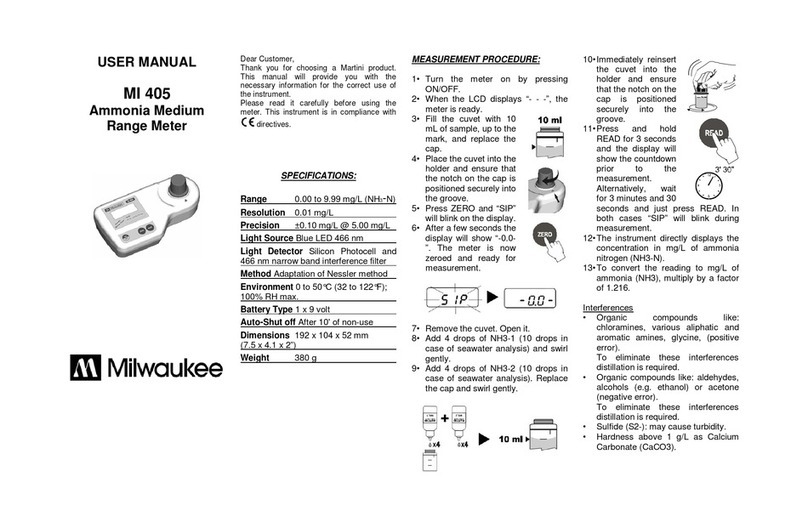
Milwaukee MI 405 User manual

Milwaukee

Milwaukee MI 405 User manual

Milwaukee MI 411 User manual

Milwaukee

Milwaukee MI 411 User manual

Milwaukee CALIBRATION 2238-20 User manual

Milwaukee

Milwaukee CALIBRATION 2238-20 User manual

Milwaukee pH600 User manual

Milwaukee

Milwaukee pH600 User manual

Milwaukee MI405 User manual

Milwaukee

Milwaukee MI405 User manual

Milwaukee L4 CLL User manual

Milwaukee

Milwaukee L4 CLL User manual

Milwaukee MW11 User manual

Milwaukee

Milwaukee MW11 User manual

Milwaukee M12 SUB-SCANNER 2291-20 User manual

Milwaukee

Milwaukee M12 SUB-SCANNER 2291-20 User manual

Milwaukee 2235-40 User manual

Milwaukee

Milwaukee 2235-40 User manual

Milwaukee MW11 User manual

Milwaukee

Milwaukee MW11 User manual

Milwaukee CD97 User manual

Milwaukee

Milwaukee CD97 User manual

Milwaukee Mi 150 User manual

Milwaukee

Milwaukee Mi 150 User manual

Popular Measuring Instrument manuals by other brands

Suaoki D40 user manual

Suaoki

Suaoki D40 user manual

Elster BK-G1.6 operating instructions

Elster

Elster BK-G1.6 operating instructions

Endress+Hauser Deltabar FMD71 technical information

Endress+Hauser

Endress+Hauser Deltabar FMD71 technical information

Duratool D03128 manual

Duratool

Duratool D03128 manual

Vega VEGAPULS 65 Quick setup guide

Vega

Vega VEGAPULS 65 Quick setup guide

Tonghui TH2618B Operation manual

Tonghui

Tonghui TH2618B Operation manual

Tenmars TM-801 user manual

Tenmars

Tenmars TM-801 user manual

MSR 145 user manual

MSR

MSR 145 user manual

TPS WP-82 manual

TPS

TPS WP-82 manual

PCB Piezotronics 003C30 Installation and operating manual

PCB Piezotronics

PCB Piezotronics 003C30 Installation and operating manual

Tenma 72-10465 manual

Tenma

Tenma 72-10465 manual

Endress+Hauser Proline Promag 50 Brief operating instructions

Endress+Hauser

Endress+Hauser Proline Promag 50 Brief operating instructions

Siemens SITRANS F Coriolis FCT030 Function manual

Siemens

Siemens SITRANS F Coriolis FCT030 Function manual

KLINGER CMF V Series instruction manual

KLINGER

KLINGER CMF V Series instruction manual

Keysight M8290A Getting started guide

Keysight

Keysight M8290A Getting started guide

Acterna MS1400 Operation manual

Acterna

Acterna MS1400 Operation manual

R&S ZPH manual

R&S

R&S ZPH manual

Datacolor ColorReader DC10-2 user guide

Datacolor

Datacolor ColorReader DC10-2 user guide

manuals.online logo
manuals.online logoBrands
  • About & Mission
  • Contact us
  • Privacy Policy
  • Terms and Conditions

Copyright 2025 Manuals.Online. All Rights Reserved.

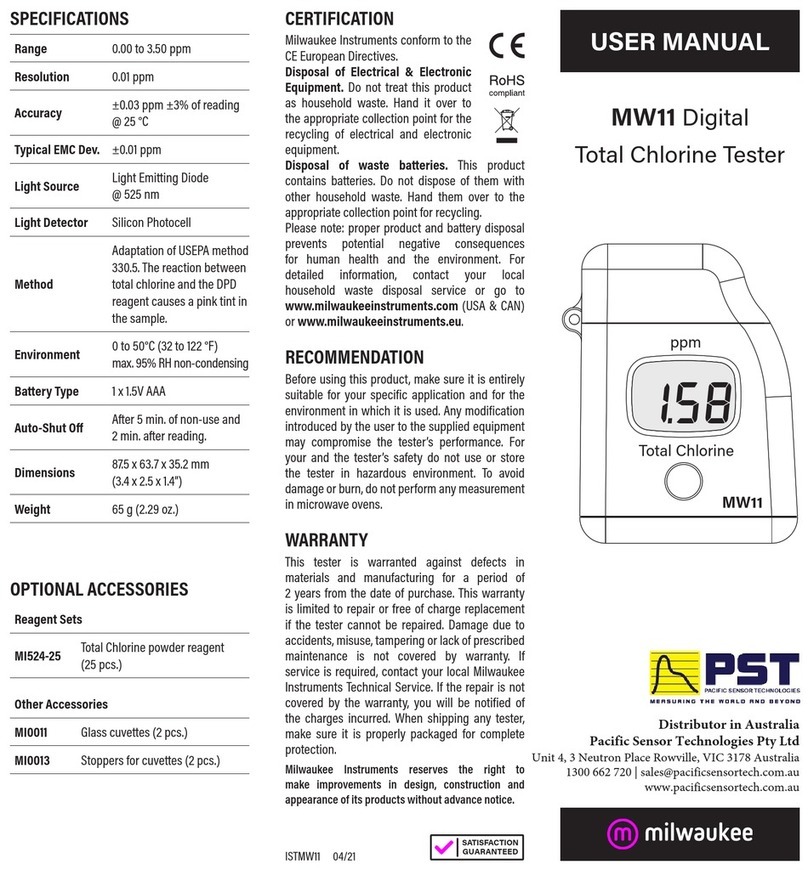
USER MANUALT
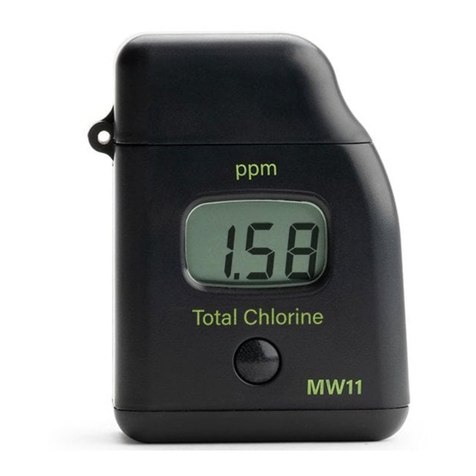
TOTAL CHLORINE
MODEL: MW11
ISTMW11 08/10
WARRANTY:
This instrument is warranted from all defects in materials and manufacturing for
a period of two years from the date of purchase.
If during this period, the repair or replacement of parts is required, where the
damage is not due to negligence or erroneous operation by the user, please return
the parts to either dealer or our office and the repair will be effected free of charge.
Note:We reserve the right to modify the design, construction and appearance
of our products without advance notice.
SPECIFICATIONS:
MW 11
RANGE 0.00 to 3.50 ppm
RESOLUTION 0.01 ppm
ACCURACY ±0.03 ppm ±3% of reading @ 25 °C
TYPICAL EMC DEV. ±0.01 ppm
LIGHT SOURCE Light Emitting Diode @ 525 nm
LIGHT DETECTOR Silicon Photocell
METHOD Adaptation of USEPA method 330.5. The reaction
between total chlorine and the DPD reagent
causes a pink tint in the sample.
ENVIRONMENT 0 to 50°C (32 to 122 °F)
max. 95% RH non-condensing
BATTERY TYPE 1 x 1.5V AAA
AUTO-SHUT OFF After 2 minutes of non-use
DIMENSIONS 81.5 x 61 x 37.5 mm (3.2 x 2.4 x 1.5”)
WEIGHT 64 g (2.25 oz.)
OPTIONAL ACCESSORIES:
Reagent Sets
2720216 Total Chlorine powder reagent, 25 pcs.
Other Accessories
3000100 Glass cuvettes with caps (2 pcs)
3000200 Tissue fow wiping cuvettes (2 pcs)
3000300 1.5V AAA batteries (4 pcs)
Milwaukee
Milwaukee
PRELIMINARY EXAMINATION:
Please examine this product carefully. Make sure that the
instrument is not damaged. If any damage occured during
shipment, please notify your Dealer.
Each MW 11 meter is supplied complete with:
• Two Sample Cuvettes and Caps
• Six powder reagents for Total Chlorine
• 1 x 1.5V AAA Battery
• Instruction Manual
FUNCTIONAL DESCRIPTION:
1. Dust cover
2. Cuvette with cap
3. Cuvette holder
4. Liquid Crystal Display
5. Button
OPERATION:
•Turn the meter on by pressing the
button. After all the segments are dis-
played, “C.1”, “Add” appears with
“Press” blinking, the meter is ready.
•Fill the cuvette with 10 mL of unre-

acted sample and replace the cap.
Place the cuvette into the meter and
close the meter’s cap.
•Press the button. When the display
shows “Add”, “C.2” with “Press” blink-
ing the meter is zeroed.
•Remove the cuvette, open it and add
the content of one packet of 2720216
reagent. Replace the cap and shake
gently for 20 seconds. Replace the
cuvette into the meter.
•Wait for 2 minutes and 30 seconds
and then press the button or press
and hold the button until the timer is
displayed on the LCD.
•The instrument directly displays the
concentration of total chlorine in ppm.
The meter automatically turns off after
2 minutes.
BATTERY REPLACEMENT:
To save the battery, the instrument shuts down after 2 minutes
of non-use. One fresh battery lasts for a minimum of 5000
measurements, depending on the light level. When the battery
capacity is under 10 % “bAt” appears on the LCD at start-up.
If the battery is empty and accurate measurements can’t be
taken any more, the instrument shows “bAd” then ”bAt” each
for 1 second and turns off. To restart the instrument, the
battery must be replaced with a fresh one.
To replace the instrument’s battery, follow the steps:
•Turn the instrument off by holding the button until the meter
shuts off.
•Turn the instrument
upside down and
remove the battery cover
with a screwdriver.
•Remove the battery from
its location and replace
it with a fresh one.
•Insert the battery cover
and replace the screw
with a screwdriver.
10 mL